 ProMapRanker
Best Free AI Trading Apps in 2026

Key takeaways
- Pionex is the clearest free starting point for crypto bots, since its built-in bots carry no subscription fee, though trading fees still apply.
- Cryptohopper, Coinrule, and 3Commas offer free tiers or free accounts, but bot limits and features differ, so check the current free plan.
- TradingView is best for free charting, alerts, and community scripts, rather than full automated trading on its own.
- Composer offers a free tier for stock and ETF strategies, which suits rule-based investors more than active crypto traders.
- This is not financial advice. Trading carries risk, and a free tier does not make a strategy safe or profitable.
Quick comparison
| Pick | Great for | Pricing starts at | Free tier | |
|---|---|---|---|---|
 Pionex | Free built-in crypto bots | Free | Yes | Visit |
 Cryptohopper | Strategy templates and paper trading | Free | Yes | Visit |
 Coinrule | No-code crypto rules | Free | Yes | Visit |
 3Commas | Multi-exchange crypto automation | Free | Yes | Visit |
 WunderTrading | TradingView-linked automation | Free | Yes | Visit |
 TradingView | Free charting, alerts, and scripts | Free | Yes | Visit |
 Composer | No-code stock and ETF strategies | Free | Yes | Visit |
 Hummingbot | Open-source crypto bot framework | Free | Yes | Visit |
 Bitsgap | Demo bots and manual trading to start | Free | Yes | Visit |
The best free ai trading apps
This is not financial advice. Trading carries risk, and you can lose money, including money placed in automated strategies. The tools below are for research, paper trading, and testing automation, not for guaranteed returns. We list only options with a genuine free tier, free account, or open-source version, and we note where trading fees, limits, or paid upgrades still apply.

Pionex is a strong fit for beginners who want free crypto automation without a subscription. Built-in bots mean no separate subscription and no API setup, which keeps the first test simple. Pricing starts at Free, and the free plan status is Yes. That combination makes it worth a short test on a real task before you commit to a wider rollout. The catch is that you trade only on Pionex, and margin-based bots can lose money fast in a sharp move. Start with a spot grid or DCA bot, use a small amount, and check fees and risk settings before you run it live. If that trade-off fits your routine, it is easy to recommend. If it does not, one of the other picks in this list is a better match.
- 16 built-in bots including grid, DCA, and rebalancing
- No subscription fee for bots
- Trading fees apply
- Exchange-only platform
- Limited fiat options
- Margin-based bots carry liquidation risk
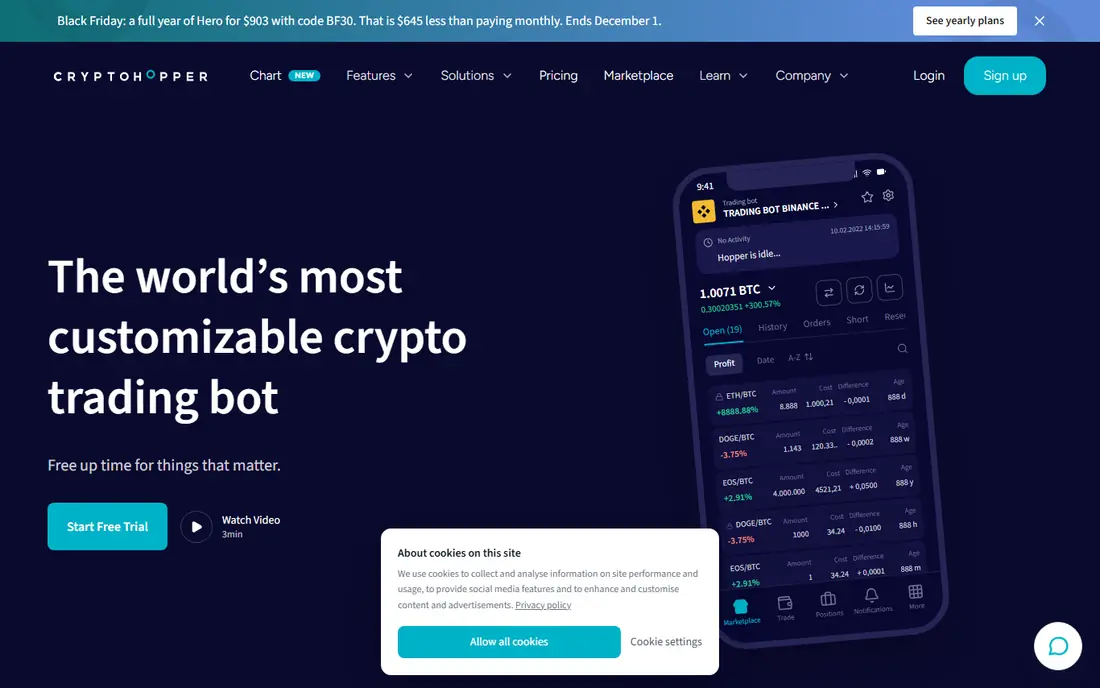
For learners who want to test crypto strategies before paying, Cryptohopper deserves a close look. Paper trading and templates let you test ideas without risking funds, which is the right first step for most beginners. Pricing starts at Free, and the free plan status is Yes. The key question is whether its strengths match the job you do most often. The catch is that the free tier is limited, so a serious multi-bot setup will need a paid plan. Paper trade for several weeks, compare results with holding, and only then consider a paid plan. If that trade-off fits your routine, it is easy to recommend. If it does not, one of the other picks in this list is a better match.
- Free tier with paper trading
- Strategy marketplace and templates
- Multi-exchange links
- Free tier limits bots and features
- Paid plans needed for full automation

Start with Coinrule if you are looking for a tool for rule-based traders who do not code. Rules in plain language make automation accessible, and templates cover grid, DCA, and trend ideas. Pricing starts at Free, and the free plan status is Yes. It is not perfect for every use, but it covers the core job well. The catch is that the free plan caps rules, so complex setups need an upgrade. Build one simple rule, test it in demo mode, and add complexity only after the first rule behaves as expected. If that trade-off fits your routine, it is easy to recommend. If it does not, one of the other picks in this list is a better match.
- No-code rule builder
- Free plan with rule limits
- Templates for common strategies
- Free plan limits live rules and volume
- Advanced features need paid plans
3Commas is a strong fit for advanced users who manage several exchanges. Multi-exchange control in one dashboard suits traders who already use more than one exchange. Pricing starts at Free, and the free plan status is Yes. That combination makes it worth a short test on a real task before you commit to a wider rollout. The catch is that the free tier is a trial of the wider product rather than a full free bot platform. Test one exchange and one bot type first, and check the current free limits before you build a larger setup. If that trade-off fits your routine, it is easy to recommend. If it does not, one of the other picks in this list is a better match.
- Free account option
- DCA, grid, and smart trade tools
- Multi-exchange management
- Free access is limited, and full bot features need paid plans
For traders who already use TradingView signals, WunderTrading deserves a close look. Linking TradingView alerts to execution turns a chart idea into an automated test without coding. Pricing starts at Free, and the free plan status is Yes. The key question is whether its strengths match the job you do most often. The catch is that the free plan is limited, and signal quality depends on the strategy behind the alert. Start with one TradingView alert, set a stop loss, and review trades weekly rather than daily. If that trade-off fits your routine, it is easy to recommend. If it does not, one of the other picks in this list is a better match.
- Free plan with core automation
- DCA and TradingView signal bots
- Risk tools including stop loss
- Free plan limits scope, and crypto focus may not suit stock traders
Start with TradingView if you are looking for a tool for chart-focused traders who want free analysis before automation. Charts, alerts, and community scripts make it the best free research step before any bot. Pricing starts at Free, and the free plan status is Yes. It is not perfect for every use, but it covers the core job well. The catch is that automation needs a linked broker or bot tool, and the free plan caps alerts and indicators. Use the free plan to learn alerts and paper trading, then link a bot only when a strategy shows a clear, repeatable logic. If that trade-off fits your routine, it is easy to recommend. If it does not, one of the other picks in this list is a better match.
- Free plan for charts and alerts
- Large community script library
- Paper trading features
- Free plan limits indicators and alerts
- It is not a full auto-trading platform on its own
Composer is a strong fit for investors who want rule-based stock and ETF strategies without coding. Visual strategies and backtesting help investors test a rule before they fund it, without writing code. Pricing starts at Free, and the free plan status is Yes. That combination makes it worth a short test on a real task before you commit to a wider rollout. The catch is that it is not a crypto bot platform, and backtests do not predict live results. Backtest a simple strategy, check fees and rebalancing, and start with a small allocation if you proceed. If that trade-off fits your routine, it is easy to recommend. If it does not, one of the other picks in this list is a better match.
- Free tier for no-code stock and ETF strategies
- Backtesting
- Visual strategy editor
- Stock and ETF focus, not crypto bots
- Advanced tiers are paid
For technical traders who want a free, self-hosted bot framework, Hummingbot deserves a close look. Open source means no subscription and full control over code and keys, which suits technical users. Pricing starts at Free, and the free plan status is Yes. The key question is whether its strengths match the job you do most often. The catch is that setup, hosting, and maintenance fall on you, and a misconfigured bot can trade wrongly. Run it in paper mode first, keep keys trading-only, and test on a small amount before any live run. If that trade-off fits your routine, it is easy to recommend. If it does not, one of the other picks in this list is a better match.
- Open source and free to use
- Many exchange connectors
- Community strategies and docs
- Needs technical setup
- No managed support or simple mobile app for beginners
Start with Bitsgap if you are looking for a tool for traders who want to test grid and DCA bots before paying. Demo bots let you see how grid and DCA logic behaves without funding a live bot first. Pricing starts at Free, and the free plan status is Yes. It is not perfect for every use, but it covers the core job well. The catch is that the free plan is a testing tier, not a full live automation plan. Use demo bots to learn grid ranges and DCA timing, then decide if a paid plan fits your trading size. If that trade-off fits your routine, it is easy to recommend. If it does not, one of the other picks in this list is a better match.
- Free plan with demo bots and manual trading
- Grid and DCA tools
- Multi-exchange view
- Full live bot features need paid plans
- Free plan is mainly for testing
How we picked these
We compared official feature pages, pricing pages, and app store listings, and we favoured products that exist and work today and truly fit the topic. We checked free tiers, starting prices, and platform support, and we used See website where a price could not be verified from a vendor page. We did not claim hands-on testing, and we did not invent features, prices, or awards. Where products overlap, we kept the pick with the clearest fit for a distinct reader need. We also weighed honest weaknesses. A tool with a strong free plan but a narrow platform, or a powerful platform with quote-based pricing, can still earn a place if the trade-off is clear. That is why each product above names a best fit and a catch, so you can match the list to your own budget, devices, and workflow rather than chasing the highest feature count.
What to check before you choose
Start with paper trading or a demo mode, and never fund a bot with money you cannot afford to lose. Check what the free tier actually allows, since bot counts, exchange links, and strategy limits vary widely. A free bot is not free trading: exchange fees, spreads, and slippage still apply, and margin-based products add liquidation risk. Keep API keys limited to trading only, never enable withdrawals through a third-party tool, and use two-factor authentication on every exchange account. Test one simple strategy at a time, record results over weeks rather than days, and compare them with simply holding the asset. If a tool promises returns, guarantees profits, or hides its fees, walk away. For stocks, check whether your broker supports the tool, since some automation only works with supported brokers or exchanges. Check the current vendor page for price, free plan, and platform support before you buy or sign up, since terms change. A short trial on a real task will tell you more than a feature list, and it will reveal problems with speed, accuracy, or support before they affect a larger project. Keep your current tool running during the trial, so you can switch back if the new pick does not fit.
Frequently asked questions
What is the best free ai trading app?
For crypto bots, Pionex is the strongest free starting point, since its built-in bots have no subscription fee. For rule-based crypto automation, Coinrule and Cryptohopper offer free tiers with limits. For stocks and ETFs, Composer offers a free tier for no-code strategies. The best pick depends on the market you trade.
Are there best free AI trading tools that do not charge a subscription?
Yes. Pionex bots are free apart from trading fees, Hummingbot is open source, and TradingView offers a free plan for charts and alerts. Cryptohopper, Coinrule, and 3Commas offer limited free tiers. Always check the current free plan, since bot limits and features change.
Can AI trading bots guarantee profits?
No. Bots execute rules, they do not remove market risk, and backtested results often differ from live results. Fees, slippage, and changing markets can turn a paper profit into a live loss. Use bots to test a clear strategy with strict risk limits, not as a source of assured income.
What are the best free ai trading apps for beginners?
Pionex and Coinrule are the easiest for beginners, since setup is visual and no coding is needed. TradingView helps beginners learn charting and alerts before automation. Start with paper trading, one strategy, and a small test amount only after you understand the risks.
Is it safe to connect an exchange account to a trading bot?
It can be done more safely with strict limits: use trading-only API keys, never allow withdrawals, enable two-factor authentication, and use a well-known exchange. Even then, a bug, a bad strategy, or a market move can cause losses. Never share your exchange password or two-factor codes with a bot service.
Sources
See where you really rank - block by block
ProMapRanker scans Google Maps across a grid of your service area. Simple monthly plans from $19, white-label on every plan.
Start freeKeep reading
 zoho inventory alternatives
6 Alternatives to Zoho Inventory, Compared on Price and Fit
Zoho Inventory alternatives: 6 tools compared on price, free plans and fit. Katana leads the list for manufacturers. Fit and flaws are laid out for each entry.
Read → zoho crm alternatives
Best Zoho CRM Alternatives (2026)
Need Zoho CRM alternatives? We compare 7 tools on cost, free access and who each suits. Every pick gets a straight assessment. Built for quick decisions.
Read → zelle alternatives
Best Zelle Alternatives in 2026
Compare the best Zelle alternatives for sending money to friends, paying sellers and moving funds abroad, with honest notes on fees, speed and safety in 2026.
Read →