 ProMapRanker
Best AI Trading App in 2026


Active day traders and AI signals · Pricing starts at: $89 per month
Key takeaways
- Trade Ideas and TrendSpider lead for active traders, while TradingView leads for charting and alerts at a lower price.
- Composer and Magnifi suit investors who want automation or plain-language research, rather than day trading signals.
- AI signals are ideas, not guarantees, and backtested results do not predict future returns.
- Subscription cost, market data fees, and broker fees together form the real cost, so check all three before subscribing.
Quick comparison
| Pick | Great for | Pricing starts at | Free tier | |
|---|---|---|---|---|
| Trade Ideas | Active day traders and AI signals | $89 per month | No, free trial | Visit |
 TrendSpider TrendSpider | Technical traders and automation | $107 per month | No, free trial | Visit |
 TradingView TradingView | Charting, alerts, and community | Free, paid from $12.95 per month | Yes | Visit |
 Tickeron Tickeron | AI pattern signals and robots | See website | No, free trial | Visit |
 Composer Composer | No-code automated strategies | Free, paid from $10 per month | Yes | Visit |
 3Commas 3Commas | Crypto bots and automation | $15 per month | No, free trial | Visit |
 Intellectia.ai Intellectia.ai | Beginner-friendly AI research | $11.96 per month | No, free trial | Visit |
 Magnifi Magnifi | Plain-language investing research | See website | No, free trial | Visit |
The best AI trading apps
AI trading tools range from signal scanners to full automation platforms. Some help a trader find ideas, some help an investor research a stock, and some run a strategy automatically. The eight platforms below are live in October 2026 and cover those uses. Trading carries risk, and this guide is not financial advice.
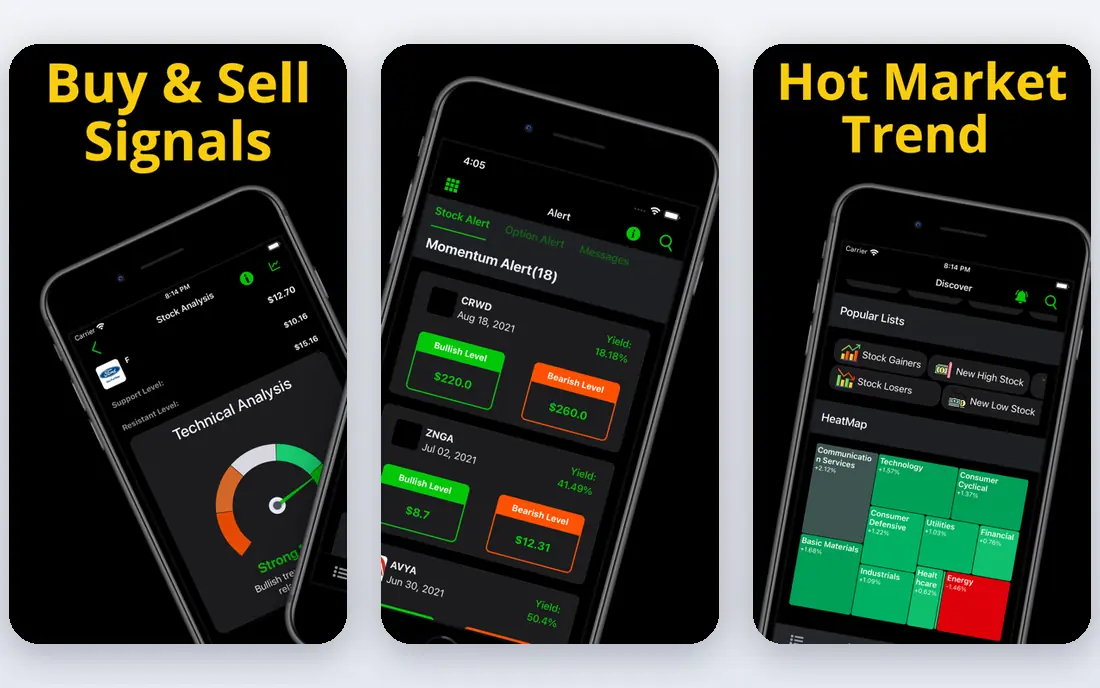
Trade Ideas is built around Holly, its AI engine that runs many strategies overnight and surfaces trade ideas for the next session. During market hours, real-time scanners flag momentum, volume spikes, and unusual price action. For a day trader watching screens, that combination of overnight ideas and live scanning is the main draw.
Cost is the barrier. Holly sits behind the Premium tier, which costs $178 per month billed annually in published pricing, while the Standard tier starts at $89 per month billed annually. That price only makes sense for traders who trade often and who treat signals as a starting point for their own checks, not as automatic orders.
- Holly AI signals with entry, stop, and target levels, real-time scanning, backtesting tools
- AI signals need the Premium tier, interface feels dated, Premium cost is high
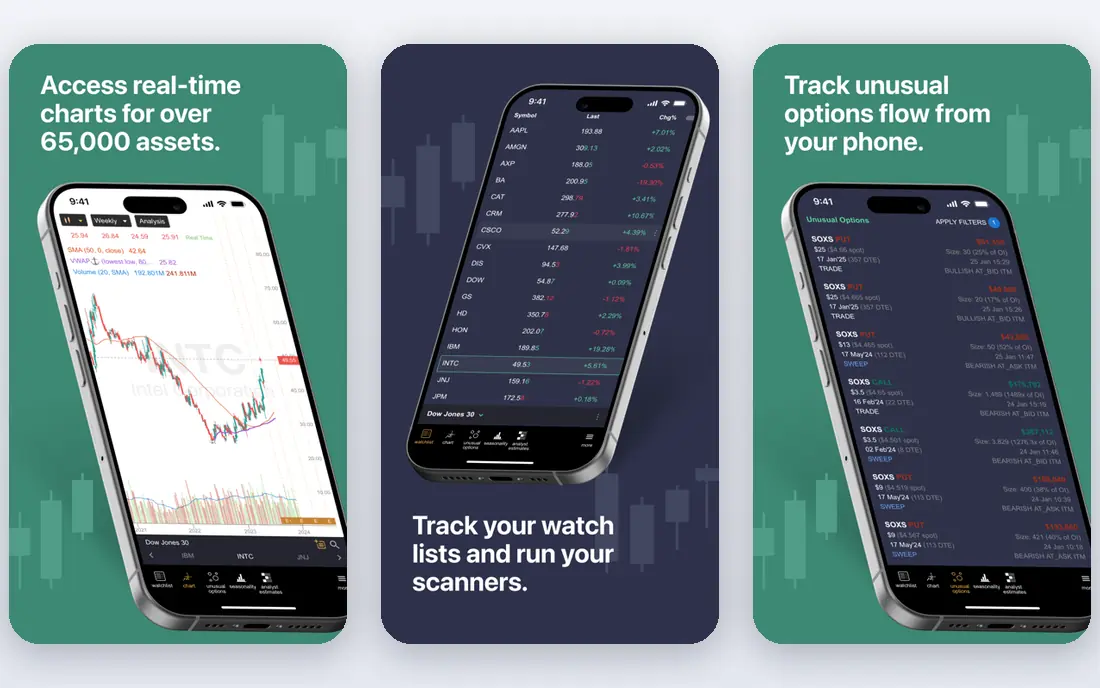
TrendSpider automates much of the manual work in technical analysis. Trendlines, support and resistance, and pattern detection update as prices move, and alerts can be set across timeframes without writing code. Backtesting lets a trader test an idea on past data before risking money on it.
Pricing needs a careful read, because platform plans and AI add-ons are priced separately in published material. A trader who wants the full AI assistant should confirm the total monthly cost, not just the base plan. TrendSpider suits swing and technical traders who want automation in analysis, rather than traders who want a single buy or sell signal.
- Automated chart analysis, multi-timeframe alerts, backtesting without code
- Pricing is complex with add-ons, no direct execution in the base analysis tool

TradingView is the best starting point for most traders, because its free tier already offers strong charts, indicators, and community ideas. Paid plans add more alerts, more indicators per chart, and more data, at a price far below specialist AI platforms. Paper trading lets beginners practise without risking money.
AI in TradingView is more about screening, alerts, and community tools than about a single AI engine that picks trades. Traders who want curated AI signals will need Trade Ideas or Tickeron alongside it. Traders who want the best charts and a flexible alert system will find TradingView hard to beat for the price.
- Excellent charts, huge indicator library, alerts and paper trading
- AI features are lighter than specialist tools, broker execution varies by region
Tickeron focuses on pattern recognition and AI robots that follow set strategies for stocks, ETFs, crypto, and forex. Each robot or module carries its own price and track record, which lets a trader pick a strategy style rather than buying one broad platform. That modular approach suits traders who want to compare strategies side by side.
The modular price is also the catch. The total cost depends on which robots, timeframes, and features are selected, so the starting price on a marketing page may not match the final bill. Track records should also be read with care, including the period covered and whether results are simulated or live.
- Pattern recognition, AI robots with published track records, multi-asset coverage
- Pricing varies by robot and module, track records need careful reading
Composer lets an investor build a trading strategy visually, without code, then automate it through its brokerage. A user can set rules for buying, selling, and rebalancing, test the strategy on past data, and let it run. That workflow suits investors who have a clear idea but do not want to write or maintain code.
Automation does not remove judgment. A strategy that backtests well can still lose money, and market conditions change. Composer is best for investors who understand the strategy they built, monitor it regularly, and keep position sizes sensible. Beginners should start with the free tier and paper-style testing before committing real money.
- Visual strategy builder, automated rebalancing, backtesting with slippage modelling
- US-focused brokerage, strategy logic still needs investor judgment, Pro features cost more
3Commas is a crypto automation platform that connects to exchanges through API keys and runs bots for dollar-cost averaging, grid trading, and smart trades. That automation helps crypto traders who want to follow a plan without watching charts all day. Multi-exchange support means a trader is not tied to one venue.
Crypto risk is high, and bots do not remove it. A grid bot in a falling market, or a DCA bot without a clear exit plan, can still lose money. API security also matters: keys should use the minimum permissions needed, and two-factor authentication should be on. 3Commas suits crypto traders who already understand the strategies they automate.
- DCA, grid, and smart trade bots, multi-exchange support, trailing stops
- Crypto only, bot setup still needs market knowledge, exchange fees apply on top
Intellectia.ai works like a conversational research assistant for stocks and crypto. A user can ask about earnings, news, or a stock, and get a summary in plain language, plus swing signals and institutional tracking features. That chat-first style makes it the most approachable AI tool on this list for beginners.
Prompt limits are the main constraint. Higher use needs higher plans, and the platform is newer than Trade Ideas or TradingView, so its long-term record is shorter. Intellectia is best used for research and idea generation, with final decisions checked against primary sources like filings and earnings releases.
- Conversational AI research, earnings summaries, swing signals, whale tracking
- Monthly AI prompt limits apply, shorter public track record than older platforms
Magnifi lets investors ask questions in plain English, such as comparing two ETFs or finding stocks that match a theme, and get research-backed answers. That approach suits long-term investors who want help narrowing choices, rather than traders who need second-by-second signals. Portfolio tools help a user see how holdings fit together.
Magnifi is not a day trading app, and its pricing should be confirmed on its own site before subscribing, because published prices vary. Investors who want research help and a calmer workflow will find it useful. Active traders who need real-time signals should look at Trade Ideas or Tickeron instead.
- Natural-language portfolio questions, screening and comparison tools, beginner-friendly research
- Pricing is not clearly published on all pages, not a day trading signal tool
How we picked these
We compared official feature pages, pricing pages, app store listings, privacy policies, and public reviews for platforms live in October 2026. We kept only tools with a clear AI feature, such as signals, pattern detection, automated analysis, or conversational research, and we included stock, ETF, and crypto tools. We did not test live trading with real money, and we did not treat backtested or advertised returns as proof of future results. Trading carries risk, including loss of capital, and this guide is not financial advice.
What to check before you subscribe
Separate signals from execution
Some tools only suggest ideas, while others can place trades automatically. Automatic execution needs extra care, including broker permissions, position sizing, and a kill switch. Beginners should start with signals and manual orders, and only automate after understanding the strategy.
Read backtests with suspicion
A backtest shows how a strategy would have performed on past data, not how it will perform next. Check the period covered, whether fees and slippage are included, and whether the strategy was tuned to fit past data. A strategy with a short, cherry-picked backtest deserves more doubt than one with a longer, transparent record.
Add up subscription, data, and broker costs
The subscription is only part of the cost. Market data fees, broker commissions, spreads, and exchange fees also apply. A $100 per month tool that needs $50 in data fees and broker costs is a $150 tool. Compare that total against the size of the account and the expected trading frequency.
Set risk rules before the first trade
Decide a maximum loss per trade, a maximum daily loss, and a position size rule in advance. AI tools make it easy to take more trades, which can increase losses as well as wins. A written risk rule, followed even when a signal looks strong, matters more than any single tool feature.
Frequently asked questions
What is the best AI trading app for beginners?
TradingView is the best starting point for beginners, because its free tier offers strong charts, alerts, and paper trading at no cost. Intellectia.ai and Magnifi are good next steps for plain-language research. Beginners should avoid expensive signal platforms and automated trading until they understand risk, position sizing, and the strategy involved.
What is the best AI trading platform for day traders?
Trade Ideas is the strongest fit for active day traders, thanks to Holly AI signals and real-time scanning. TrendSpider is a strong alternative for technical traders who prefer automated chart analysis and backtesting. Both cost more than TradingView, so they suit traders who trade often enough to justify the subscription.
Do AI trading apps guarantee profits?
No, no AI trading app can guarantee profits, and any claim that it can should be treated as a warning sign. AI signals are based on patterns and past data, and markets change. Backtested results, published track records, and demo results do not predict future returns, and losses are possible even with a well-built tool.
Is automated trading safe?
Automated trading can follow a plan without emotion, but it also carries risks, including software errors, API problems, and strategies that fail in new market conditions. Use minimum API permissions, test with small amounts, monitor regularly, and keep a way to stop automation quickly. Never automate with money you cannot afford to lose.
What is the best AI trading software for crypto?
3Commas is the strongest crypto-focused choice here, with DCA, grid, and smart trade bots across exchanges. TradingView and Tickeron also cover crypto alongside stocks, which suits traders who hold both. Crypto markets are volatile and largely unregulated in some regions, so position sizing and exchange security matter even more than bot choice.
Sources
See where you really rank - block by block
ProMapRanker scans Google Maps across a grid of your service area. Simple monthly plans from $19, white-label on every plan.
Start freeKeep reading
 youtube alternatives
Best YouTube Alternatives in 2026
Looking for youtube alternatives in 2026? We compare Vimeo, Dailymotion, Twitch, Rumble, and more on price, audience, monetization, control and privacy.
Read → what's the best ai tool for photo editing
What Is the Best AI Tool for Photo Editing in 2026
What is the best AI tool for photo editing? We compare ten tools for 2026, from Photoshop and Lightroom to Luminar, Topaz, Canva and mobile editors today.
Read → twitter alternatives
Best Twitter Alternatives in 2026
Compare the best twitter alternatives for 2026, from Bluesky, Threads, and Mastodon to Reddit, Tumblr, and Micro.blog, with free plans and audience notes.
Read →