 ProMapRanker
Best AI Tools to Save Time in 2026


everyday drafting, brainstorming, and explaining · Pricing starts at: $8 per month
Key takeaways
- One general assistant covers most drafting and summarising, so add specialists only for a repeated job.
- Meeting transcription is where time savings are clearest, with Otter.ai as the straightforward pick.
- Perplexity saves research time by giving sources you can check, unlike a general assistant alone.
- Automation through Zapier saves time only if you count tasks and test flows before scaling them.
Quick comparison
| Pick | Great for | Pricing starts at | Free tier | |
|---|---|---|---|---|
| ChatGPT | everyday drafting, brainstorming, and explaining | $8 per month | Yes | Visit |
 Claude | long documents, careful writing, and code | $20 per month | Yes | Visit |
 Google Gemini | people already in Google Workspace and Gmail | $19.99 per month | Yes | Visit |
 Notion AI | teams that keep notes, docs, and wikis in Notion | $10 per user per month | Yes | Visit |
 Grammarly | polishing client-facing writing quickly | $12 per month | Yes | Visit |
 Otter.ai | meeting notes, transcripts, and action items | $16.99 per month | Yes | Visit |
 Zapier | automating repetitive work between apps | $19.99 per month | Yes | Visit |
 Microsoft 365 Copilot | teams already on Microsoft 365 and Teams | See website | No | Visit |
 Perplexity | research that needs sources you can click | $20 per month | Yes | Visit |
The best AI tools to save time
AI tools save time only when they replace a real, repeated task, such as drafting, note-taking, or moving data between apps. The tools below cover the jobs where time savings are clearest: a general assistant, a research tool with sources, meeting transcription, writing polish, and automation. We kept the list to tools with a free tier or a clear paid entry point, and we noted where limits or pricing can eat into the saving. Our pick for most people is one general assistant plus Otter.ai for meetings, rather than paying for every specialist at once.
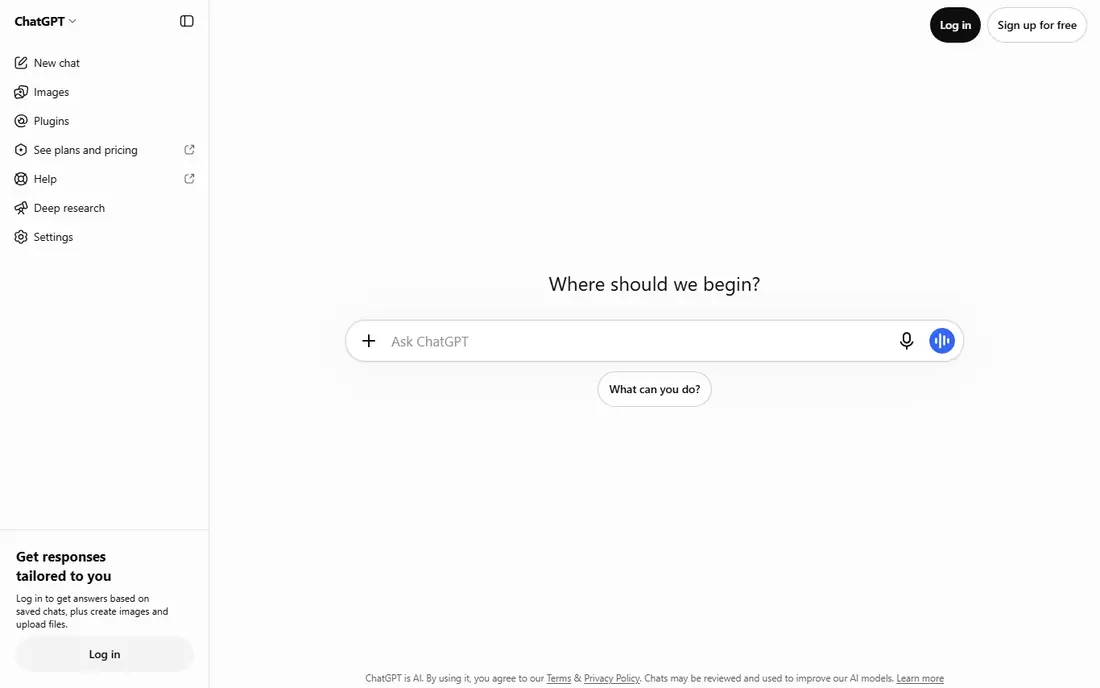
ChatGPT is a strong choice for everyday drafting, brainstorming, and explaining. ChatGPT is the default general assistant for many people, handling drafts, summaries, plans, and explanations in one place. Its Go tier at $8 per month lowers the paid entry point, while Plus adds higher limits for heavier users.
The trade-off is worth weighing before you commit. It can state wrong facts with confidence, so factual work needs checking against sources. Free tier limits also mean heavy users will hit caps during busy weeks. Check the current plan limits on the vendor site, since allowances and add-ons change often, and run a small pilot with real tickets, content, or data before you roll it out more widely.
- Versatile general assistant
- Voice and image options
- Wide use
- Can present wrong facts confidently
- Limits on free tier
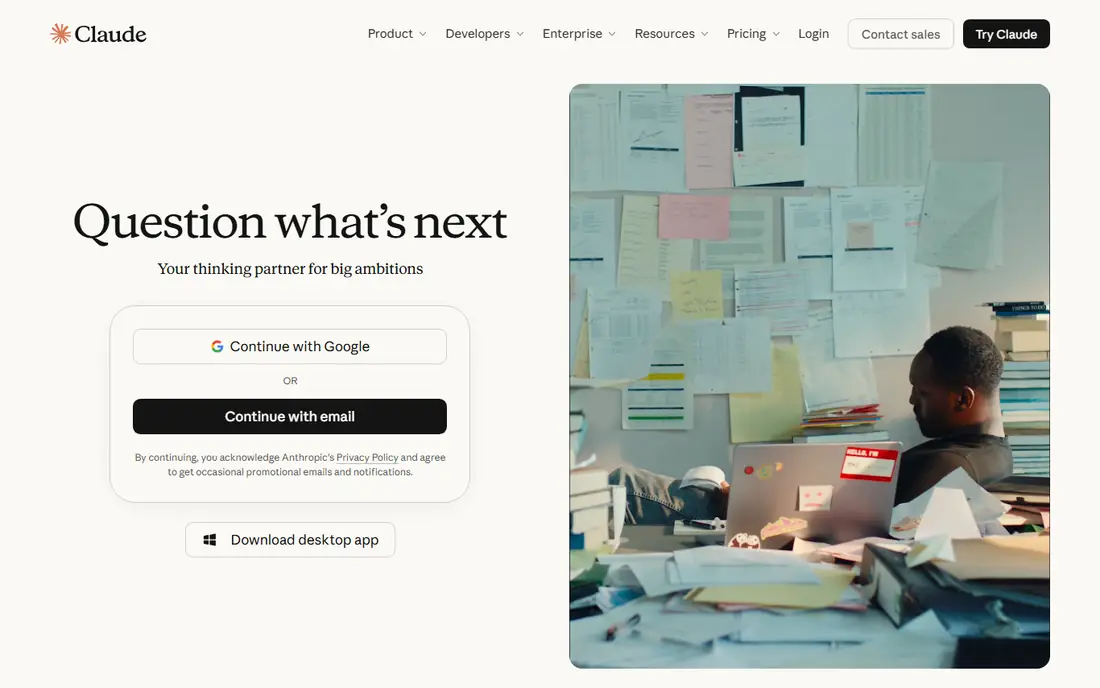
For long documents, careful writing, and code, Claude stands out for a practical reason. Claude is the pick for long inputs such as contracts, specs, and codebases, where careful reading matters more than speed. Pro at $20 per month, or $17 on annual billing, includes Claude Code, so there is no separate coding subscription to budget.
There is a catch to plan around. Free message limits are the main constraint, and image generation is less central than in some rivals. It is best as a writing and reasoning tool rather than a media studio. That does not rule it out, but it does mean you should test it against your own workflow and confirm the price for your team size before you buy.
- Strong on long documents
- Careful tone
- Coding help included
- Free tier message limits
- Fewer image features than rivals
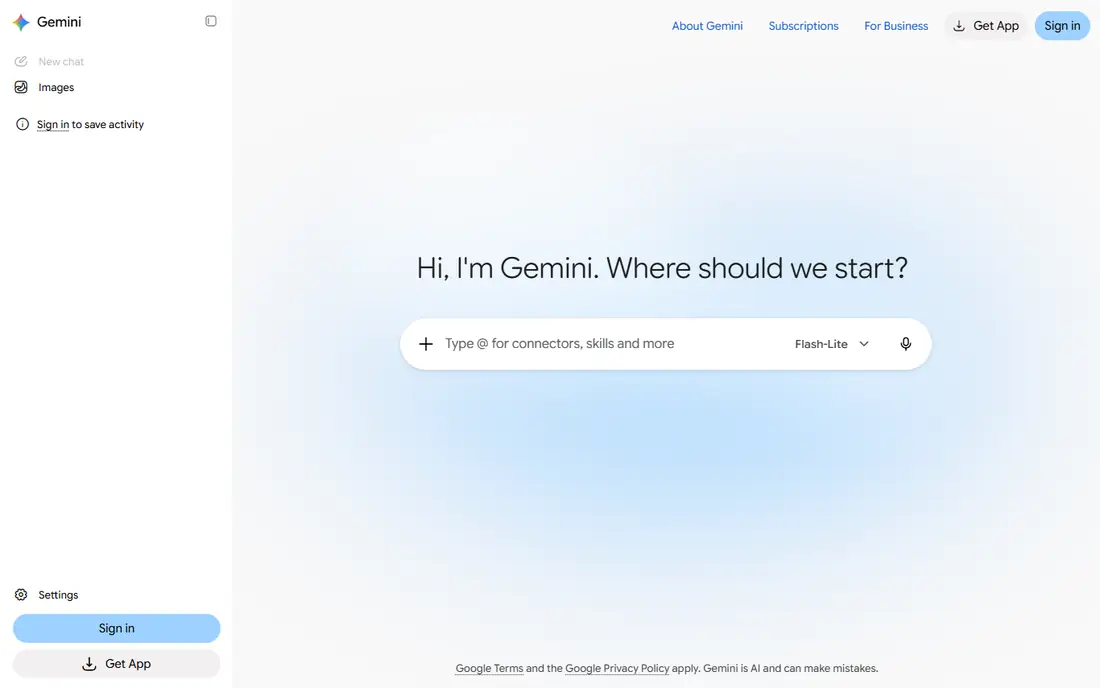
Google Gemini earns its place here through its fit for people already in Google Workspace and Gmail. Gemini, through Google AI Pro at $19.99 per month, puts AI inside Gmail, Docs, and Drive, which saves copy-and-paste time for Google users. It also gives access to Google image and video tools on paid tiers.
Watch the limits as well as the strengths. The most useful features need a paid plan, and free limits apply. Teams outside Google Workspace may get more value from a standalone assistant. A short trial with your own examples will tell you more than any feature page, so use that time to test the parts you will rely on every week.
- Works inside Gmail, Docs, and Drive
- Image and video access on Pro
- Best features need a paid plan
- Results vary by plan
If your main need is teams that keep notes, docs, and wikis in Notion, start with Notion AI. Notion AI works where notes and docs already live, summarising pages, drafting updates, and answering questions from a workspace. That saves the step of copying content into a separate chat tool.
The honest limit matters here. Its value depends on how much a team actually uses Notion, and per-user pricing adds up for large teams. Solo users should check what AI is included in their current plan. If that limit touches your core work, compare the next tier or a rival before you sign up, and keep an eye on renewal terms.
- AI inside docs and wikis
- Summaries and drafting where work already lives
- AI value depends on Notion use
- Per-user pricing adds up
Grammarly suits teams and individuals focused on polishing client-facing writing quickly. Grammarly catches grammar, clarity, and tone issues across email, docs, and browsers, which saves editing rounds on client-facing work. Its free tier covers basics, while Pro at $12 per month on annual billing adds more AI prompts.
Price and fit need a final check. Free AI prompts are limited, and Pro pricing is per member, so team costs add up. It polishes writing well but does not replace subject-matter review. Start on the lowest plan or trial that covers your main task, measure what it saves or improves, and only then move up a tier.
- Grammar and tone checks
- Works across apps
- Free tier for basics
- AI prompts are limited on free tier
- Pro is per member
Among the options here, Otter.ai is the one to check first for meeting notes, transcripts, and action items. Otter.ai transcribes meetings and produces summaries with action items, which saves the time spent writing notes by hand. Its free tier includes monthly minutes, and the searchable archive helps teams find decisions later.
The trade-off is worth weighing before you commit. Accuracy depends on audio quality and accents, and a bot joining calls needs care around consent and privacy. Check your meeting policy before enabling automatic joining. Check the current plan limits on the vendor site, since allowances and add-ons change often, and run a small pilot with real tickets, content, or data before you roll it out more widely.
- Transcription and summaries
- Searchable meeting archive
- Free minutes monthly
- Accuracy varies with audio quality
- Bot joining calls needs consent
Zapier is built around automating repetitive work between apps, and that focus shows in daily use. Zapier connects apps so routine work, such as copying form entries to a sheet or posting updates, happens without manual steps. Its free tier covers 100 tasks a month, and paid plans add multi-step flows and AI features.
There is a catch to plan around. Task-based pricing can grow as automation use grows, so count tasks before choosing a tier. Complex flows still need planning and testing, or they can create errors at scale. That does not rule it out, but it does mean you should test it against your own workflow and confirm the price for your team size before you buy.
- Thousands of app integrations
- AI-assisted automation
- Free tier for small flows
- Task limits can grow costs
- Complex flows need planning
Buyers who need teams already on Microsoft 365 and Teams will find Microsoft 365 Copilot a sensible shortlist pick. Microsoft 365 Copilot puts AI inside the Office apps many teams already use, drafting emails, summarising meetings, and analysing documents without leaving the suite. Enterprise controls suit larger organisations with compliance needs.
Watch the limits as well as the strengths. There is no free plan, and pricing varies by business plan, so confirm the total for your licence type. Teams outside Microsoft 365 will get less value from it. A short trial with your own examples will tell you more than any feature page, so use that time to test the parts you will rely on every week.
- AI inside Word, Excel, Outlook, and Teams
- Enterprise controls
- No free plan
- Pricing varies by business plan
Perplexity takes a clear approach to research that needs sources you can click. Perplexity is a research-first tool: it answers questions with sources you can open and check, which saves time verifying claims. That makes it a good companion to a general assistant for factual work.
The honest limit matters here. Pro pricing varies by billing term, and it is less suited to long creative writing than ChatGPT or Claude. Use it for research, and a general assistant for drafting. If that limit touches your core work, compare the next tier or a rival before you sign up, and keep an eye on renewal terms.
- Answers with citations
- Strong for research
- Free tier for casual use
- Pro price varies by billing term
- Less suited to long creative writing
How we picked these
We compared official pricing pages and product pages for each tool, plus recent productivity comparisons checked in October 2026, and kept only tools still offered with a free tier or a published entry price. We favoured tools that replace a repeated task, rather than tools that only add a novelty feature. We did not claim hands-on testing. Prices are entry prices on annual billing where that is the published rate, so check monthly billing before you buy.
How to actually save time with AI tools
Pick one job, measure it, then expand
Choose a repeated job, such as meeting notes or first drafts, and time it for a week before and after using a tool. If the saving is less than the subscription cost in time or money, drop the tool. That test stops a stack of subscriptions from growing unchecked.
Keep a human check on factual work
AI drafts and summaries need a quick review for facts, names, and numbers, especially for client work. Build that check into the workflow, or the time saved on drafting will be lost fixing errors later.
Automate the boring middle, not the judgement
Use Zapier and similar tools for moving data, reminders, and status updates, and keep decisions, approvals, and sensitive messages with people. That split gives the clearest time saving with the least risk.
Frequently asked questions
What is the best AI tool to save time?
For most people, a general assistant such as ChatGPT or Claude saves the most time across drafting and summarising. Add Otter.ai if meetings take up a large share of your week, and Zapier if you repeat data entry between apps.
Are free AI tools enough to save time?
Free tiers cover casual use, such as occasional drafts, short research, and a few meeting minutes a month. Heavy daily use usually needs a paid plan, since free limits interrupt work.
How much do AI time-saving tools cost?
Entry prices here run from $8 per month for ChatGPT Go to $20 per month for Claude and Perplexity, with per-user pricing on Notion, Grammarly, and Zapier. Start with one tool and add others only after measuring a saving.
Can AI tools replace note-taking in meetings?
They can replace manual note-taking for many meetings, by transcribing and summarising with action items. Check consent and privacy rules before a bot joins calls, and review summaries for errors.
Do AI tools save time for small businesses?
Yes, when they target a repeated task such as drafting emails, transcribing calls, or automating form handling. The saving is clearest when you measure time before and after, rather than assuming it.
Sources
See where you really rank - block by block
ProMapRanker scans Google Maps across a grid of your service area. Simple monthly plans from $19, white-label on every plan.
Start freeKeep reading
 zoho inventory alternatives
6 Alternatives to Zoho Inventory, Compared on Price and Fit
Zoho Inventory alternatives: 6 tools compared on price, free plans and fit. Katana leads the list for manufacturers. Fit and flaws are laid out for each entry.
Read → zoho crm alternatives
Best Zoho CRM Alternatives (2026)
Need Zoho CRM alternatives? We compare 7 tools on cost, free access and who each suits. Every pick gets a straight assessment. Built for quick decisions.
Read → zelle alternatives
Best Zelle Alternatives in 2026
Compare the best Zelle alternatives for sending money to friends, paying sellers and moving funds abroad, with honest notes on fees, speed and safety in 2026.
Read →