 ProMapRanker
7 Strong AI Tools to Deblur Images in 2026


Old family photos and mobile face restoration · Pricing starts at: $6.99 per user/month
Direct answer
Remini leads the list, best for old family photos and mobile face restoration. Alternatives: Pixelcut for sellers who require clean, sharp product photos quick, and Adobe Lightroom for photographers who already handle photos in Lightroom. The full list of 7 tools follows, with prices and free plan facts.
Key takeaways
- Remini sits first on this list: old family photos and mobile face restoration.
- Remini, Pixelcut, Cutout.pro, HitPaw FotorPea, LetsEnhance: these are the 5 tools out of 7 that offer a free plan.
- The cheapest monthly starting price in the list is $6.99 per user/month, offered by Remini.
- Topaz Photo AI fits photographers who want desktop control over denoise, sharpen, and upscale.
Quick comparison
| Pick | Great for | Pricing starts at | Free tier | |
|---|---|---|---|---|
| Remini | Old family photos and mobile face restoration | $6.99 per user/month | Yes | Visit |
 Pixelcut | Sellers who require clean, sharp product photos quick | See website | Yes | Visit |
 Adobe Lightroom | Photographers who already run photos in Lightroom | See website | Free trial | Visit |
 Cutout.pro | Free web deblurring plus background and portrait tools | See website | Yes | Visit |
 HitPaw FotorPea | One click desktop enhancement with batch support | See website | Yes | Visit |
 LetsEnhance | Web deblurring with different models for different photo types | $9 per user/month | Yes | Visit |
 Topaz Photo AI | Photographers who want desktop control over denoise, sharpen, and upscale | See website | No | Visit |
Our 7 AI tools to deblur images
ProMapRanker compared 7 AI tools to deblur images. The goal is a practical shortlist: published prices, free plan facts, best-fit use cases and honest limits for every entry.
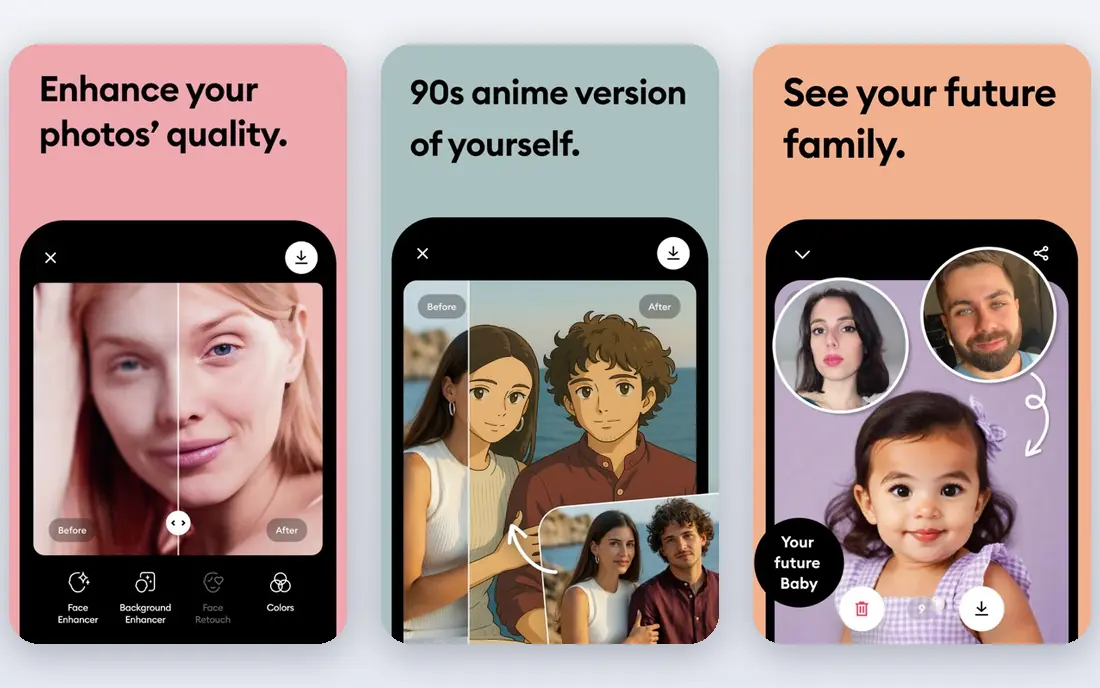
Remini serves old family photos and mobile face restoration. Upload a faded family photo, tap enhance, and eyes, hair, and skin gain definition that a manual sharpening filter would not recover.
Pricing in past listings starts around $6.99 per week, with monthly and yearly choices also offered, so check the current plan in the app before subscribing. Starting cost for Remini: $6.99 per user/month. Remini offers a free plan.
Trade-offs to know: Weaker on outdoor scenes, text, non face subjects.
- Very straightforward mobile workflow
- Fast one tap enhancement
- Weekly pricing brings up over per year
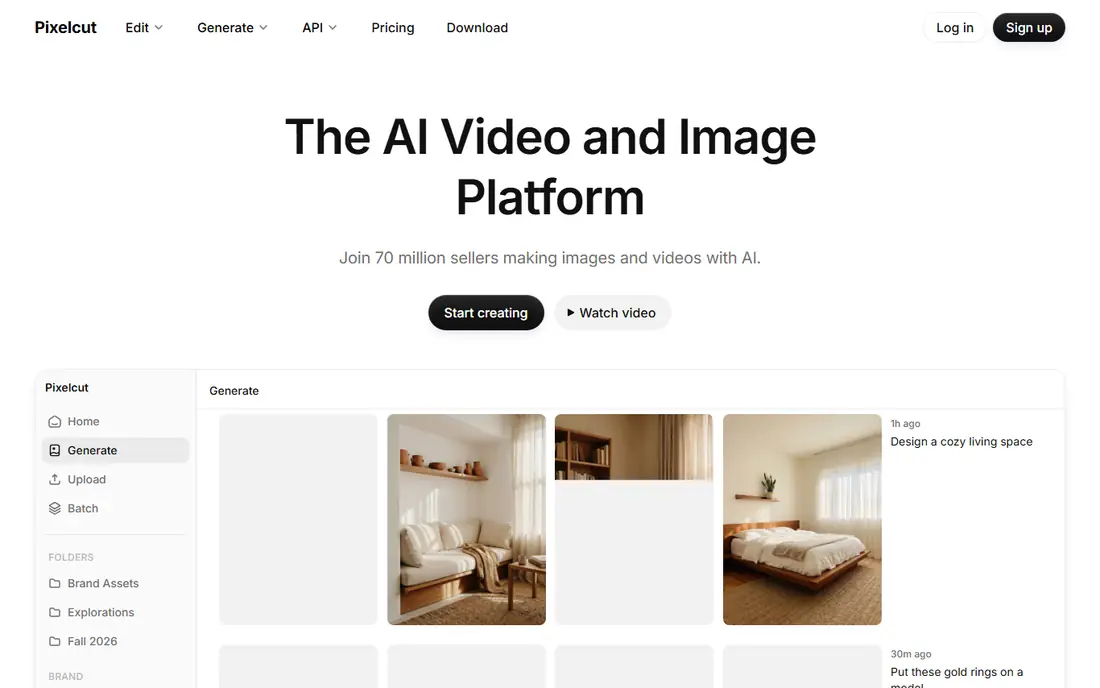
Where Pixelcut fits: sellers who require clean, sharp product photos quick. Portraits, outdoor scenes, and scanned documents are not its strength. A general tool such as LetsEnhance or Topaz will normally do better there.
Watch-outs: Less versatile for portraits, outdoor scenes, documents.
Test it with your actual product photos, including fabric, reflective items, and small text on packaging, since those are the cases where a product enhancer either earns its keep or builds artifacts. In daily use, Pixelcut provides a free level with limits, and premium plans add higher resolution and commercial features. Check the vendor site for Pixelcut pricing; none is listed in this comparison. You can start on Pixelcut without paying.
- Handy for marketplace photos
- Product focused enhancer with background and listing tools
- Quality and pricing vary by plan, so check current terms
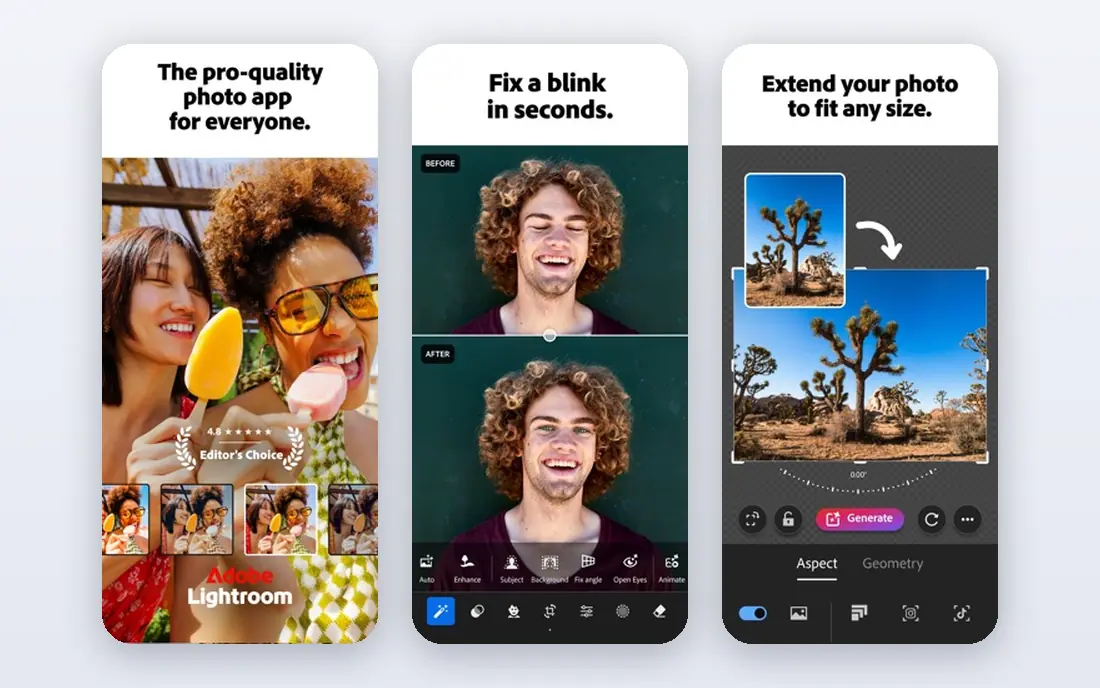
In short, Adobe Lightroom is for photographers who already handle photos in Lightroom. Lightroom will not rebuild a badly blurred face or a heavily compressed screenshot the way a specialist AI tool might attempt to. Adobe Lightroom is not a dedicated deblur tool, but it belongs here since numerous photographers already own it.
Its Enhance and sharpening tools can clean up mild blur and noise. Its batch workflow makes it simple to apply the same treatment to hundreds of photos. Also, if deblurring is the only job, a less expensive specialist tool will normally give a better result for less money. Worth adding: non destructive editing is another advantage: the original stays untouched, and every adjustment can be revised later. Check the vendor site for Adobe Lightroom pricing; none is listed in this comparison. As for free access: Free trial.
Limits to weigh: Subscription cost is hard to justify for deblurring alone.
- Batch workflow and catalog management
- Enhance features including denoise and Super Resolution
- Deblurring is restricted compared to specialist AI tools
For free web deblurring plus background and portrait tools, Cutout.pro is a natural candidate. Expect limits on resolution, monthly volume, or export quality, and check current terms on the Cutout.pro site.
Limits to weigh: Quality varies by image type, with portraits more solid than complicated scenes.
On top of that, Cutout.pro is a decent free first test for a blurry photo, notably if the same image also needs background work. If the free result holds up at full size, a premium plan may be worthwhile. No starting price is listed for Cutout.pro here; confirm pricing on the vendor site. Cutout.pro includes a free tier.
- No install needed
- Free level for trying enhancement
- Free level limits resolution and volume
HitPaw FotorPea is a good fit for one click desktop enhancement with batch support. Batch processing helps when an entire folder needs the same treatment, like a set of product photos or a scanned album.
More specifically, a tool that guesses the problem can guess wrong, particularly on mixed photos where only part of the image is blurry. No starting price is listed for HitPaw FotorPea here; confirm pricing on the vendor site. HitPaw FotorPea offers a free plan.
The main drawbacks: Automatic settings can over process some photos.
- Face restoration mode for portraits
- Batch processing for several images
- Premium features and export limits vary by plan, so check terms before buying
LetsEnhance
Great for: Web deblurring with different models for different photo types
For web deblurring with different models for different photo types, LetsEnhance is a natural candidate. Upload the image, choose a model suited to the content, and let the tool rebuild sharpness and detail. Credits also shape real use: the free allowance is 10 credits on register in past listings, and premium plans start at $9 a month.
Reasons to shortlist it: Multiple specialized models.
As for the details, the limits are practical. LetsEnhance processes the entire image, so you cannot sharpen only a face and leave the background soft. As for the details, for a handful of photos, that is enough. LetsEnhance cost at the entry level: $9 per user/month. Free access exists with LetsEnhance. Watch-outs: No offline mode.
- Batch processing for up to 20 images
- Including a capable model for blurry photos
- Premium plans run on credits
Topaz Photo AI
Great for: Photographers who want desktop control over denoise, sharpen, and upscale
Topaz Photo AI targets photographers who want desktop control over denoise, sharpen, and upscale. The main limit is that defaults can be too capable, notably on portraits.
Skin can look plastic if sharpening and denoise are both pushed high, so dial settings back and compare at full size. Topaz Photo AI does not show a starting price in this comparison, so check the vendor site for current pricing. Topaz Photo AI has no free plan.
The main drawbacks: Can over process skin if settings are left at defaults.
- Upscale models
- Works standalone or as a plugin for Lightroom
- Pricing has changed over time, so verify the current subscription or license terms
Our selection method
ProMapRanker looked at what each vendor publishes: pricing, plan limits, feature coverage for AI tools to deblur images and stated drawbacks. No hands-on testing is claimed. Treat prices as a snapshot: vendors change plans often, so check the vendor site for the figure that applies today. The order reflects how well each tool fits the most common buying scenario for AI tools to deblur images, then price clarity, then free plan access. It is a starting point, not a verdict.
What to confirm before you sign up
- Get a written quote from Pixelcut, Adobe Lightroom, Cutout.pro and others; the list shows no starting price for them.
- Look at free plan limits closely: Remini, Pixelcut, Cutout.pro and others have one, and the caps decide whether it is usable for real work.
- Use real work to test the free trial from Adobe Lightroom, rather than a demo project.
- Before choosing Remini, weigh its main limit: weekly pricing brings up over per year.
- Get the contract term, renewal terms and any onboarding fees from HitPaw FotorPea in writing.
- Compare total cost, not headline price: for Topaz Photo AI, add extra seats, add-ons and any usage-based charges.
Frequently asked questions
Can AI really deblur a photo?
AI can boost mild to moderate blur by rebuilding plausible detail and sharpening edges, but it cannot recover information that was never captured. Severely out of focus or motion blurred photos normally boost only partly, and the result may contain invented detail.
How are the tools for AI tools to deblur images ordered?
The order follows typical fit for AI tools to deblur images, with Remini first and Topaz Photo AI last, then price clarity and free access. It is editorial judgement, not a score, so another team could rank the tools differently.
Is Remini the right pick for everyone comparing AI tools to deblur images?
No single tool suits every team. Remini comes first because it fits old family photos and mobile face restoration, while Pixelcut suits sellers who need clean, sharp product photos fast and Adobe Lightroom suits photographers who already manage photos in Lightroom. Match the tool to your own size, budget and workflow before deciding.
Can I try these tools before paying?
Often, yes. Remini, Pixelcut, Cutout.pro and others have a free plan and Adobe Lightroom offers a free trial. Use your own data and a real task during the test, and check what the free tier or trial limits before you rely on it.
What is the cheapest option for AI tools to deblur images in this list?
On published monthly entry prices, Remini is the lowest here at $6.99 per user/month. Entry price is only part of the cost, because seats, add-ons and billing terms can change the total.
Sources
See where you really rank - block by block
ProMapRanker scans Google Maps across a grid of your service area. Simple monthly plans from $19, white-label on every plan.
Start freeKeep reading
 zscaler alternatives
Best Zscaler Alternatives in 2026
Looking for zscaler alternatives? We compare 9 SASE and zero trust platforms on architecture, data protection, pricing, and fit for your network and team.
Read → zapier alternatives free
Best Zapier Alternatives Free in 2026
Nine automation tools for zapier alternatives free in 2026, all with genuinely free tiers, plus free plan limits, starting prices and upgrade paths explained.
Read → which platform is best for online reputation
Which Platform Is Best for Online Reputation in 2026
Wondering which platform is best for online reputation? We compare 8 review, listing, and response tools for small and multi-location businesses and agencies.
Read →