 ProMapRanker
Best AI Tools to Create Video From Photo in 2026

Key takeaways
- Runway and Kling lead for general photo-to-video motion, with Runway adding stronger editing tools around the generator.
- Luma Dream Machine suits smooth camera moves, while Pika suits short, effect-led social clips.
- Talking-photo tools such as Hedra and D-ID are a separate job from general motion, and they handle faces and lip sync better.
- Credit pricing decides real cost, since a low monthly price means little if a few clips use most of the allowance.
- Only animate photos you own or have clear permission to use, and never use these tools to create misleading images of real people.
Quick comparison
| Pick | Great for | Pricing starts at | Free tier | |
|---|---|---|---|---|
 Runway | Control plus editing | $15 per month | Free trial | Visit |
 Kling AI | Realistic motion from a photo | See website | Yes | Visit |
 Luma Dream Machine | Smooth camera movement | $30 per month | Free trial | Visit |
 Pika | Short social clips | $10 per month | Free trial | Visit |
 Hailuo AI | Budget motion with audio | See website | Yes | Visit |
 Adobe Firefly | Client-safe production work | $9.99 per month | Yes | Visit |
 PixVerse | Daily free credits | See website | Yes | Visit |
 Hedra | Talking characters | See website | Yes | Visit |
 D-ID | Talking photos for training | See website | Free trial | Visit |
The best ai tools to create video from photo
Photo-to-video tools turn a still image into a short moving clip. You upload a photo, describe the motion, and the model adds camera movement, subject movement, or both. Results vary a lot by photo quality, prompt detail, and model, so free credits are best used to test your own images before you pay.
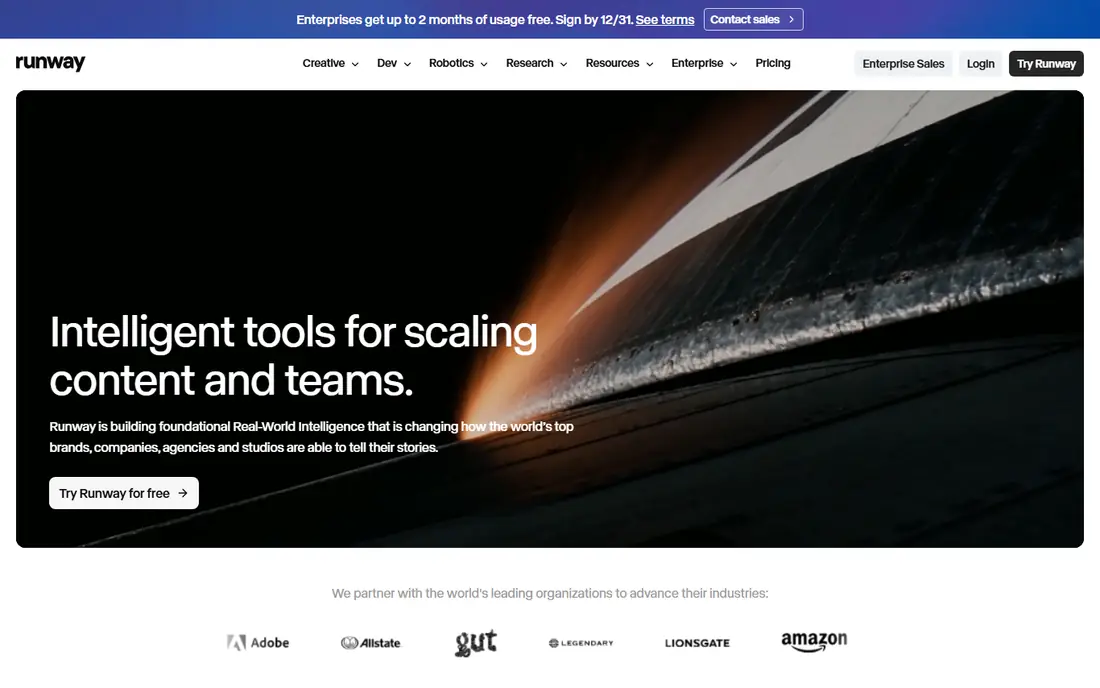
Runway is the most complete creator workspace on this list. Its video model turns a photo into motion, and the same workspace lets you extend, restyle, or clean up a clip without moving to another app. That matters when a first result is close but needs a longer ending, a different camera move, or a cleaner background.
Credit costs are the main catch. Paid plans start at $15 per month on monthly billing, with a lower annual rate, and free access is limited to one-time credits rather than a monthly allowance. Higher quality renders use credits faster, so test a representative photo and prompt on free credits before you commit to a plan for client work.
- Strong video model plus editing tools
- Image-to-video with reference control
- Useful for creators who finish work in one place
- Credit math needs careful checking
- Free credits are one-time only
- Higher quality clips use credits fast
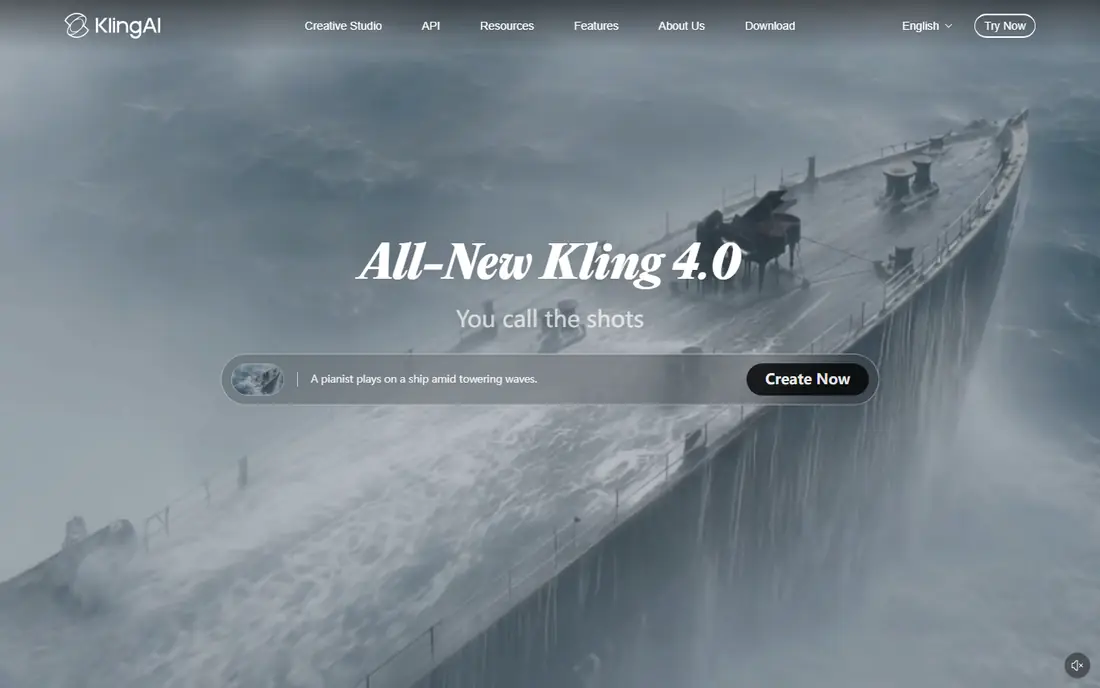
Kling AI is a strong value pick for realistic motion from a single photo. It handles natural camera moves well, and it can work from a start frame toward an end frame, which helps when you need a clip to land on a specific composition. For product shots, outdoor scenes, and character stills, that control often beats a tool that only adds generic motion.
Pricing needs checking on the vendor site at purchase time, since Kling runs promos and tier changes, and some newer models sit on higher plans. Free credits help you test motion style and face stability, but they are not enough for regular client output. Use Kling when realism per dollar matters most, and keep Runway in mind if you also need editing tools.
- Strong realism for the price
- Good camera moves and start-to-end control
- Daily free credits in many accounts
- Pricing and promos change often
- Some advanced models need higher tiers
- Output can vary by prompt
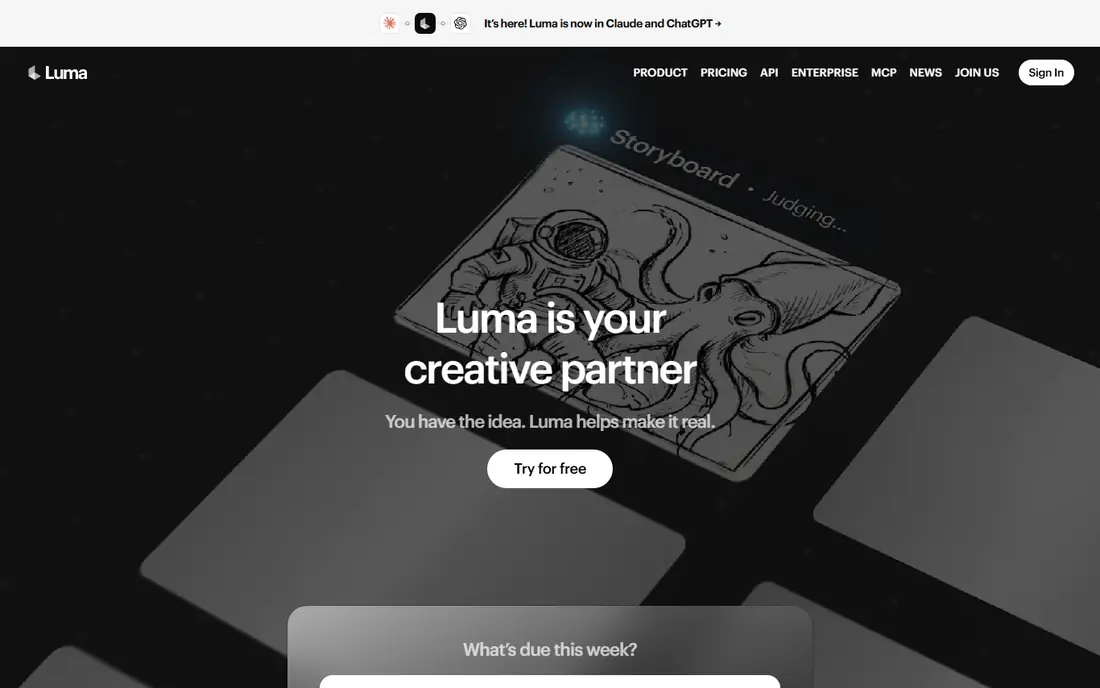
Luma Dream Machine is known for smooth, gimbal-like camera movement that suits outdoor scenes, architecture, and product photos. A still that needs a slow push-in, orbit, or reveal often looks more polished from Luma than from a general model, and that finish helps for hero shots and brand work.
The price is higher than many rivals, with the Plus plan listed at $30 per month, and current pricing pages list no free individual plan, so older reviews that mention a free tier are out of date. Credit use per clip also needs planning, since high-resolution clips use a larger share of the monthly allowance. Test with a trial or a lower commitment first if your budget is tight.
- Smooth, film-like camera motion
- Good for outdoor scenes and product shots
- Strong visual finish
- No free individual plan listed on current pricing
- Higher entry price than rivals
- Credit use per clip needs planning
Pika suits creators who make short social clips and want effects, transitions, and quick ideas without a long setup. You can animate a photo, add a stylized effect, and get a shareable clip fast, which fits social feeds and short ads better than long narrative scenes. Its interface is friendly for beginners who want results in minutes.
Free access is limited under current terms, and commercial use rights should be checked against the plan you buy, since lower tiers may not cover client work. Clip length and extension options also favor short form. For quick, playful clips, Pika is excellent. For longer or more controlled scenes, Runway or Kling will serve better.
- Fast, effect-led social clips
- Easy prompt and effect controls
- Good for short-form content
- Free access is limited to packs in current terms
- Commercial rights need a higher tier check
- Clip length suits short form, not long scenes
Hailuo AI, from MiniMax, is a budget-friendly option with expressive character motion and audio options on some models. It works well for animated characters, illustrations, and social clips where movement and sound matter together. Trial credits let you test whether its motion style fits your photos before you pay.
Pricing varies by promotion and region, so confirm the current plan on the vendor site rather than relying on an old review. Trial credits are one-time only, which limits free testing, and results can vary by photo type, especially with faces. Use it for playful and character-led work, and test face stability carefully before client use.
- Expressive character motion
- Audio options on some models
- Trial credits to test style
- Pricing varies by promo and region
- Trial credits are one-time only
- Quality varies by photo type
Adobe Firefly suits teams that already work in Adobe apps and need video that fits a brand workflow. Its video model can animate a photo into a short clip, and it sits beside image, design, and video tools many production teams already use. Adobe also positions Firefly as commercially safer, which matters for client work where rights and provenance need clear answers.
Clips are short on standard plans, around five seconds in many cases, so Firefly is not the best choice for longer scenes. Its motion range is also narrower than Runway or Kling for some creative shots. Choose Firefly when rights, brand safety, and Adobe workflow matter more than maximum clip length or experimental motion.
- Strong fit inside Adobe workflows
- Commercially safer training approach
- Free daily generations
- Clips are short on standard plans
- Best value inside Adobe subscriptions
- Less motion range than specialist models
PixVerse is a good testing ground because it offers daily free credits, which let you try motion styles over several days without paying. It handles social clips and multi-shot ideas well, and its interface is simple enough for beginners to get a first result quickly. That daily allowance makes it useful for learning prompts and photo selection.
Paid plans start at a modest level, but resolution caps and credit limits on lower tiers shape how much usable output you actually get. Check the current plan details before you buy, since credit amounts and caps change. PixVerse is best as a low-cost way to experiment, with a specialist tool for final client clips if needed.
- Daily free credits for testing
- Good for social and multi-shot ideas
- Simple interface
- Standard plan caps resolution in some tiers
- Credit limits shape real output
- Quality varies by model
Hedra is built for talking characters, not general photo motion. You supply a character image and audio, and Hedra animates the face with lip sync and expression for storytelling, social content, and explainers. That focus gives better talking results than a general image-to-video model, which often struggles with mouth movement and expression.
It is not the right pick for outdoor scenes or product motion, and free tier output is limited. If you animate a real person, use only photos you own or have clear permission to use, and do not create clips that mislead viewers about what that person said or did. For fictional characters and owned brand mascots, Hedra is a strong, focused choice.
- Expressive talking characters
- Good lip sync for storytelling
- Useful for social and explainer content
- Talking video is a separate job from general motion
- Free tier limits output
- Needs clear audio and consent for real faces
D-ID turns a still portrait into a talking presenter for explainers, training, and corporate learning. You provide a photo and a script or audio, and D-ID produces a presenter clip that can be reused across lessons and updates. That workflow saves filming time for teams that need many short training videos with a consistent presenter.
It does not do general scene motion, so outdoor scenes and product shots belong on Runway, Kling, or Luma instead. Regular use needs a paid plan, and the free trial is for testing, not production. As with Hedra, only use real faces with clear permission, and label AI presenter content where viewers might otherwise think it is a real recording.
- Talking photos for explainers and training
- Straightforward presenter workflow
- Good for corporate learning content
- Talking-head style only, not general motion
- Paid plans needed for regular use
- Real-face use needs consent
How we picked these
We compared official product pages, pricing pages, and feature descriptions for photo-to-video tools available in October 2026. We kept only legitimate creative tools that animate photos you own or have permission to use, and we left out tools marketed for undressing people or non-consensual imagery. We did not claim hands-on testing, and we did not list OpenAI Sora as a live standalone consumer product. Where pricing was not published plainly, we wrote See website rather than guessing.
What to check before you buy
Test with your own photos, not stock demos. A tool that moves a outdoor scene well may distort a face, and a talking tool that works for one voice may struggle with another. Check clip length, resolution, watermark rules, and commercial rights for your exact plan, since free tiers often limit all four.
Also check consent and disclosure. Only animate photos you own or have clear permission to use. Do not create videos of real people that mislead viewers, and label AI-generated presenter clips where a viewer might mistake them for a real recording. Finally, track credit use across a real week of work, since that total, not the headline monthly price, is your true cost.
Frequently asked questions
What are the best ai tools to create video from photos for beginners?
PixVerse and Pika are the easiest starting points, with simple interfaces and short clips that teach prompt basics fast. Runway and Kling give more control once you know what motion you want. Start with free credits, test your own photos, and only pay when you know which motion style fits your content.
What are the best ai tools to create videos from photos for talking presenters?
Hedra and D-ID lead for talking photos, since they focus on lip sync and expression rather than general scene motion. Hedra suits expressive social and storytelling characters, while D-ID suits corporate training presenters. Both need clear permission for real faces and clear labeling where viewers might mistake the clip for a real recording.
Can I use these tools with photos of real people?
Only with clear permission from the person in the photo, and only for a legitimate creative purpose. Do not use photo-to-video tools to create misleading clips, fake endorsements, or intimate imagery of anyone. If you do not own the photo or lack permission, choose a fictional character, a licensed stock image with suitable rights, or your own brand imagery instead.
How much does photo-to-video generation really cost?
The headline monthly price is only part of the cost. Most tools sell credits, and higher resolution, longer clips, and retries use more credits. A $10 plan can run out fast if each clip uses a large share of the allowance. Track how many usable clips you get from one month of credits before you judge value.
Do free plans allow commercial use?
Often not, or only with limits. Free tiers may add watermarks, limit resolution, or restrict commercial rights, and some tools require a higher tier for client work. Read the license terms for your exact plan before you publish a free-tier clip for a business, and keep a record of the plan you used.
Sources
See where you really rank - block by block
ProMapRanker scans Google Maps across a grid of your service area. Simple monthly plans from $19, white-label on every plan.
Start freeKeep reading
 zscaler alternatives
Best Zscaler Alternatives in 2026
Looking for zscaler alternatives? We compare 9 SASE and zero trust platforms on architecture, data protection, pricing, and fit for your network and team.
Read → zapier alternatives free
Best Zapier Alternatives Free in 2026
Nine automation tools for zapier alternatives free in 2026, all with genuinely free tiers, plus free plan limits, starting prices and upgrade paths explained.
Read → which platform is best for online reputation
Which Platform Is Best for Online Reputation in 2026
Wondering which platform is best for online reputation? We compare 8 review, listing, and response tools for small and multi-location businesses and agencies.
Read →