 ProMapRanker
Best AI Tools to Change Clothes in Photo in 2026

Key takeaways
- Fotor and LightX are the easiest starts for casual outfit changes on your own photos.
- Google Shopping Try On is the best choice when the goal is previewing a real item you may buy.
- Vmake and FASHN suit sellers and fashion teams that need consistent garment previews.
- Results are visualizations, not proof of fit, so check size charts and garment details before buying.
Quick comparison
| Pick | Great for | Pricing starts at | Free tier | |
|---|---|---|---|---|
 Fotor | Casual outfit changes on your own photos | Free | Yes | Visit |
 LightX | Mobile outfit swaps and style edits | Free | Yes | Visit |
 YouCam | Mobile fashion experimentation | Free | Yes | Visit |
 Google Shopping Try On | Previewing real shopping items on your own photo | Free | Yes | Visit |
 Vmake | Consistent garment renders for sellers | See website | Yes | Visit |
 Magic Hour | Garment reference swaps with a fast free route | Free | Yes | Visit |
 FASHN | Commerce virtual try-on workflows | See website | No | Visit |
 Canva | Outfit edits inside design and social projects | Free | Yes | Visit |
The best ai tools to change clothes in photo
This article covers only legitimate virtual try-on and outfit change tools. Use them only for your own photos, or for photos you have clear permission to edit. Do not use any tool to create images of a person without that person consent, and do not use these tools to undress anyone or to create non-consensual imagery. If a tool markets itself for removing clothes or undressing people, it does not belong in this list and we have not included it.
The tools below change an outfit, preview a garment, or restyle a photo you control. They work best with a clear, full body photo in good light, and they still produce an approximation rather than a true fitting.
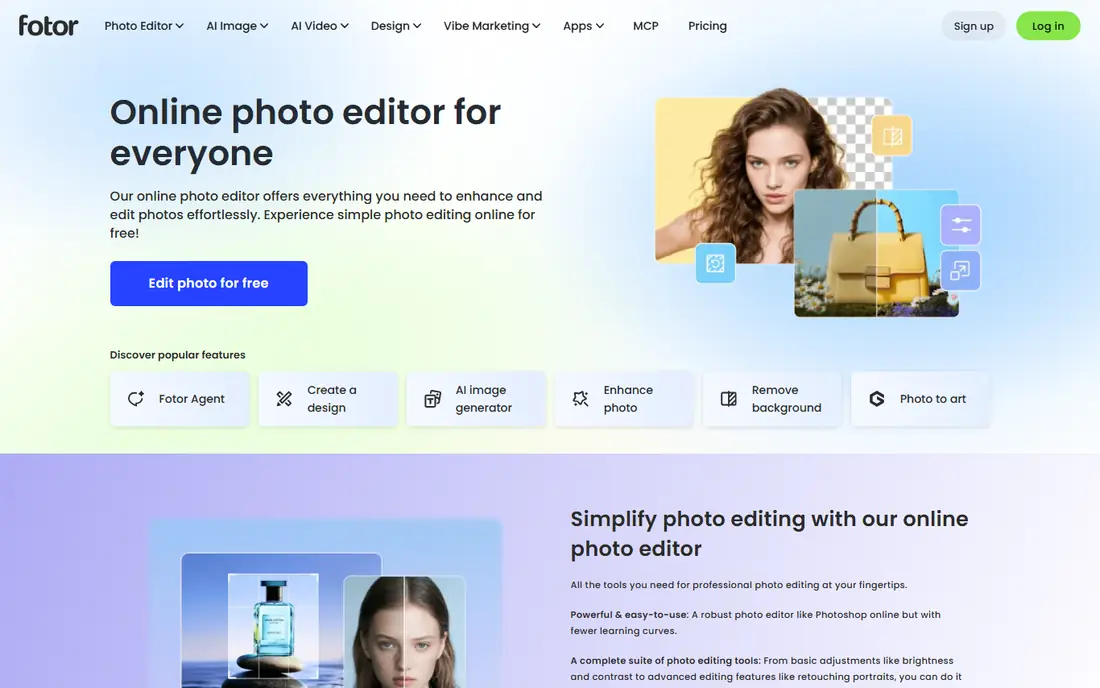
Fotor is a good first stop for the best ai tool to change clothes in photo for personal use. Upload your own photo, choose a style or describe an outfit, and generate a new version with different clothing. Because Fotor is also a full photo editor, you can then adjust color, crop, and background in the same place.
The limit is accuracy. A generated outfit may change a pattern, a neckline, or a fabric detail, so do not treat the result as an exact product photo. For style ideas, social posts, and creative edits of your own photos, Fotor is approachable and fast.
- Broad photo editor with AI outfit tools
- Preset styles and prompt based changes
- Works in a browser and on mobile
- Garment fidelity can vary by photo
- Some AI features need credits or a paid plan
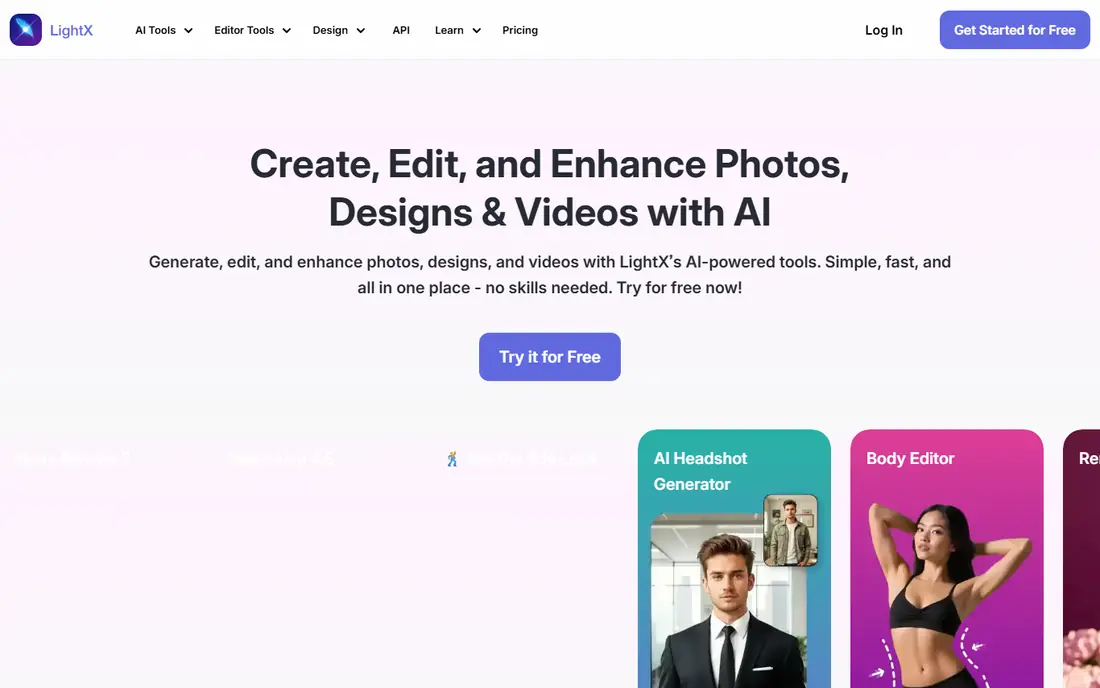
LightX suits phone users who want a quick outfit change without opening a desktop editor. Its AI tools let you swap or restyle clothing in a photo you own, then share the result or continue editing. The mobile workflow is the main appeal, especially for creators who edit on the go.
Photo quality matters more here than in a desktop tool. A dark, cropped, or low resolution photo will produce a weaker result, and complex patterns can shift in the render. Start with a clear, well lit photo and check the output before sharing it.
- Mobile first outfit change tools
- Simple selection and style workflow
- Useful for quick social edits
- Free outputs may carry limits or watermarks
- Results depend heavily on photo quality
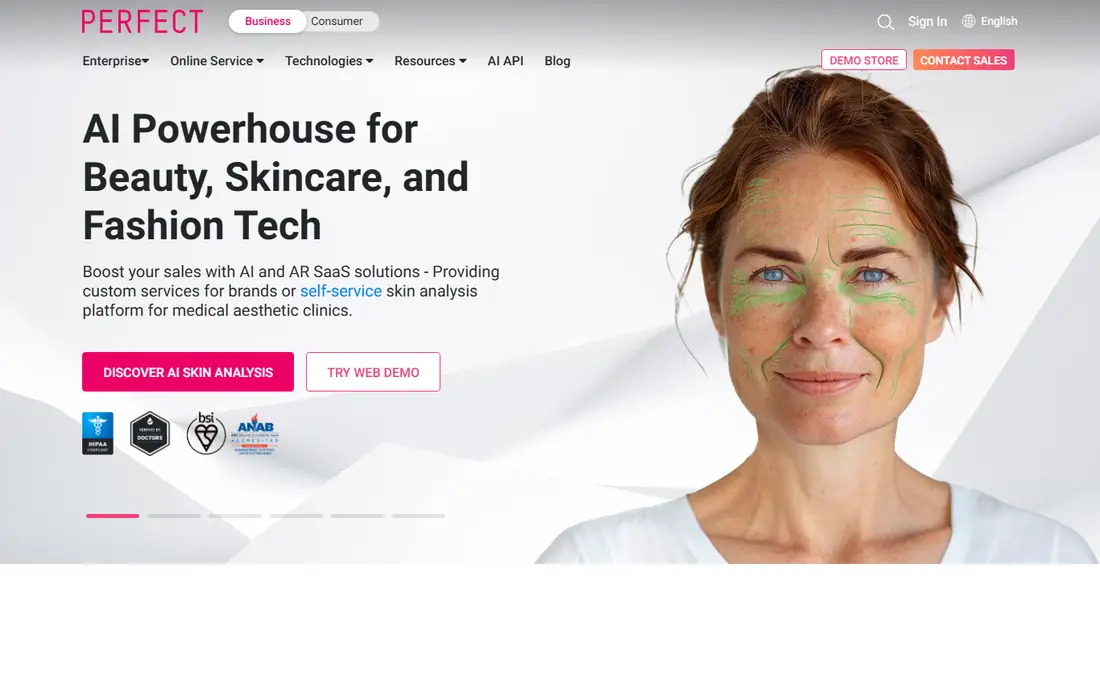
YouCam, from Perfect Corp, is best known for mobile photo and beauty tools, and its fashion features fit the same casual use case. Try a different outfit style on your own photo, test a look before a shoot, or create a stylized version for social use. The app format makes experimentation quick.
It is not a commerce production tool. Batch garment renders, exact product matching, and catalog work belong with Vmake or FASHN. For personal style play on your own photos, YouCam is a solid, well established choice.
- Established mobile beauty and fashion app set
- Outfit and style experimentation on your own photos
- Regular app updates
- Mobile first workflow is less suited to batch work
- Some features sit behind in app purchases
Google Shopping Try On
Great for: Previewing real shopping items on your own photo
Google Shopping Try On is the most practical tool on this list when you are deciding whether to buy something. Upload a full length photo of yourself and preview an eligible garment from Google Shopping on that photo. That link to a real item makes the preview more useful than a purely invented outfit.
The limits are scope and availability. Not every item is eligible, and the feature is tied to the shopping workflow rather than open ended editing. A generated preview also cannot prove size, drape, or comfort, so check the size chart and return policy before ordering.
- Uses eligible real shopping items
- Full length photo workflow for a realistic preview
- No separate app purchase for the try on feature
- Availability depends on market and eligible items
- It is a shopping workflow, not a general outfit editor
Vmake is built for fashion teams and sellers who need the same garment to look consistent across poses and backgrounds. Upload a garment reference and a person photo you have permission to use, then generate variations for a catalog or lookbook. That reference guided approach is stronger than inventing an outfit from words alone.
The trade off is cost and setup. Free use is limited, and production work needs a paid plan, with pricing on the vendor site. Vmake also needs a clean garment image to work well. For a small shop that wants model style photos without a full shoot, it is a practical option.
- Reference guided outfit rendering
- Batch variations with consistent garment styling
- Useful for catalogs and lookbooks
- Paid usage needed for production volume
- Free outputs may have limits
- Still needs a good garment reference image
Magic Hour offers a clear two image workflow: a person photo and a separate clothing image. That separation helps preserve garment details better than a text prompt alone, and the free route makes it easy to test before paying. It suits creators who want a quick preview of a specific item on their own photo.
As with every tool here, the result is a preview, not a fitting. Check pattern, logo, seams, and closures in the output, and do not use the tool for photos of other people without their clear permission. For fast, reference based swaps, Magic Hour is a strong choice.
- Fast garment reference swaps
- Separate person and clothing images for better control
- Free route for testing
- A visualization cannot prove physical fit
- Output quality varies by reference image
FASHN is aimed at stores and fashion teams rather than casual phone users. Its virtual try-on workflow takes a garment reference and renders it on a model or person photo, which helps shoppers preview products and helps sellers create consistent listings. Teams that need volume or an API will find more here than in a consumer app.
That focus is also the limit. There is no free plan in current listings, and the setup takes more care than opening a phone app. For a business that needs repeatable garment previews, FASHN is worth a look. For a one off personal edit, Fotor or LightX will be simpler.
- Built for virtual try-on and commerce use
- Garment reference workflow for product previews
- API and production options for teams
- No free plan in current listings
- Production volume needs paid usage
- Setup is more involved than a casual app
Canva fits creators who want an outfit edit as part of a larger design, such as a social post, a mood board, or a campaign graphic. Edit the photo, place it in a layout, add text, and export for the platform you need. That end to end design workflow is the reason to choose Canva over a single purpose try-on app.
It is not the most precise garment tool on this list. If exact garment preservation matters for a product listing, use a reference guided tool such as Vmake or FASHN. If the outfit edit is one step inside a design project, Canva is convenient and approachable.
- Outfit edits inside a familiar design editor
- Easy text, layout, and social export
- Free plan for basic work
- Best when the result continues in Canva
- Garment fidelity is not its main strength
How we picked these
We compared official feature pages and recent virtual try-on guides, and we kept only tools that offer legitimate outfit change or garment preview for photos the user owns or has permission to use. We excluded any tool marketed for undressing people, removing clothes, or non-consensual imagery, and we did not list borderline tools. We favored tools with a clear workflow, a real garment reference option or a shopping link, and honest limits about fit. We did not claim hands on testing.
How to choose a virtual try-on tool
Start with your goal. Shopping previews point to Google Shopping Try On. Personal style ideas point to Fotor, LightX, or YouCam. Product listings and catalogs point to Vmake, FASHN, or Magic Hour. Design projects point to Canva.
Next, check your input photos. A full body, well lit photo with a clean background gives every tool a better chance, and a clean garment reference helps even more. Then inspect the output closely. Look at pattern, logo, sleeves, neckline, and closures, and check that face, hair, hands, and background stayed stable. If details shifted, try a better reference image before you trust the preview.
Consent and privacy checks
Use only your own photos or photos you have clear permission to edit. Read the privacy policy before uploading, and prefer tools that state how long uploads are kept. Do not upload photos of other people, children, or anyone who has not agreed to the edit, and do not share a generated image in a way that suggests it is a real photo of a person.
Why a preview is not a fitting
A generated image cannot prove size, drape, comfort, or fabric feel. It can show a style direction and a rough visual, but it cannot replace measurements, size charts, fabric details, and return policies. For a purchase, combine the preview with those facts.
Frequently asked questions
What are the best ai tools to change clothes in photos for personal use?
Fotor, LightX, and YouCam are strong personal choices for outfit changes on your own photos. They are easy to start with, and they work best with a clear, well lit photo.
What are the best ai tools to change clothes on photo for shopping?
Google Shopping Try On is best for previewing a real item you may buy, because it links the preview to an eligible shopping item. Vmake and FASHN suit sellers who need consistent product previews.
Can AI change clothes in a photo accurately?
It can produce a convincing preview, but accuracy varies by photo and garment. Patterns, logos, and fine details can shift, so inspect the output and do not treat it as an exact product photo or a fitting.
Is it safe to upload my photo to a try-on tool?
Use established tools, read the privacy policy, and check how long uploads are kept. Avoid tools with unclear data handling, and never upload photos of other people without their clear permission.
What photo works best for virtual try-on?
A full body, well lit photo with the garment area clearly visible works best. Add a clean, front facing garment reference when the tool supports it, and avoid dark, cropped, or low resolution inputs.
Can I use these tools for photos of other people?
Only with that person clear permission, and only for a legitimate purpose such as a styling preview they agreed to. Do not create images of a person without consent, and do not use any tool to undress anyone.
Sources
See where you really rank - block by block
ProMapRanker scans Google Maps across a grid of your service area. Simple monthly plans from $19, white-label on every plan.
Start freeKeep reading
 zscaler alternatives
Best Zscaler Alternatives in 2026
Looking for zscaler alternatives? We compare 9 SASE and zero trust platforms on architecture, data protection, pricing, and fit for your network and team.
Read → zapier alternatives free
Best Zapier Alternatives Free in 2026
Nine automation tools for zapier alternatives free in 2026, all with genuinely free tiers, plus free plan limits, starting prices and upgrade paths explained.
Read → which platform is best for online reputation
Which Platform Is Best for Online Reputation in 2026
Wondering which platform is best for online reputation? We compare 8 review, listing, and response tools for small and multi-location businesses and agencies.
Read →