 ProMapRanker
7 Top AI Tools to Animate Still Images Compared (2026)


Budget motion with audio choices · Pricing starts at: $14.99 per user/month
Direct answer
Hailuo leads the list, best for budget motion with audio choices. Google Veo 3.1 fits high quality hero shots where fidelity matters most; Runway fits creators who want control plus an editor in one place. The full list of 7 tools follows, with prices and free plan facts.
Key takeaways
- Hailuo takes the first slot, best suited to budget motion with audio choices.
- Hailuo, Runway, Pika, Kling AI, Luma Dream Machine: these are the 5 tools out of 7 that offer a free plan.
- Pika comes with a trade-off: short clips by design.
- D-ID has the lowest monthly starting price in this list: $5.90 per user/month.
- D-ID suits talking photos for explainers and training.
Quick comparison
| Pick | Great for | Pricing starts at | Free tier | |
|---|---|---|---|---|
| Hailuo | Budget motion with audio choices | $14.99 per user/month | Yes | Visit |
 Google Veo 3.1 | High quality hero shots where fidelity matters most | See website | Free trial | Visit |
 Runway | Creators who want control plus an editor in one place | $12 per user/month (billed yearly) | Yes | Visit |
 Pika | Fast social clips, effects, and transitions | See website | Yes | Visit |
 Kling AI | Realistic motion from a single photo | See website | Yes | Visit |
 Luma Dream Machine | Smooth, gimbal like camera movement | See website | Yes | Visit |
 D-ID | Talking photos for explainers and training | $5.90 per user/month | Free trial | Visit |
Our 7 AI tools to animate still images
If you are comparing AI tools to animate still images, this page covers 7 tools in one place: what each is best for, what it costs to start, whether it has a free plan, and the main limit to know about.
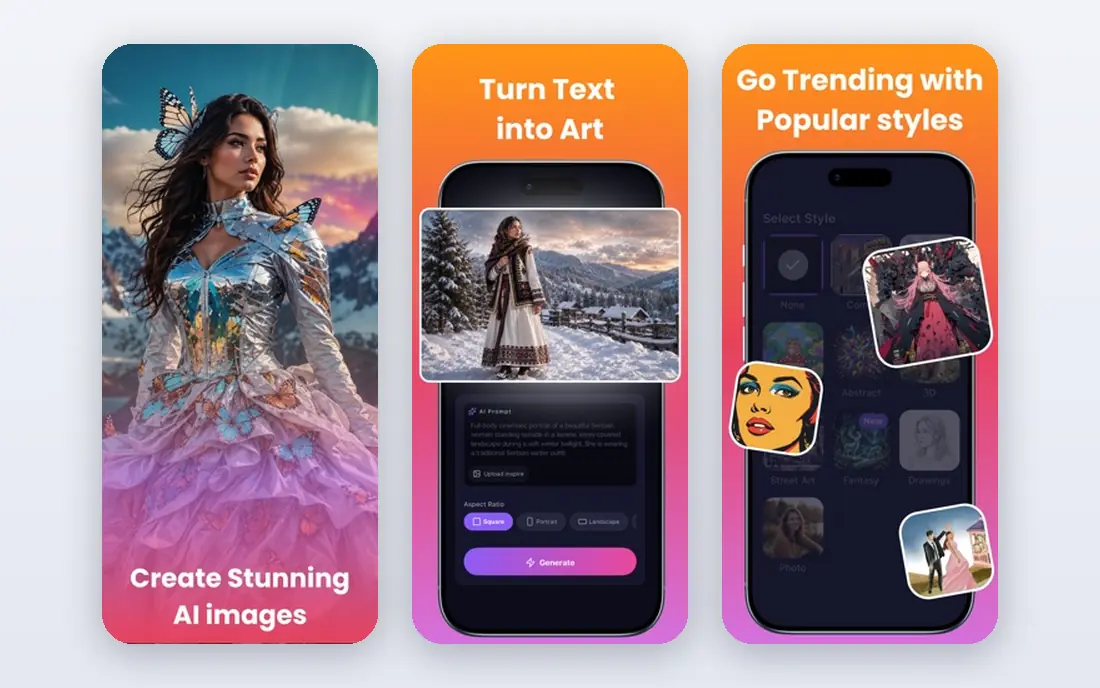
Think of Hailuo for budget motion with audio choices. Buyers should still verify the plan before paying. If those tests pass, Hailuo can handle a surprising amount of weekly content for the cost.
Drawbacks to consider: Pricing pages have shown different figures over time, so verify at checkout.
Worth adding: Hailuo, from MiniMax, is a solid budget pick for creators who want decent motion without paying a premium level elsewhere. It manages everyday subjects well, and its audio support can save a separate sound step for short social clips. On top of that, test the free credits on your own images first, particularly for faces and text in the frame, since both can warp. Entry price for Hailuo: $14.99 per user/month. You can start on Hailuo without paying.
- Competitive motion quality for the price
- Supports sound in some generations
- Style can lean stylized instead of photoreal
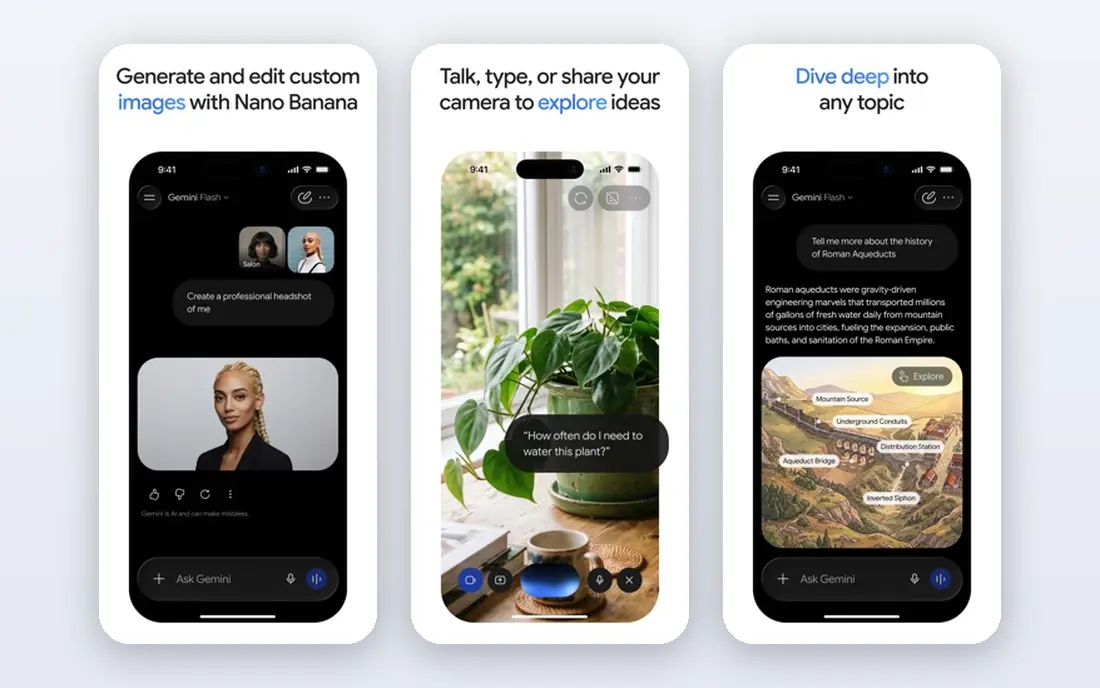
Google Veo 3.1 targets high quality hero shots where fidelity matters most. Veo 3.1, available through Google Flow and related Google tools, is the quality benchmark numerous creators compare other models against. As for the details, a still used as a reference can become a refined hero shot with coherent motion, lighting, and detail that holds up at bigger sizes.
Downsides: Access is through Google products and pricing that varies by plan.
Access is the friction. Free or trial credits are handy for testing, but regular production normally needs a premium Google plan. Pricing for Google Veo 3.1 is not stated here, so ask the vendor for current figures. As for free access: Free trial.
- Very solid visual quality and motion coherence
- Audio generation in supported workflows
- Not a straightforward standalone subscription for every buyer
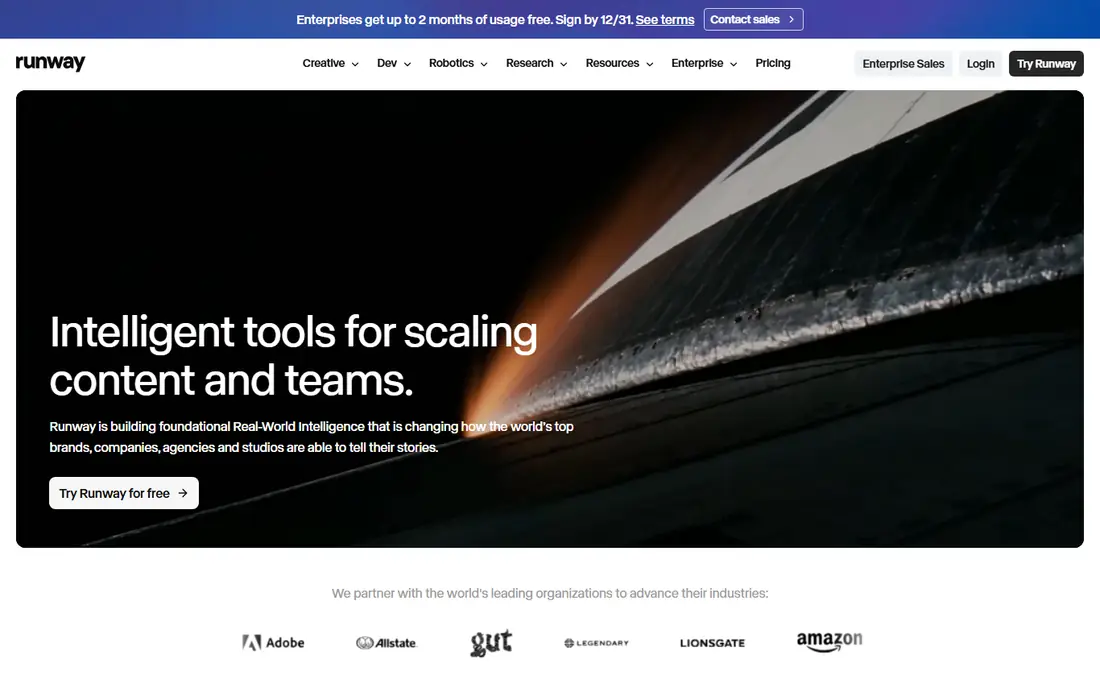
Runway serves creators who want control plus an editor in one place. That control is why agencies and serious solo creators keep returning to it, even when less expensive tools exist.
Points against: Standard plan only includes about ten 5 second Gen-4.5 clips a month.
The budget warning is real. Worth adding: plan test renders at lower cost settings where possible, and move to Pro at $28 a month billed yearly only when Standard runs out in the first half of each month. Starting cost for Runway: $12 per user/month. Free access exists with Runway.
- Gen-4.5 model with keyframe and reference controls
- Built in editing, inpainting, upscaling
- Credit costs rise quick on longer clips
Pika was built for fast social clips, effects, and transitions. The trade is ambition. Pika is not the tool for a 15 second narrative shot with multiple characters and precise action.
Drawbacks to consider: Realism falls short of Kling and Runway on complicated scenes.
Treat it as a volume tool: numerous short attempts, fast selection, and only the best clips published. Pika is made for speed and social formats. On top of that, if the job is a 4 second hook, a product reveal, or a playful transition, Pika gets there quicker than a full editing suite. This comparison lists no price for Pika; ask the vendor. A free plan is available with Pika.
- Fun effects and keyframe transitions
- Quick generation for short form content
- Short clips by design
Kling AI is a good fit for realistic motion from a single photo. The practical limit is consistency. More specifically, keep prompts short, describe one central movement, and use start and end frames when the story relies on a clear change.
Faces and hands remain the weak point in most image to video tools, and Kling is no exception over longer or more complicated motion. More specifically, check current Kling pricing on its site, since credit packs and subscription levels change, and daily free credits are best treated as a trial, not a production budget. No starting price is listed for Kling AI here; confirm pricing on the vendor site. Free access exists with Kling AI.
Drawbacks to consider: Character faces can drift over longer clips.
- Daily free credits for testing
- Capable human and camera motion
- Queue times can grow at peak hours
Luma Dream Machine works best for smooth, gimbal like camera movement. Character work is where buyers should test carefully.
What to check first: Commercial terms vary by plan, so check before client use.
Worth adding: overwritten prompts tend to produce busy motion that distracts from the image itself. Luma also rewards straightforward prompts: name the camera move, name the subject, and stop. No starting price is listed for Luma Dream Machine here; confirm pricing on the vendor site. Luma Dream Machine offers a free plan.
- Keyframe choices for shot planning
- Straightforward prompt workflow
- Less direct control over fine character action than Runway
Pick D-ID if this describes you: talking photos for explainers and training. Only animate faces you have clear permission to use, and avoid realistic talking photos of real people without consent, since the result can mislead viewers. Worth adding: for occasional use, the low entry price makes D-ID simple to test.
On top of that, D-ID answers a narrower question than Runway or Kling: what if the still needs to speak? Worth adding: the main limit is cost at scale and consent. On cost, D-ID starts like this: $5.90 per user/month. Free access: Free trial.
Limits to weigh: Lip sync quality varies by source photo and script length.
- Localized narration
- Long track record in talking head video
- Credit system gets pricey at volume
How these tools were picked
ProMapRanker looked at what each vendor publishes: pricing, plan limits, feature coverage for AI tools to animate still images and stated drawbacks. No hands-on testing is claimed. Prices and plan limits come from vendor pages and can change, so confirm them on the vendor site before you buy. The order reflects how well each tool fits the most common buying scenario for AI tools to animate still images, then price clarity, then free plan access. It is a starting point, not a verdict.
What to check before you buy
- Get a written quote from Google Veo 3.1, Pika, Kling AI and Luma Dream Machine; the list shows no starting price for them.
- Check what the free option really includes: Hailuo, Runway, Pika and others offer a free plan, and usage caps differ.
- Take the trial from Google Veo 3.1 and D-ID and push a live task through it before you pay.
- Read the limits listed for Hailuo first: pricing pages have shown different figures over time, so verify at checkout.
- Test how quickly D-ID answers a pre-sales question; it hints at how support will feel later.
- Ask whether Pika integrates with your current software, and whether that comes standard or as an add-on.
Frequently asked questions
Do these tools publish their prices?
Not all of them. Google Veo 3.1, Pika, Kling AI and Luma Dream Machine publish no starting price, so expect a quote request for those. The rest, Hailuo included, show a starting price, though seats and billing terms still change the final cost.
Is Hailuo the right pick for everyone comparing AI tools to animate still images?
No single tool suits every team. Hailuo comes first because it fits budget motion with audio options, while Google Veo 3.1 suits high quality hero shots where fidelity matters most and Runway suits creators who want control plus an editor in one place. Match the tool to your own size, budget and workflow before deciding.
Why do faces change during animation?
Faces drift when the model has to invent movement, angle, or expression that was not in the still. Using a sharp front facing photo, a short prompt, and a single clear movement cuts drift, but does not remove it entirely.
Do free plans allow commercial use?
Normally not without limits. Check the plan terms on the vendor site before using a free clip in ads or client work.
What is the best AI tool to animate a still image?
The first pick on this list is Hailuo, because it suits budget motion with audio choices. Google Veo 3.1 is better for high quality hero shots where fidelity matters most, and Runway for creators who want control plus an editor in one place. Check price and limits against your own needs before choosing.
Can I try these tools before paying?
Often, yes. Hailuo, Runway, Pika and others have a free plan and Google Veo 3.1 and D-ID offer a free trial. Use your own data and a real task during the test, and check what the free tier or trial limits before you rely on it.
Sources
See where you really rank - block by block
ProMapRanker scans Google Maps across a grid of your service area. Simple monthly plans from $19, white-label on every plan.
Start freeKeep reading
 zscaler alternatives
Best Zscaler Alternatives in 2026
Looking for zscaler alternatives? We compare 9 SASE and zero trust platforms on architecture, data protection, pricing, and fit for your network and team.
Read → zapier alternatives free
Best Zapier Alternatives Free in 2026
Nine automation tools for zapier alternatives free in 2026, all with genuinely free tiers, plus free plan limits, starting prices and upgrade paths explained.
Read → which platform is best for online reputation
Which Platform Is Best for Online Reputation in 2026
Wondering which platform is best for online reputation? We compare 8 review, listing, and response tools for small and multi-location businesses and agencies.
Read →