 ProMapRanker
Best AI Tools to Animate Image Into Video

Key takeaways
- Kling AI is the best value for realistic image-to-video motion, with daily credits and strong human movement.
- Runway suits creators who want camera control and editing around the animated clip, not just a single generation.
- Pika and PixVerse suit short, stylised social clips where speed and effects matter more than realism.
- Luma Dream Machine and Adobe Firefly suit brand and cinematic work, with clearer commercial terms on paid plans.
- Only animate images you own or have permission to use, and never animate a real person into a misleading or intimate video.
Quick comparison
| Pick | Great for | Pricing starts at | Free tier | |
|---|---|---|---|---|
 Kling AI | Realistic motion | $10 per month | Yes | Visit |
 Runway | Camera control and editing | $12 per month | Yes | Visit |
 Pika | Stylised social clips | $8 per month | Yes | Visit |
 Luma Dream Machine | Cinematic camera moves | $30 per month | No | Visit |
 Hailuo AI | Expressive character motion | See website | Yes | Visit |
 PixVerse | Fast daily clips | $10 per month | Yes | Visit |
 Adobe Firefly | Brand-safe commercial work | See website | Yes | Visit |
 Dreamina | Reference-guided clips | See website | Yes | Visit |
 Vidu | Anime and stylised motion | $10 per month | Yes | Visit |
The best ai tools to animate image into video
Animating a still image means giving it motion: a portrait that turns its head, a product shot that rotates, or a scene where clouds drift and water moves. The tools below all accept an image as the starting frame and return a moving clip, and we compared motion quality, control, clip length, and pricing. A plain consent warning matters here: only use images you own or have clear permission to animate, get consent from any identifiable person in the photo, and never create intimate, misleading, or non-consensual videos of real people. The tools in this guide are legitimate creative tools, and we list no undressing or non-consensual tools.
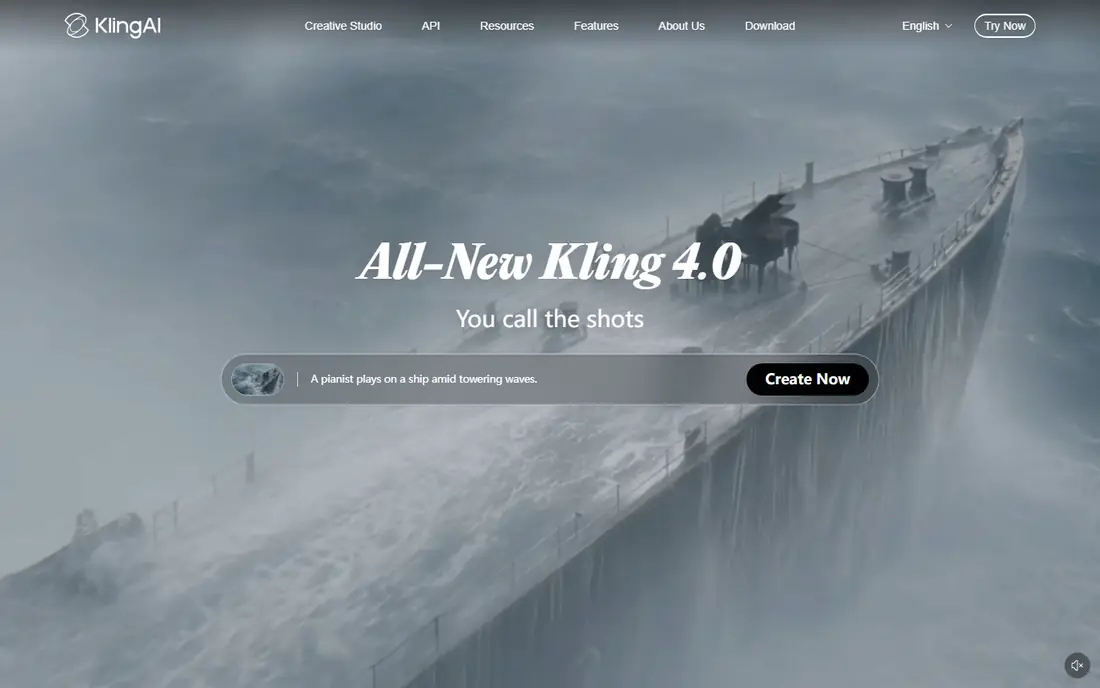
Kling AI leads this list because its image-to-video motion looks natural for people, animals, and everyday scenes, rather than warping the subject in the first second. Upload an image, describe the movement in plain words, and the clip usually keeps the subject recognisable while adding believable motion. Daily credits make it practical to test several prompt wordings for the same image, which is how you learn what the model handles well.
Free output is watermarked and capped in resolution, so treat free clips as drafts for social tests. Paid plans raise resolution and credit allowances, and the entry price is modest beside cinematic rivals. For creators animating photos every week, Kling AI is the most reliable daily tool here.
- Daily credits
- Strong human and scene motion
- Text prompts refine the movement
- Free exports are watermarked
- Higher resolutions need paid plans

Runway suits creators who want to direct the shot, not just press generate. You can set camera movement, guide motion with brushes and references, and then edit the result in the same workspace, which saves exporting to another editor for small fixes. That control matters for product shots and short films, where a pan or a slow push-in changes the whole feel.
The free tier is a one-time credit bundle, so spend it on an image and prompt you actually care about, rather than on random tests. Credit costs vary by model and settings, so note the cost of each generation before you commit to a paid plan. For directed, polished clips, Runway remains a top choice.
- Camera and motion controls
- Editing workspace
- Image references guide results
- Free credits do not renew
- Credit costs need checking per generation
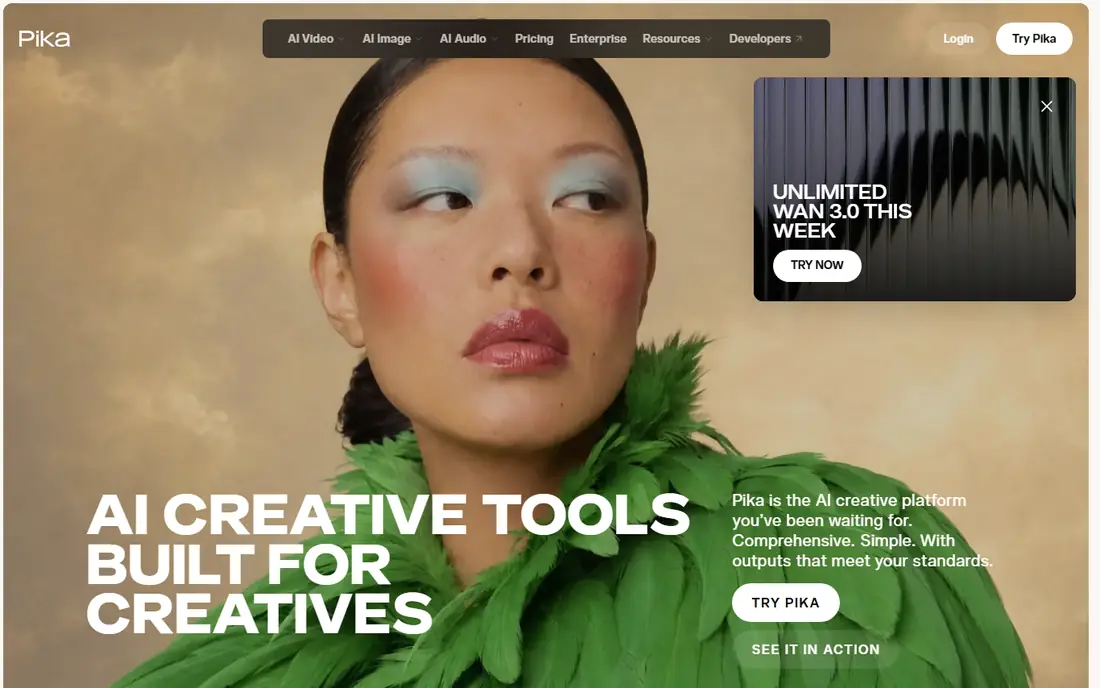
Pika is the fun, fast option for social creators who want a photo to squash, stretch, melt, or dance in a few seconds. Effects and transformations are its strength, and the workflow is simple enough that a first clip takes minutes. Short clips suit TikTok, Reels, and Shorts, where a five-second gag or transition earns more attention than a long realistic scene.
The free plan has limited monthly credits, so Pika works best as a second tool for effects rather than a daily workhorse. Longer or highly realistic motion is better handled by Kling AI or Runway. For playful social content from your own photos, Pika is quick, cheap, and easy to learn.
- Fast stylised effects
- Simple social workflow
- No-watermark output on plans including free, per vendor reports
- Free monthly credits are limited
- Best for short clips, not long scenes
Luma Dream Machine produces smooth, film-like camera moves from a still image, with keyframes that let you plan the start and end of a shot. That cinematic feel suits brand films, title sequences, and mood pieces where the camera itself tells the story. Paid plans also give access to several outside models, so one subscription can cover different visual styles.
There is no free individual plan listed on its current pricing page, so budget from the Plus tier if you want to use it regularly. The entry price is high beside Kling AI and Pika, and clip lengths remain short. For creators who value camera craft over clip count, Luma Dream Machine justifies its price.
- Smooth cinematic motion
- Keyframe controls
- Multi-model options on paid plans
- No free individual plan listed
- Entry price is high
Hailuo AI, built on MiniMax models, handles faces and character motion with unusual care for a free-tier tool. A portrait can smile, turn, or speak with lip movement that stays close to the original image, which suits character tests and short presenter clips. The first generations are quick, so you can judge the style before spending much time.
Free credits expire after a few days, so sign up only when you have a batch of images ready to test. Watermarks apply on free exports, and paid pricing varies by plan and promotion. Use Hailuo AI for expressive character work from images you own, and always get consent before animating a photo of another person.
- Strong faces and expressive movement
- Quick test
- Audio on some models
- Free credits are one-time and expire
- Free exports are watermarked
PixVerse is a practical daily tool for turning images into short social clips without a long setup. Daily credits let you animate a new image each day, test a prompt, and retry with small changes, which builds skill faster than a single monthly allowance. Social formats are handled plainly, so vertical clips need little extra work.
Motion quality is best for simple actions, such as a head turn, a wave, or drifting clouds, and it softens on fast or complex movement. Keep the prompt to one action and one subject for the cleanest results. PixVerse pairs well with Kling AI, giving you a second style for the same image at a similar price.
- Daily credits
- Fast turnaround
- Simple social formats
- Free resolution is limited
- Complex motion can distort
Adobe Firefly suits brand teams that already use Adobe tools and want video generation with clearer commercial positioning. Image-to-video generation sits alongside image tools in the Firefly app, and Creative Cloud links make it easy to move a clip into Premiere or Express for finishing. Free daily generations let a team test the style before committing to a paid plan.
Pricing and credit rules have changed often, so read the current plan page rather than relying on an older review. Firefly is not the cheapest option, and its motion style is more controlled than playful. For commercial work where provenance and brand safety matter, that controlled approach is a genuine advantage.
- Adobe ecosystem links
- Commercially oriented model training claims
- Free daily generations
- Paid tiers and credit rules have changed often
- Check current plan details
Dreamina is useful when the animated clip must stay faithful to a reference, such as a product, a character, or a branded scene. You can supply an image and a prompt together, and the model uses both to shape the movement, which reduces the drift that ruins many image-to-video clips. Daily credits on supported workflows support regular testing, and the CapCut link helps with captions and final edits.
Credit costs vary by model and settings, so track what each generation costs during your free test. Paid tiers also vary by region, which makes direct price comparison tricky. For reference-driven work, Dreamina is one of the stronger free starting points in this guide.
- Reference images guide motion
- Daily credits on supported workflows
- CapCut editing link
- Credit costs vary by model
- Paid tiers vary by region
Vidu stands out for anime, 2D, and stylised animation from a still image, where many general tools struggle to keep the style consistent. Characters keep their illustrated look while moving, which suits fan art, storyboards, and animated explainers drawn in a flat style. Login bonus credits give a fair first test, and short clips render quickly.
Free quality is capped, and realistic human motion is weaker here than on Kling AI or Hailuo AI, so choose Vidu for style, not photorealism. Paid plans start at a modest monthly price for more credits and higher quality. For illustrated and anime work from your own images, Vidu is the clear specialist pick.
- Strong anime and 2D styles
- Login bonus credits
- Fast short clips
- Free quality is capped
- Realistic motion is weaker than stylised motion
How we picked these
We compared vendor pricing pages, feature documentation, and recent October 2026 checks, and we kept only tools that animate a still image into a moving clip and are live today. Each tool had to accept image input, return video output, and work in a browser or app without specialist hardware. We excluded tools that only generate video from text, tools with no live consumer offering, and any tool marketed for undressing or non-consensual imagery.
We also applied a consent rule throughout: a tool that encourages animating real people without permission has no place in a creative guide, even if its motion quality is strong. The tools above are legitimate creative tools for your own photos, artwork, and licensed images. If you animate a photo of another person, get their clear permission first, and never publish a clip that misleads viewers about what that person said or did.
How to get better motion from a still image
Start with a clean, well-lit image, since blur, clutter, and cropped faces all make motion harder for the model. Describe one action in plain words, such as a slow head turn or a gentle camera push-in, rather than listing five actions at once. Short clips look better than long ones, because errors accumulate over time, and a five-second clip with steady motion beats a fifteen-second clip that warps halfway through.
Use reference and keyframes where offered
Tools with reference images or keyframes give you more control over the start and end of a shot. Supply the same image as a reference when a face or product must stay recognisable, and set keyframes when the tool allows them. Small, deliberate movements usually look more professional than dramatic motion that breaks the subject.
Finish the clip in an editor
Generated clips often need a trim, a caption, or a music bed before they are ready to publish. Bring the best generation into CapCut, VEED, or your usual editor, cut the weakest frames, and add text that explains the context. A short, honest caption also helps viewers understand that a clip is AI-animated, which is good practice for any synthetic media.
Respect consent and disclosure
Only animate images you own, created yourself, or licensed for this use, and get consent from identifiable people in photos. Never animate someone into an intimate, embarrassing, or misleading situation, and do not use these tools to impersonate a real person. When a clip could confuse viewers, label it as AI-generated, and keep the original image and prompt on file.
Frequently asked questions
What are the best ai tools to animate images into video?
Kling AI is best for realistic motion, Runway is best for camera control, and Vidu is best for anime and stylised work. Pika and PixVerse suit fast social clips, while Luma Dream Machine and Adobe Firefly suit cinematic and brand work. The best choice depends on whether you need realism, style, control, or speed.
What are the best ai tools to animate images into videos for social media?
Pika, PixVerse, and Kling AI suit social media best, because they handle short vertical clips with fast turnaround. Keep clips to a few seconds, use one clear action per clip, and finish with captions in a separate editor. Test the same image on two tools, since motion quality varies by subject and style.
Can I animate a photo of a real person?
Only with that person's clear permission, and only for a use they agreed to. Never animate a real person into an intimate, misleading, or embarrassing video, and never use animation to impersonate someone. If you do not own the image or lack permission, choose an illustration, a product shot, or a photo you took yourself.
How long are AI-animated clips?
Most image-to-video clips run about five to ten seconds per generation, with some tools offering longer options on paid plans. Longer clips often need more credits and show more motion errors. For longer stories, generate several short clips from different images and join them in an editor.
Do I need to pay for good results?
Not always. Kling AI, PixVerse, Dreamina, and Hailuo AI all offer free allowances that produce usable short clips. Free exports are usually watermarked or capped in resolution, so paid plans matter for clean, high-resolution publishing. Start free, learn prompting, and pay only when free limits block a real project.
Is Sora available for image-to-video work?
No, not as a live standalone consumer product in this guide. Earlier consumer web and app experiences were discontinued, so we do not list Sora as a live option. Use the live tools above instead, and check any future relaunch on the vendor site before relying on it for a project.
Sources
See where you really rank - block by block
ProMapRanker scans Google Maps across a grid of your service area. Simple monthly plans from $19, white-label on every plan.
Start freeKeep reading
 zscaler alternatives
Best Zscaler Alternatives in 2026
Looking for zscaler alternatives? We compare 9 SASE and zero trust platforms on architecture, data protection, pricing, and fit for your network and team.
Read → zapier alternatives free
Best Zapier Alternatives Free in 2026
Nine automation tools for zapier alternatives free in 2026, all with genuinely free tiers, plus free plan limits, starting prices and upgrade paths explained.
Read → which platform is best for online reputation
Which Platform Is Best for Online Reputation in 2026
Wondering which platform is best for online reputation? We compare 8 review, listing, and response tools for small and multi-location businesses and agencies.
Read →