 ProMapRanker
6 Best AI Tools for Work Productivity Options for 2026

Key takeaways
- The list opens with Claude, aimed at long documents and careful reasoning.
- Claude, ChatGPT, Otter.ai: these are the 3 tools out of 6 that offer a free plan.
- Otter.ai is the one to check for meeting transcription and notes.
- Starting prices begin at $8.33 per user per month billed annually with Otter.ai.
Direct answer
Claude is the first pick on this list for long documents and careful reasoning. For a different need, Microsoft 365 Copilot covers AI inside Word, Outlook and Teams and Motion covers auto scheduling tasks and calendar. Prices, free plans and limits for all 6 tools follow.
Quick comparison
| Pick | Great for | Pricing starts at | Free tier | |
|---|---|---|---|---|
 Claude | Long documents and careful reasoning | $20 a month | Yes | Visit |
 Microsoft 365 Copilot | AI inside Word, Outlook and Teams | $18 per user a month billed yearly | No | Visit |
 Motion | Auto scheduling tasks and calendar | $19 per seat a month billed yearly | No | Visit |
 Gemini for Workspace | AI inside Gmail and Docs | $14 per user a month | No | Visit |
 ChatGPT | General purpose drafting and analysis | $20 per month | Yes | Visit |
 Otter.ai | Meeting transcription and notes | $8.33 per user a month billed annually | Yes | Visit |
AI Tools for Work Productivity compared in detail
Choosing AI tools for work productivity usually comes down to price, fit and limits. This ProMapRanker guide sets 6 tools side by side on those three points, with the facts kept short and checkable.

Claude is designed for long documents and careful reasoning. Claude is the deep reading pick. Beyond that, Pro costs 20 dollars per month, with a free plan for lighter use.
Projects let you keep a standing body of reference material attached to a line of work, which fits roles that return to the same documents weekly: legal, compliance, research, bid writing. Writers and analysts who live in long form text frequently prefer its output style too. Price to start with Claude: $20 per month. Claude has a free plan.
Limits to weigh: no native meeting or calendar tools, so it handles fewer jobs; Smaller integration ecosystem than ChatGPT or the suite tools.
- Pro at 20 dollars per month matches ChatGPT pricing
- Writing quality is solid for reports
- Availability of top models varies by plan and demand
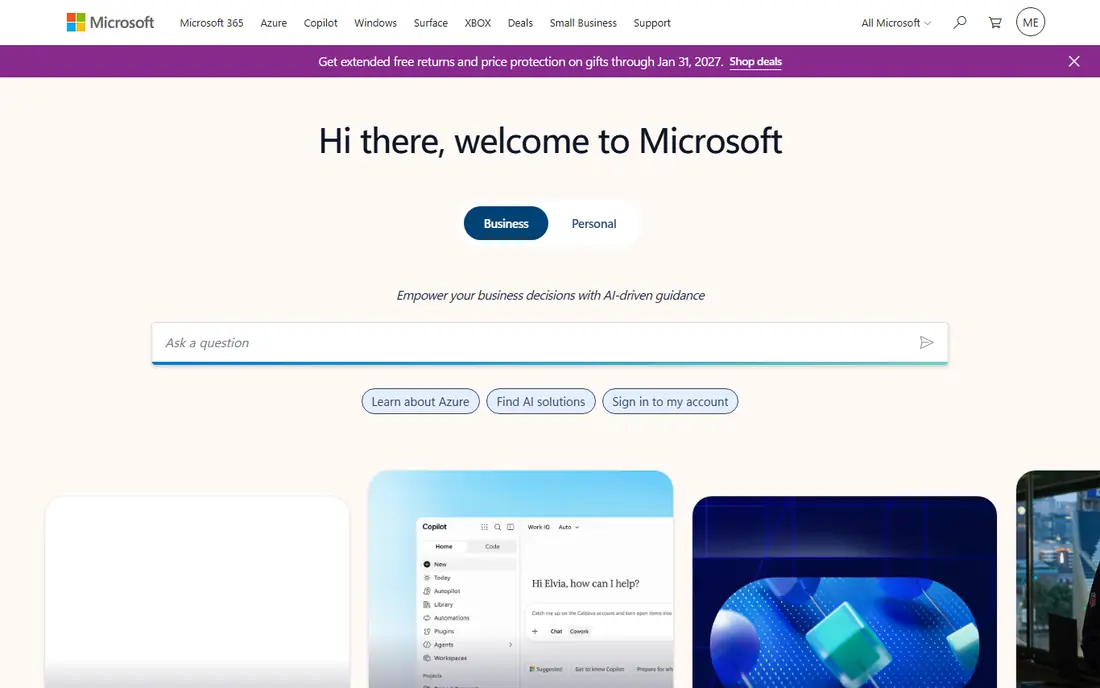
Microsoft 365 Copilot is aimed squarely at AI inside Word, Outlook and Teams. Price needs care in 2026. Copilot is the suite play for Microsoft shops.
It drafts in Word from your files, summarises the email thread you have been avoiding, recaps the Teams meeting you missed, and works over Excel data in plain language. Also, Microsoft's pages currently present a promotional 18 dollars per user a month billed yearly, whereas the long standing list price for the add on has been 30 dollars. Copilot Chat is included free with eligible plans, which is the sensible pilot: if your people will not use the free version weekly, the premium one will not rescue the case. Entry price for Microsoft 365 Copilot: $18 per user per month billed annually. No free plan comes with Microsoft 365 Copilot.
Reasons to shortlist it: drafts from your own documents and summarises your own email and meetings. The main drawbacks: rollout without training tends to stall at novelty use; It is an add on: you pay it on top of a Microsoft 365 plan.
- PowerPoint and Teams, so there is no new app to adopt
- Commissioned research credits it with multiple hours saved per user a month
- Value relies on living in Microsoft apps all day
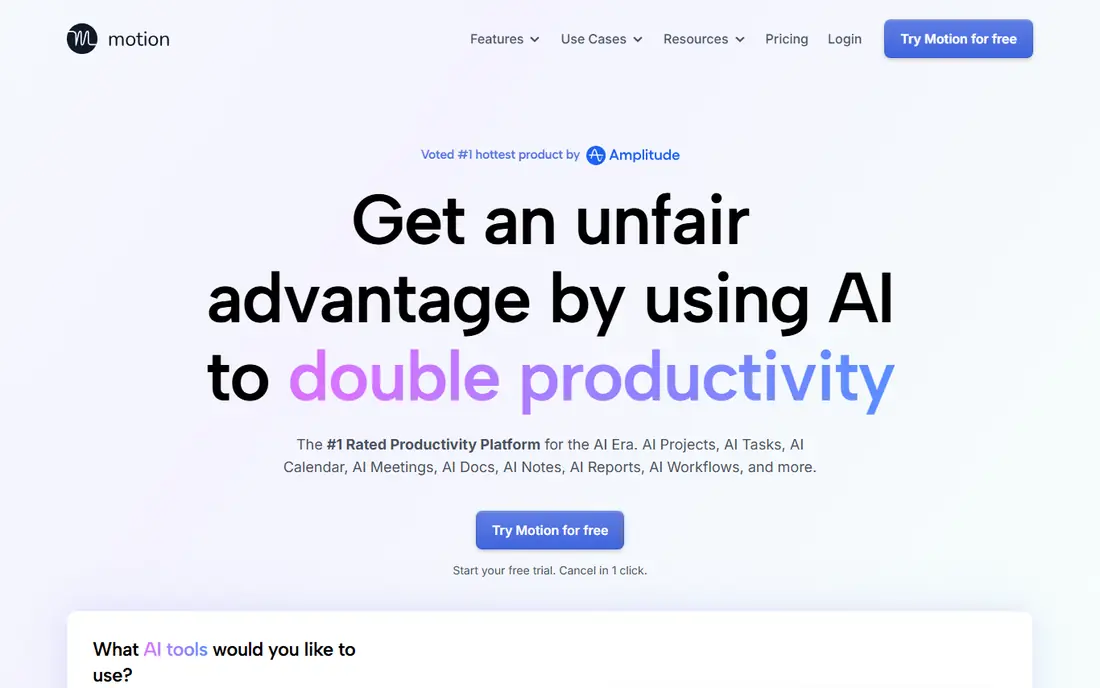
Where Motion fits: auto scheduling tasks and calendar. Pro AI pricing works out at 19 dollars per seat a month billed yearly, or 29 month to month. People who feed it honestly get a calendar that defends their priorities.
On top of that, people who treat it as a to do list with additional steps churn out within per month. From a buyer's view, Motion attacks the planning problem straight. From a buyer's view, you enter tasks with durations, deadlines and priorities. Motion places them in your calendar, and when the day breaks, as days do, it rebuilds the plan automatically. Beyond that, individual professionals and small teams are the fit; large organisations should look at Reclaim below as well before choosing. What you pay to start with Motion: $19 per seat per month billed annually. There is no free plan with Motion.
Trade-offs to know: teams with fixed external schedules gain less; month to month pricing at 29 dollars per seat is steep.
- Solid fit for people whose days are a negotiation between tasks and meetings
- Reschedules immediately when meetings land or work overruns
- No free plan, only a trial
Pick Gemini for Workspace if this describes you: AI inside Gmail and Docs. The boundary is total: outside Workspace, Gemini in this form does nothing for you. Business Standard at 14 dollars per user a month is the typical entry, which makes the total cost per seat simple to compare against Microsoft's base plus add on maths.
Where it falls short: No use to businesses outside the Google ecosystem; depth in some apps still trails the Microsoft equivalent features.
Gemini for Workspace is Google's mirror of the Copilot play: AI inside Gmail, Docs, Sheets, Slides and Meet, bundled into Business plans instead of sold as an add on. For everyday use, for Google based businesses this is normally the first AI purchase to evaluate, since the marginal cost is close to zero if you already pay for Workspace. Gemini for Workspace cost at the entry level: $14 per user per month. Gemini for Workspace has no free plan.
- Admin and data controls follow the Workspace contract
- Drafts and summarises inside Gmail, Docs
- Like every assistant here
ChatGPT is a good fit for general purpose drafting and analysis. ChatGPT is the generalist most workplaces start with. It drafts the email, summarises the report, brainstorms the plan and examines the spreadsheet in one conversation.
Treat it as an oracle and it will eventually embarrass you in a document that matters. Beyond that, plus at 20 dollars per month is the individual entry, and Business at 25 dollars per user a month on annual billing brings the shared workspace and admin layer teams need. Its strength is range. Treat it as a quick junior colleague whose work you check, and it saves hours. ChatGPT starts at: $20 per month. ChatGPT has a free plan.
Highlights: team plans add shared workspaces and admin controls; free plan is capable enough for light daily use.
The main drawbacks: notably figures and citations; features shift commonly as models and plans change.
- Data analysis
- Handling drafting, summarising
- The free plan limits the best models at busy times
Otter.ai targets meeting transcription and notes. Otter is the meeting specialist. It joins your calls, transcribes them, and returns a summary with action items, building a searchable record of what was decided.
Otter is capable on clean audio and mainstream accents, weaker on crosstalk, jargon and names. Pro works out at 8.33 dollars per user a month billed yearly, or 16.99 month to month. More specifically, use its summaries as minutes drafts, not as the record of truth for anything contractual. From a buyer's view, the free plan's 300 minutes per month handles light use. Price to start with Otter.ai: $8.33 per user per month billed annually. Otter.ai has a free plan.
Where it falls short: your organisation needs a consent and recording policy before rollout; Monthly billing at 16.99 dollars is double the annual rate.
- Automatic transcription and summaries for Zoom
- Speaker identification and searchable meeting archive
- Summaries still need a human skim before actions are trusted
Selection criteria
Selection started from tools commonly considered for AI tools for work productivity, then narrowed to 6 that have clear pricing information or a clear quote process. Prices and plan limits come from vendor pages and can change, so confirm them on the vendor site before you buy. Order on the page follows fit for the typical buyer first, then price transparency and free access. Your own requirements should decide the final pick.
Pre-purchase checklist
- Prices are a starting point; Otter.ai shows $8.33 per user per month billed annually to start, so verify what your seat count would cost.
- Read the fine print on the free plans from Claude, ChatGPT and Otter.ai; seat, project and feature caps differ.
- See whether Motion offers onboarding or training, and whether it is included in the price.
- Ask Gemini for Workspace how an export works before you move any records in; an easy exit lowers the risk.
- Find out whether the entry plan of Claude covers your must-haves or only a trimmed-down version.
Frequently asked questions
Are the free plans enough for real work?
ChatGPT and Claude free plans manage occasional drafting, and Otter's free plan spans 300 meeting minutes per month. Daily professional use hits limits rapidly, which is what the 20 dollar levels sell relief from.
What is the cheapest option for AI tools for work productivity in this list?
On published monthly entry prices, Otter.ai is the lowest here at $8.33 per user per month billed annually. Entry price is only part of the cost, because seats, add-ons and billing terms can change the total.
How are the tools for AI tools for work productivity ordered?
The order follows typical fit for AI tools for work productivity, with Claude first and Otter.ai last, then price clarity and free access. It is editorial judgement, not a score, so another team could rank the tools differently.
Which options for AI tools for work productivity have a free plan?
Claude, ChatGPT and Otter.ai offer a free plan in this list. Free plans usually cap users, projects or features, so check the limits on the vendor page.
What is the difference between Copilot and Gemini for Workspace?
They do the same job inside rival suites. Copilot is an add on to Microsoft 365, currently promoted at 18 dollars per user a month billed yearly against a 30 dollar long standing list price. Gemini is bundled into Google Workspace Business plans from 14 dollars per user a month. Your existing suite decides the choice.
Do these tools publish their prices?
Yes. Every tool from Claude to Otter.ai shows a starting price, though seats, add-ons and billing terms still change the final cost.
Sources
See where you really rank - block by block
ProMapRanker scans Google Maps across a grid of your service area. Simple monthly plans from $19, white-label on every plan.
Start freeKeep reading
 zscaler alternatives
Best Zscaler Alternatives in 2026
Looking for zscaler alternatives? We compare 9 SASE and zero trust platforms on architecture, data protection, pricing, and fit for your network and team.
Read → zapier alternatives free
Best Zapier Alternatives Free in 2026
Nine automation tools for zapier alternatives free in 2026, all with genuinely free tiers, plus free plan limits, starting prices and upgrade paths explained.
Read → which platform is best for online reputation
Which Platform Is Best for Online Reputation in 2026
Wondering which platform is best for online reputation? We compare 8 review, listing, and response tools for small and multi-location businesses and agencies.
Read →