 ProMapRanker
Best AI Tools for Website Design in 2026

Key takeaways
- Wix is the safest all-round pick, with AI generation plus a large app and commerce ecosystem.
- Framer and Webflow suit design-led sites, while Squarespace suits polished portfolios and small stores.
- Hostinger offers the lowest entry price, but the best rates need long terms and renew higher.
- Durable is fastest for local service businesses, while 10Web suits owners who want a real WordPress site.
- Check AI credit limits, export options, and renewal prices before you build a large site.
Quick comparison
| Pick | Great for | Pricing starts at | Free tier | |
|---|---|---|---|---|
 Wix | All-round small business sites | $17 per month | Yes | Visit |
 Framer | Design-led landing pages | $10 per month | Yes | Visit |
 Squarespace | Polished portfolios and stores | $19 per month | Free trial | Visit |
 Hostinger | Lowest-cost hosted launch | $2.99 per month | No | Visit |
 Durable | Fastest local business sites | See website | Yes | Visit |
 10Web | AI-built WordPress sites | $10 per month | Free trial | Visit |
 Webflow | Design plus CMS depth | $15 per month | Yes | Visit |
 Jimdo | Simplest guided setup | $11 per month | Yes | Visit |
The best ai tools for website design
We compared these builders on AI generation quality, editing control, templates, commerce, hosting, and pricing clarity, with a focus on tools that produce a complete hosted site, not just code.
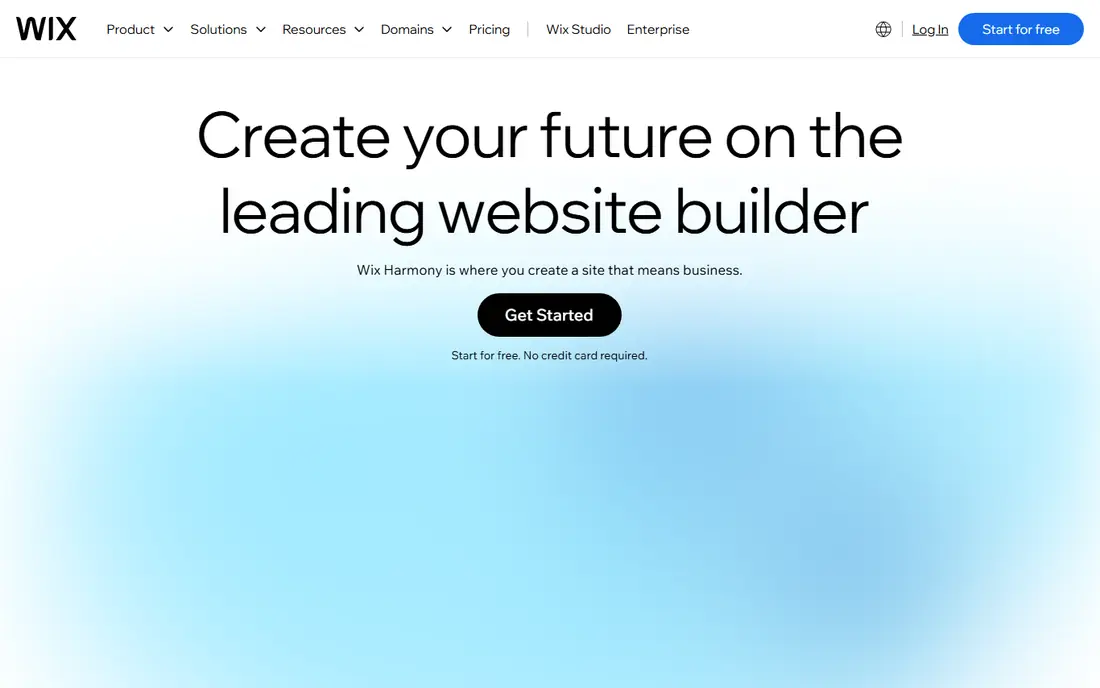
Wix uses an AI chat flow that asks about your business, then builds pages, copy, and images that you can refine in its drag-and-drop editor. That mix is useful, because AI gives you a starting point and the editor lets you fix details without starting over. The free plan lets you test the AI draft, while paid plans remove Wix branding and connect a custom domain.
The main limit is portability. You cannot export a Wix site to another host, so leaving later means rebuilding. Payments and fuller commerce features also sit on Core and higher plans, not the entry Light plan. If you plan to stay on one platform and want room to grow, Wix is still a strong default.
- AI chat builds a full site
- Drag-and-drop editing
- Large app market
- No site export to another host
- Commerce needs a higher plan
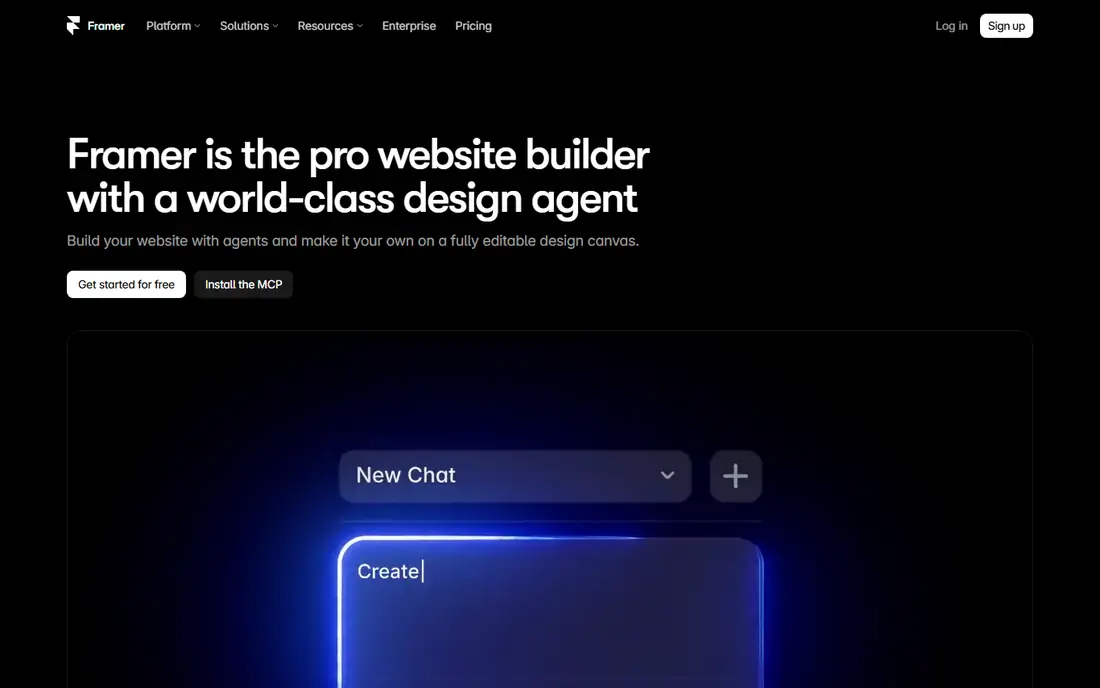
Framer is the pick for founders and designers who care about how a landing page looks and moves. Its AI can generate pages, CMS content, and layout ideas, and the canvas gives fine control over spacing, type, and animation. Sites built in Framer often look more custom than template-based builders, which matters for product launches and portfolios.
Commerce is the weak spot. Framer does not offer a native full online store, so product-heavy businesses should look at Wix, Squarespace, or Shopify instead. AI credits also need watching, since a large site with many generated pages can use them faster than a single landing page.
- Strong design and animation control
- AI page generation
- Free plan with credits
- No native full ecommerce store
- AI credits can run out on large sites
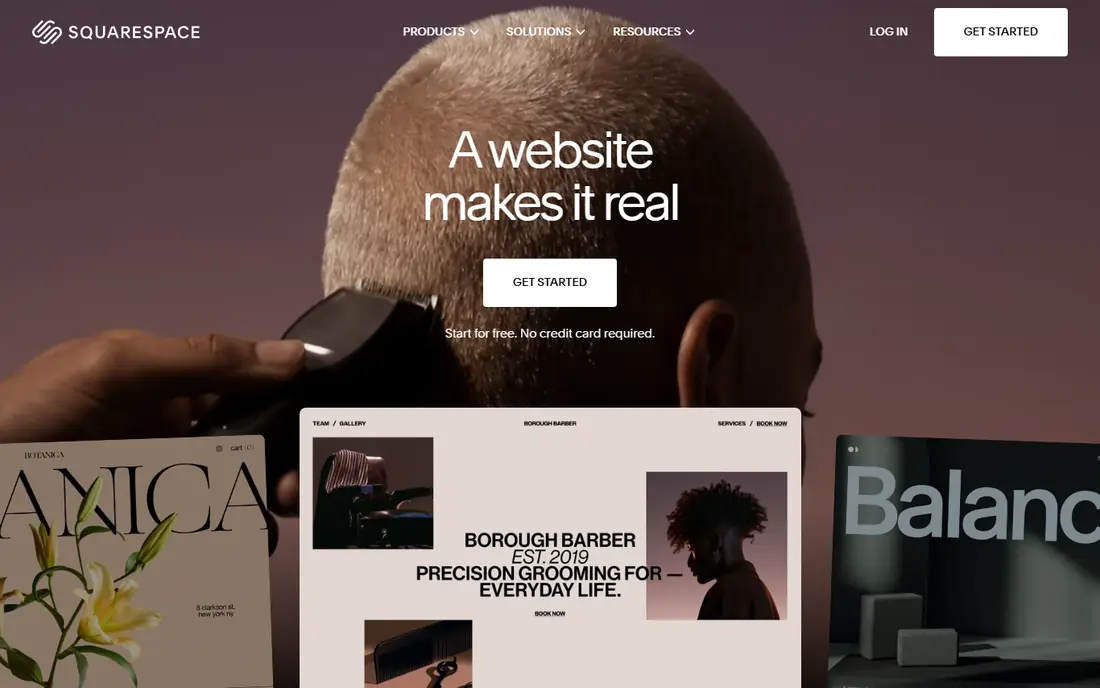
Squarespace Blueprint AI builds a multi-page site from your answers, then lets you refine it with polished templates and built-in commerce tools. That makes it a good fit for photographers, restaurants, studios, and small brands where visual quality matters from day one. Commerce, scheduling, and member areas are built in, so fewer add-ons are needed.
Editing is more guided than in Framer or Webflow, which is a strength for beginners and a limit for teams that want deep layout control. The Basic plan also carries a transaction fee on store sales, so check the commerce plan that fits your sales volume before you publish a store.
- Blueprint AI builds multi-page sites
- Polished templates
- Built-in commerce
- Less flexible than canvas tools
- Transaction fee on the Basic plan
Hostinger bundles hosting, a free domain on many plans, and an AI website builder in one bill, which keeps the first-year cost very low. The AI builder can generate a site from a prompt, and the drag-and-drop editor covers common small business pages. For a brochure site or a first store, the value is hard to beat at the entry price.
Read the term carefully. The lowest price usually needs a long prepay term, and renewal can rise to around $10.99 per month. Designs are clean but less distinctive than Squarespace or Framer, so brands that need a highly custom look may want a design-led tool instead.
- Very low entry price
- Hosting and domain in one plan
- AI builder included
- Best rates need long terms
- Renews higher, around $10.99 per month
Durable is built for speed. Type a business name and location, and it can generate a full site with pages, copy, and contact options in about 30 seconds. It then adds practical tools for local service businesses, such as a CRM, bookings, and invoicing, so the site is part of a working business system rather than a standalone brochure.
Design control is the trade-off. You will not get the same layout freedom as Framer or Webflow, and large content sites may feel constrained. Durable is best when getting online today matters more than a highly custom design, and when bookings and customer follow-up are part of the job.
- Site in about 30 seconds
- Built-in CRM and bookings
- AI blog and review tools
- Less design flexibility than canvas tools
- Thin for large content sites
10Web is the pick for owners who want WordPress power without WordPress setup pain. Its AI can build a site from a prompt, an existing URL, or a file, and the result is a real WordPress site with managed hosting. That means you own the output in a way that closed builders do not offer, and you can add the wide WordPress plugin ecosystem later.
WordPress itself is still part of the deal. Updates, plugins, and settings need more attention than a closed builder, and monthly billing costs more than the annual rate. If you want WordPress and a fast AI start, 10Web removes much of the early setup work.
- Real WordPress output
- Managed hosting
- Builds from a prompt or old site
- WordPress learning curve
- Monthly billing costs more than annual
Webflow suits marketing teams that need design control plus a real CMS for blogs, case studies, and landing pages at scale. Its AI features can help generate layouts and content, but the core strength is the visual canvas, where designers can build responsive layouts without handing every change to a developer. CMS collections make it easier to manage many similar pages.
The learning curve is real. New users need time to learn classes, breakpoints, and CMS structure, and higher plans for teams or ecommerce add cost quickly. For a simple brochure site, Wix or Squarespace will be faster. For a governed marketing site, Webflow earns its place.
- Deep design control
- Strong CMS
- AI assistance for layout and content
- Steeper learning curve
- Team and ecommerce costs rise fast
Jimdo is built for owners who want the fewest decisions. Its guided builder asks a short set of questions, then produces a site you can publish with minimal editing. That low-friction path suits side projects, clubs, and very small businesses that need a clean online presence without learning a design tool.
Control is limited by design. You cannot reshape pages as freely as in Framer or Webflow, and the app ecosystem is smaller than Wix. If you expect the site to grow into a store, a booking system, or a large content hub, start with a builder that has more room to grow.
- Very guided setup
- Few decisions to make
- Free plan to start
- Limited design control
- Smaller app ecosystem than Wix
How we picked these
We compared official pricing pages, AI builder descriptions, and published October 2026 comparisons for tools that generate a complete hosted site from a prompt or guided answers. We excluded code-only generators that need deployment and database work, since they serve a different buyer. Where prices varied by billing term or region, we used the commonly published annual or entry rate and noted renewal or term limits in the write-up.
How to choose an AI website builder
Start with the site you need in six months, not just the homepage you need today. A brochure site, a portfolio, a booking site, and a store have different needs, and the cheapest builder for one can be the wrong pick for another. List the must-have features first, such as payments, bookings, blogging, or member areas, then shortlist builders that include them without a pile of paid add-ons.
Check AI credits and editing after generation
AI generation is only the first step. Ask how many AI credits a plan includes, what happens when they run out, and how easy it is to edit the generated site by hand. A builder that generates a good first draft but makes fixes painful will cost more time than a builder with a slightly weaker draft and a clear editor. Test a real page edit, not just the demo generation.
Check ownership, export, and renewal price
Confirm if you can export the site or its content, and what happens to your domain if you leave. Closed builders such as Wix do not offer a full site export, while WordPress output from 10Web is more portable. Also check the renewal price, not just the first-term price, since Hostinger and similar hosts renew higher. A low first year can hide a higher long-term cost.
Test on mobile before you publish
Most visitors will see the site on a phone first. Generate the site, then check every key page on a real phone, including the contact form, booking flow, and checkout if you sell online. Fix spacing, button size, and image load issues before launch, since AI layouts can look fine on desktop and crowded on mobile.
Frequently asked questions
What is the best ai tool for website design for beginners?
Wix and Jimdo are the easiest starts, with guided AI flows and visual editing. Wix offers more room to grow into commerce and apps, while Jimdo asks fewer questions and gets a simple site live faster. Try the free plan or trial for each before you commit.
What is the best ai website design software for a small business store?
Wix and Squarespace both cover stores well, with AI generation plus built-in commerce. Wix suits stores that may need many apps later, while Squarespace suits brands where polished design matters most. Check transaction fees and the plan that includes payments.
Can AI build a complete website from one prompt?
Yes, for simple sites, but expect to edit copy, images, and details after generation. Tools such as Durable, Wix, and 10Web can produce pages, navigation, and forms from a short prompt. Review every claim the AI writes about your business, since generated details can be wrong.
Is Hostinger really $2.99 per month?
That rate is an entry price tied to a long prepay term, and renewal is higher, around $10.99 per month in published comparisons. The total cost still compares well for a first site, but budget for the renewal rate from year two onward.
Do AI website builders help with SEO?
Most include basic SEO controls, such as page titles, descriptions, and mobile-friendly layouts. They do not replace keyword research, good content, or local listings. Check that the builder lets you edit titles, descriptions, and image text, and that it produces clean, fast pages.
Should I pick WordPress or a closed builder?
Pick WordPress through 10Web if you want portability and a large plugin ecosystem, and you accept more upkeep. Pick a closed builder such as Wix or Squarespace if you want hosting, security, and updates handled for you, and you accept limited export options.
Sources
See where you really rank - block by block
ProMapRanker scans Google Maps across a grid of your service area. Simple monthly plans from $19, white-label on every plan.
Start freeKeep reading
 outreach alternatives
Outreach Alternatives in 2026
Compare outreach alternatives for 2026, from Salesloft and Apollo to HubSpot and Lemlist, with pricing, channels, features, limits, and honest trade-offs.
Read → best web conference tools
Best Web Conference Tools in 2026
Compare the best web conference tools for meetings, webinars and team calls, with current pricing, free plans and honest limits for each option here today.
Read → best voice cloning tools
Best Voice Cloning Tools in 2026
Compare the best voice cloning tools in 2026, from ElevenLabs and Descript to Resemble and Cartesia, with consent rules, pricing, licenses, and limits.
Read →