 ProMapRanker
6 AI Tools for Video Production Options Ranked for 2026

Direct answer
Pictory comes first here, mainly for script and article to video. InVideo is the stronger choice for prompt-to-video with timeline, while Runway suits AI-generated video. All 6 tools are compared below on price, free plan and limits.
Key takeaways
- Pictory sits first on this list: script and article to video.
- Runway is the lowest-priced starter here at $12 per month.
- Pictory comes with a trade-off: trial only, no continuing free level.
- Descript fits Transcript-based editing.
- Only 5 of the 6 tools have a free plan (InVideo, Runway, Synthesia, Kapwing, Descript), so check the caps.
Quick comparison
| Pick | Great for | Pricing starts at | Free tier | |
|---|---|---|---|---|
 Pictory | Script and article to video | $25 a month | Free trial | Visit |
 InVideo | Prompt-to-video with timeline | $20 per month | Yes | Visit |
 Runway | AI-generated video | $12 per month | Yes | Visit |
 Synthesia | AI avatar training videos | $18 per month | Yes | Visit |
 Kapwing | Browser-based team editing | $16 a month | Yes | Visit |
 Descript | Transcript-based editing | $16 a month | Yes | Visit |
The best AI tools for video production
ProMapRanker put together this guide to AI tools for video production for readers who want a clear shortlist without reading every vendor page. It compares 6 tools on starting price, free plans, who each one suits and where each one falls short.

Pick Pictory if this describes you: script and article to video. Pictory turns scripts, articles, and blog posts into finished videos by matching text to stock footage, adding captions, and offering voiceover choices, making it the best tool for content teams that already write and want video versions without filming.
Drawbacks to consider: no continuing free level; Higher levels cost much more.
Also, higher levels cost much more than the entry plan, so teams producing numerous videos should budget for the full level. The starting price for Pictory: $25 per month. Free access: Free trial.
- Stock footage matching
- Straightforward workflow
- Output needs review for footage fit
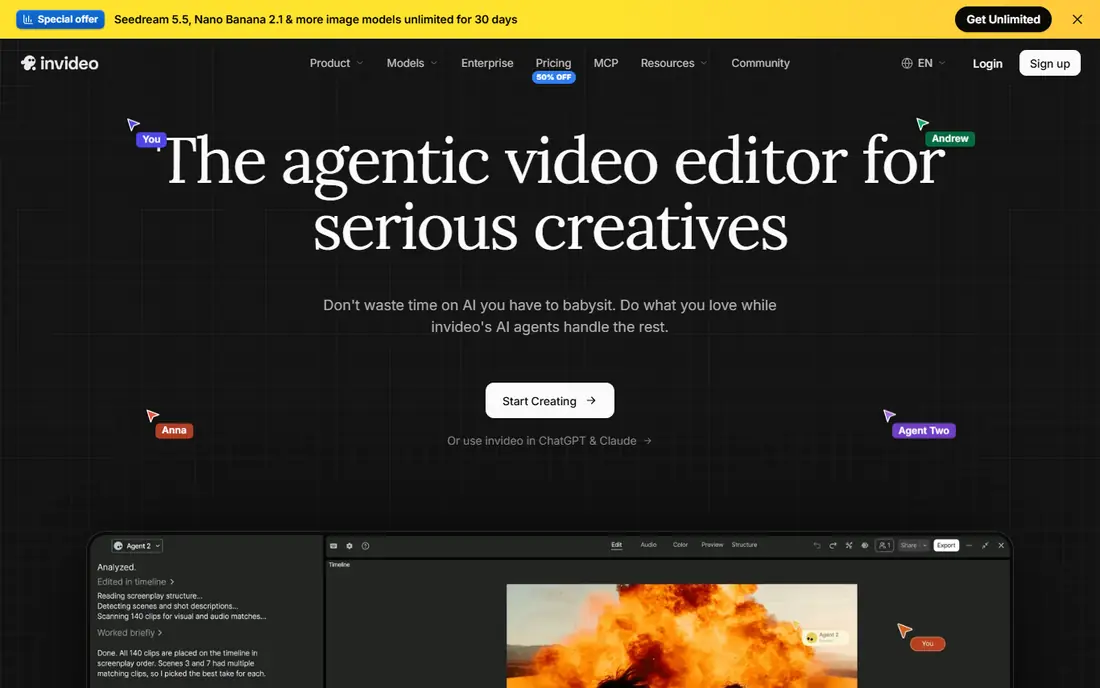
InVideo makes the most sense for prompt-to-video with timeline. Templates handle marketing, sales, social, and explainer videos, and the free level permits restricted exports per week, making it accessible for testing. For everyday use, premium plans start at $20 a month billed yearly in one current guide, with higher levels adding more generation minutes and features.
Where it is weaker: Free exports restricted.
On top of that, for marketers who want prompt-to-finished-video with a timeline for refinement, InVideo is a capable pick. Its template library accelerates typical marketing formats. On top of that, InVideo merges prompt-to-video generation with a timeline editor. So you can start from a text prompt and then refine the result scene by scene, rather than accepting whatever the generator produces. What you pay to start with InVideo: $20 per month. Free access exists with InVideo. Where InVideo stands out: Prompt-to-video generation.
- Templates for marketing
- Free level with exports
- Generated footage needs review
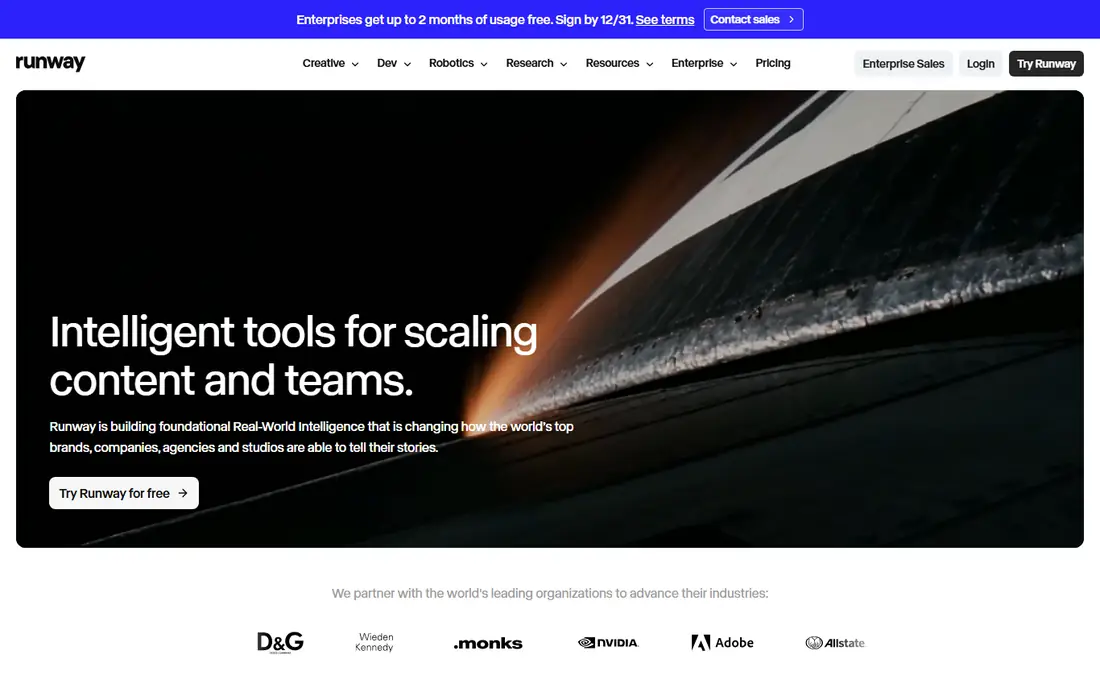
Runway is a good fit for AI-generated video. The free plan comes with 125 one-time credits with watermarked exports, whereas Standard at $12 a month billed yearly brings a monthly credit allowance and watermark-free exports, with Pro adding more credits and models.
The starting price for Runway: $12 per month. Runway offers a free plan.
What to check first: Long shots can drift.
- Capable generation and editing suite
- Camera-direction controls
- Free credits are one-time and exports carry a watermark
Synthesia is designed for AI avatar training videos. Synthesia builds training and explainer videos with AI avatars that present your script, removing the have to film a presenter, book a studio, or re-record when text changes.
Where it falls short: Avatar set is closed.
Templates handle onboarding, compliance, product training, and internal communications, and multilingual support lets teams produce the same training in numerous languages from one script. Synthesia starts at: $18 per month. Synthesia includes a free tier.
- Multilingual support
- AI avatars present scripts without filming
- Price conflicts across guides
Kapwing is a good fit for browser-based team editing. Free plan export limits also push regular users toward premium plans rapidly. From a buyer's view, Kapwing is a browser-based video editor aimed at teams, with collaborative editing, templates, and AI tools including the Kai agent, which builds rough cuts from chat instructions.
Where it is weaker: Export limits on free plan.
Its free plan includes AI tools with limits on exports and storage. Premium plans start at $16 a month billed yearly, adding higher export quality, more storage, and team features. Browser editing needs a stable internet connection, and Kapwing depth trails desktop editors like Premiere or DaVinci Resolve for complicated projects with numerous tracks and effects. Entry price for Kapwing: $16 per month. Kapwing has a free plan.
Main advantages: Runs completely in the browser.
- AI tools on free plan
- Kai agent builds rough cuts
- Less depth than desktop editors
Pick Descript if this describes you: Transcript-based editing. Descript lets you edit video and audio by editing a transcript: delete a word from the text and the corresponding video segment disappears, making it the fastest way to cut podcasts, interviews, and talking-head videos. From a buyer's view, higher levels cost more for teams needing numerous media hours, with Creator plans reaching $35 a month in some guides.
More specifically, Descript is an editing tool, not a generative video tool. So it cannot build footage from prompts, and free exports are restricted to 720p with a watermark. Premium plans start at $16 a month billed yearly, with a free level handling restricted transcription and editing, and higher levels adding more media hours. The starting price for Descript: $16 per month. A free plan is available with Descript.
Where it falls short: Higher levels cost more.
- Podcast and talking-head strength
- Underlord co-editor
- Not a full generative video tool
How we built this list
Pricing pages, product documentation and feature lists were the main sources, and every entry carries at least one honest drawback. Prices and plan limits come from vendor pages and can change, so confirm them on the vendor site before you buy. Order on the page follows fit for the typical buyer first, then price transparency and free access. Your own requirements should decide the final pick.
Pre-purchase checklist
- Prices are a starting point; Runway shows $12 per month to start, so verify what your seat count would cost.
- Read the fine print on the free plans from InVideo, Runway, Synthesia and others; seat, project and feature caps differ.
- Use real work to test the free trial from Pictory, rather than a demo project.
- Read the limits listed for Pictory first: trial only, no continuing free level.
- Let daily users try Kapwing on real work; their feedback beats any feature checklist.
- Before rolling out Descript, verify the integrations your workflow depends on.
Frequently asked questions
What is the cheapest option for AI tools for video production in this list?
On published monthly entry prices, Runway is the lowest here at $12 per month. Entry price is only part of the cost, because seats, add-ons and billing terms can change the total.
Do free AI video tools add watermarks?
If you need clean output, you need a premium plan or a limited-time trial. You should check whether free output can be used commercially before publishing it.
What is the best AI video tool for beginners?
Pictory is the pick this page puts first, mainly for script and article to video. If your situation differs, InVideo suits prompt-to-video with timeline, and Runway suits AI-generated video. Compare price and limits before you decide.
How are the tools for AI tools for video production ordered?
The order follows typical fit for AI tools for video production, with Pictory first and Descript last, then price clarity and free access. It is editorial judgement, not a score, so another team could rank the tools differently.
Can I try these tools before paying?
Often, yes. InVideo, Runway, Synthesia and others have a free plan and Pictory offers a free trial. Use your own data and a real task during the test, and check what the free tier or trial limits before you rely on it.
Is Pictory the right pick for everyone comparing AI tools for video production?
No single tool suits every team. Pictory comes first because it fits script and article to video, while InVideo suits prompt-to-video with timeline and Runway suits AI-generated video. Match the tool to your own size, budget and workflow before deciding.
Sources
See where you really rank - block by block
ProMapRanker scans Google Maps across a grid of your service area. Simple monthly plans from $19, white-label on every plan.
Start freeKeep reading
 zoho inventory alternatives
6 Alternatives to Zoho Inventory, Compared on Price and Fit
Zoho Inventory alternatives: 6 tools compared on price, free plans and fit. Katana leads the list for manufacturers. Fit and flaws are laid out for each entry.
Read → zoho crm alternatives
Best Zoho CRM Alternatives (2026)
Need Zoho CRM alternatives? We compare 7 tools on cost, free access and who each suits. Every pick gets a straight assessment. Built for quick decisions.
Read → zelle alternatives
Best Zelle Alternatives in 2026
Compare the best Zelle alternatives for sending money to friends, paying sellers and moving funds abroad, with honest notes on fees, speed and safety in 2026.
Read →