 ProMapRanker
7 Strong AI Tools for Video Content Creation Choices in 2026


Prompt-to-video marketing videos · Pricing starts at: $20 per month (billed yearly)
Direct answer
InVideo comes first here, mainly for prompt-to-video marketing videos. HeyGen fits avatar marketing and translation; Synthesia fits corporate training and explainers. The full list of 7 tools follows, with prices and free plan facts.
Key takeaways
- The list opens with InVideo, aimed at prompt-to-video marketing videos.
- 6 out of 7 tools include a free plan, among them InVideo, HeyGen, Synthesia and OpusClip.
- Fliki is the one to check for faceless voiceover videos on a budget.
- One limit worth knowing about Synthesia: avatar style is recognizable.
- The lowest published monthly entry price here is $15 per month, from OpusClip.
Quick comparison
| Pick | Great for | Pricing starts at | Free tier | |
|---|---|---|---|---|
| InVideo | Prompt-to-video marketing videos | $20 per month (billed yearly) | Yes | Visit |
 HeyGen | Avatar marketing and translation | $24 per month (billed yearly) | Yes | Visit |
 Synthesia | Corporate training and explainers | $18 a month (billed yearly) | Yes | Visit |
 Pictory | Turning articles and scripts into video | $25 a month (billed yearly) | Free trial | Visit |
 OpusClip | Long video to vertical shorts | $15 per month | Yes | Visit |
 VEED | Browser editing plus AI generation | See website | Yes | Visit |
 Fliki | Faceless voiceover videos on a budget | $21 a month (billed yearly) | Yes | Visit |
Our 7 picks for AI tools for video content creation
This ProMapRanker guide covers 7 options for AI tools for video content creation. Each profile lists a starting price, free plan details, strengths and drawbacks, so you can drop poor fits quickly.
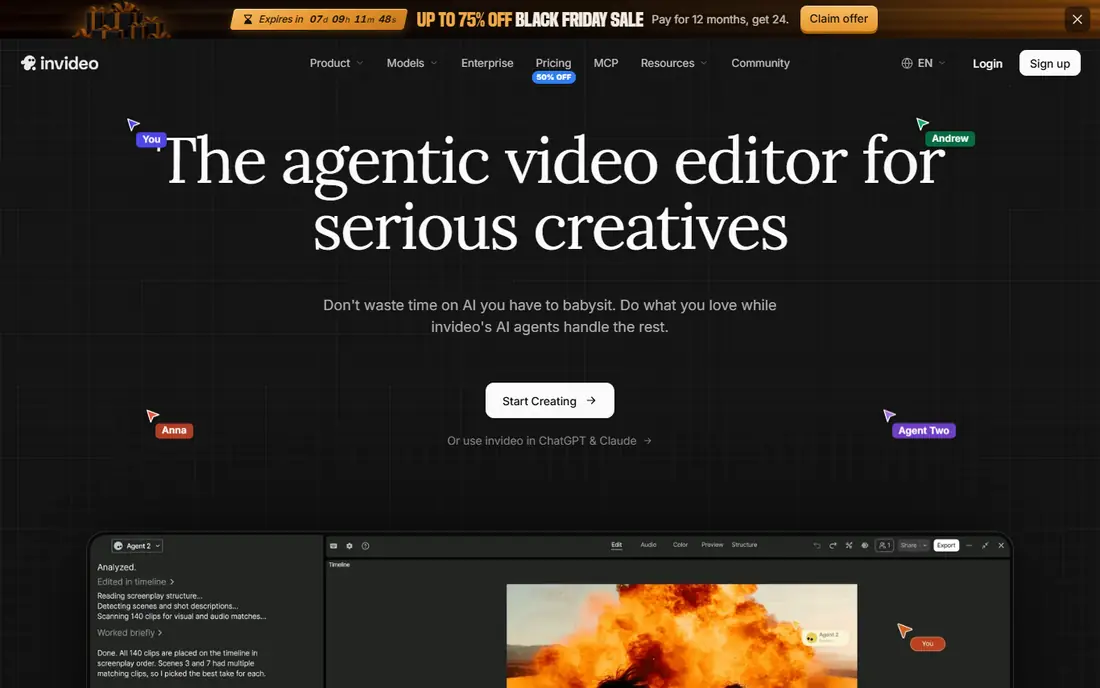
InVideo is aimed squarely at prompt-to-video marketing videos. Provide it a prompt, script, or topic, and it assembles a draft video from stock footage, AI-generated clips, voiceover, and captions, which you then refine in its editor. For YouTube creators and marketers who publish weekly, InVideo's breadth justifies the ramp-up time.
Points against: Credit use varies by model and resolution.
In daily use, the main limit is credits. Premium plans start around $20 a month billed yearly, with a free plan that contains watermarked exports. What you pay to start with InVideo: $20 per month. Free access exists with InVideo.
- Large media library
- Prompt-to-video with stock and generative models
- Generated clips frequently need manual cleanup

HeyGen is a good fit for avatar marketing and translation. The free plan lets a handful of videos a month, and Creator pricing is around $24 a month billed yearly.
Honest limits: Credits and video length limits need careful management.
What you pay to start with HeyGen: $24 per month. Free access exists with HeyGen.
- Capable marketing templates
- Very lifelike avatars
- Higher plans needed for teams
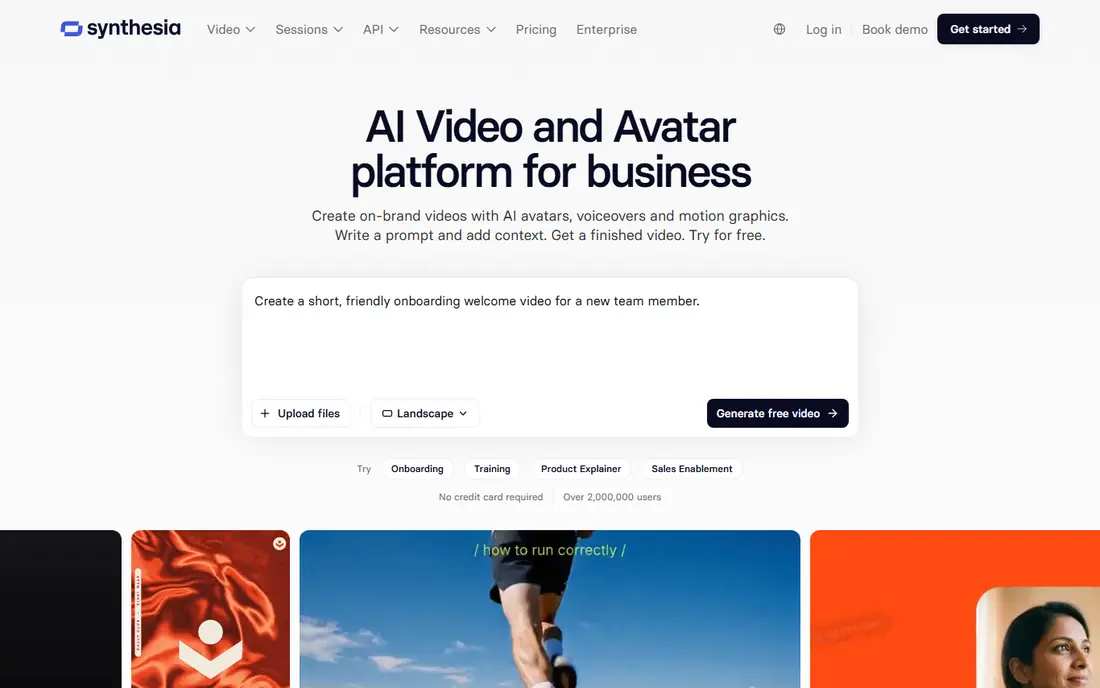
Synthesia serves corporate training and explainers. That makes it well suited to training, onboarding, product explainers, and internal updates that change frequently, since updating a video means editing text instead of re-recording. On top of that, starter pricing is around $18 a month billed yearly, with a free Basic plan offering restricted minutes for testing.
Limits to weigh: Avatar style is recognizable.
In practice, support for more than 160 languages also helps global teams produce consistent training in numerous markets from one script. Also, for corporate communication, it remains the safest and most predictable choice. Synthesia cost at the entry level: $18 per month. A free plan is available with Synthesia.
- Simple script updates
- 160 plus languages
- Video minutes are restricted on lower plans
Pick Pictory if this describes you: turning articles and scripts into video. Pictory is aimed at one job: turning written content into video.
It also extracts flags from long recordings, which helps repurpose webinars and podcasts into short clips. Pictory dropped its free plan in favor of a 14-day trial, and Starter pricing is around $25 a month billed yearly. Pictory cost at the entry level: $25 per month. Free options: Free trial.
Where it falls short: No free plan.
- Purpose-built for blog-to-video
- Automatic highlight extraction
- Visual style is template-led
OpusClip is designed for long video to vertical shorts. Starter pricing is around $15 a month, with a free plan offering restricted monthly credits and watermarked output. For creators repurposing one long recording into a week of social content, that automation saves hours.
Also, OpusClip solves a specific, valuable problem: turning a long video into plenty of vertical shorts. More specifically, upload a podcast, webinar, or stream, and OpusClip spots engaging moments, brings animated captions, reframes for vertical formats, and scores clips for likely performance. The starting price for OpusClip: $15 per month. You can start on OpusClip without paying.
Trade-offs to know: Clip selection still needs human review.
- Finds viral moments in long videos automatically
- Auto-captions and reframing
- Quality relies on the source recording
VEED targets browser editing plus AI generation. VEED merges a capable browser editor with AI generation, avatars, voiceover, subtitles, and translation. That breadth makes it a decent single home for teams that record, produce, caption, and publish from one place.
Subtitling accuracy and translation tools are particular strengths for creators serving multilingual audiences. Beyond that, pricing deserves a fresh check on the vendor page, since plans and credit allowances have changed, and free exports carry a watermark at 720p with length limits. Pricing for VEED is not stated here, so ask the vendor for current figures. VEED offers a free plan.
Where it is weaker: Pricing and credit rules have changed frequently.
- Browser editor with AI avatars, voiceover, subtitles
- Team workspaces
- Free exports are watermarked at 720p
Fliki is aimed squarely at faceless voiceover videos on a budget. Paste a script, choose from thousands of AI voices, and Fliki matches scenes to stock footage or AI images, layers on captions, and renders a finished video.
That workflow fits creators who publish often and do not want to appear on camera. Fliki pricing: $21 per month. Fliki includes a free tier.
Where it falls short: Higher plans needed for longer videos.
- Script-to-video with stock and AI visuals
- Avatar choices
- Visuals rely heavily on stock
How we compared the tools
Pricing pages, product documentation and feature lists were the main sources, and every entry carries at least one honest drawback. Where a price is missing, the vendor does not list one publicly or ties it to a quote. Always confirm before budgeting. Tools are placed by general fit for AI tools for video content creation, with price clarity and free access as tie-breakers. A different team can reasonably rank them differently.
Pre-purchase checklist
- Ask VEED for a written quote, since no starting price is shown.
- Check what the free option really includes: InVideo, HeyGen, Synthesia and others offer a free plan, and usage caps differ.
- Use real work to test the free trial from Pictory, rather than a demo project.
- Read the limits listed for InVideo first: credit use varies by model and resolution.
- A short pilot of Synthesia with your real workflow tells you more than a feature table.
- Map your must-have features to a specific HeyGen plan before you compare prices.
Frequently asked questions
How are the tools for AI tools for video content creation ordered?
The order follows typical fit for AI tools for video content creation, with InVideo first and Fliki last, then price clarity and free access. It is editorial judgement, not a score, so another team could rank the tools differently.
What is the best AI tool for video content creation overall?
The first pick on this list is InVideo, because it suits prompt-to-video marketing videos. HeyGen is better for avatar marketing and translation, and Synthesia for corporate training and explainers. Check price and limits against your own needs before choosing.
Can I try these tools before paying?
Often, yes. InVideo, HeyGen, Synthesia and others have a free plan and Pictory offers a free trial. Use your own data and a real task during the test, and check what the free tier or trial limits before you rely on it.
Which options for AI tools for video content creation have a free plan?
On this list, 6 of 7 tools include a free plan, among them InVideo, HeyGen, Synthesia and OpusClip. Caps on seats, usage or features are common, so test the free plan against your real workload. One other tool offers a trial instead.
Do these tools publish their prices?
Not all of them. VEED publishes no starting price, so expect a quote request for it. The rest, InVideo included, show a starting price, though seats and billing terms still change the final cost.
Sources
See where you really rank - block by block
ProMapRanker scans Google Maps across a grid of your service area. Simple monthly plans from $19, white-label on every plan.
Start freeKeep reading
 zscaler alternatives
Best Zscaler Alternatives in 2026
Looking for zscaler alternatives? We compare 9 SASE and zero trust platforms on architecture, data protection, pricing, and fit for your network and team.
Read → zapier alternatives free
Best Zapier Alternatives Free in 2026
Nine automation tools for zapier alternatives free in 2026, all with genuinely free tiers, plus free plan limits, starting prices and upgrade paths explained.
Read → which platform is best for online reputation
Which Platform Is Best for Online Reputation in 2026
Wondering which platform is best for online reputation? We compare 8 review, listing, and response tools for small and multi-location businesses and agencies.
Read →