 ProMapRanker
5 AI Tools for UI UX Design Options Ranked for 2026

Direct answer
Start with v0 if you need turning a prompt into a working React web app. Look at Visily for non-designers who need refined mockups quick, and at Figma for product teams that already design and hand off in Figma. The full list of 5 tools follows, with prices and free plan facts.
Key takeaways
- v0 takes the first slot, best suited to turning a prompt into a working React web app.
- Free plans exist at 5 of 5 tools (v0, Visily, Figma, UX Pilot, Relume).
- Relume has the lowest monthly starting price in this list: $12 per site/month.
- Relume fits marketing websites assembled from a human-designed component library.
Quick comparison
| Pick | Great for | Pricing starts at | Free tier | |
|---|---|---|---|---|
 v0 | Turning a prompt into a working React web app | See website | Yes | Visit |
 Visily | Non-designers who require refined mockups quick | See website | Yes | Visit |
 Figma | Product teams that already design and hand off in Figma | See website | Yes | Visit |
 UX Pilot | Rapid wireframes, full flows and predictive heatmaps | See website | Yes | Visit |
 Relume | Marketing websites assembled from a human-designed component library | $12 per site/month (Launch hosting) | Yes | Visit |
Our 5 picks for AI tools for UI UX design
This ProMapRanker guide covers 5 options for AI tools for UI UX design. Each profile lists a starting price, free plan details, strengths and drawbacks, so you can drop poor fits quickly.
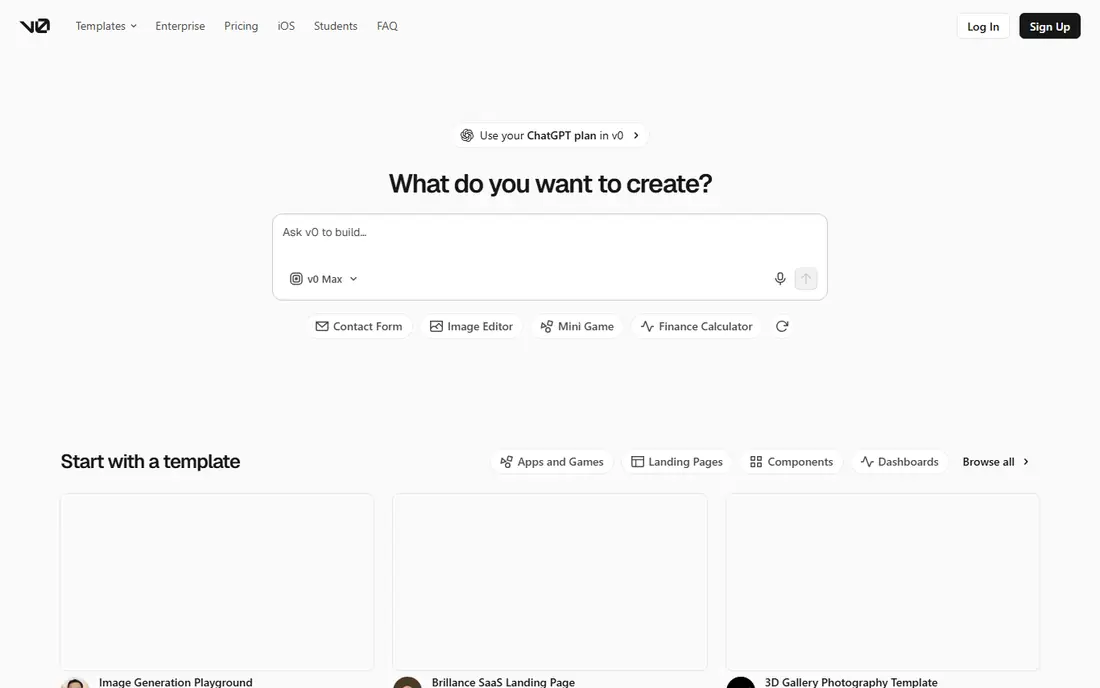
Pick v0 if this describes you: turning a prompt into a working React web app. v0, from Vercel, takes a plain-language description and returns a working web application with code, which a team can edit, deploy and iterate on. For a prototype, a hackathon project or an internal tool, v0 can compress days of setup into an afternoon.
Limits to weigh: Credit-based pricing needs a pricing page check.
As for the details, templates and design system controls help keep output consistent. The visual design mode lets a non-developer adjust details without editing code straight. From a buyer's view, the main limit is the same as with any code-generating tool: generated code must be reviewed. Check the vendor site for v0 pricing; none is listed in this comparison. A free plan is available with v0. Best features of v0: not just images.
- Deploys to Vercel in seconds
- Creates working code
- Output code needs review for quality, accessibility and security
Choose Visily for non-designers who require refined mockups fast. A screenshot can become an editable mockup, a text prompt can become a wireframe, and templates handle typical app and web patterns. The limit is handoff depth.
Reasons to shortlist it: Drag-and-drop editing with smart components.
Also, Visily produces high-fidelity concepts and prototypes, but a development team will still need production design or code from Figma, v0 or a similar tool. In practice, for early exploration, stakeholder alignment and user interviews, that is fine, and frequently preferable to spending designer time on an idea that may change. More specifically, smart components and auto-prototyping help a rough idea become a clickable flow that stakeholders can actually follow, instead of a slide deck describing one. Worth adding: Visily earns its place as the communication tool in a design stack, not as the entire stack. No starting price is listed for Visily here; confirm pricing on the vendor site. A free plan is available with Visily. Drawbacks to consider: Professional designers may prefer Figma for system-level work.
- Diagrams or templates
- Collaboration with comments and follower mode
- Output is a mockup instead of production code
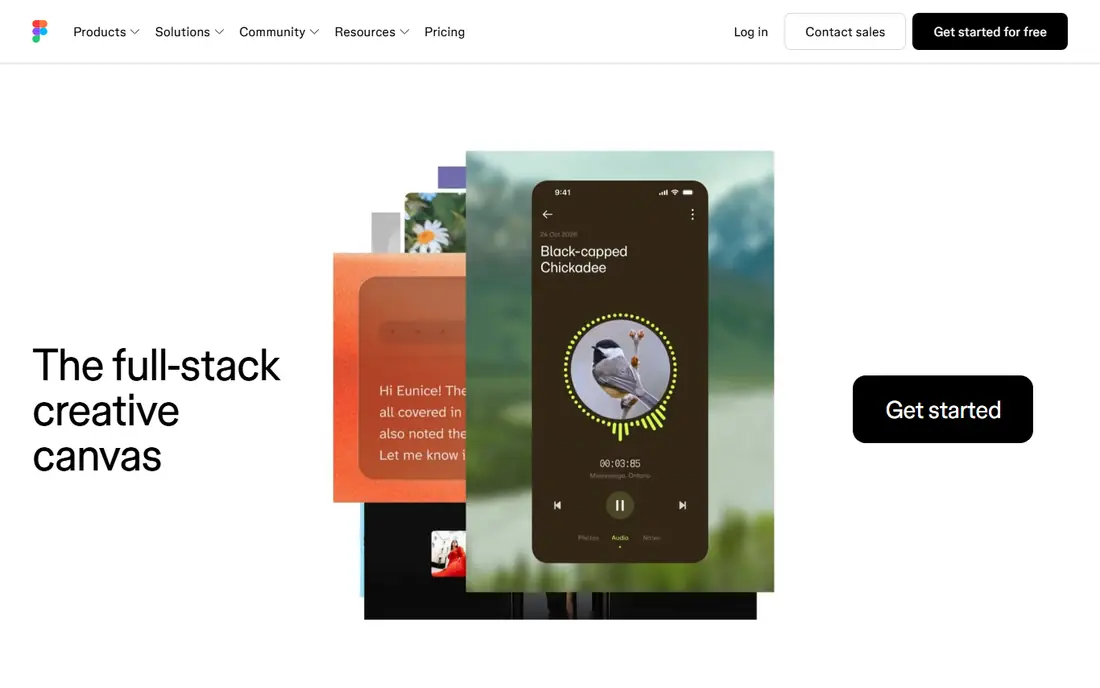
In short, Figma is for product teams that already design and hand off in Figma. Figma is the least risky AI choice since it does not ask a team to move. Worth adding: developers receive specs, assets and code snippets from the same file, which removes the export step that breaks plenty of AI-only tools.
On top of that, the trade-off is that Figma's AI is an assistant, not a replacement for design judgment. It can speed up routine work and unblock a blank canvas. But it will not decide information architecture, test a flow with users, or fix a weak value proposition. In daily use, teams that already pay for Figma should start here and add a specialist tool only for a job Figma takes care of slowly, like generating a full multi-screen flow from one prompt. This comparison lists no price for Figma; ask the vendor. Figma has a free plan.
What to check first: Advanced AI features sit on premium plans. Main advantages: variables and design systems stay consistent.
- AI features inside the central design canvas
- Components
- Pricing varies by editor type and plan, so the pricing page must be checked
UX Pilot is designed for rapid wireframes, full flows and predictive heatmaps. Export to Figma and code, plus GitHub sync, keeps the result usable beyond the tool itself. For everyday use, Heatmaps deserve a caution: they predict visual attention from patterns, they do not observe real users.
They cannot tell whether a user understood a task or completed it. Worth adding: with that caveat, UX Pilot is the fastest route from a product idea to a testable flow that a team can discuss and refine. Also, treat them as a triage aid, then run usability tests with real people for decisions that matter. Designers can import Figma components to train a custom model, so output follows an existing system rather than inventing a new style each time. No starting price is listed for UX Pilot here; confirm pricing on the vendor site. You can start on UX Pilot without paying.
Trade-offs to know: Heatmaps predict attention and do not replace user testing.
- Create single screens or complete flows from a prompt
- Export to Figma and code, with GitHub sync
- Credit-based pricing, so heavy use costs need checking
Relume
Great for: Marketing websites assembled from a human-designed component library
Relume targets marketing websites assembled from a human-designed component library. Relume takes a different approach from most AI builders: rather than writing a layout from scratch each time, it assembles a site from a library of components designed and maintained by people.
Where it shines: Webflow or React.
For everyday use, a brief becomes a sitemap, wireframes and a style guide, then pages built from those components, which helps the result stay responsive and consistent. For agencies that produce plenty of marketing sites, Relume's speed and export choices are hard to beat. What you pay to start with Relume: $12 per site/month. You can start on Relume without paying. Where it falls short: Custom design beyond the component system takes additional work.
- Sites assembled from maintained components instead of raw generated code
- Wireframes and style guide generated from a brief
- Premium usage limits apply beyond the free plan
Our selection method
Each tool was reviewed on what its vendor publishes: price, plan limits, core features and stated drawbacks. We did not run hands-on tests. Figures are shown as the vendors publish them. Billing terms, seat minimums and add-ons can change the real cost. We ordered the tools by general fit, then by how clearly pricing is shown, then by free access. A buyer with unusual needs may reorder them.
What to confirm before you sign up
- Ask v0, Visily, Figma and UX Pilot for a written quote, since no starting price is shown.
- Read the fine print on the free plans from v0, Visily, Figma and others; seat, project and feature caps differ.
- Read the limits listed for v0 first: credit-based pricing needs a pricing page check.
- Ask the daily users to test UX Pilot on a live task before you roll it out to everyone.
- Check how data leaves v0: formats, limits and whether exports are available on every plan.
Frequently asked questions
How much do AI UI UX tools cost?
Pricing is largely credit-based or plan-based and varies by tool, so the vendor pricing page is the steady source. Most tools here offer a free plan or free credits for trying, with premium plans that add more generations, better models or team features.
Which options for AI tools for UI UX design have a free plan?
v0, Visily, Figma, UX Pilot and Relume offer a free plan in this list. Free plans usually cap users, projects or features, so check the limits on the vendor page.
How are the tools for AI tools for UI UX design ordered?
The order follows typical fit for AI tools for UI UX design, with v0 first and Relume last, then price clarity and free access. It is editorial judgement, not a score, so another team could rank the tools differently.
What is the cheapest option for AI tools for UI UX design in this list?
On published monthly entry prices, Relume is the lowest here at $12 per site/month. Entry price is only part of the cost, because seats, add-ons and billing terms can change the total.
Is v0 the right pick for everyone comparing AI tools for UI UX design?
No single tool suits every team. v0 comes first because it fits turning a prompt into a working React web app, while Visily suits non-designers who need polished mockups fast and Figma suits product teams that already design and hand off in Figma. Match the tool to your own size, budget and workflow before deciding.
Sources
See where you really rank - block by block
ProMapRanker scans Google Maps across a grid of your service area. Simple monthly plans from $19, white-label on every plan.
Start freeKeep reading
 zoho inventory alternatives
6 Alternatives to Zoho Inventory, Compared on Price and Fit
Zoho Inventory alternatives: 6 tools compared on price, free plans and fit. Katana leads the list for manufacturers. Fit and flaws are laid out for each entry.
Read → zoho crm alternatives
Best Zoho CRM Alternatives (2026)
Need Zoho CRM alternatives? We compare 7 tools on cost, free access and who each suits. Every pick gets a straight assessment. Built for quick decisions.
Read → zelle alternatives
Best Zelle Alternatives in 2026
Compare the best Zelle alternatives for sending money to friends, paying sellers and moving funds abroad, with honest notes on fees, speed and safety in 2026.
Read →