 ProMapRanker
Best AI Tools for Startups in 2026

Key takeaways
- Start with one general assistant, then add a specialist tool only when a clear bottleneck appears.
- ChatGPT and Claude cover most writing, planning and research needs for a small team.
- Zapier and HubSpot save more time than another writing tool once you have customers and leads to manage.
- Notion AI works best for teams already living in Notion, while Canva suits teams that publish visual content often.
- Free plans are useful for trials, but check limits on messages, credits and seats before you build a workflow around them.
Quick comparison
| Pick | Great for | Pricing starts at | Free tier | |
|---|---|---|---|---|
 ChatGPT | Everyday writing and planning | $20 per month | Yes | Visit |
 Claude | Long documents and analysis | $20 per month | Yes | Visit |
 Notion AI | Notes and docs inside Notion | See website | Free trial | Visit |
 Jasper | Marketing copy at scale | $39 per month | Free trial | Visit |
 Copy.ai | Sales and marketing workflows | See website | Yes | Visit |
 Zapier | Connecting apps without code | $19.99 per month | Yes | Visit |
 HubSpot | CRM and marketing in one place | Free | Yes | Visit |
 Canva | Design and social visuals | Free | Yes | Visit |
 Grammarly | Editing and tone checks | Free | Yes | Visit |
 Perplexity | Research with cited sources | Free | Yes | Visit |
The best ai tools for startups
We compared official pricing pages, feature pages and public reviews for these tools. The picks below cover writing, research, design, automation and customer management, so you can build a small stack rather than buying every tool at once.
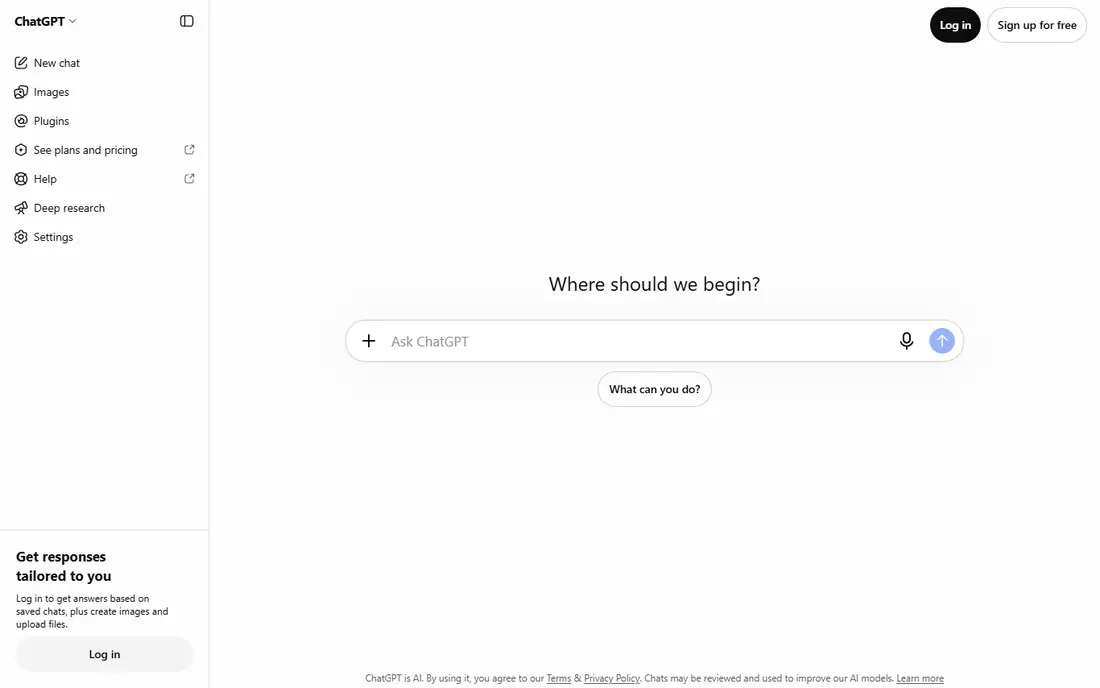
ChatGPT is the most useful first AI tool for most startups because it handles so many jobs. Founders use it to draft emails, outline landing pages, brainstorm product names, summarize meeting notes and plan launch checklists. That breadth means one subscription can replace several single-purpose tools in the early months.
The catch is accuracy. ChatGPT can state errors with confidence, so any fact, price or claim that goes to customers needs a check against a trusted source. Paid plans add higher limits and newer models, but free use is enough to test whether it fits your daily work. Start here, then add specialists only where ChatGPT falls short.
- Very broad use
- Strong drafting and brainstorming
- Large integration and app range
- Output needs fact-checking
- Paid features change often
- Free limits apply
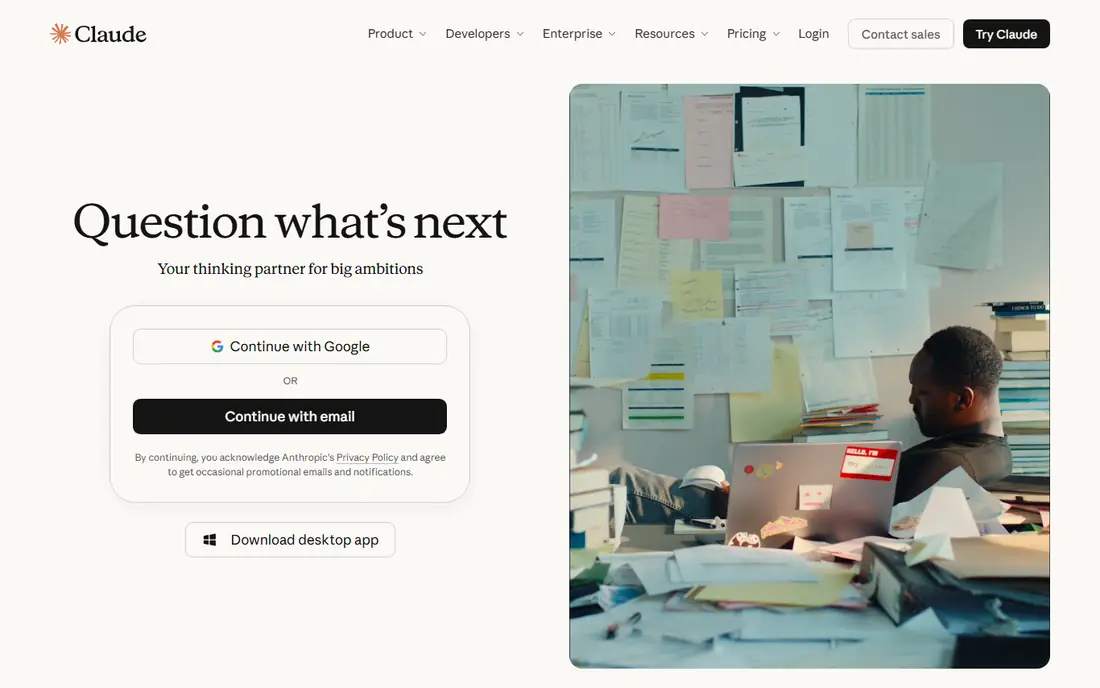
Claude, from Anthropic, shines when the work is long or detailed. It handles pitch decks, investor updates, long reports and contract summaries with a steady tone, and it can work through uploaded documents to pull out key points. Teams that write a lot of careful, customer-facing copy often prefer Claude for first drafts.
Claude is less of an all-in-one app hub than ChatGPT, so check integrations if you need it inside other tools. Free use has limits, and paid plans lift those limits for heavier use. For founders who live in documents, Claude is a strong second tool or a direct alternative to ChatGPT.
- Strong long-form writing
- Good document analysis
- Clear, careful tone
- Free usage limits apply
- Fewer built-in app integrations than some rivals
- Output still needs review
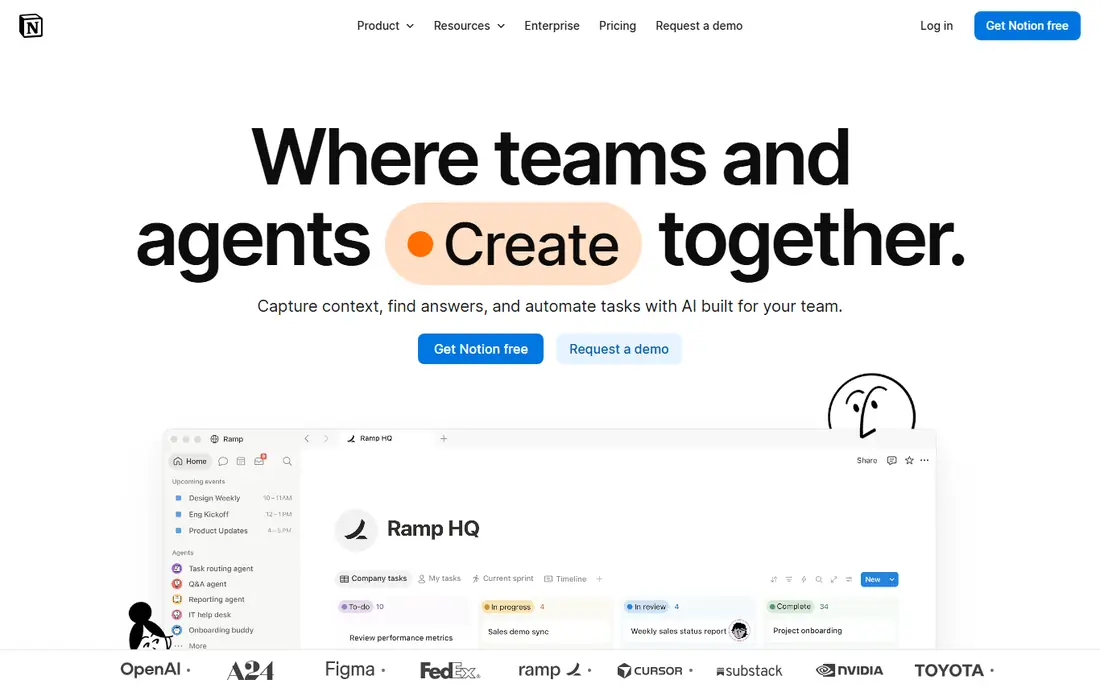
Notion AI adds summaries, drafting, action-item extraction and Q and A inside Notion pages. If your startup already plans, documents and tracks work in Notion, that placement saves copying text between apps. Meeting notes can become tasks, and long docs can become short briefs without leaving the workspace.
If you do not use Notion daily, there is little reason to buy it alone. Check the current plan page, because Notion has changed how AI is bundled over time. For Notion teams, it is a practical add-on. For everyone else, a general assistant is a better first buy.
- Works inside existing Notion pages
- Good summaries and action items
- Keeps work in one workspace
- Less useful outside Notion
- AI pricing has changed over time
- Needs good Notion habits to pay off
Jasper is built for marketing teams that publish often and need a consistent brand voice. Templates cover ads, emails, landing pages and social posts, and brand voice settings help different writers sound closer to one style. That structure helps when several people create content for one startup.
Solo founders may find Jasper more than they need, since ChatGPT or Claude can cover occasional marketing copy at a lower price. Jasper earns its price when volume is high and brand consistency matters. Trial it with a real campaign, not a single post, before you commit.
- Marketing templates
- Brand voice controls
- Team workflows for campaigns
- Higher price for solo founders
- Overlaps with general assistants
- Needs editing for accuracy
Copy.ai focuses on go-to-market work, including sales emails, prospecting sequences and marketing workflows. Teams use it to draft outreach, summarize leads and build repeatable content steps. That workflow focus sets it apart from a plain chat assistant, especially for small sales teams.
Pricing has varied across plans, so confirm the current plan that includes the workflows you need. As with every writing tool, sales copy needs a human edit before it reaches a prospect. Copy.ai suits startups with steady outbound work, not teams that send a few emails a month.
- Sales and marketing workflows
- Prospecting and email help
- Workflow automation options
- Pricing varies by plan
- Output needs human review
- Some features overlap with general tools
Zapier connects the apps a startup already uses, so a new lead, form response or payment can trigger the next step without manual copying. Examples include adding leads to a CRM, posting form answers to a team channel, or creating tasks from emails. That quiet automation saves more hours than a faster draft in many small teams.
The free plan covers simple two-step flows with a limited task count, and paid plans scale with volume. Complex flows need testing, because a wrong trigger can create duplicate records. Start with one or two high-volume flows, measure the time saved, then expand.
- Thousands of app integrations
- No-code automation
- AI-assisted workflow building
- Costs rise with task volume
- Complex flows need care
- Free plan covers simple flows only
HubSpot gives startups a free CRM to track contacts, deals and conversations, plus paid marketing, sales and support hubs as they grow. That single system helps a small team avoid scattered spreadsheets and lost follow-ups. AI features assist with drafting, summaries and lead handling, though the most advanced options sit on paid plans.
The main risk is scope creep. HubSpot can grow into a large system, and pricing rises with marketing contacts and seats. Start with the free CRM and one paid hub only if you need it. For startups that already have leads to manage, HubSpot is a solid foundation.
- Free CRM core
- Contact and deal tracking
- Marketing and support tools in one system
- Advanced AI and marketing features cost more
- Setup takes time
- Price rises with contacts and seats
Canva helps non-designers make social posts, pitch decks, ads and simple brand assets fast. Its AI tools, under Magic Studio, can draft text, generate images and resize designs for different platforms. For a startup that publishes often, that speed matters more than pixel-perfect design control.
Free use includes a limited AI allowance, and heavier use or premium assets need Canva Pro. Professional designers will still want dedicated tools for complex work. For founders and marketers who need good visuals quickly, Canva is one of the best value tools on this list.
- Easy design templates
- AI image and text tools
- Team brand kits on paid plans
- AI credits have limits
- Premium assets need Pro
- Not a full professional design tool
Grammarly checks grammar, clarity and tone as you write emails, docs and posts. That safety net helps founders who write to customers, investors and partners every day. It catches errors that a fast draft often misses, and it suggests clearer phrasing without changing the whole message.
Free plans include a monthly AI prompt allowance, while deeper rewrites and plagiarism checks need Pro. Overuse can flatten a distinctive voice, so accept suggestions selectively. As a low-cost quality check, Grammarly is easy to justify for most startups.
- Grammar and clarity checks everywhere
- Tone suggestions
- Works in browsers and docs
- Full AI features need Pro
- Rewrites can flatten a personal voice
- Monthly AI allowance on free plans
Perplexity answers research questions with sources listed, which helps founders check competitors, markets and news faster than opening many tabs. It suits market scans, pricing checks and background reading before a decision. The cited format makes it easier to verify a claim than a plain chat answer.
Citations do not remove the need to open the source, especially for numbers that affect pricing or product claims. Free plans include a limited allowance of deeper searches, and paid plans lift those limits. Use Perplexity for research, then use ChatGPT or Claude for drafting.
- Cited answers for research
- Fast summaries of current topics
- Good for competitor checks
- Citations still need verification
- Deeper searches have limits on free plans
- Not a writing replacement
How we picked these
We compared official pricing and feature pages, app store listings and public reviews, and we kept only tools that are live, widely used and clearly useful for a small startup team in October 2026. We favored tools with a free plan or trial, a clear use case, and a price a small team can justify. Where pricing has changed recently, we used See website rather than publishing a figure we could not verify.
Building a startup AI stack without overspending
Start with one general assistant and one research tool, both free to test. Add Notion AI only if your team already uses Notion, and add Jasper or Copy.ai only when marketing or sales volume justifies a specialist. Zapier and HubSpot earn their place once manual copying and lost leads become a real cost.
Set rules before you scale
Decide what AI output can go out without review, and what always needs a human check. Customer pricing, legal claims and investor numbers always need a human check. Give one person ownership of subscriptions, review usage monthly, and cancel tools that have not saved time in the past month.
Watch data and privacy
Check each tool's privacy and data handling before you upload customer data, contracts or unpublished product details. Prefer tools with clear business plans and admin controls when you handle sensitive information. Free consumer plans may have different data terms than paid business plans.
Frequently asked questions
What are the best ai platforms for startups?
ChatGPT and Claude are the strongest general platforms, HubSpot is a strong CRM platform, and Zapier is a strong automation platform. The best mix depends on your bottleneck: writing, research, leads or design. Start with one general tool, then add a platform for your biggest bottleneck.
Which AI tool should a startup buy first?
ChatGPT is our pick for most startups, because it covers drafting, planning and brainstorming in one place. Claude is a close alternative for teams that work with long documents. Test both free plans with real work before you pay.
Are free AI tools enough for a startup?
Free plans can carry a very early startup, especially for drafting and research. Limits on messages, credits and features appear quickly once a team uses a tool daily. Budget for at least one paid plan once AI work becomes part of your weekly routine.
Do startups need Jasper or Copy.ai?
Only if marketing or sales volume is high enough to justify a specialist. General assistants cover occasional copy well. Jasper suits brand-consistent marketing teams, and Copy.ai suits steady sales outreach. Both need human editing before outreach goes out.
How much should a startup spend on AI tools?
A small team can start at no cost, then move to roughly one or two paid subscriptions as use grows. Review usage monthly and cancel tools that do not save time. A stack that no one uses daily is a cost, not an advantage.
Sources
See where you really rank - block by block
ProMapRanker scans Google Maps across a grid of your service area. Simple monthly plans from $19, white-label on every plan.
Start freeKeep reading
 zoho inventory alternatives
6 Alternatives to Zoho Inventory, Compared on Price and Fit
Zoho Inventory alternatives: 6 tools compared on price, free plans and fit. Katana leads the list for manufacturers. Fit and flaws are laid out for each entry.
Read → zoho crm alternatives
Best Zoho CRM Alternatives (2026)
Need Zoho CRM alternatives? We compare 7 tools on cost, free access and who each suits. Every pick gets a straight assessment. Built for quick decisions.
Read → zelle alternatives
Best Zelle Alternatives in 2026
Compare the best Zelle alternatives for sending money to friends, paying sellers and moving funds abroad, with honest notes on fees, speed and safety in 2026.
Read →