 ProMapRanker
7 Best AI Tools for Social Media Content Creation Options for 2026


Agencies that want AI help at scale · Pricing starts at: $99 a month
Direct answer
Vista Social comes first here, mainly for agencies that want AI help at scale. Sprout Social is the stronger choice for teams that need reporting and inbox, while Later suits visual planning and creator work. Prices, free plans and limits for all 7 tools follow.
Key takeaways
- Vista Social is the opening pick, best for agencies that want AI help at scale.
- ContentStudio suits agencies and bulk scheduling.
- For the cheapest start, look at Buffer: $5 per channel/month.
- Just one of the 7 tools, Buffer, has a free plan.
- Check the limits for Later before you commit: post limits on lower plans.
Quick comparison
| Pick | Great for | Pricing starts at | Free tier | |
|---|---|---|---|---|
| Vista Social | Agencies that want AI help at scale | $99 a month | Free trial | Visit |
 Sprout Social | Teams that require reporting and inbox | $79 per seat/month (billed annually) | Free trial | Visit |
 Later | Visual planning and creator work | $18.75 a month (billed yearly) | Free trial | Visit |
 Predis.ai | AI ads and short video | $19 a month (billed yearly) | Free trial | Visit |
 SocialBee | Evergreen content and categories | $29 a month | Free trial | Visit |
 Buffer | Solo creators and small teams | $5 per channel/month (billed annually) | Yes | Visit |
 ContentStudio | Agencies and bulk scheduling | $19 a month | Free trial | Visit |
Tool-by-tool breakdown
Short on time? The summary and table above give the quick view of 7 tools for AI tools for social media content creation, and the profiles that follow give the detail behind each entry.
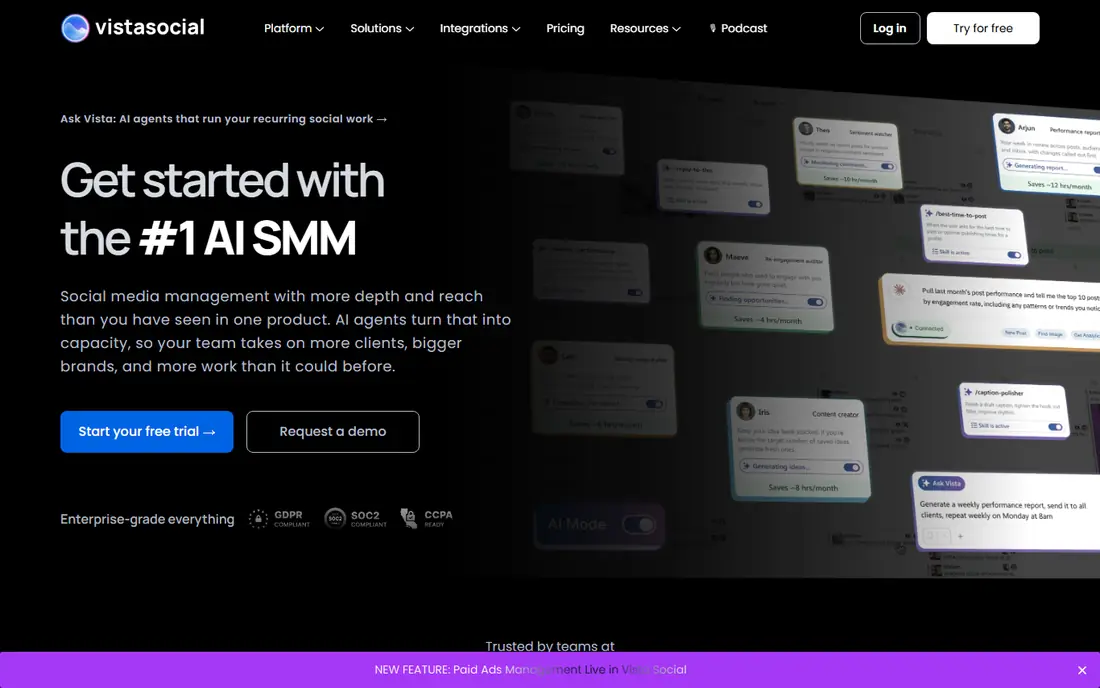
For agencies that want AI help at scale, Vista Social is a natural candidate. The $99 a month entry price is higher than Buffer, Later, or ContentStudio.
So a solo creator may pay for capacity they do not need. Vista Social starts at: $99 per month. Trial and free access: Free trial.
What to check first: No free plan, only a trial.
- Review and listening tools
- AI agents for recurring social work
- Entry price is higher than straightforward schedulers
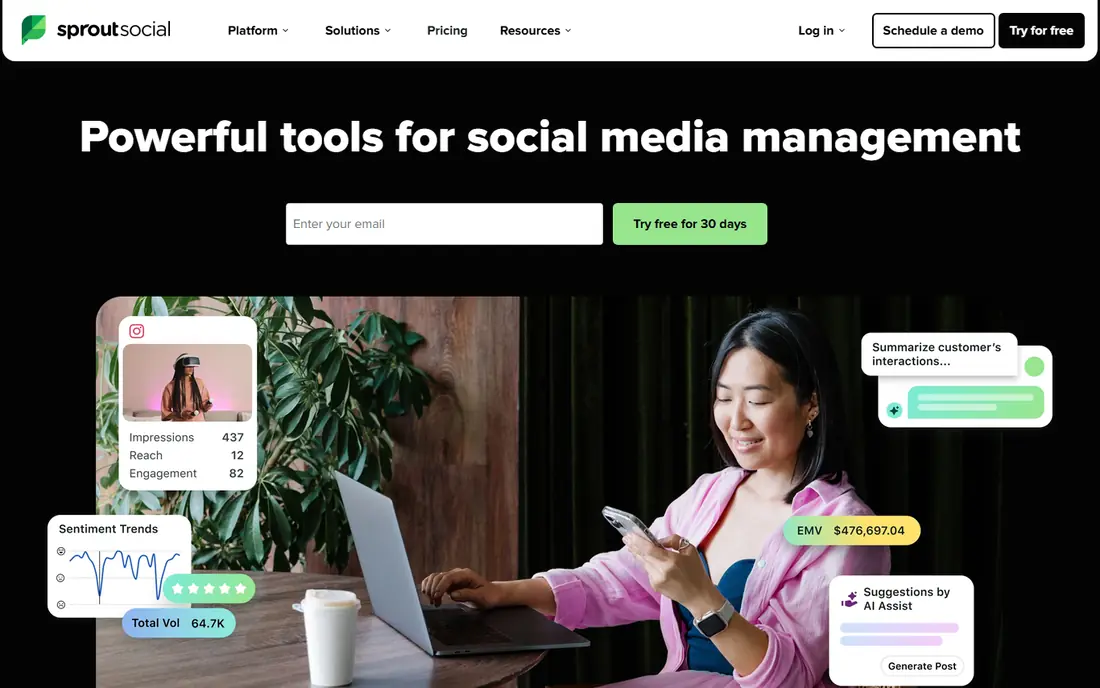
Sprout Social is aimed squarely at teams that need reporting and inbox. Sprout Social earns its place for teams that live in replies and reports. On top of that, Sprout also gives you a 30-day trial instead of a lasting free plan.
What to check first: No free plan, only a trial.
So a buyer should use the trial to test the inbox on real volume, not just a handful of posts. In practice, the Smart Inbox pulls comments and messages into one stream, which helps a support-minded team answer quicker and avoid duplicate replies. On cost, Sprout Social starts like this: $79 per seat/month. On free options: Free trial.
- AI Assist for captions and replies
- Solid inbox and publishing workflow
- Per-seat pricing layers on up for large teams
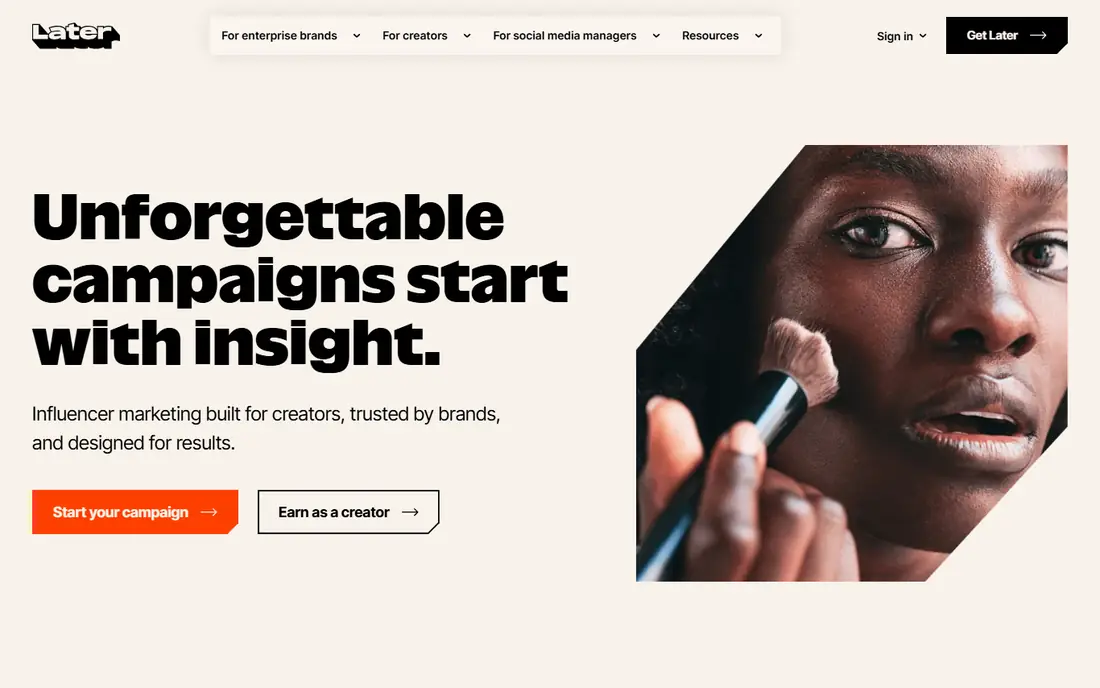
Think of Later for visual planning and creator work. Later started as a visual planner, and that strength still presents. A creator or small brand can drag posts onto a calendar, preview how an Instagram grid will look, and keep a link in bio page tied to recent posts.
That visual step matters when the feed itself is part of the brand, as it is for food, travel, fashion, and home goods. In practice, Later also suits brands and creators better than a corporate team that needs deep listening or a shared support inbox. Later also spans influencer work, with creator search and campaign tools that help a brand move from discovery to a brief without a separate system. Later pricing: $18.75 per month. Free access: Free trial.
Watch-outs: Some networks have narrower feature support.
- Visual calendar and feed preview
- Creator and influencer features for brands
- Influencer tools suit brands more than solo creators
Predis.ai works best for AI ads and short video. Provide it a product link, a prompt, or an image. It returns ad creatives, headlines, captions, and short video choices sized for each product.
That makes it handy for a store or agency that needs numerous variants for premium social and wants to test hooks rapidly. AI copy can also invent a claim or a price if the prompt is vague. So every ad needs a fact check before spend goes behind it. Credits are the limit to watch. Each generation uses credits, and video uses more than a static image. So a team that tests heavily can burn through a monthly allowance. Entry price for Predis.ai: $19 per month. On free options: Free trial.
Where it falls short: Output still needs editing for accuracy.
- Brand kits keep output consistent
- Competitor ad insight included
- Credit limits shape how much you can produce
Buffer works best for solo creators and small teams. Its AI Assistant helps turn one idea into platform-specific drafts, which cuts the blank-page problem for a solo marketer who posts daily. The main limit is arithmetic.
Limits to weigh: No built-in listening depth for large brands.
Buffer charges per channel, so one brand with Facebook, Instagram, LinkedIn, TikTok, and YouTube costs more than the headline price recommends. For a small team that values speed over depth, that trade is typically worth it. Buffer pricing: $5 per channel/month. Buffer offers a free plan.
- Free plan for up to three channels
- AI Assistant for drafts and rewrites
- Per-channel pricing grows with each account
ContentStudio was built for agencies and bulk scheduling. ContentStudio aims at teams that run content at volume.
Drawbacks to consider: Interface has plenty of features to learn.
In daily use, ContentStudio also packs numerous features into one dashboard, so the first week can feel busy. The trial lasts seven days, which is short for testing bulk workflows, approvals, and reporting on real client work. ContentStudio pricing: $19 per month. On free options: Free trial.
- AI planning and captions across numerous networks
- Agency workspaces and approvals
- Short 7-day trial
How we compared the tools
ProMapRanker looked at what each vendor publishes: pricing, plan limits, feature coverage for AI tools for social media content creation and stated drawbacks. No hands-on testing is claimed. Plan names, prices and limits change often. Treat the figures here as a starting point and verify them with the vendor. The ranking is editorial: typical fit first, then clear pricing, then free access. If your needs are unusual, read the profiles rather than relying on position.
Pre-purchase checklist
- Check the vendor page for the current price: Buffer starts at $5 per channel/month here, and seats or billing terms can move it.
- Test the free plan from Buffer against your real workload before relying on it.
- Take the trial from Vista Social, Sprout Social, Later and others and push a live task through it before you pay.
- Read the limits listed for Vista Social first: no free plan, only a trial.
- Check the support hours and onboarding help SocialBee offers; smaller vendors vary a lot here.
- Run a one or two week pilot of Later with the people who will use it every day.
Frequently asked questions
Do these tools publish their prices?
Yes. Every tool from Vista Social to ContentStudio shows a starting price, though seats, add-ons and billing terms still change the final cost.
How are the tools for AI tools for social media content creation ordered?
The order follows typical fit for AI tools for social media content creation, with Vista Social first and ContentStudio last, then price clarity and free access. It is editorial judgement, not a score, so another team could rank the tools differently.
Can I try these tools before paying?
Often, yes. Buffer has a free plan and Vista Social, Sprout Social, Later and others offer a free trial. Use your own data and a real task during the test, and check what the free tier or trial limits before you rely on it.
Do I need an AI tool, or just a scheduler?
A scheduler is enough if you already have copy and images ready and only have to publish on time. Try a trial with your real workload and measure drafts published per hour before you decide.
Which options for AI tools for social media content creation have a free plan?
Buffer is the only tool in this list with a free plan. Free plans usually cap users, projects or features, so check the limits on the vendor page. Several others offer a trial instead.
Sources
See where you really rank - block by block
ProMapRanker scans Google Maps across a grid of your service area. Simple monthly plans from $19, white-label on every plan.
Start freeKeep reading
 zoho inventory alternatives
6 Alternatives to Zoho Inventory, Compared on Price and Fit
Zoho Inventory alternatives: 6 tools compared on price, free plans and fit. Katana leads the list for manufacturers. Fit and flaws are laid out for each entry.
Read → zoho crm alternatives
Best Zoho CRM Alternatives (2026)
Need Zoho CRM alternatives? We compare 7 tools on cost, free access and who each suits. Every pick gets a straight assessment. Built for quick decisions.
Read → zelle alternatives
Best Zelle Alternatives in 2026
Compare the best Zelle alternatives for sending money to friends, paying sellers and moving funds abroad, with honest notes on fees, speed and safety in 2026.
Read →
SocialBee
Great for: Evergreen content and categories
For evergreen content and categories, SocialBee is a natural candidate. From a buyer's view, tips, FAQs, product explainers, and seasonal reminders can live in categories, and SocialBee recycles them on a schedule rather than letting them sit in a document. Its AI tools generate captions, hashtags, and images from a prompt, and Copilot can build a posting plan from a website or a short brief.
Where it is weaker: Analytics history is shorter on the entry plan; only a 14-day trial.
Worth adding: SocialBee rewards a buyer who plans in categories and reuses decent content. In daily use, the entry Bootstrap plan includes five profiles, which suits one brand well but forces agencies to a higher level rapidly. SocialBee cost at the entry level: $29 per month. Free options: Free trial.