 ProMapRanker
Best AI Tools for Programming in 2026


Inline completion in your editor · Pricing starts at: $10 per month
Key takeaways
- GitHub Copilot remains the lowest-cost paid entry for inline completion, while Cursor and Claude Code suit larger multi-file work.
- Free tiers are real but limited: most cap completions, agent requests, or model usage, so heavy users should budget for a paid plan.
- Terminal agents suit senior developers comfortable reviewing diffs, while editor tools suit developers who want help while they type.
- Always review AI-generated code before merging it, since it can introduce bugs, insecure patterns, or code that does not match your project style.
Quick comparison
| Pick | Great for | Pricing starts at | Free tier | |
|---|---|---|---|---|
| GitHub Copilot | Inline completion in your editor | $10 per month | Yes | Visit |
 Cursor | AI-native code editing | See website | Yes | Visit |
 Claude Code | Terminal-based agentic coding | $20 per month | No | Visit |
 Windsurf | Agentic IDE alternative | $20 per month | Yes | Visit |
 Tabnine | Privacy-focused code completion | See website | Yes | Visit |
 Amazon Q Developer | AWS-focused development help | $19 per user per month | Yes | Visit |
 Gemini Code Assist | Google Cloud development help | See website | Yes | Visit |
 ChatGPT | Conversational debugging and drafting | $20 per month | Yes | Visit |
 Cline | Open-source coding agent | Free | Yes | Visit |
The best AI tools for programming
AI programming tools now split into three styles: inline completion inside your editor, an AI-native editor that edits across files, and a terminal agent that takes on larger tasks. We compared the leading tools on where they work, what they cost, and which workflow each one suits best, using vendor pricing pages and current plan descriptions.
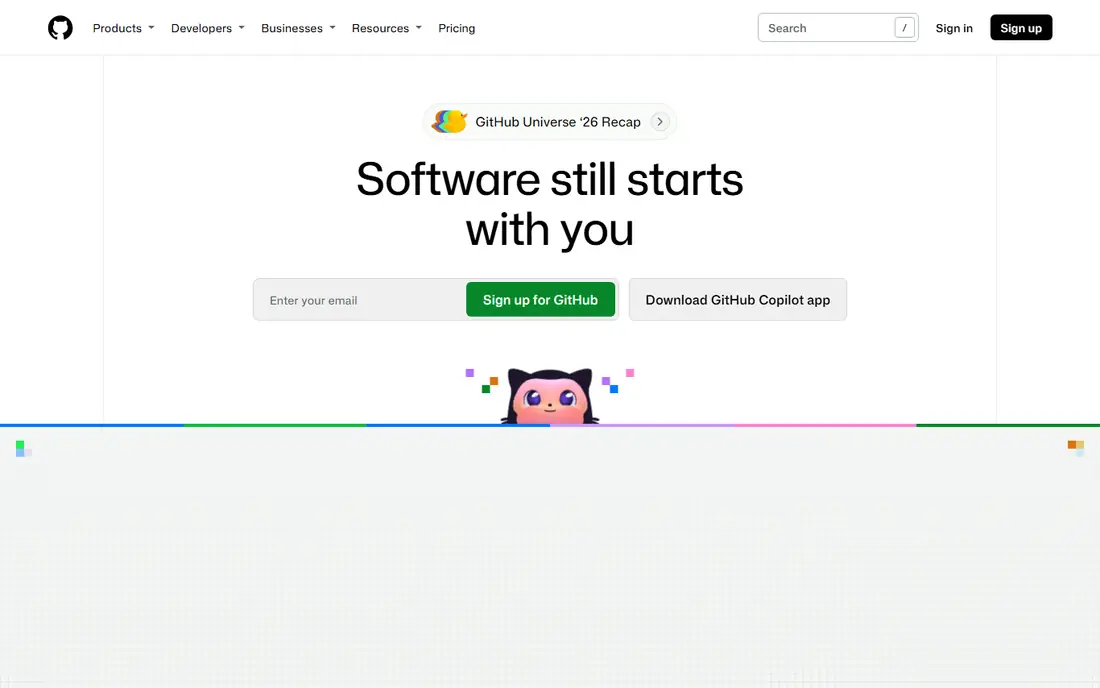
GitHub Copilot is the safest default for most developers because it works inside the editor you already use. It offers inline completions, chat, agent mode, and pull request reviews without forcing a move to a new IDE. The free tier includes a limited number of completions each month, and the paid entry price is the lowest among major tools here.
Heavy users will hit premium credit limits and need a higher plan for more model usage. Team controls and security features also sit on business and enterprise plans. If you mostly want completions and chat while you type, Copilot is hard to beat on price and familiarity. For large autonomous refactors, a dedicated agent may go further.
- Works in VS Code, JetBrains, and GitHub
- Chat and agent mode
- Low paid entry price
- Premium model credits cap heavy use
- Enterprise controls need higher plans
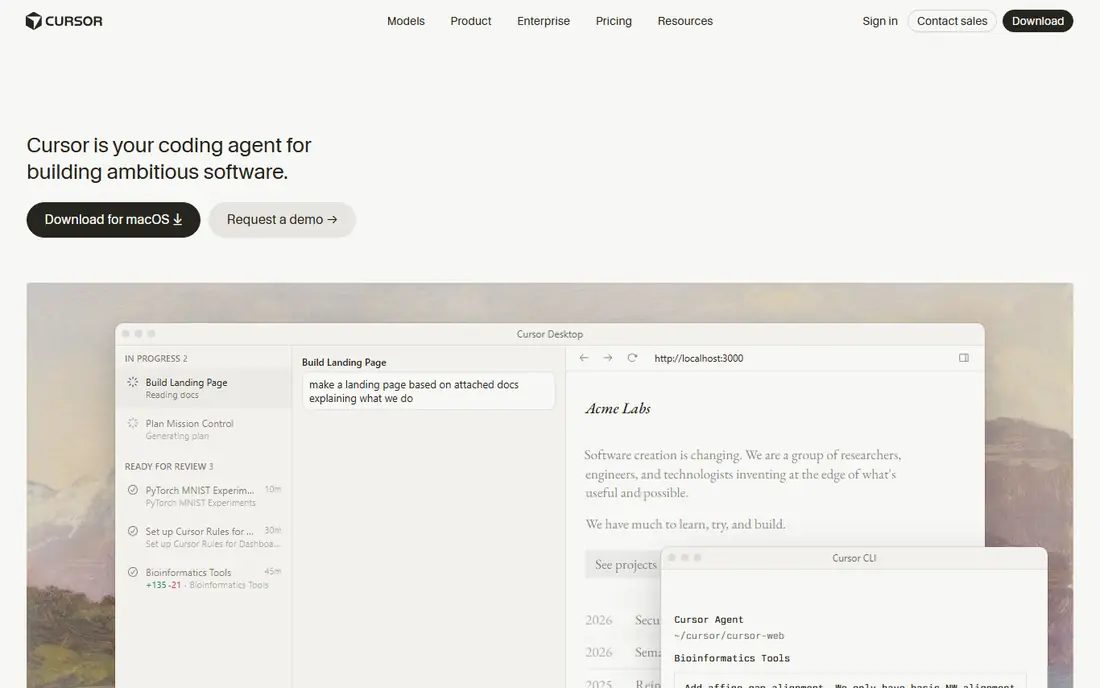
Cursor is an AI-native editor built as a VS Code fork, with chat, inline edits, and agents that can change several files at once. Its strength is context: it reads your codebase and proposes changes that respect existing patterns, which helps with refactors and feature work. Model choice lets you pick a model that fits the task.
Plan structure and pricing have changed during 2026, with some reports describing a bundle with a wider subscription, so confirm the current plan before buying. The free tier is limited, and heavy agent use needs a paid tier. If you are happy in VS Code and only want completions, Copilot may be simpler and cheaper.
- Codebase-aware editing
- Multi-file agent changes
- Model choice
- Pricing and plan structure have changed
- Heavy use needs a higher tier

Claude Code is a terminal agent from Anthropic that works across files, runs tests, and proposes larger changes for review. It suits senior developers who are comfortable in a terminal and want an agent to carry a task while they review the diff. Because it is included with Claude Pro and higher plans, subscribers get a coding agent plus the wider Claude chat product.
There is no free tier for Claude Code itself, so the entry cost is the Claude Pro subscription. The terminal workflow is also less friendly for developers who prefer a visual editor. Use it for complex, multi-file tasks where you can review carefully. For simple completions, an editor tool is faster to start.
- Terminal-first agent
- Strong multi-file reasoning
- Included with Claude Pro and higher plans
- No free tier for the agent itself
- Terminal workflow suits experienced developers best
Windsurf is an agentic IDE that competes directly with Cursor, offering AI-assisted editing, project context, and agent tasks in one editor. Its free plan lets you test the workflow before paying, and the paid plan adds more agent capacity. For developers who want an AI-first editor but prefer Windsurf pricing or workflow, it is a credible alternative.
Heavy use pushes you toward higher tiers, and team pricing is higher per user than the individual plan. Model and capacity limits still apply, so check what the paid plan includes for your usage level. Try it on a real project for a week and compare the review burden against Cursor before committing a team.
- AI editor with agent tasks
- Project context
- Free plan for light use
- Higher tiers rise steeply for heavy use
- Team plans cost more per user
Tabnine focuses on privacy and control, with private deployment options that appeal to teams with strict code policies. It offers code completion and generation inside common editors, plus an agentic platform on higher plans. For a company that cannot send code to a public cloud model, Tabnine deployment choices are a genuine advantage.
Agentic and team features sit on higher plans, and pricing varies by deployment, so get a quote for your setup. For an individual developer, Tabnine is less obviously better than Copilot or Cursor on price alone. Its case is strongest where privacy, self-hosting, or enterprise policy decides the purchase.
- Private deployment options
- Code completion and generation
- Enterprise controls
- Agentic features cost more
- Pricing varies by plan and deployment
Amazon Q Developer is built for teams that build on AWS. It gives code generation, debugging help, and AWS-specific guidance, including security assistance for cloud code. The free tier lets individual developers try it, and the Pro plan adds higher limits for professional use. If your stack is AWS-heavy, that context is valuable.
Outside AWS, its advantage narrows. A general tool such as Copilot or Cursor may be a better fit for a team that works across clouds or on non-AWS projects. Check which editors and languages are supported for your workflow, and confirm whether your team needs the Pro plan for the limits you will actually hit.
- AWS guidance and code generation
- Debugging help
- Security assistance
- Best value inside AWS
- Less general than Copilot or Cursor outside AWS
Gemini Code Assist offers code completion, chat, and agent mode with Google Cloud context, which helps teams building on Google Cloud. It works in common editors and can help with generation, debugging, and explanations. A free tier or trial credit lets developers test it before committing to a paid plan.
Pricing and free credit terms have changed over time, so confirm the current offer on the vendor page. Enterprise controls and higher limits sit on paid plans. For a Google Cloud team, the context is a plus. For a team outside that ecosystem, a general coding tool may offer similar value with simpler pricing.
- Code completion and chat
- Agent mode
- Google Cloud context
- Pricing and free credit terms change
- Enterprise features need a paid plan
ChatGPT is the best conversational helper here for explaining code, debugging an error, and drafting a function from a description. Its chat interface suits learning and problem-solving, since you can ask follow-up questions and request a simpler explanation. The free tier covers light use, and the paid plan adds higher limits and newer models.
It is not an in-editor completion tool by default, so you will copy code between chat and your editor unless you use an integration. Generated code also needs testing, since it can look correct while failing on edge cases. Use ChatGPT to understand and draft, then verify with tests before merging anything it produces.
- Strong explanations
- Debugging help
- Code drafting in chat
- Not an in-editor tool by default
- Output needs testing and review
Cline is an open-source coding agent that runs inside VS Code and can generate code, run terminal commands, debug, and edit across files. Its open model lets you bring your own API key and choose a model, which gives control over cost and provider. For developers who like to tune their setup, that flexibility is a real draw.
The tool itself is free, but model usage is not: you pay the model provider for tokens, and costs depend on the model and the task size. Setup is also more hands-on than a managed IDE such as Cursor or Windsurf. Cline suits developers who want an open agent and are comfortable managing keys and costs themselves.
- Open-source agent for VS Code
- Multi-file edits
- Bring your own model key
- Free tool still needs paid model usage
- Setup is more hands-on than a managed IDE
How we picked these
We compared official pricing pages, feature lists, and plan terms for each product, and we checked which apps and services are still offered in October 2026. We kept only products that fit the topic directly and that a US buyer can sign up for today. Where a price or a feature differed across sources, we used the vendor page figure where we could confirm it and wrote See website where we could not. We did not claim hands-on testing, and we judged each product on who it fits, one clear strength, and one honest weakness.
How to choose an AI programming tool
Start with where you already work. If you live in VS Code, JetBrains, or GitHub, a tool that plugs into that editor will feel natural and needs no workflow change. If you often refactor across many files, an AI-native editor or a terminal agent may save more time, but only if you are comfortable reviewing larger diffs. Check the free tier limits: completions per month, agent requests, and premium model credits all cap real use. Privacy matters too, so check whether your code is used for training and whether a business plan offers stricter controls. Try one tool on a real task for a week, and judge it by whether review time falls, not by how much code it generates.
Frequently asked questions
What are the best AI programming tools overall?
GitHub Copilot, Cursor, and Claude Code are the most widely used choices in 2026, each with a different strength. Copilot is best for inline help in your existing editor, Cursor for agentic editing in its own IDE, and Claude Code for terminal-based multi-file work. The best pick depends on your editor and your task size.
What is the best AI tool for programming for beginners?
Copilot or ChatGPT can help a beginner understand errors and explain code in plain language. A beginner should still learn to read code and test it, since AI suggestions can be wrong. Use the tool to explain, not just to generate, and check every suggestion against your project requirements.
What is the best programming AI tool for large codebases?
Cursor, Claude Code, and Augment-style tools are built to read a codebase and make changes across files. They need clear instructions and careful review, since a change in one file can affect others. Start with a small refactor and review the full diff before trusting larger tasks.
Are AI coding tools free?
Most offer a free tier with limits, such as a set number of completions or agent requests per month. Paid plans remove or raise those limits and add premium models. For daily professional use, a paid plan is usually needed, while occasional use may fit within a free tier.
Do AI coding tools replace developers?
No. They speed up completion, boilerplate, and routine edits, but they do not replace design decisions, testing, or review. The strongest results come from a developer who directs the tool, checks its output, and owns the final code.
Sources
- https://github.com/features/copilot
- https://cursor.com/pricing
- https://claude.com/product/claude-code
- https://windsurf.com/pricing
- https://www.tabnine.com/pricing
- https://aws.amazon.com/q/developer/pricing/
- https://developers.google.com/gemini-code-assist
- https://openai.com/chatgpt/pricing
- https://cline.bot
See where you really rank - block by block
ProMapRanker scans Google Maps across a grid of your service area. Simple monthly plans from $19, white-label on every plan.
Start freeKeep reading
 zscaler alternatives
Best Zscaler Alternatives in 2026
Looking for zscaler alternatives? We compare 9 SASE and zero trust platforms on architecture, data protection, pricing, and fit for your network and team.
Read → zapier alternatives free
Best Zapier Alternatives Free in 2026
Nine automation tools for zapier alternatives free in 2026, all with genuinely free tiers, plus free plan limits, starting prices and upgrade paths explained.
Read → which platform is best for online reputation
Which Platform Is Best for Online Reputation in 2026
Wondering which platform is best for online reputation? We compare 8 review, listing, and response tools for small and multi-location businesses and agencies.
Read →