 ProMapRanker
Best AI Tools for Product Design in 2026


AI generation inside Figma · Pricing starts at: $15 per editor per month
Key takeaways
- The best AI product design tool depends on output: an editable Figma file, working code, or a live prototype are different jobs.
- Figma Make is the safest pick for teams already in Figma, while Uizard and Google Stitch are strong for fast early drafts.
- v0 and Lovable suit teams that want working software from a prompt, not just screens to hand over.
- AI output still needs a designer to fix flows, hierarchy, accessibility, and brand details before it ships.
Quick comparison
| Pick | Great for | Pricing starts at | Free tier | |
|---|---|---|---|---|
| Figma Make | AI generation inside Figma | $15 per editor per month | Yes | Visit |
 Uizard | Sketches and prompts to wireframes | $19 per month | Yes | Visit |
 Google Stitch | Free prompt-to-UI drafts | Free | Yes | Visit |
 v0 by Vercel | Prompt-to-React code | See website | Free trial | Visit |
 Lovable | Prompt-to-working app | See website | Free trial | Visit |
 Framer AI | AI landing pages and sites | See website | Yes | Visit |
 Relume | Sitemaps, wireframes, and site structure | See website | Free trial | Visit |
 Visily | Screenshots to editable wireframes | See website | Free trial | Visit |
 Subframe | Design-to-code with real components | See website | Yes | Visit |
The best AI tools for product design
These tools turn prompts, sketches, or screenshots into screens, flows, or code. We looked at output quality, editability, design system support, handoff to engineering, and free tiers.
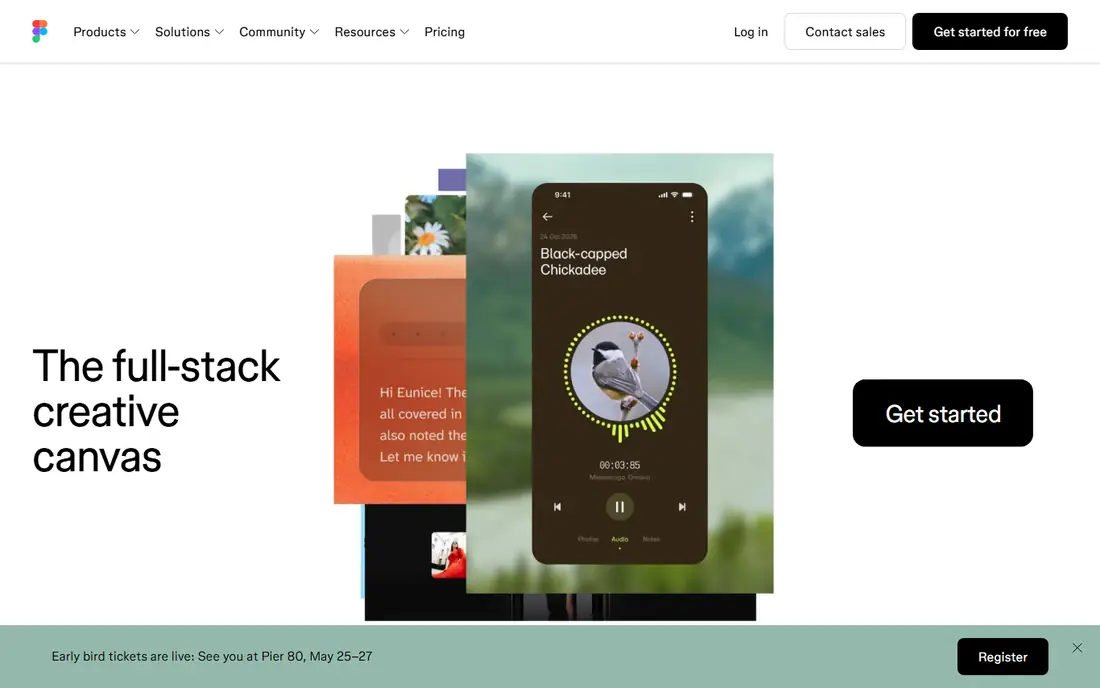
Figma Make, part of Figma AI, lets product teams generate screens and prototypes from prompts without leaving Figma. Because output lands in the same files, libraries, and components teams already use, designers can fix spacing, hierarchy, and brand details instead of rebuilding a draft in another tool. That integration is why Figma Make is the default recommendation for teams already standardised on Figma.
The limit is quality, not access. Generated screens are starting points, not finished product design, and they often need work on flows, states, and accessibility. Pricing is $15 per editor per month on monthly billing, or $12 on annual billing, with a free Starter tier for limited files. For Figma teams, the value is speed inside a familiar workflow.
- Works inside existing Figma files and libraries
- Editable output
- Strong handoff to developers
- AI output still needs design polish
- Per-editor pricing adds up for large teams
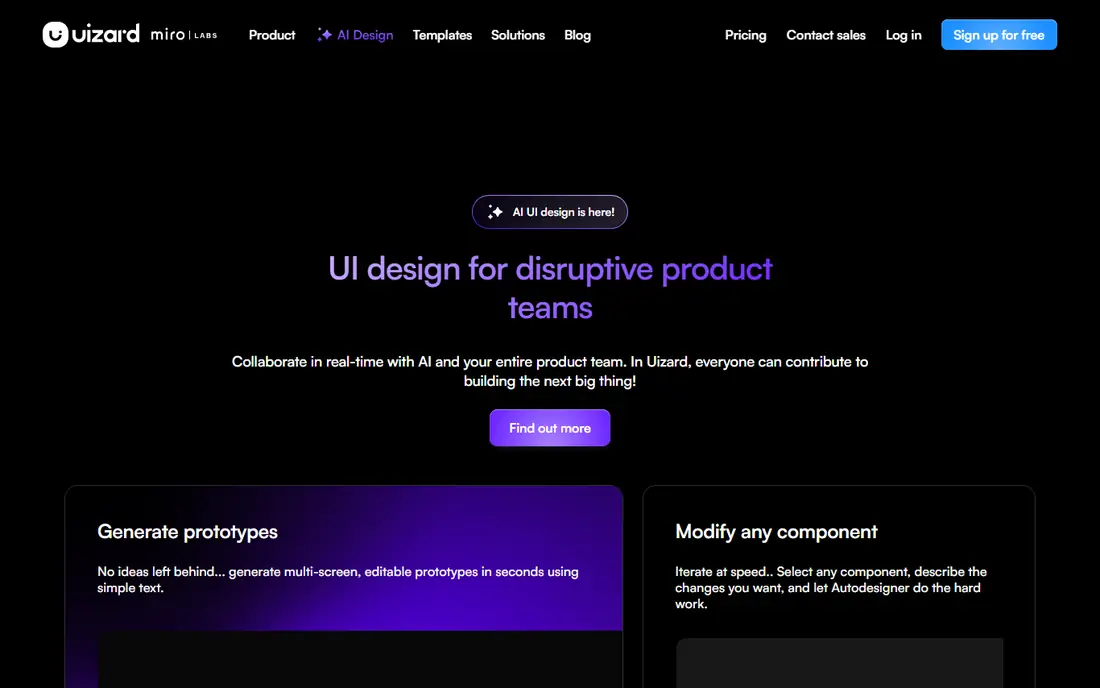
Uizard turns text prompts, sketches, and screenshots into clickable wireframes and mockups quickly. Its Autodesigner can generate multi-screen flows, and its editor lets non-designers adjust layouts without learning a full design tool. That speed makes it useful for founders, product managers, and early discovery sessions where a shareable draft matters more than pixel control.
The free plan is tight, with only a few AI generations per month, so regular users will need Pro at $19 per month on monthly billing, or $12 per month billed annually. Uizard is also weaker than Figma for final design system work. Use it to explore and validate, then move to Figma when the product needs precise components and brand rules.
- Fast prompt and sketch to UI drafts
- Autodesigner for multi-screen flows
- Easy for non-designers
- Free plan is limited to a few AI generations per month
- Polished design system handoff is weaker
Google Stitch generates user interfaces from text prompts and theme choices, and it can export designs to Figma or as front-end code. For teams that want a free way to test AI UI generation, Stitch is a strong starting point, since there is no paid gate just to try a draft. Its theme controls help keep early screens more consistent than a raw prompt alone.
Stitch is still a newer tool, so limits, features, and export details can change, and generated screens still need a designer to fix flows and details. It is best for exploration, hackathons, and early concepts, especially for teams that already use Google tools. For production design systems, pair it with Figma rather than relying on it alone.
- Free to start
- Generates UI from prompts and themes
- Exports to Figma and code
- Newer product with evolving limits
- Output still needs designer refinement
v0 by Vercel turns prompts into React user interfaces with code that developers can edit, rather than flat images. For React teams, that output is more useful than a mockup, because engineers can inspect components, adjust styling, and integrate the result into an existing app. It is particularly handy for dashboards, forms, and marketing sections where speed matters.
The catch is stack fit and code quality. Teams that do not use React gain less, and generated code still needs review for accessibility, state handling, and edge cases. Pricing is not listed here as a single figure because v0 plans and credits have changed, so check the current plan page. For React product teams, v0 is a practical prototyping tool.
- Generates React components from prompts
- Editable code output
- Strong for React teams
- React focus limits other stacks
- Generated code needs review before production
Lovable goes further than screen generation: it builds a working app from a prompt, with a live preview that stakeholders can click through. That makes it useful for founders and product teams that need to test an idea with real users, not just show static screens. Early feedback on a working flow is often more valuable than another polished mockup.
The limit is production readiness. A Lovable app is a starting point, not a finished product, and teams should expect engineering work on data, security, payments, and scale before launch. Pricing uses credits and plans that change, so we list it as See website. Use Lovable to validate, then plan a proper build for anything that must last.
- Turns prompts into a working full-stack app
- Fast for demos and MVPs
- Live preview and sharing
- Generated apps need engineering review
- Scaling beyond an MVP takes real development work
Framer AI generates landing pages and marketing sites from prompts, and those pages can be published as live websites without a separate build step. For product teams that need a launch page, waitlist page, or marketing site fast, that direct path from prompt to published page is a clear advantage. Its animation and layout tools also help marketing pages feel polished.
Framer is less suited to complex product applications with deep flows, data tables, and design systems. It is a website builder first, and product design tool second. Teams should use it for marketing surfaces and keep Figma or a code tool for the product itself. A free tier exists for basic use, with paid plans for published sites and more features.
- AI-generated pages that publish as live sites
- Strong animation and layout tools
- Good for marketing sites
- Less suited to complex product apps
- Site-focused output, not general product design files
Relume starts with structure. It generates a sitemap from a brief, then wireframes for each page, and exports to Figma or Webflow. That workflow suits websites and content-led products where information architecture matters more than a single hero screen. Product teams can agree on structure early, before spending time on visual polish.
Relume is less useful for complex app flows with states, data, and interactions, where a general design tool fits better. Pricing has varied across sources, so we list it as See website. For website projects, Relume saves the early structuring work that often slows a project down.
- Generates sitemaps and wireframes from a brief
- Figma and Webflow exports
- Good for structured sites
- Site structure focus, not general app design
- Paid plans needed for regular use
Visily is useful when a team already has a reference: a screenshot, a competitor flow, or an existing screen that needs a new version. It converts that visual reference into an editable wireframe, so designers can change layout and flow without tracing by hand. That makes it handy for redesigns, competitive reviews, and stakeholder workshops.
The output is a wireframe, not a finished visual design, so teams still need Figma or another tool for final polish. Pricing is not listed here as a single verified figure, so check the current plan page. For early exploration and redesign work, Visily is a focused and practical tool.
- Converts screenshots into editable wireframes
- Collaborative wireframing
- Fast for competitive analysis
- Output is wireframe-level, not final visual design
- Paid tiers for full use
Subframe takes a different approach from image-style generators: designers work with real React and Tailwind components, so edits map directly to production-ready code. Its AI copilot can generate screens from prompts and suggest variations, and its integrations with coding tools help bridge design and engineering. For React teams, that component-first model reduces the gap between mockup and shipped UI.
The limit is ecosystem and stack. Subframe suits React and Tailwind teams best, and it does not yet match Figma for broad community resources and plugins. Pricing should be confirmed on its site, since plans have changed. For teams that want design output to become code without a rewrite, Subframe is worth a trial.
- Designs with real React and Tailwind components
- Deterministic code output
- AI copilot for variations
- React and Tailwind focus
- Newer tool with a smaller ecosystem than Figma
How we picked these
We compared official product pages, pricing pages where clear, and product design guides, and we kept only tools that are live in October 2026 and that help product design specifically, not general image generation alone. We favoured editable output, Figma or code handoff, and a free tier or trial, and we marked pricing as See website wherever figures conflicted or plans were credit-based.
What to check before you buy an AI design tool
Start with the output you need. If the next step is engineering, choose a tool that exports clean Figma files or real code. If the next step is a stakeholder review, a fast wireframe tool may be enough. Test the same brief in two tools and compare how much fixing each draft needs, not just how good the first screen looks.
Next, check design system fit. Can the tool use your components, colours, and type, or does it generate a new style each time. Ask about data use, especially if you paste proprietary screens or copy into prompts, and confirm who owns the output. Finally, budget for designer time: AI saves setup time, but flows, empty states, error states, and accessibility still need human work.
Frequently asked questions
What is the best AI tool for product design?
For most product teams, Figma Make is the safest pick because it works inside Figma. For fast early drafts, Uizard and Google Stitch are strong. For working code, v0 and Lovable suit React and MVP work respectively.
What is the best AI product design tool for beginners?
Uizard and Google Stitch are the easiest starting points, since they turn a prompt or sketch into a draft with little setup. Beginners should still learn basic layout, hierarchy, and flow, since AI output alone rarely ships well.
Can AI replace product designers?
No. AI speeds up first drafts and routine screens, but designers still decide flows, research needs, accessibility, and brand details. The best teams use AI to remove setup work so designers can focus on decisions that affect users.
Does Figma AI cost extra?
Figma AI features, including Figma Make, are included in paid Figma seats, with Professional at $15 per editor per month on monthly billing. The free Starter tier has limited files, so teams should check current AI limits on the Figma pricing page.
How do I export AI designs to developers?
Choose tools with Figma export or real code output, and confirm component names, spacing, and states survive export. A draft that looks good but exports as a flat image will slow handoff rather than speed it up.
Sources
See where you really rank - block by block
ProMapRanker scans Google Maps across a grid of your service area. Simple monthly plans from $19, white-label on every plan.
Start freeKeep reading
 zscaler alternatives
Best Zscaler Alternatives in 2026
Looking for zscaler alternatives? We compare 9 SASE and zero trust platforms on architecture, data protection, pricing, and fit for your network and team.
Read → zapier alternatives free
Best Zapier Alternatives Free in 2026
Nine automation tools for zapier alternatives free in 2026, all with genuinely free tiers, plus free plan limits, starting prices and upgrade paths explained.
Read → which platform is best for online reputation
Which Platform Is Best for Online Reputation in 2026
Wondering which platform is best for online reputation? We compare 8 review, listing, and response tools for small and multi-location businesses and agencies.
Read →