 ProMapRanker
Best AI Tools for Legal or Financial PDFs in 2026


Full PDF editing with AI help · Pricing starts at: See website
Key takeaways
- Adobe Acrobat and Foxit suit teams that already work inside a full PDF editor and want AI close to editing, signing, and redaction.
- ChatPDF, PDF.ai, and AskYourPDF suit quick question answering on one document or a small set, with cited answers that point back to the source text.
- Smallpdf, UPDF, and Humata add broader document handling, so a team can convert, edit, or compare files without switching tools for every step.
- For legal or financial work, privacy settings, document retention, and human review matter more than speed, and no tool here replaces professional advice.
Quick comparison
| Pick | Great for | Pricing starts at | Free tier | |
|---|---|---|---|---|
| Adobe Acrobat AI Assistant | Full PDF editing with AI help | See website | No | Visit |
 ChatPDF | Quick answers on a single PDF | See website | Yes | Visit |
 PDF.ai | Cited question answering | See website | Yes | Visit |
 AskYourPDF | Asking across several documents | See website | Yes | Visit |
 Foxit AI Assistant | PDF editing teams on Foxit | See website | Free trial | Visit |
 Smallpdf AI Chat | Everyday PDF tasks plus chat | See website | Yes | Visit |
 UPDF AI | Editing and AI in one app | See website | Free trial | Visit |
 Humata | Comparing longer technical documents | See website | Yes | Visit |
The best ai tools for legal or financial pdfs
Legal and financial PDFs are long, dense, and costly to misread. The tools below help with summaries, clause location, and targeted questions, while leaving final judgment to a person.
Adobe Acrobat AI Assistant fits teams that already live in Acrobat. A lawyer or finance reviewer can ask for a summary, find a defined term, or pull key dates without exporting the file to another service. Because the assistant sits inside the editor, the next step can be a redaction, a signature request, or a corrected page, rather than a copy back into a separate tool. That closeness is the main reason to choose it over a chat-only tool.
The catch is price structure and scope. It is an add-on rather than a standalone purchase, so readers should check the combined Acrobat and AI price before committing. It also works best as a reading and drafting aid. For a contract or a filing, a qualified professional should still check every AI summary against the original pages, since a missed exception or a changed definition can change the meaning.
- Works inside Acrobat
- Cited answers
- Handles editing, signing, and redaction in the same app
- Paid add-on on top of Acrobat
- Total cost rises for occasional users
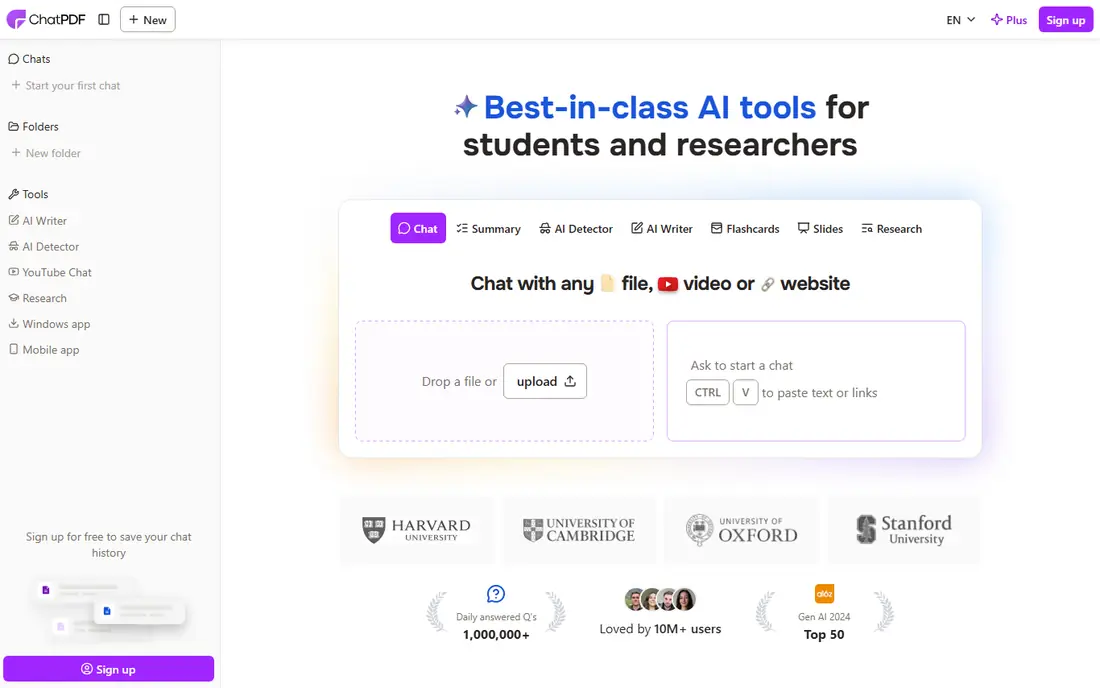
ChatPDF is the simplest entry point on this list. A user uploads a PDF, asks a plain question, and gets an answer with references to the source. That direct flow suits a single agreement, a loan statement, or an annual report that needs a fast first pass. There is little setup, and the free tier lets a reader test whether chat with a PDF fits their work before paying.
The limits show up with volume and structure. Free use is capped, and a team with dozens of files will want a tool built for folders or workspaces. ChatPDF also does not replace a full editor, so edits, signatures, and formal redaction still need another app. Use it for understanding a document, then confirm any figure or clause in the original PDF before acting on it.
- Simple upload and ask flow
- Cited answers
- Low friction for one-off documents
- Free tier limits daily documents
- Less suited to large document sets
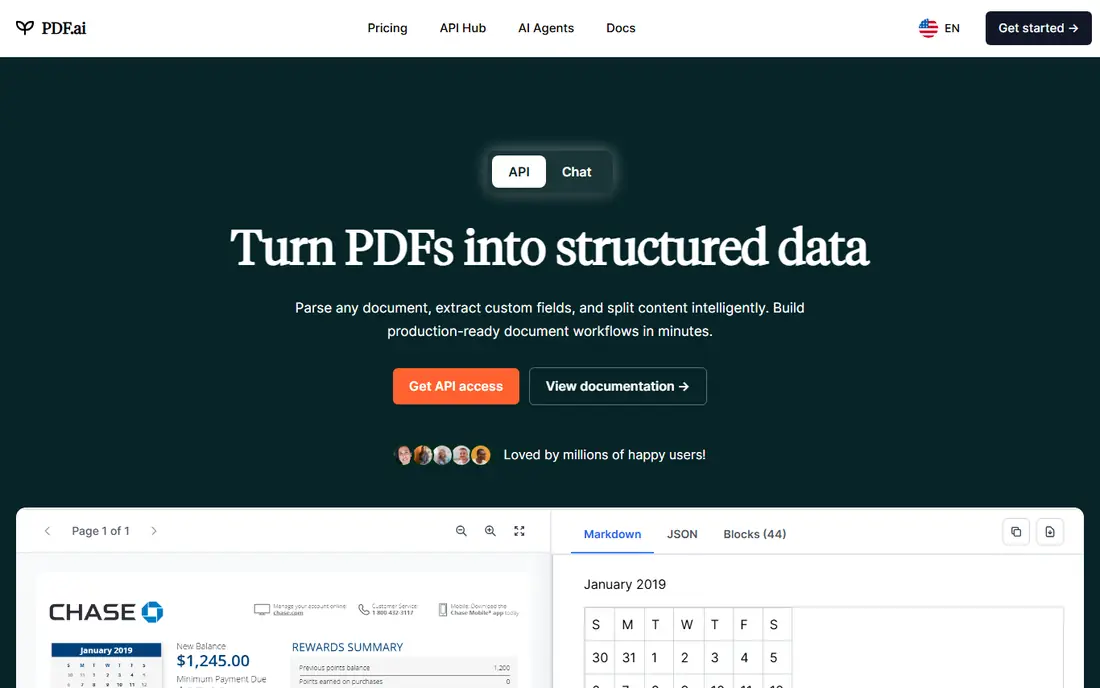
PDF.ai suits readers who want answers they can trace. When it answers a question about a fee schedule, a termination clause, or a reporting period, the citation helps a reviewer open the exact passage and check the wording. That traceability matters for financial documents, where a summary alone is not enough to support a decision. The interface stays focused, which keeps the learning curve short.
The trade-off is breadth. PDF.ai is mainly a chat and question tool, not a full PDF editor or a contract management system. A team that also needs redlining, approvals, or long-term contract storage will need a second product. Check the paid limits on file size and questions per month, since heavy reviewers can reach them quickly.
- Clear question and answer flow
- Citations to source passages
- Paid plans add larger use
- Free tier is limited
- Editing features are not the focus
AskYourPDF is a good fit when the question spans more than one file. A legal researcher might compare clauses across draft versions, while a finance reviewer might ask how a term changes across quarterly filings. The tool can draw from a set of documents instead of forcing a separate chat for each file, which saves time during a review cycle. Its extension can also help when a PDF is open in a browser.
As with other chat tools, the output is a starting point. Cross-document answers can blend similar clauses from different versions, so a reviewer should confirm which document and page each answer came from. The free tier is useful for testing, but regular professional use will usually need a paid plan with higher limits.
- Multi-document question answering
- Browser extension option
- Useful for research sets
- Free tier limits daily documents
- Accuracy still needs source checking
Foxit AI Assistant appeals to teams that already use Foxit PDF Editor. It can summarize a long agreement, explain a dense section, or help draft clearer wording, all without leaving the document. For finance teams, that means a report can be read, annotated, and shared from one place. For legal teams, the editor side matters too, since comments and markup stay tied to the file.
The main drawback is the same as with Acrobat: AI is part of a larger paid stack. A reader who only needs occasional chat may find a standalone tool cheaper. Foxit also requires care with confidential files, so teams should review its privacy and data handling terms and use the most restrictive settings available for client or deal documents.
- AI inside a full PDF editor
- Summaries and rewriting help
- Familiar desktop workflow
- Paid AI features add to the editor cost
- Some advanced use needs a higher plan
Smallpdf AI Chat suits small businesses and solo professionals who handle PDFs in many small ways. One account can compress, convert, sign, and chat with a document, which avoids juggling several single-purpose apps. For a financial summary or a short contract, the chat feature gives a quick plain-language overview before a closer read. The browser-based flow also means no desktop install is needed to start.
The limits are volume and depth. Free use is capped by daily tasks, and the tool is not built as a contract repository or a formal review system. It is best for understanding and handling documents, not for managing a full deal pipeline. As always with financial or legal files, verify numbers, dates, and obligations in the original before sharing a summary with a client or a counterparty.
- Wide PDF toolkit in one place
- Browser based
- Simple for occasional users
- Daily free limits
- Deeper legal review needs a more specialised tool
UPDF AI is a strong all-round choice for a professional who edits PDFs as often as they read them. It combines editing, annotation, conversion, and AI summaries, so a scanned statement can be made searchable and then questioned in the same workflow. That matters for older legal files and paper-origin financial records, where a clean text layer is the first step to any useful AI answer. Mobile access also helps reviewers who work away from a desk.
The honest limit is scale. UPDF is not a contract lifecycle system, and it does not manage approvals, clause libraries, or renewal alerts in the way a dedicated platform does. Readers should also check which AI features are included in their plan, since question limits and advanced tools can differ. For single-user or small-team document work, though, the combination is practical and easy to learn.
- Editing, annotation, and AI in one app
- Works across desktop and mobile
- OCR for scanned pages
- AI limits vary by plan
- Team controls are less deep than enterprise contract tools
Humata fits research-heavy legal and financial work, such as prospectuses, technical schedules, or long due diligence sets. It is built to handle longer documents and to answer questions with references, which helps a reviewer trust and then verify the result. When a team needs to compare how a risk section or a financial note changes across versions, that comparison view saves repeated manual searching.
The drawback is focus. Humata is not a general editor, so signing, redaction, and page editing will need another tool. Its free tier also limits how much a new user can test before paying. For teams that mainly need deep reading and comparison, that focus is a strength. For teams that mainly need editing, a fuller PDF suite will be a better fit.
- Good for long and technical files
- Comparison across documents
- Citation focused answers
- Free tier is limited
- Less useful as a general PDF editor
How we picked these
We compared official product pages, pricing pages, and app listings for tools that accept PDF uploads and answer questions, summarise, or extract terms. We kept only tools that exist and work in October 2026 and that truly handle legal or financial style documents, such as contracts, filings, statements, and reports. We favoured tools with cited answers, clear privacy terms, and a usable free tier or trial, and we set aside tools that had closed, changed focus, or could not be verified. We did not claim hands-on testing that did not happen.
What to check before you trust an AI summary
Start with privacy and retention. Before uploading a client contract, a loan file, or a board report, read the privacy policy and check whether document content is used for training, how long files are stored, and whether an enterprise or business plan offers stronger controls. For highly sensitive work, a tool inside an existing editor with clear business terms may be safer than a free consumer tool with broad data terms. When in doubt, redact names, account numbers, and other identifiers before a first test, and ask your compliance lead which tools are approved.
Next, test the tool on a document you already know well. Ask for a specific clause, a payment date, and a defined term, then compare each answer to the original page. This short test reveals whether the tool cites correctly, whether it confuses similar clauses, and whether it flags uncertainty or states a guess as fact. A tool that answers confidently on a missing clause is a warning sign. Keep a simple rule for the team: AI summaries guide the review, and a person signs off on the final reading.
Finally, match the tool to the job size. A single PDF for a quick question needs a simple chat tool. A set of filings for a quarterly review needs multi-document search and citations. A signed agreement that will be edited, redacted, and stored needs a full editor or a contract system. Pay attention to file size limits, page limits, and monthly question limits, since those caps decide whether a plan works in a busy week. Price alone is a poor guide when a cap stops work mid-review.
Frequently asked questions
What is the best ai app for legal documents?
For most readers, a tool inside a full PDF editor, such as Adobe Acrobat AI Assistant or Foxit AI Assistant, is the safest starting point, since editing and review stay in one place. For quick reading, ChatPDF or PDF.ai can be enough. The best choice depends on whether you also need editing, signing, or multi-document comparison.
What are the best ai tools for legal case preparation?
Tools that handle long files and cite sources, such as Humata and AskYourPDF, help during case preparation by locating clauses and comparing versions. They can speed up first-pass review, but they do not replace attorney review of evidence, citations, and filing requirements. Keep originals organised and check every AI finding against the source document.
What is the best ai legal tool for sales teams?
Sales teams usually need fast, plain-language summaries of terms, renewal dates, and obligations, plus an easy way to share a clean file. Smallpdf AI Chat and UPDF AI suit that pattern, since they combine reading help with everyday PDF handling. For higher value deals, route the final contract through legal review before signature.
Can AI tools read scanned legal or financial PDFs?
Yes, when the tool supports OCR, which converts scanned pages into searchable text. UPDF and full PDF editors commonly include this, while some chat-only tools handle scanned files less well. If a scan is faint or handwritten, check the extracted text first, since poor OCR leads to poor answers.
Is it safe to upload confidential PDFs to an AI tool?
It depends on the tool and the plan. Read the privacy and retention terms, check whether content is used for training, and prefer business plans with stronger controls for client or deal files. For the most sensitive documents, consider a tool approved by your firm, redact identifiers for testing, and never rely on an AI summary alone for a legal or financial decision.
Does AI software alone make a company compliant?
No. Software alone does not make an organisation compliant with legal, tax, or financial rules. Compliance depends on correct processes, trained staff, proper records, and professional advice for the specific facts. Use these tools to find and summarise information, then have a qualified professional review the result.
Sources
See where you really rank - block by block
ProMapRanker scans Google Maps across a grid of your service area. Simple monthly plans from $19, white-label on every plan.
Start freeKeep reading
 zoro.to alternatives
Best Zoro.to Alternatives in 2026
We compare the best zoro.to alternatives in 2026, listing only legal licensed anime streaming services, from Crunchyroll to free options for fans today.
Read → zip alternatives
Best Zip Alternatives in 2026
We compare the best zip alternatives for buy now, pay later in 2026, covering pay-in-4 plans, fees, spending limits, and credit reporting options today.
Read → yesware alternatives
Best Yesware Alternatives in 2026
Compare the best yesware alternatives for sales email tracking, templates, and sequences, with current pricing and honest tradeoffs for small sales teams.
Read →