 ProMapRanker
Best AI Tools for Faceless YouTube Videos in 2026

Key takeaways
- Pictory and InVideo suit script-to-video workflows, while Fliki and HeyGen cover narration and avatar formats.
- ElevenLabs is the voice-first pick, and Descript, CapCut and VEED cover the final edit and captions.
- YouTube rewards original, useful videos, so add real research, editing and commentary rather than publishing raw generated output.
- Check the licence for voices, music and stock footage before monetising, since free tiers often limit commercial use.
Quick comparison
| Pick | Great for | Pricing starts at | Free tier | |
|---|---|---|---|---|
 Pictory | Script-to-video from text or blogs | $25 per month | Free trial | Visit |
 InVideo | Fast script-to-video drafts | See website | No | Visit |
 Fliki | Multi-format narration videos | See website | Free trial | Visit |
 Synthesia | Avatar-led explainer videos | $18 per month | Free trial | Visit |
 HeyGen | Avatar and presenter-style videos | $29 per month | Yes | Visit |
 ElevenLabs | High-quality AI narration | See website | Yes | Visit |
 Descript | Text-based video editing | $16 per month | Yes | Visit |
 CapCut | Beginner-friendly final edits | See website | Yes | Visit |
 VEED | Browser captions and polish | See website | Yes | Visit |
The best AI tools for faceless YouTube videos
Faceless YouTube videos use narration, stock footage, animation or avatars instead of a presenter on camera. The tools below cover scripts, voices, visuals and editing, and they are legitimate creative tools. A plain warning applies throughout: only use voices, faces or likenesses you own or have permission to use, and disclose synthetic content where YouTube asks you to.
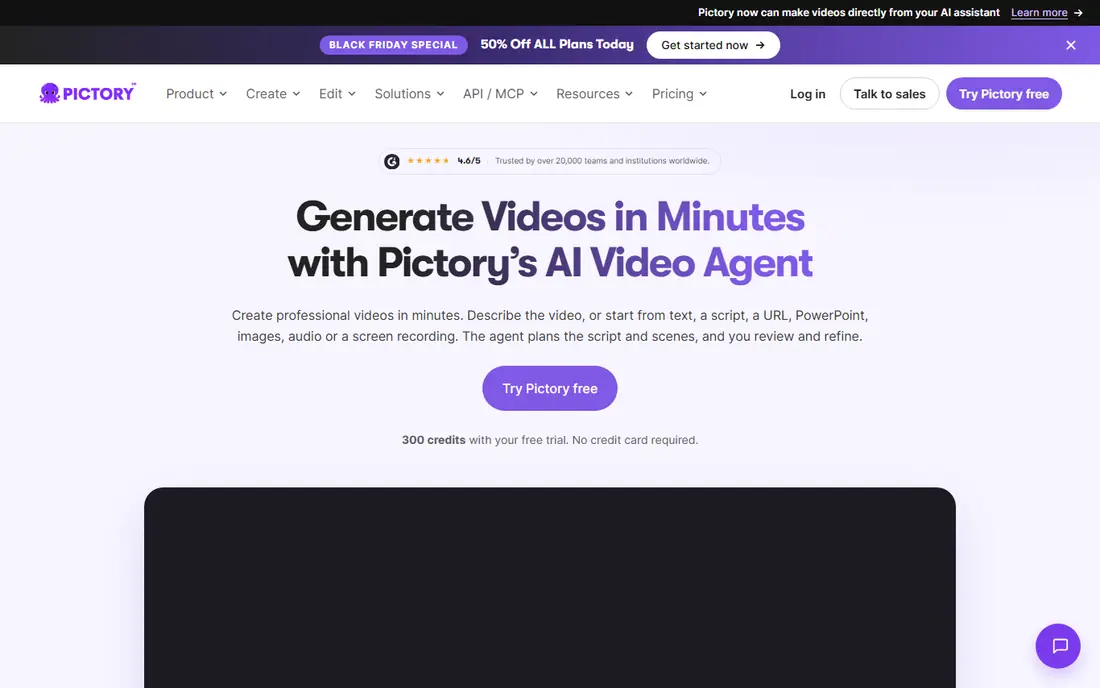
For teams that want a clear starting point, Pictory is built for script-to-video from text or blogs. Pictory takes a script, blog post or URL and builds a video from stock footage, captions and narration. It suits informational channels that publish often, since the workflow is fast and the editor is easy to learn.
The honest catch is visuals are stock-based, so videos can look alike. Before you pay, test it on your real workload during any trial or free tier and check whether the limits fit what you actually do each week. If the coverage fits your main work, it is worth keeping; if it only covers a narrow set, try a cheaper option first.
- Turns scripts and URLs into stock videos
- Captions and voices included
- Simple editor
- Visuals are stock-based, so videos can look alike
- Minute limits apply by plan
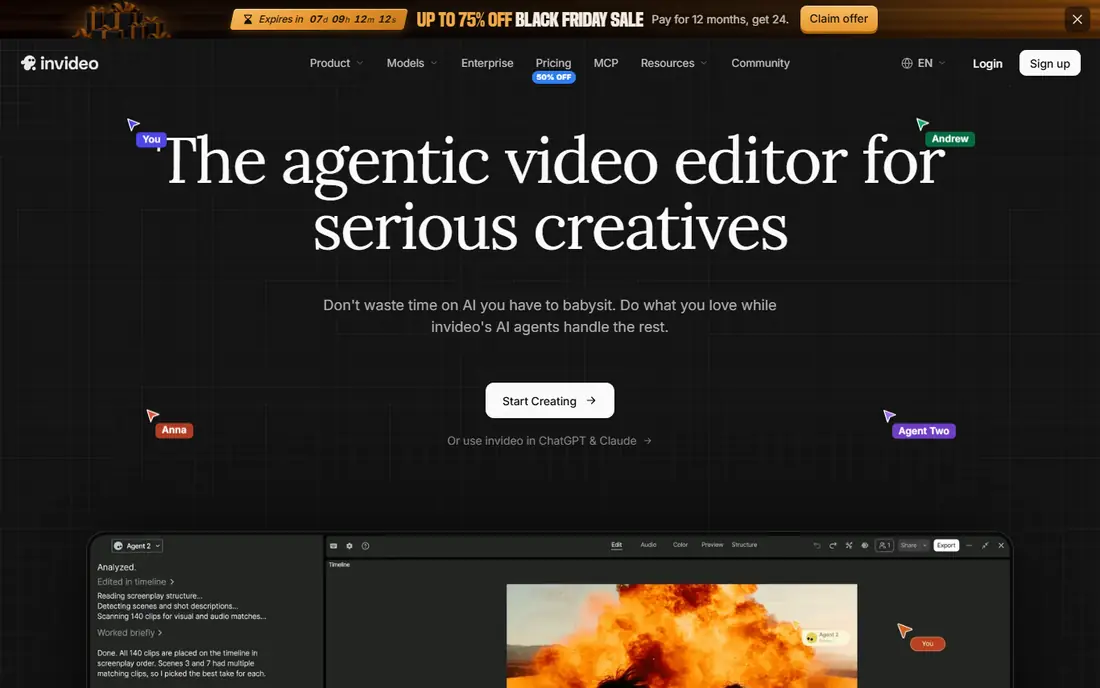
This one suits teams that need steady reporting more than a one-off check, InVideo is built for fast script-to-video drafts. InVideo turns a prompt or script into a draft video with stock clips, voiceover and music, which a creator can then edit. It works best as a drafting tool, since the strongest videos still need a human pass on script, shots and pacing.
The honest catch is credit-based generation can burn through allowances. Before you pay, test it on your real workload during any trial or free tier and check whether the limits fit what you actually do each week. If the coverage fits your main work, it is worth keeping; if it only covers a narrow set, try a cheaper option first.
- Prompt-based video drafts
- Large stock library
- Editing and templates
- Credit-based generation can burn through allowances
- Pricing changes often, so check the current page
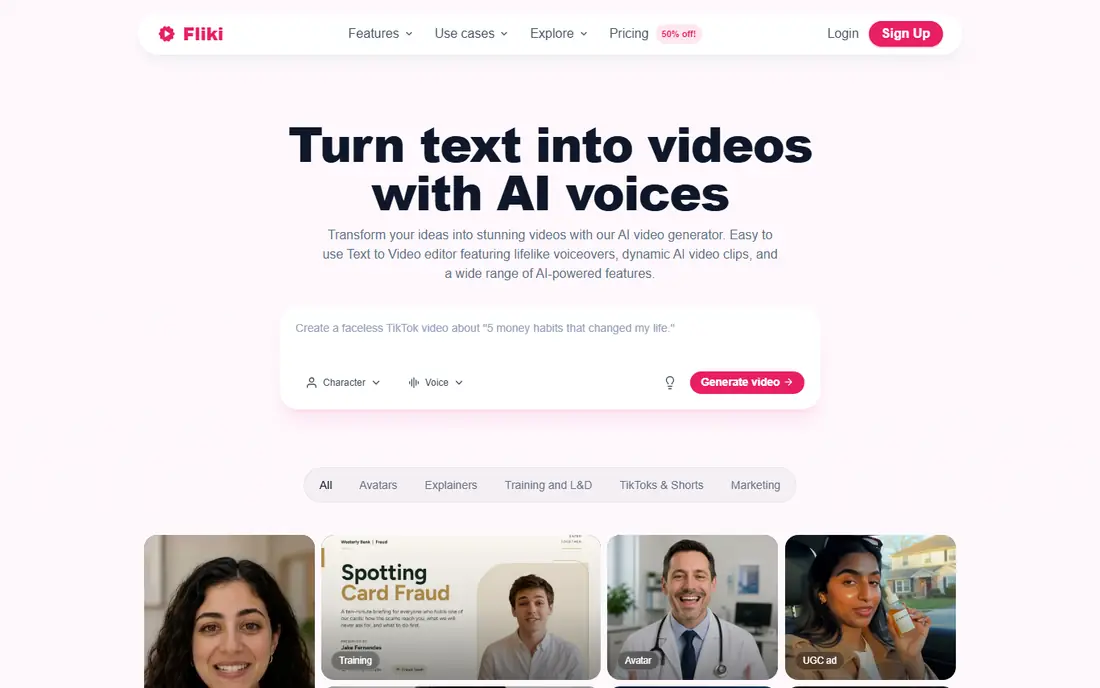
If your main problem is missed mentions, Fliki is built for multi-format narration videos. Fliki converts text into videos with narration, visuals and captions, and it handles several formats from one script. It suits creators who publish explainers and list videos and want voice choice without recording every line themselves.
The honest catch is quality varies by voice and visual choice. Before you pay, test it on your real workload during any trial or free tier and check whether the limits fit what you actually do each week. If the coverage fits your main work, it is worth keeping; if it only covers a narrow set, try a cheaper option first.
- Text to video with many voices
- Stock and AI visuals
- Blog-to-video options
- Quality varies by voice and visual choice
- Higher limits need higher plans
A good fit for larger teams with several brands to watch, Synthesia is built for avatar-led explainer videos. Synthesia creates avatar-led videos from a typed script, with no camera or studio needed. It fits explainer and training-style channels, provided the avatar is a licensed stock avatar or one the creator has permission to use, not a real person copied without consent.
The honest catch is avatar format suits explainers, not every youtube niche. Before you pay, test it on your real workload during any trial or free tier and check whether the limits fit what you actually do each week. If the coverage fits your main work, it is worth keeping; if it only covers a narrow set, try a cheaper option first.
- AI avatars that present a script
- Many languages
- Simple studio editor
- Avatar format suits explainers, not every YouTube niche
- Video minutes are limited by plan
For smaller teams working to a tight budget, HeyGen is built for avatar and presenter-style videos. HeyGen offers avatar videos and voice features for creators who want a presenter without filming. Use only stock avatars or avatars you have created and licensed, and never clone a real person's voice or face without clear permission.
The honest catch is credits limit avatar video length. Before you pay, test it on your real workload during any trial or free tier and check whether the limits fit what you actually do each week. If the coverage fits your main work, it is worth keeping; if it only covers a narrow set, try a cheaper option first.
- Large avatar library
- Voice cloning options
- Multilingual output
- Credits limit avatar video length
- Cloning features need clear consent controls
This option works best when you already use related tools in the same suite, ElevenLabs is built for high-quality ai narration. ElevenLabs is the voice-first tool in this list, with narration that suits documentaries, explainers and story channels. Its free plan is not a commercial licence for monetised videos, so creators should move to a paid plan before publishing for income.
The honest catch is free plan limits commercial use, so check the licence before monetising. Before you pay, test it on your real workload during any trial or free tier and check whether the limits fit what you actually do each week. If the coverage fits your main work, it is worth keeping; if it only covers a narrow set, try a cheaper option first.
- Natural-sounding voices
- Many languages
- Voice design tools
- Free plan limits commercial use, so check the licence before monetising
- Voice cloning needs consent
If you need depth on a single question, Descript is built for text-based video editing. Descript lets a creator cut video by deleting words in a transcript, which makes editing dialogue and narration fast. It suits faceless channels that mix narration, screen footage and clips, and it handles captions and audio cleanup in the same editor.
The honest catch is ai features and media hours are limited by plan. Before you pay, test it on your real workload during any trial or free tier and check whether the limits fit what you actually do each week. If the coverage fits your main work, it is worth keeping; if it only covers a narrow set, try a cheaper option first.
- Edit video by editing text
- Captions and studio sound
- Screen recording
- AI features and media hours are limited by plan
- Heavy weeks can run out of allowances
For teams that want action steps alongside the charts, CapCut is built for beginner-friendly final edits. CapCut is a friendly editor for cutting, captioning and polishing videos on mobile or desktop. It works well as the final step after a script-to-video tool, since templates, captions and music help a draft feel finished.
The honest catch is some ai features are paid. Before you pay, test it on your real workload during any trial or free tier and check whether the limits fit what you actually do each week. If the coverage fits your main work, it is worth keeping; if it only covers a narrow set, try a cheaper option first.
- Templates and effects
- Captions
- Mobile and desktop editors
- Some AI features are paid
- Template-heavy videos can look generic
This is the pick to shortlist when reporting matters as much as tracking, VEED is built for browser captions and polish. VEED runs in the browser and focuses on captions, subtitles and clean edits, with AI generation credits on paid plans. It suits creators who want a fast polish pass without installing desktop software, especially for Shorts and social clips.
The honest catch is exports and credits are limited on lower plans. Before you pay, test it on your real workload during any trial or free tier and check whether the limits fit what you actually do each week. If the coverage fits your main work, it is worth keeping; if it only covers a narrow set, try a cheaper option first.
- Browser editor
- Automatic subtitles
- AI credit pool for generation
- Exports and credits are limited on lower plans
- Per-seat pricing adds up for teams
How we picked these
We compared official feature and pricing pages and public product descriptions for tools live in October 2026. We kept legitimate creative tools for scripts, voices, visuals and editing, and we did not list tools for undressing or non-consensual imagery, nor did we present any consumer product that is not live as a consumer product. We noted licence limits where they affect monetisation, and we did not claim hands-on testing.
How to make faceless videos that last on YouTube
Add real value in every video
Research the topic, write a clear script and edit out weak shots, since YouTube treats mass-produced output with little human input as inauthentic. A short, well-edited video with a clear point will outlast a long video assembled with no review.
Respect voices, faces and licences
Only use voices, faces or likenesses you own or have permission to use, and check the licence for stock footage, music and AI voices before monetising. Disclose synthetic content where YouTube asks, and keep a record of the licences you rely on.
Build a repeatable format
Pick one format, such as explainers, documentaries or list videos, and reuse the same voice, style and structure. A consistent format helps viewers know what to expect, and it makes each new video faster to produce.
Frequently asked questions
Are faceless YouTube channels allowed?
Yes, faceless channels are allowed, but YouTube expects original and useful content with clear human input. Mass-produced videos with little editing or value can lose monetisation, so treat AI as a production aid, not a replacement for research and editing.
Do I need to disclose AI-generated content?
YouTube asks creators to disclose altered or synthetic content in certain cases, such as realistic scenes that did not happen or synthetic voices presented as real people. Check the current YouTube policy for your format before publishing.
Can I use an AI voice on a monetised channel?
Yes, if the voice tool licence allows commercial use and you do not clone a real person without permission. Free plans often limit commercial use, so check the plan terms before you monetise.
What is the cheapest way to start?
Start with free tiers for scripting, editing and captions, and publish a few videos to learn which step slows you down. Spend on a paid voice or video plan only when the free limits block the format you actually publish.
Why do some faceless videos look alike?
Stock footage and template workflows repeat the same shots and styles, so videos blend together. Custom scripts, careful shot choices and a consistent edit style are what make a channel feel distinct.
Sources
See where you really rank - block by block
ProMapRanker scans Google Maps across a grid of your service area. Simple monthly plans from $19, white-label on every plan.
Start freeKeep reading
 zscaler alternatives
Best Zscaler Alternatives in 2026
Looking for zscaler alternatives? We compare 9 SASE and zero trust platforms on architecture, data protection, pricing, and fit for your network and team.
Read → zapier alternatives free
Best Zapier Alternatives Free in 2026
Nine automation tools for zapier alternatives free in 2026, all with genuinely free tiers, plus free plan limits, starting prices and upgrade paths explained.
Read → which platform is best for online reputation
Which Platform Is Best for Online Reputation in 2026
Wondering which platform is best for online reputation? We compare 8 review, listing, and response tools for small and multi-location businesses and agencies.
Read →