 ProMapRanker
Best AI Tools for Executive Assistants in 2026


Delegating repeatable assistant work to agents · Pricing starts at: $29.99 per month
Key takeaways
- Lindy is our pick for assistants who want to delegate repeatable work to agents, while Motion and Reclaim are stronger for pure calendar control.
- Superhuman suits executives with very high email volume, but it still requires the human to send the reply, so it is not a hands-off assistant.
- Otter.ai and Fireflies.ai cover meeting capture well, and they pair best with a scheduling tool rather than replacing one.
- Calendly and Akiflow solve different problems: Calendly books meetings with outsiders, while Akiflow turns a scattered task list into time-blocked calendar work.
- Watch credit-based pricing closely, since heavy email, voice or meeting use can raise the monthly bill faster than a flat per-seat plan.
Quick comparison
| Pick | Great for | Pricing starts at | Free tier | |
|---|---|---|---|---|
| Lindy | Delegating repeatable assistant work to agents | $29.99 per month | Free trial | Visit |
 Motion | Auto-scheduling tasks onto the calendar | $19 per user per month | Free trial | Visit |
 Reclaim | Protecting focus time and habits | Free | Yes | Visit |
 Superhuman | High-volume inbox work | $30 per month | Free trial | Visit |
 Otter.ai | Meeting transcription and notes | See website | Yes | Visit |
 Fireflies.ai | Meeting summaries and action items | See website | Yes | Visit |
 Calendly | Booking meetings with people outside the team | See website | Yes | Visit |
 Notion | Notes, docs and assistant workflows in one place | See website | Yes | Visit |
 Akiflow | Task inbox plus time-blocked calendar planning | $19 per month | Free trial (7 days) | Visit |
The best AI tools for executive assistants
Executive assistants juggle inboxes, calendars, travel, meeting notes and follow-ups, often for more than one executive at once. We compared official pricing pages, feature pages and public product descriptions, and focused on what each tool actually automates, what still needs a human, and what it costs at realistic use.

Lindy lets an assistant build AI agents that handle repeatable tasks such as drafting emails, sending follow-ups, joining meetings to take notes and preparing briefs. Templates cover common executive assistant workflows, and agents can work in email, Slack and calendar tools. For an assistant who repeats the same steps every week, that delegation is the main appeal.
The catch is cost control. Plans are credit-based, and voice calls, long meetings and high-volume email work consume credits faster than light use. An assistant should start with one or two workflows, measure credit use over a full month, and only then expand. Lindy is powerful, but it rewards careful setup more than casual use.
- No-code agents for email, meetings and follow-ups
- Phone and scheduling agents
- Works across common tools
- Credit-based pricing can be hard to forecast
- Building good agents takes setup time
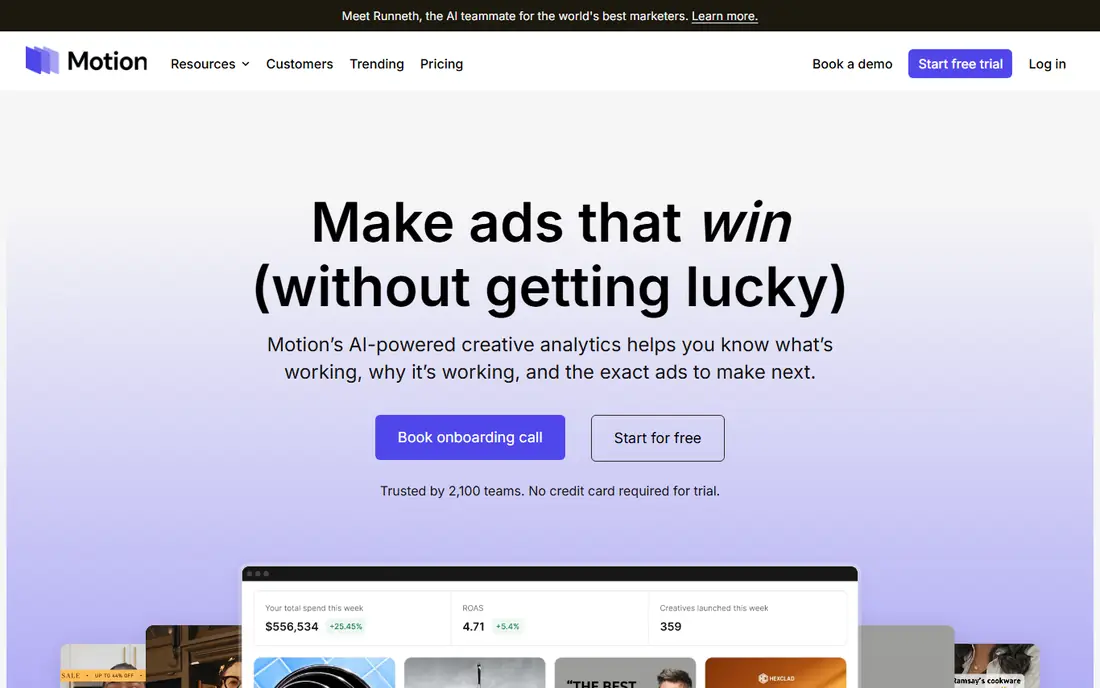
Motion answers a specific question: when will each task actually get done. It places tasks onto the calendar, re-plans them when meetings run long or priorities change, and keeps projects, docs and meetings in the same workspace. For an executive with a packed week, that automatic re-planning saves the constant manual reshuffle that eats an assistant's day.
Motion does not read or answer email, so it is not a full assistant replacement. It also works best when tasks and projects live inside Motion, which can mean migrating work from other tools. If calendar chaos is the main problem, Motion is excellent. If inbox volume is the main problem, pair it with an inbox tool instead.
- Rebuilds the day when plans slip
- Combines tasks, projects and calendar
- Meeting booking included
- No permanent free plan
- Everything works best when work lives inside Motion
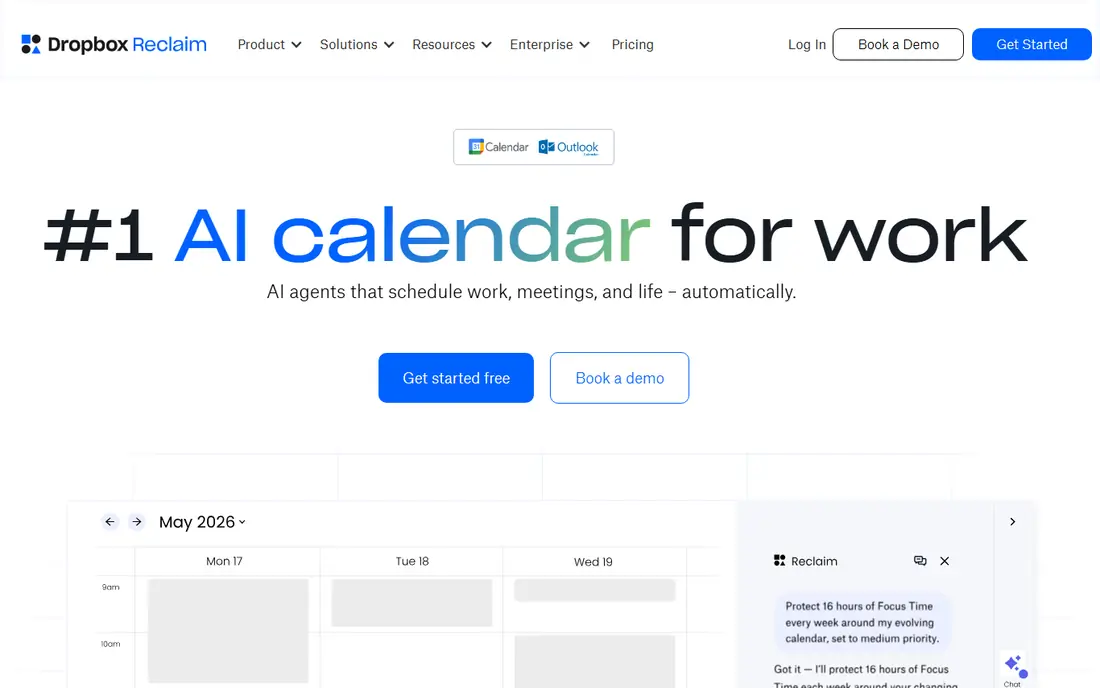
Reclaim defends time on the calendar. It creates focus blocks, recurring habit blocks and buffers between meetings, and it moves flexible one-on-one meetings automatically when conflicts appear. It connects with task tools such as Asana, Todoist and Linear, so tasks can be time-blocked without manual calendar work.
Reclaim will not triage email or draft replies, and its free plan has limits on scheduling range and linked calendars. Paid plans add more users, longer scheduling ranges and team features. For an assistant whose executive complains about a calendar full of back-to-back meetings, Reclaim is the cheapest and simplest fix on this list.
- Free plan for individuals
- Focus blocks, habits and buffers
- Syncs with common task tools
- Calendar only, not an inbox tool
- Advanced features need a paid plan
Superhuman is an email client built for speed. Keyboard shortcuts, split inboxes, automatic triage and follow-up reminders help an assistant or executive process hundreds of messages faster than a standard inbox. It also offers AI drafting help, which can turn a rough note into a polished reply in less time.
Superhuman does not send email on its own, and its AI drafts should be reviewed before sending, especially for sensitive executive correspondence. At around $30 per month per user, it is also a premium price for an email client. It earns that price when inbox volume is the bottleneck, but it is less useful when scheduling is the bigger pain.
- Very fast keyboard-driven email
- Split inbox and auto-triage
- Send-later and follow-up reminders
- No permanent free plan
- Drafts still need human review and sending
Otter.ai joins meetings on Zoom, Google Meet and Microsoft Teams, transcribes the conversation in real time and produces a searchable record. Assistants can use it to capture decisions, action items and follow-ups without taking manual notes through every call. Paid plans add summaries, more transcription minutes and team features.
Transcription quality depends on audio quality, background noise and speaker clarity, so important meetings still deserve a quick human review. The free plan also has monthly transcription limits that a busy executive team can reach quickly. For reliable meeting records, Otter.ai is a strong choice, especially when paired with a scheduling tool.
- Live transcription for common meeting tools
- Searchable transcripts
- Summary features on paid plans
- Accuracy varies with audio quality and accents
- Free plan has monthly limits
Fireflies.ai records meetings, transcribes them and generates summaries with action items, topics and speaker tracking. Assistants can search past meetings by keyword, share clips or summaries with executives, and feed action items into task tools. That searchable meeting library is useful when an executive asks what was agreed three weeks ago.
As with any transcription tool, summaries should be checked before they are shared as a formal record, particularly for hiring, legal or financial discussions. The free plan limits storage and advanced features, so heavy users will need a paid plan. For teams that run many meetings and need fast, shareable recaps, Fireflies.ai is a practical pick.
- Meeting summaries and action tracking
- Wide meeting platform support
- Searchable meeting library
- Free plan limits storage and features
- Summaries need review for sensitive decisions
Calendly removes the back-and-forth of scheduling with people outside the organization. An assistant can share a booking link, set availability rules and let guests pick a time that respects the executive's calendar. Routing features help direct different meeting types to the right person, and integrations cover common calendars and video tools.
Calendly is not a full AI assistant. It books meetings well, but it does not triage email, draft messages or manage tasks. Some AI-assisted booking features are available on higher plans, so assistants should check plan details before assuming they are included. For external scheduling, though, Calendly remains one of the simplest and most widely accepted tools.
- Simple booking links and routing
- Calendar and video integrations
- Team scheduling features
- AI booking features are limited to specific plans
- Heavy use needs a paid plan
Notion gives an executive assistant a single place for briefing docs, meeting notes, travel plans, contact lists and recurring checklists. Its database views help track requests, deadlines and follow-ups, and its AI features can draft, summarize and rewrite content inside those docs. Templates for meeting notes and executive briefs reduce setup time.
Notion does not manage email or defend calendar time by itself, so it works best alongside a scheduling or inbox tool. AI features are also tied to paid plans, and the free plan has limits for teams. For assistants who need organized, searchable executive support documents, Notion is a flexible and affordable base.
- Flexible docs, wikis and databases
- AI help for drafting and summaries
- Strong templates
- Not an inbox or calendar tool on its own
- AI features need a paid add-on or plan
Akiflow pulls tasks from email, messaging apps and project tools into one inbox, then lets an assistant drag those tasks onto the calendar as time blocks. It syncs both ways with Google Calendar and Outlook, so a block moved in Akiflow moves on the executive's real calendar too. A guided daily planning routine helps an assistant review the inbox each morning and decide what the executive will actually work on that day.
The limit is price and control. Akiflow costs $19 per month billed yearly or $34 billed monthly, with no free plan beyond the 7-day trial, and its time blocking is manual rather than automatic, so it suits assistants who want hands-on control of the day. Assistants should compare Akiflow with Reclaim and pick based on whether the problem is a scattered task list that needs blocking or a calendar that needs automatic rescheduling.
- Universal task inbox from many tools
- Drag-and-drop time blocking
- Two-way Google and Outlook calendar sync
- No free plan, only a 7-day trial
- Premium price
- No iCloud or Apple Calendar support
How we picked these
We compared official pricing pages, feature pages and public product descriptions, and kept only tools that are currently available and directly useful for executive assistant work. We favored tools with clear pricing or free plans, documented integrations with email and calendar systems, and distinct strengths, so the list covers scheduling, inbox, meetings and notes rather than repeating one category. We did not claim hands-on testing, and where pricing varies by plan we wrote See website rather than guessing.
What to check before you choose
Start with the bottleneck. If the calendar is the problem, Motion, Reclaim or Akiflow will help most. If the inbox is the problem, Superhuman or an agent tool such as Lindy fits better. If meetings generate the most follow-up work, Otter.ai or Fireflies.ai should come first. Buying a general agent tool before naming the bottleneck often leads to a tool that is used for a week and then ignored.
Next, check privacy and access controls. Executive assistants handle sensitive calendars, emails and meeting content, so review data retention, who can access transcripts, whether AI training uses customer data, and how access is revoked when staff change. Require human review before any AI draft is sent externally, and keep a clear record of which tasks an agent is allowed to do without approval.
Budgeting for AI assistant tools
Compare flat per-seat pricing with credit-based pricing over a real month of use. A low starting price can rise quickly if meetings, voice calls or email volume are high. Trial one workflow at a time, measure time saved and monthly cost together, and only add a second tool when the first one is used consistently.
Setting up for a good first month
Pick one executive workflow, such as scheduling, meeting notes or follow-up tracking, and define success before buying. Document the steps, set approval rules for outbound messages, and review agent output daily for the first two weeks. That review habit catches errors early and builds trust in the tool faster than any feature list.
Frequently asked questions
What is the best AI tool for executive assistants overall?
Lindy is the most general option because it can handle email, scheduling, meetings and follow-ups through agents. Motion is better for pure calendar planning, and Superhuman is better for high-volume email, so the best overall pick depends on which workload is heaviest.
Can AI replace a human executive assistant?
No. AI tools handle repeatable tasks such as scheduling, transcription and drafting, but they cannot manage relationships, exercise judgment about sensitive messages or anticipate needs the executive has not stated. The best setup pairs a human assistant with AI tools for routine work.
What is the best free AI tool for executive assistants?
Reclaim offers a useful free plan for focus time and calendar protection, while Otter.ai, Fireflies.ai, Calendly and Notion also offer free plans with limits. Free plans suit individuals, but teams and heavy users usually need a paid plan for higher limits and team features.
How much do AI executive assistant tools cost?
Individual tools typically start from free to around $30 per month per user, while agent platforms such as Lindy start around $29.99 per month and can cost more with heavy credit use. A small stack of two or three tools often costs $40 to $80 per month per user before team plans.
Do these tools work with Google Workspace and Microsoft 365?
Most tools on this list integrate with Google Calendar, Outlook or both, but coverage varies by plan. Check calendar, email and meeting integrations for the exact tools your executive uses before buying, and test the integration during the trial.
Is it safe to connect an AI tool to an executive inbox?
It can be, with controls. Review the vendor privacy policy, data retention terms and AI training settings, limit permissions to what the tool needs, and require human approval before outbound messages are sent. Remove access promptly when a tool is no longer used.
Sources
See where you really rank - block by block
ProMapRanker scans Google Maps across a grid of your service area. Simple monthly plans from $19, white-label on every plan.
Start freeKeep reading
 zoro.to alternatives
Best Zoro.to Alternatives in 2026
We compare the best zoro.to alternatives in 2026, listing only legal licensed anime streaming services, from Crunchyroll to free options for fans today.
Read → zip alternatives
Best Zip Alternatives in 2026
We compare the best zip alternatives for buy now, pay later in 2026, covering pay-in-4 plans, fees, spending limits, and credit reporting options today.
Read → yesware alternatives
Best Yesware Alternatives in 2026
Compare the best yesware alternatives for sales email tracking, templates, and sequences, with current pricing and honest tradeoffs for small sales teams.
Read →