 ProMapRanker
Best AI Tools for Customer Service Automation in 2026


Large structured support teams · Pricing starts at: $19 per agent per month
Key takeaways
- Per-resolution pricing often matters more than the seat price, because AI volume can grow faster than headcount.
- Intercom Fin and Zendesk AI suit teams that already run those helpdesks, while Ada and Salesforce Agentforce suit larger, more complex setups.
- Freshdesk, Tidio and Gorgias give smaller teams a lower entry cost, but their AI depth varies by plan.
- A clean help center matters more than model choice, because most of these tools answer from your own articles and policies.
- Check what counts as a resolution, a session or a conversation before you sign, since vendors define those units differently.
Quick comparison
| Pick | Great for | Pricing starts at | Free tier | |
|---|---|---|---|---|
| Zendesk AI | Large structured support teams | $19 per agent per month | Free trial | Visit |
 Intercom Fin | Chat-first SaaS teams | $29 per seat per month | Free trial | Visit |
 Freshdesk Freddy AI | Small and midsize teams on a budget | $15 per agent per month | Yes | Visit |
 Salesforce Agentforce | Salesforce-based enterprises | See website | No | Visit |
 Ada | High-volume enterprise automation | See website | No | Visit |
 HubSpot Service Hub | Teams already using HubSpot | See website | Yes | Visit |
 Gorgias AI Agent | Shopify and ecommerce brands | $10 per month | Free trial | Visit |
 Help Scout AI | Small human-first support teams | $25 per user per month | Free trial | Visit |
 Tidio Lyro | Small stores and simple chat support | Free | Yes | Visit |
The best ai tools for customer service automation
We compared tools that answer real customer questions, hand off cleanly to a person, and work inside a helpdesk or storefront rather than as a standalone demo. The best ai platforms for customer service automation are not all the same kind of product, so we grouped them by the team they fit best.

Zendesk AI fits teams that already run tickets, email, voice and chat through one system and need clear queues, service levels and audit trails. Its AI agent can answer from help center articles, take routine actions and pass the full conversation to an agent when a case needs judgment. That handoff matters, because a half-finished AI answer that forces a customer to repeat everything is worse than no automation at all.
The catch is price structure. The entry Support Team plan starts at $19 per agent per month on annual billing, while full Suite plans start higher, and AI resolutions are billed separately in many setups. Small teams may find the entry tier limited for omnichannel work, and larger teams should model a month of AI volume before committing. For a large team with stable articles and strict routing rules, that cost can still be justified by time saved on repeat questions.
- Deep ticketing, routing and reporting
- Wide integration catalog
- AI agents for chat, email and voice channels
- Costs rise with seat tiers and resolution fees
- Setup can take time on complex workflows
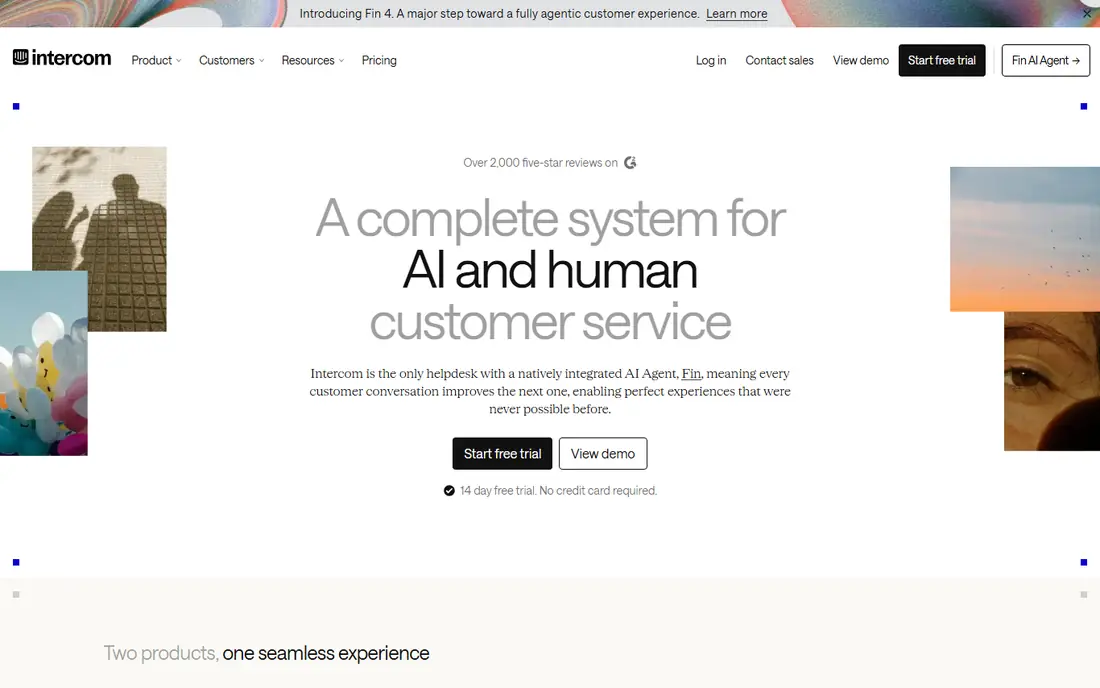
Intercom Fin suits product-led software teams where customers ask questions inside the app or on the website, often before they ever send an email. Fin answers from help center content, can follow set procedures, and hands off to a human with context when it cannot finish the job. The messenger design also makes it natural for onboarding messages, product tours and follow-up questions in the same thread.
Pricing needs care. Seats start at $29 per seat per month on annual billing for the Essential plan, and Fin is charged at $0.99 per resolution in the pricing we found. That per-outcome model is fair in one sense, since you do not pay for chats Fin fails to resolve, but it can still dwarf seat costs at scale. A team with thousands of monthly conversations should forecast at twice its current volume before choosing a plan.
- Strong messenger experience
- Fin charges per resolved outcome
- Can run on other helpdesks
- No permanent free plan
- Resolution fees can grow quickly at high volume
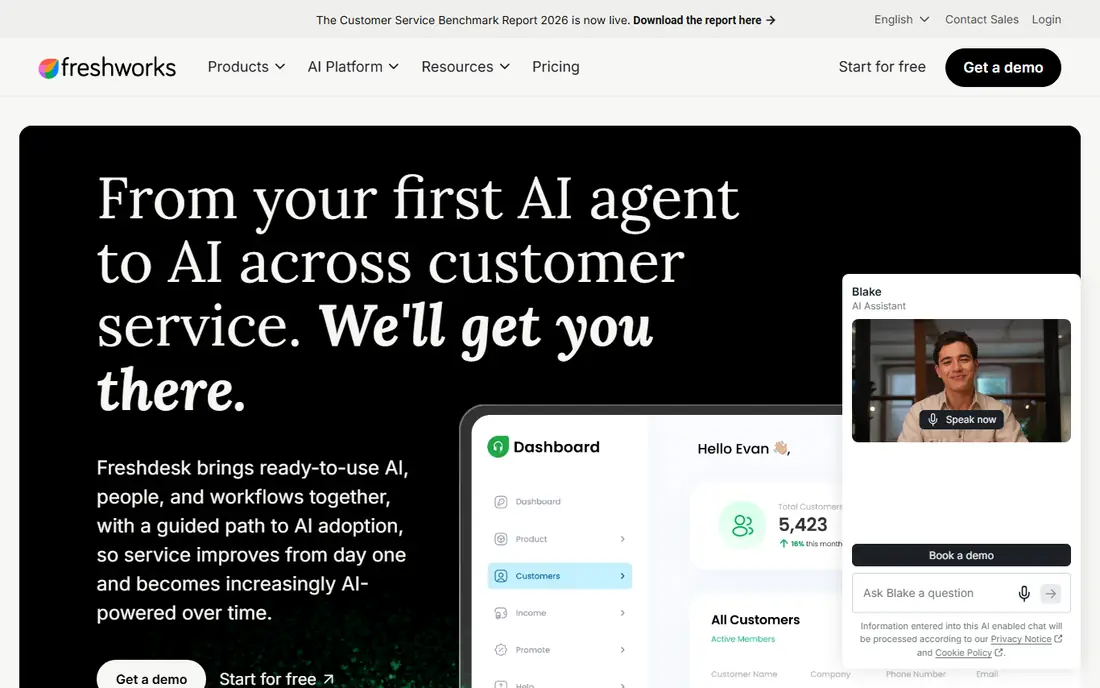
Freshdesk, from Freshworks, is a practical starting point for teams that want email, chat, phone and social messages in one inbox without enterprise pricing. Freddy AI can answer common questions, suggest replies to agents and help sort incoming tickets. The free tier gives tiny teams a way to start, and paid plans add automation, reporting and more AI capacity as volume grows.
The main trade-off is depth. Freddy AI Agent sessions are not the same as per-resolution pricing, and teams should check how sessions are counted and what happens after an included allowance runs out. A team that expects the AI to resolve most chats may need a higher plan than the headline price suggests. That said, for a small business moving from a shared inbox, the step up in order and speed is clear.
- Free tier for very small teams
- Omnichannel inbox
- Freddy AI for answers and agent help
- Stronger AI features sit on higher plans
- Per-session billing needs careful reading
Salesforce Agentforce is built for companies that already run customer data, cases and service processes in Salesforce. Its agents can pull account and case context, follow service workflows and work across chat, messaging and email. For a large firm, that connection to existing records is the main advantage, since the AI does not have to guess at order history or case status from a separate system.
The downside is scope and cost. Agentforce pricing depends on the Service Cloud setup and on usage credits or conversation charges, so there is no single entry price that fits every buyer. Teams outside Salesforce should not buy it as a standalone support tool, because much of its value comes from data and workflows they do not have. Implementation also tends to need internal owners and, in larger firms, partner help.
- Deep fit with Salesforce data and Service Cloud
- Agents can act inside business workflows
- Complex pricing
- Poor value for teams outside the Salesforce system
Ada focuses on building AI agents that resolve customer issues across chat, email, voice and social channels, without requiring a full helpdesk switch in every case. Its no-code builder lets support and operations staff design flows, connect knowledge content and set guardrails for when a person must step in. That approach suits firms with high volumes of repeatable contacts, such as order status, account changes and policy questions.
Because pricing is custom, Ada is best judged through a scoped trial with real conversation data. A vendor demo on generic questions tells you little about how it handles your refund policy, your product names or your edge cases. Teams should bring their top 50 contact reasons to the trial and measure resolution, escalation quality and customer effort, not only deflection.
- No-code agent builder
- Strong focus on automated resolution across channels
- Custom pricing only
- Weaker as a full replacement helpdesk for small teams
HubSpot Service Hub makes most sense for firms that already use HubSpot for marketing or sales, since support tickets then sit next to contact records, deals and past conversations. Its AI tools can help draft replies, summarize tickets and answer from knowledge base articles. The free tier lets a small team set up tickets, a basic help center and live chat before paying for automation.
The limit is that HubSpot is a broad CRM platform, not a specialist support suite. Teams with very complex routing, workforce planning or voice contact center needs may find specialist tools stronger. Pricing also varies by hub and tier, so the starting price on the site should be checked for the exact seat and AI features you need, rather than assumed from a headline figure.
- Shared CRM data for support and sales
- Free tools to start
- AI help for agents and customers
- Best value inside HubSpot
- AI features and limits vary by tier
Gorgias is built around online stores, and that focus shows in its ticket view, where order, shipping and customer details sit next to the conversation. Its AI agent can answer delivery, return and product questions, and it can take simple actions tied to store data. For a Shopify brand with a steady flow of where-is-my-order messages, that combination can cut a large share of repeat work.
Entry pricing starts at $10 per month for a small ticket allowance, with higher plans for larger stores, and AI resolutions are charged separately in the pricing we found. That means a store should count monthly tickets, not only monthly orders, when forecasting cost. A brand with seasonal spikes should also check how ticket overages and AI usage are billed in peak months.
- Strong Shopify fit
- Order data in the ticket view
- AI agent for common store questions
- Ecommerce focus may suit other sectors less well
- AI resolution charges apply on top of plans
Help Scout suits small teams that want support to feel personal, with a shared inbox, saved replies and a help center that customers can actually use. Its AI Answers feature can resolve common questions from help docs, while AI assist tools help agents draft clearer replies. The interface is deliberately simpler than enterprise suites, which helps small teams adopt it without a long project.
Pricing starts at $25 per user per month in the plans we found, with AI resolutions charged separately. That model works well when AI handles a modest share of contacts and humans handle the rest with good context. Teams expecting AI to resolve nearly every contact should compare total cost with a flat-rate option, since per-resolution fees can change the picture at volume.
- Clean shared inbox
- AI Answers for self-service
- Lower complexity than enterprise suites
- Per-resolution AI charges add up
- Less depth for large contact centers
Tidio is a chat-first tool for small websites and online stores that need live chat and a simple AI assistant without a full helpdesk project. Lyro answers from your help content and product pages, and it can pass a conversation to a human when a question goes beyond its scope. Setup is quick, and the free plan lets a tiny store test chat on real visitors before paying.
The trade-off is scope. Tidio is not a full enterprise ticketing system, and its AI is best for frequent, well-defined questions such as shipping, returns and opening hours. Complex cases, multi-step workflows and large agent teams will need a stronger helpdesk. Conversation allowances also matter, so check how Lyro conversations are counted on the plan you choose.
- Free plan to start
- Easy chat widget setup
- Lyro AI for common questions
- Limited depth for complex support
- Conversation limits vary by plan
How we picked these
We compared official feature pages, pricing pages, app store listings and public reviews, and we favored tools that are live in October 2026, fit customer service automation directly, and state how AI answers are sourced and handed off. We excluded generic chatbot builders with no support workflow and products whose pricing was hidden behind a demo with no public plan. Where pricing was unclear or conflicting, we wrote See website rather than repeating a figure we could not confirm.
We also weighed the billing unit, not only the headline price. A tool that charges per resolution, per session or per conversation can look cheap at low volume and costly at high volume, so readers should model their own monthly contacts. The best ai customer service automation platforms for one firm may be a poor fit for another, because channel mix, existing helpdesk and content quality change the result more than any single feature.
What to check before you buy
Start with your top contact reasons, not with a feature list. Pull the last 500 tickets or chats, group them by reason, and count how many are repeatable, policy-based or order-based. If only a small share repeats, AI will help less than better help articles or a clearer checkout page. If a large share repeats, an AI agent has a real job to do, and you can measure it.
Next, test escalation quality. Send the AI your hardest fair questions, including angry messages, vague requests and cases where policy has an exception. A good tool says when it is unsure, asks one clear question, and hands off with full context. A weak tool guesses, repeats a policy line, or loops the customer through the same question. That test tells you more than a demo script.
Finally, plan content ownership. Someone must update articles when prices, policies or products change, review failed AI answers each week, and remove outdated pages. Without that owner, AI answers drift from the truth and customers lose trust. Budget that time in the first month, and treat it as part of the tool cost, not as an optional extra.
Frequently asked questions
What is the best ai platform for customer service automation?
There is no single best platform for every team, because fit depends on your current helpdesk, channels and volume. Intercom Fin suits chat-first software teams, Zendesk AI suits large ticket-based teams, and Freshdesk or Tidio suit smaller teams on tighter budgets. Shortlist two tools, trial them on real questions, and compare resolution quality and total cost at your volume.
What are the best ai customer service automation tools for small businesses?
Freshdesk, Tidio and Gorgias are strong starting points for small firms, because they offer free or low-cost entry plans and simpler setup. Gorgias fits online stores best, while Freshdesk fits firms that need email and chat in one inbox. Start with a free plan or trial, measure how many repeat questions the AI handles, and upgrade only when volume justifies it.
How do best ai solutions for customer service automation charge for AI?
Vendors charge in different ways, including per seat, per resolution, per session and per conversation. Per-resolution pricing charges only when the AI finishes a task, while per-session pricing may charge even when the AI hands off. Always ask what counts as a resolution, whether failed attempts are charged, and what happens after an included allowance is used.
Can AI replace human support agents?
AI can handle repeatable questions and routine actions, but it should not replace humans for complaints, complex cases, refunds with exceptions, or sensitive situations. The strongest setups use AI for first contact and drafting, then pass context to a person who can decide. Teams that remove humans too fast often see repeat contacts rise, because customers return when an AI answer misses the real problem.
Do these tools work without a help center?
Most of them need good source content, whether that is help articles, product pages or policy documents. An AI agent that answers from thin or outdated content will repeat errors at scale. Before launch, write or clean up articles for your top 50 questions, add clear policy wording, and set a review schedule for changes.
Sources
See where you really rank - block by block
ProMapRanker scans Google Maps across a grid of your service area. Simple monthly plans from $19, white-label on every plan.
Start freeKeep reading
 zoho inventory alternatives
6 Alternatives to Zoho Inventory, Compared on Price and Fit
Zoho Inventory alternatives: 6 tools compared on price, free plans and fit. Katana leads the list for manufacturers. Fit and flaws are laid out for each entry.
Read → zoho crm alternatives
Best Zoho CRM Alternatives (2026)
Need Zoho CRM alternatives? We compare 7 tools on cost, free access and who each suits. Every pick gets a straight assessment. Built for quick decisions.
Read → zelle alternatives
Best Zelle Alternatives in 2026
Compare the best Zelle alternatives for sending money to friends, paying sellers and moving funds abroad, with honest notes on fees, speed and safety in 2026.
Read →