 ProMapRanker
Best AI Tools for Creators in 2026

Key takeaways
- ChatGPT is the best all round starting tool for writing, ideas, and images in one place.
- Descript is the strongest pick for editing podcasts and video by transcript.
- Canva and Midjourney cover different design needs, with Canva for layouts and Midjourney for striking images.
- One tool per job beats a large stack, so start free and upgrade only when a real limit appears.
Quick comparison
| Pick | Great for | Pricing starts at | Free tier | |
|---|---|---|---|---|
 ChatGPT | All round writing, ideas, and images | Free | Yes | Visit |
 Canva | Design, thumbnails, and social graphics | Free | Yes | Visit |
 CapCut | Short form video editing | Free | Yes | Visit |
 Descript | Editing video and podcasts by transcript | Free | Yes | Visit |
 Midjourney | High quality AI images | See website | No | Visit |
 Runway | AI video and image generation | Free | Yes | Visit |
 Jasper | Brand consistent marketing copy | See website | Free trial | Visit |
 ElevenLabs | Voiceovers and text to speech | Free | Yes | Visit |
 Opus Clip | Turning long videos into short clips | Free | Yes | Visit |
 Notion AI | Planning, notes, and content organization | Free | Yes | Visit |
The best ai tools for creators
Creators rarely need one AI tool. They need a small stack that covers writing, design, video, and voice without overlapping subscriptions. The ten tools below cover those jobs, and each one earns its place by doing one job clearly better than a general chatbot alone.
We also kept cost in view. Most tools here offer a free route, so you can test a workflow before paying. Upgrade when a free limit actually blocks your publishing schedule, not before.
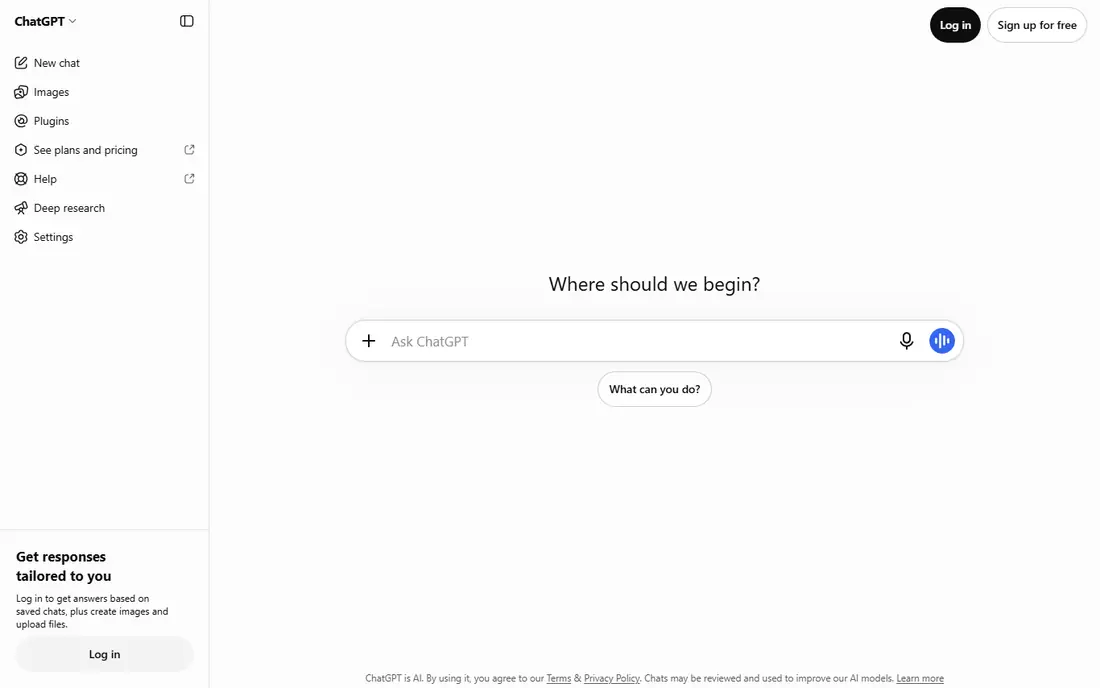
ChatGPT is the best ai app creator starting point because it covers the most jobs at the lowest entry cost. Draft scripts, outline videos, rewrite captions, brainstorm titles, and generate images for a thumbnail draft, all in one account. For a solo creator, that breadth saves time before any specialist tool is needed.
The limit is quality control. Drafts can sound generic, facts can be wrong, and images may miss a detail you need. Treat ChatGPT as a first draft partner, then edit in your own voice and check facts before publishing. When a job needs specialist quality, move to the dedicated tool below for that job.
- Strong writing, brainstorming, and image help in one place
- Free plan for everyday use
- Wide plugin and app support
- Outputs need fact checking and editing
- Free plan has usage limits
- Image style control is less precise than a dedicated image tool
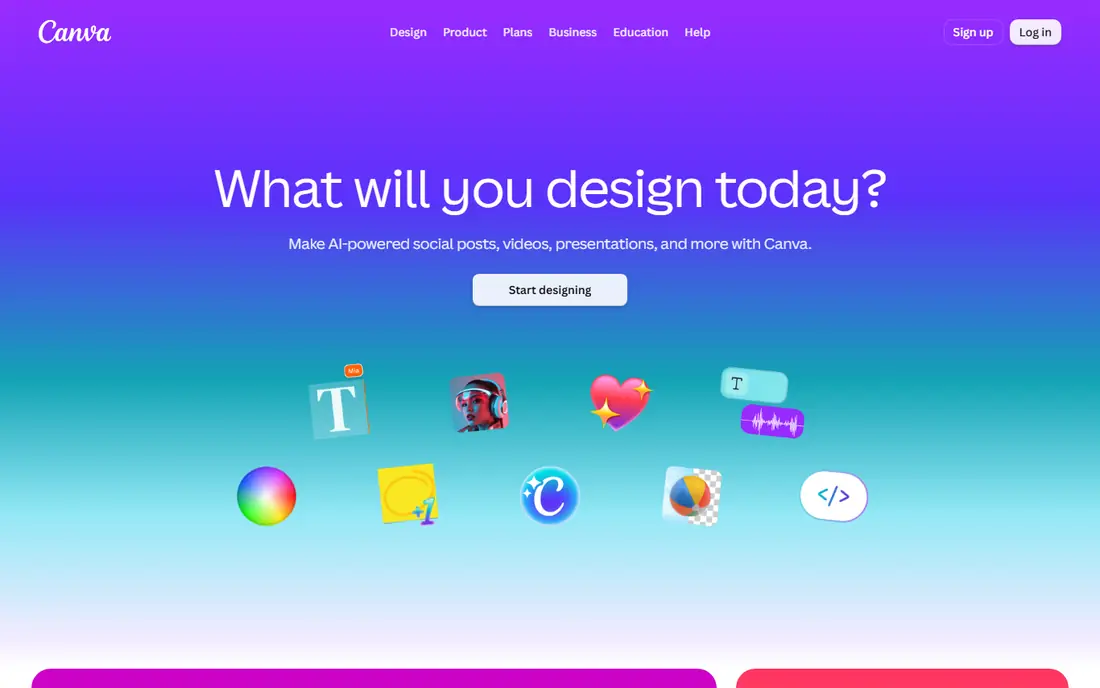
Canva is the best ai creator app for creators who are not designers. Its templates, AI background and image tools, and brand controls let you make a thumbnail, a carousel, or a slide deck without learning a professional design app. The same design can be resized for several platforms, which saves time on launch days.
It is not a replacement for a dedicated image generator when you need a striking, original illustration. Canva AI images suit clean, simple graphics, while Midjourney suits more artistic work. For everyday social design, Canva is the faster, more practical pick.
- Templates for thumbnails, carousels, and slides
- AI design and image tools inside the editor
- Easy brand controls
- AI images are less detailed than Midjourney
- Some assets and AI features need a paid plan

CapCut is the workhorse for short form creators. Cut a vertical video, add captions, apply a template or effect, and export for TikTok, Reels, or Shorts. The mobile app is especially strong for creators who film and edit on a phone, and the desktop app covers longer sessions.
The free plan covers a lot, but premium effects, higher quality exports, and some AI features need Pro, with pricing varying by region, so check the vendor site. If you edit long form video or podcasts, Descript is a better main editor. If short form is your main output, CapCut is hard to beat for speed.
- Fast mobile and desktop editing
- Captions, effects, and templates for short form
- Free plan for basic projects
- Some effects and exports need a paid plan
- Desktop workflow is simpler than a full professional editor
Descript changes editing for podcasters and talking head creators. Record or import audio and video, get a transcript, then edit by deleting words in the text. Filler word removal and studio sound cleanup help a home recording sound cleaner without a separate audio app.
The free plan includes a limited number of media minutes, and paid plans start at a per user monthly rate, so check current pricing on the vendor site. The transcript method also takes a little learning if you are used to a timeline. Once it clicks, it is one of the fastest ways to cut a long recording down to a tight episode.
- Edit by deleting transcript text
- Filler word removal and studio sound
- Remote recording and publishing tools
- Free plan has limited media minutes
- Paid plans are per user
- Learning the transcript workflow takes a session or two
Midjourney remains the image pick when visual quality is the main goal. Its images suit thumbnails, illustrations, concept art, and social visuals that need to stand out in a feed. Prompt control and style references give experienced users a lot of range, from photorealistic scenes to illustrated work.
There is no free plan in current listings, so budget for a paid plan and test prompts before committing to a large project. It also takes practice to get consistent results, and you should check commercial use terms for your plan. For quick, simple graphics, Canva is cheaper and faster. For hero images, Midjourney earns its cost.
- Striking, detailed image quality
- Strong style control through prompts
- Large community for inspiration
- No free plan in current listings
- Works through a prompt interface that takes practice
- Commercial terms need checking by plan
Runway suits creators who want AI generated video shots, not just still images. Generate a clip from a prompt or an image, edit video with AI tools, and use the results as b-roll, transitions, or concept shots. The free credits let you test the style before paying, which matters because video generation is still unpredictable.
The main limit is cost per usable clip. Many generations will not match your vision, and higher quality settings use credits faster. Use Runway for short, stylized shots and keep real footage for the core of a video. For a creator who needs AI video regularly, it is one of the most capable tools available.
- AI video generation and editing tools
- Image generation in the same account
- Free credits to test
- Free credits are limited
- High quality video generation uses credits fast
- Results need review and editing
Jasper is built for marketing teams that need copy in a consistent brand voice. Templates cover ads, emails, product descriptions, and social posts, and brand voice settings help several writers produce similar output. That structure is useful when a creator runs a small team or a client workflow.
The price is higher than ChatGPT, and the free trial is short, so check current plans on the vendor site before committing. Jasper also does not remove the need for editing. Facts, claims, and tone still need a human pass, especially for regulated or technical topics. For solo creators, ChatGPT may be enough. For team copy at volume, Jasper is worth testing.
- Templates for ads, emails, and social copy
- Brand voice controls for teams
- Collaboration features
- Higher price than a general chatbot
- Free trial is short
- Still needs human editing for accuracy and tone
ElevenLabs is the voice pick for creators who need narration without recording every line. Its text to speech voices suit explainer videos, audio versions of articles, and short form narration. Dubbing and cloning options extend it to multilingual and personal voice work, with safeguards around consent.
Check licensing carefully. The free tier is for testing and does not carry a commercial license in published terms, so paid plans are needed for commercial publishing. Voice cloning also raises consent issues, so only clone a voice you own or have clear permission to use. For narration at scale, ElevenLabs is a strong, practical tool.
- Natural sounding voices
- Voice cloning and dubbing options
- Free tier for testing
- Free tier has no commercial license in published terms
- Higher tiers needed for regular commercial use
- Voice cloning needs consent and safeguards
Opus Clip solves a common creator problem: a long video that could feed a week of short clips, but no time to find the moments. Upload a long video, get suggested clips with captions and vertical reframing, then review and publish the best ones. That workflow suits podcasters, streamers, and educators with a back catalog.
Human review is still essential. The tool can pick a moment that lacks context or misstates a point, and free clips may carry a watermark. Treat Opus Clip as a first cut assistant, not a publisher. When used that way, it can turn one recording into several useful shorts.
- Finds clip worthy moments in long videos
- Captions and reframing for vertical formats
- Free tier for testing
- Free clips may carry a watermark
- Clip choices still need human review
- Quality varies by source video
Notion AI is the planning pick in this list. It helps draft outlines, summarize research, and organize a content calendar, scripts, and ideas in one workspace. For creators who juggle several channels, that organization matters as much as any single generation tool.
It is not a replacement for ChatGPT, Descript, or Canva. Its strength is holding the plan and the drafts together, with AI help inside that workspace. Check whether AI is included in your Notion plan or needs an add on, since pricing has changed over time. For a creator who needs order as much as output, Notion AI is a useful addition.
- AI writing and summaries inside your notes
- Content calendars and databases in one place
- Free plan for basic use
- AI is an add on or higher plan feature in some setups
- Not a specialist writing or design tool
- Setup takes time
How we picked these
We compared official feature pages, pricing pages, and recent creator tool comparisons, and we kept only tools that operate in October 2026 and serve a clear creator job. We favored tools with a free or trial route, a distinct strength, and honest limits, and we mixed general tools with specialists for writing, design, video, and voice. We did not claim hands on testing, and we did not list tools that reached end of life.
How to build a creator AI stack
Start with one general tool, ChatGPT, and one tool for your main output, such as Descript for audio, CapCut for short video, or Canva for design. Add a specialist only when a limit appears, such as Midjourney for hero images or ElevenLabs for narration. That order keeps costs down and avoids overlapping subscriptions.
Then set an editing rule. AI drafts, images, and clips should pass through a human check for facts, tone, and brand fit before publishing. That check is what separates a useful AI stack from a feed of generic output. Finally, review subscriptions monthly and drop any tool you have not opened in the past two weeks.
Writing, design, video, and voice in one week
A practical weekly stack might use ChatGPT for outlines, Descript for the main recording, Opus Clip for shorts, Canva for thumbnails, and Notion AI for the calendar. That covers five jobs with five tools, and each one has a clear owner in the workflow.
Cost control for solo creators
Start free on every tool, then pay for the one that blocks your publishing schedule first. A paid plan that saves two hours a week is worth more than three paid plans that each save a few minutes. Track that time honestly for a month before adding another subscription.
Frequently asked questions
What are the best ai tools for creators starting out?
ChatGPT, Canva, and CapCut are the best starting trio for most solo creators, because they cover writing, design, and short video at low or no cost. Add Descript if you make podcasts or long talking videos.
What is the best ai app creator for design?
Canva is best for everyday design, thumbnails, and social graphics, while Midjourney is best for striking, original images. Use Canva for layouts and Midjourney for hero visuals when quality matters most.
What are the best new ai tools for creators in 2026?
Runway, ElevenLabs, and Opus Clip are among the newer specialist tools worth testing, for AI video, voice, and clip extraction. Each one suits a specific job, so test it on a real project before paying.
What is the best ai creator app for video editing?
Descript is best for podcast and talking head editing by transcript, while CapCut is best for fast short form editing. Runway suits AI generated shots rather than full editing.
Can AI tools replace a human creator?
No. AI tools speed up drafts, edits, and variations, but they still need human judgment for ideas, facts, tone, and final quality. The best results come from a creator who directs the tool, not one who publishes raw output.
How much should a solo creator spend on AI tools?
Start at zero and add paid plans only when a free limit blocks publishing. Many solo creators settle into a small stack costing less than a single high end tool, because one tool per job beats a shelf of unused subscriptions.
Sources
See where you really rank - block by block
ProMapRanker scans Google Maps across a grid of your service area. Simple monthly plans from $19, white-label on every plan.
Start freeKeep reading
 zscaler alternatives
Best Zscaler Alternatives in 2026
Looking for zscaler alternatives? We compare 9 SASE and zero trust platforms on architecture, data protection, pricing, and fit for your network and team.
Read → zapier alternatives free
Best Zapier Alternatives Free in 2026
Nine automation tools for zapier alternatives free in 2026, all with genuinely free tiers, plus free plan limits, starting prices and upgrade paths explained.
Read → which platform is best for online reputation
Which Platform Is Best for Online Reputation in 2026
Wondering which platform is best for online reputation? We compare 8 review, listing, and response tools for small and multi-location businesses and agencies.
Read →