 ProMapRanker
6 Strong AI Tools for Creating YouTube Videos in 2026

Direct answer
If you need scripts to voiceover video, Fliki is the first tool to look at here. Look at Synthesia for training scripts to presenter video, and at InVideo AI for YouTube-style video from topic or script. The full list of 6 tools follows, with prices and free plan facts.
Key takeaways
- Fliki is the opening pick, best for scripts to voiceover video.
- Pictory is the one to check for articles and scripts to video.
- Runway is the lowest-priced starter here at $12 per month.
- Fliki, Synthesia, InVideo AI, OpusClip, Runway: these are the 5 tools out of 6 that offer a free plan.
Quick comparison
| Pick | Great for | Pricing starts at | Free tier | |
|---|---|---|---|---|
 Fliki | Scripts to voiceover video | $21 per month | Yes | Visit |
 Synthesia | Training scripts to presenter video | $18 a month | Yes | Visit |
 InVideo AI | YouTube-style video from topic or script | $20 a month | Yes | Visit |
 OpusClip | Long video to vertical shorts | $15 per month | Yes | Visit |
 Runway | Text prompts to generative footage | $12 a month | Yes | Visit |
 Pictory | Articles and scripts to video | $25 per month | No | Visit |
Tool-by-tool breakdown
Choosing AI tools for creating YouTube videos usually comes down to price, fit and limits. This ProMapRanker guide sets 6 tools side by side on those three points, with the facts kept short and checkable.
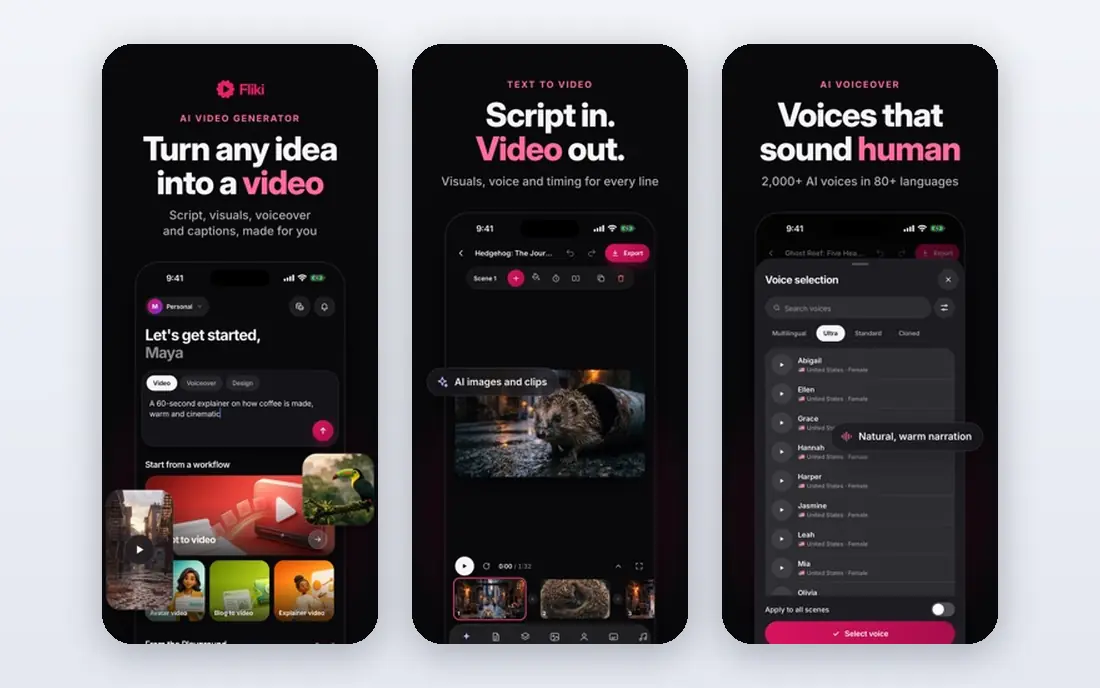
For scripts to voiceover video, Fliki is a natural candidate. Fliki wins on voice quality and value for solo creators, with text-to-video plus realistic AI voices and a large voice library that fits faceless channels and voiceover-heavy content. In practice, Fliki fits solo creators who want budget voiceover video for faceless YouTube channels.
On top of that, free minutes are restricted to 5 a month, month-to-month pricing runs 28 dollars, and visual control trails generative tools like Runway. For creators who prioritize narration quality over generative visuals, Fliki voice library is a real advantage. Fliki cost at the entry level: $21 per month. You can start on Fliki without paying.
Where it is weaker: Free minutes restricted to 5 a month.
- 4.2 rating in one comparison
- 21 dollars a month billed yearly
- Monthly pricing cited at 28 dollars month-to-month
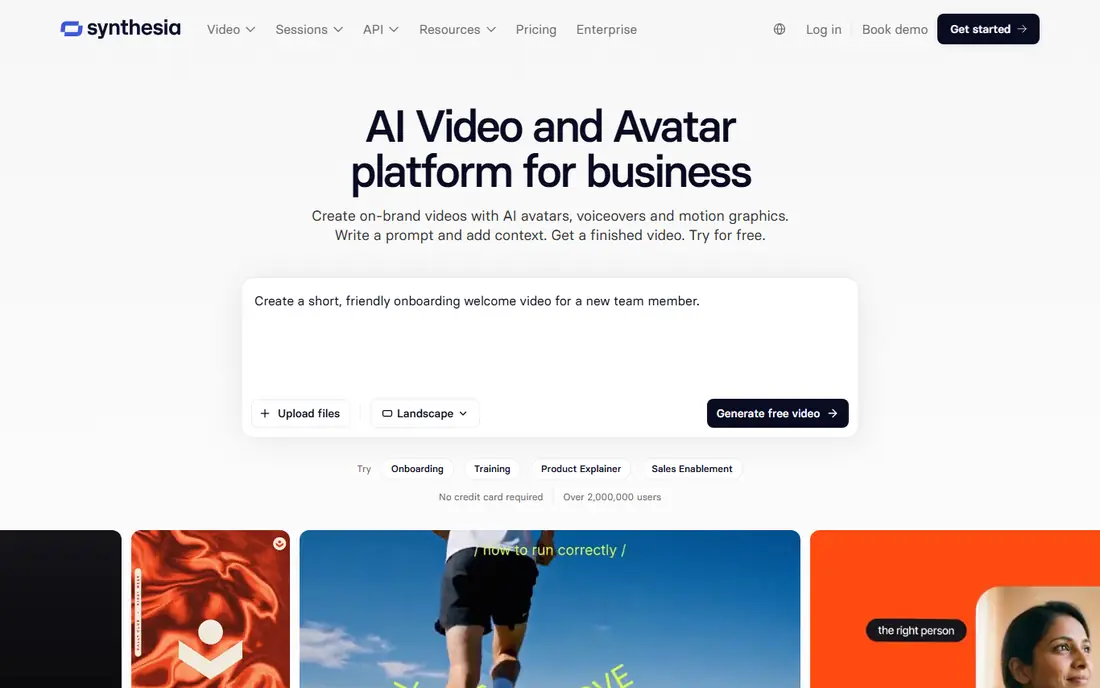
Synthesia serves training scripts to presenter video. Its avatar presenters deliver scripts in several languages, which fits corporate training and explainer teams that need consistent presenters without studio costs.
In daily use, pricing runs 18 dollars a month billed yearly, with a free level including restricted minutes with watermark. Synthesia cost at the entry level: $18 per month. Free access exists with Synthesia.
What to check first: Free minutes restricted; Monthly pricing cited from 18 to 29 dollars across sources.
Upsides: Corporate training templates.
- Free level with restricted minutes and watermark
- Best pick when text is a training script and you want a presenter video without filming
- Avatar realism trails HeyGen for marketing
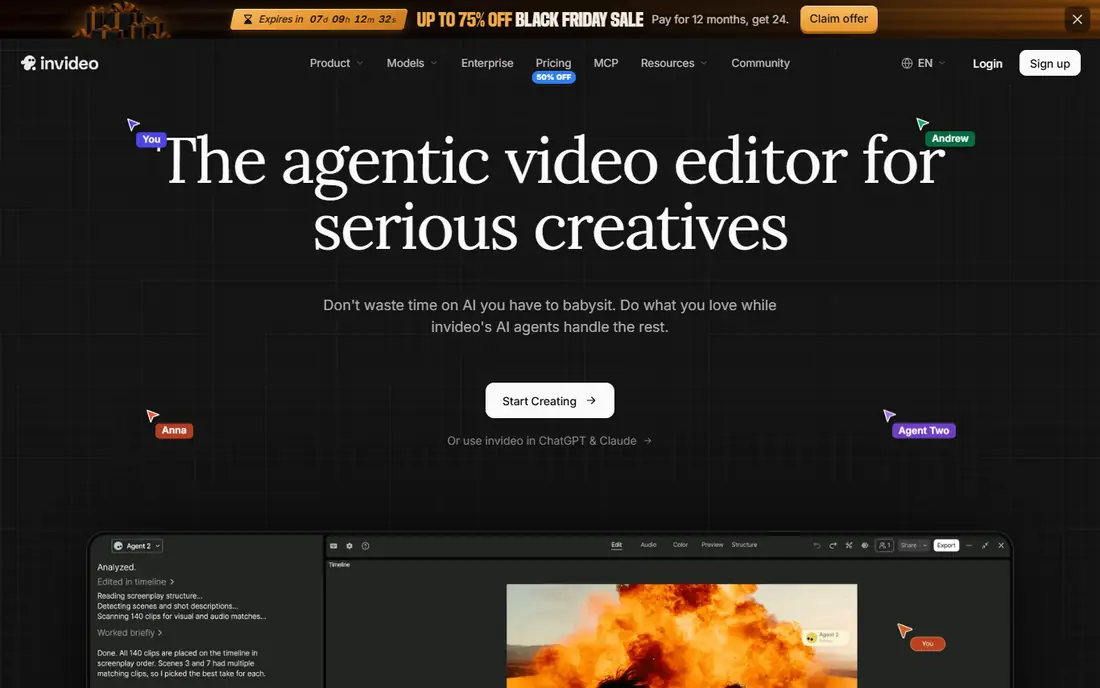
InVideo AI is aimed squarely at YouTube-style video from topic or script. Its automation and speed suit solo creators running faceless channels, where typing a prompt produces a script, footage, voiceover, and music automatically.
Limits to weigh: Monthly pricing varies by source at 17 to 25 dollars; Creative control less than full editors.
Where InVideo AI stands out: Lowest-cost finished video in one comparison at 204 dollars a year for the test job. In practice, InVideo AI fits creators who publish commonly and want script-to-video with stock footage and voices. Beyond that, the drawbacks are watermark limits and control depth. Entry price for InVideo AI: $20 per month. InVideo AI offers a free plan.
- Premium from 20 dollars a month billed yearly
- Script-to-video with stock footage, voiceover, music
- Free exports watermarked
In short, OpusClip is for long video to vertical shorts. Its free level spans testing, whereas premium plans from 15 dollars a month add capacity for creators who publish shorts on a regular basis.
As for the details, for YouTubers with long-form archives, OpusClip repurposing turns one video into plenty of shorts without manual trimming. Starting cost for OpusClip: $15 per month. Free access exists with OpusClip.
Limits to weigh: AI highlight quality varies by content; Output gating on some plans.
- 15 dollars a month
- Reels repurposing
- Needs existing long videos
Runway works best for text prompts to generative footage. Its free level handles 125 one-time credits, whereas premium plans from 12 dollars a month billed yearly add credits and capacity. The test job cost near 3,110 dollars a year presents that generative video at volume is expensive.
What to check first: Generative clips are short, so full videos need stitching.
A model that renders a stunning 8-second clip still leaves creators stitching clips together and recording narration for a 90-second script. Also, the drawbacks are job cost and clip length. Runway starts at: $12 per month. Runway offers a free plan.
What works well: Free level with 125 one-time credits.
- Cinematic footage strength
- Highest quality generative clips in some comparisons
- Less suited for script-to-finished-video automation
Pictory makes the most sense for articles and scripts to video. Pricing runs 25 dollars a month billed yearly in one comparison, with other sources citing 19 to 29 dollars a month, and a 14-day trial includes evaluation.
Limits to weigh: Monthly pricing cited from 19 to 29 dollars across sources; No free plan, trial only.
Strengths: Blog-to-video workflow; 14-day trial.
The drawbacks are free-tier absence and scope limits. Starting cost for Pictory: $25 per month. There is no free plan with Pictory.
- Most solid repurposing features for articles into video
- 25 dollars a month billed yearly
- Less suited for avatar presenting or generative footage
How the list was put together
ProMapRanker used vendor pricing pages and product documentation as the base, then compared plans, free access and documented limits for 6 tools. Treat prices as a snapshot: vendors change plans often, so check the vendor site for the figure that applies today. The sequence is a judgement call: typical use case first, then pricing transparency, then free access. Use the profiles to check fit.
What to check before you buy
- Prices are a starting point; Runway shows $12 per month to start, so verify what your seat count would cost.
- Look at free plan limits closely: Fliki, Synthesia, InVideo AI and others have one, and the caps decide whether it is usable for real work.
- Before choosing Fliki, weigh its main limit: free minutes restricted to 5 a month.
- Find out whether the entry plan of OpusClip covers your must-haves or only a trimmed-down version.
- Verify that exporting from Fliki is possible on your plan and covers all your records.
Frequently asked questions
Can I try these tools before paying?
Often, yes. Fliki, Synthesia, InVideo AI and others have a free plan. Use your own data and a real task during the test, and check what the free tier or trial limits before you rely on it.
Is Fliki the right pick for everyone comparing AI tools for creating YouTube videos?
No single tool suits every team. Fliki comes first because it fits scripts to voiceover video, while Synthesia suits training scripts to presenter video and InVideo AI suits YouTube-style video from topic or script. Match the tool to your own size, budget and workflow before deciding.
Can AI video tools replace filming?
For scripted, avatar, and stock-footage videos, yes, but for original footage and nuanced performance, no. Generative clips are short, avatar videos suit training and marketing, and original filming still wins for authentic, high-production content.
Which options for AI tools for creating YouTube videos have a free plan?
On this list, Fliki, Synthesia, InVideo AI, OpusClip and Runway include a free plan. Caps on seats, usage or features are common, so test the free plan against your real workload.
How are the tools for AI tools for creating YouTube videos ordered?
The order follows typical fit for AI tools for creating YouTube videos, with Fliki first and Pictory last, then price clarity and free access. It is editorial judgement, not a score, so another team could rank the tools differently.
Sources
See where you really rank - block by block
ProMapRanker scans Google Maps across a grid of your service area. Simple monthly plans from $19, white-label on every plan.
Start freeKeep reading
 zscaler alternatives
Best Zscaler Alternatives in 2026
Looking for zscaler alternatives? We compare 9 SASE and zero trust platforms on architecture, data protection, pricing, and fit for your network and team.
Read → zapier alternatives free
Best Zapier Alternatives Free in 2026
Nine automation tools for zapier alternatives free in 2026, all with genuinely free tiers, plus free plan limits, starting prices and upgrade paths explained.
Read → which platform is best for online reputation
Which Platform Is Best for Online Reputation in 2026
Wondering which platform is best for online reputation? We compare 8 review, listing, and response tools for small and multi-location businesses and agencies.
Read →