 ProMapRanker
7 AI Tools for Business Productivity Options Ranked for 2026

Key takeaways
- Top of the list is Otter.ai, which targets meeting transcription.
- A free plan is available from 5 of the 7 tools: Otter.ai, Fireflies.ai, ChatGPT Business, Zapier, Google Gemini in Workspace.
- A fair warning about Otter.ai: accuracy drops with accents, crosstalk, and poor audio.
- Starting prices begin at $8.33 per user/month with Otter.ai.
- Google Gemini in Workspace suits Google-first teams.
Direct answer
Otter.ai leads the list, best for meeting transcription. Motion is better for AI scheduling and tasks, and Fireflies.ai is better for meeting notes and CRM sync. Details, prices and limits for the rest of the 7 tools are below.
Quick comparison
| Pick | Great for | Pricing starts at | Free tier | |
|---|---|---|---|---|
 Otter.ai | Meeting transcription | $8.33 per user/month | Yes | Visit |
 Motion | AI scheduling and tasks | $19 per user/month | No | Visit |
 Fireflies.ai | Meeting notes and CRM sync | $10 per user/month | Yes | Visit |
 ChatGPT Business | General business assistant | $25 per user/month | Yes | Visit |
 Zapier | Workflow automation | $19.99 a month | Yes | Visit |
 Microsoft 365 Copilot | Office and email teams | $30 per user/month | No | Visit |
 Google Gemini in Workspace | Google-first teams | See website | Yes | Visit |
The 7 tools in detail
Short on time? The summary and table above give the quick view of 7 tools for AI tools for business productivity, and the profiles that follow give the detail behind each entry.
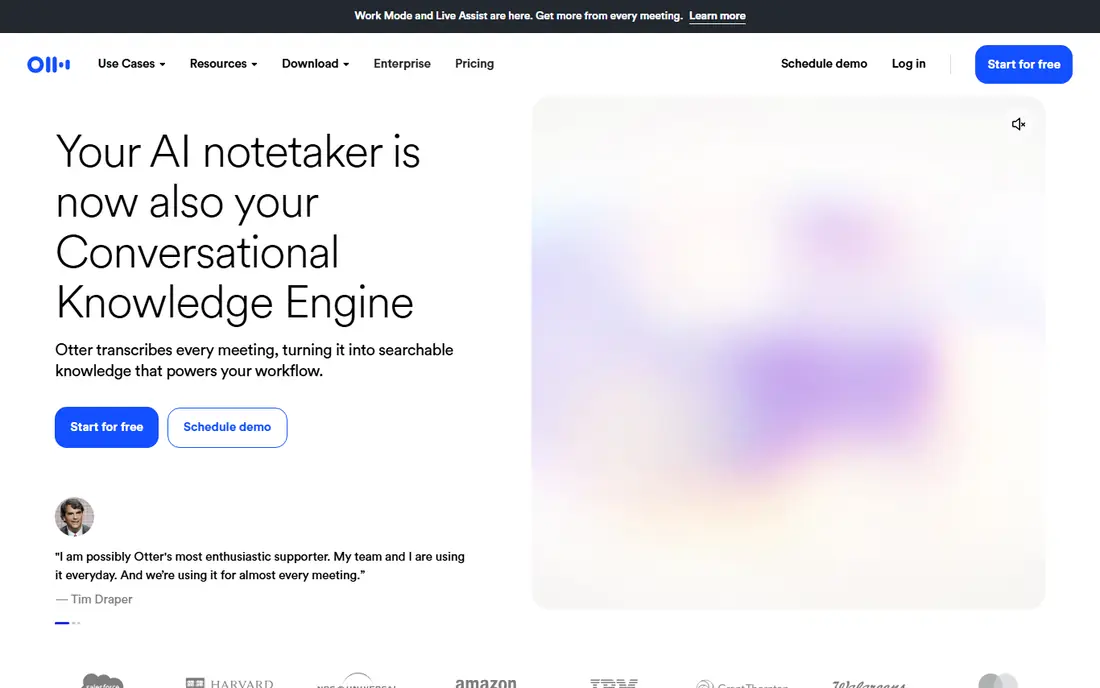
Otter.ai makes the most sense for meeting transcription. Otter.ai turns meetings into searchable transcripts and summaries, so staff who miss a call can catch up without asking for notes. It joins Zoom, Google Meet, and Microsoft Teams calls, flags action items, and lets teams search past discussions by keyword.
Trade-offs to know: Higher levels needed for team features.
In practice, Otter suits teams with numerous meetings and a need for a shared record. Also, transcription quality relies on audio quality, accents, and overlapping speech, so summaries need a fast human check before they become tasks. Price to start with Otter.ai: $8.33 per user/month. A free plan is available with Otter.ai.
- Live transcription and summaries
- Integrations with Zoom, Meet, Teams
- Accuracy drops with accents, crosstalk, poor audio
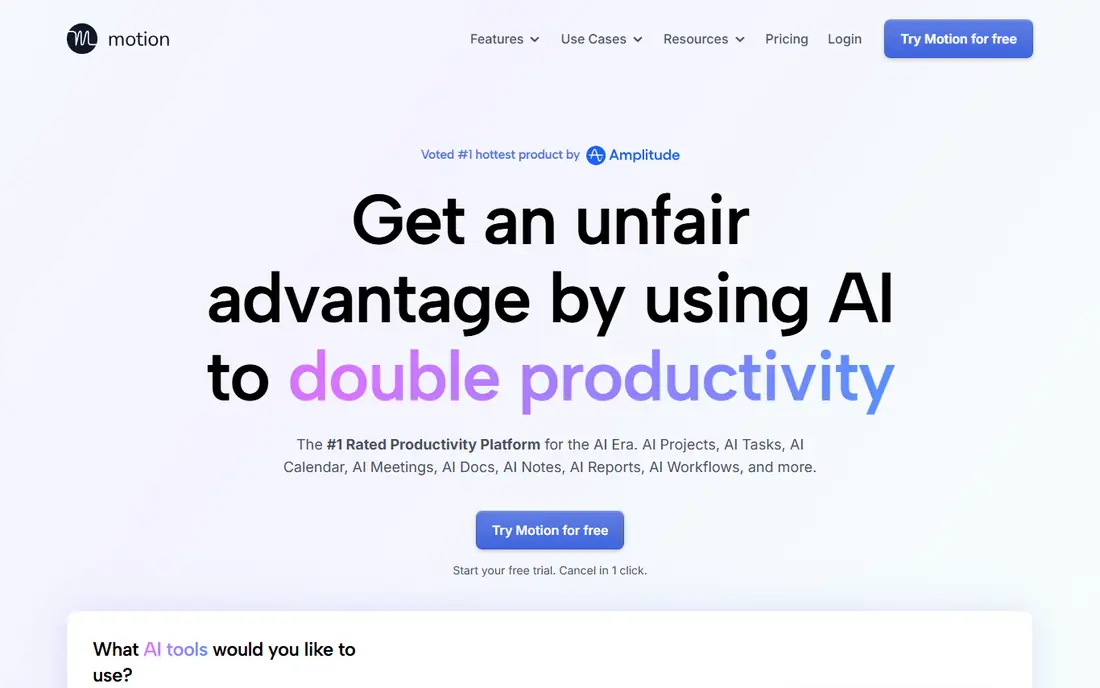
Choose Motion for AI scheduling and tasks. Motion uses AI to schedule tasks, projects, and meetings around existing calendar commitments. Rather than a static to-do list, tasks get time blocks based on deadlines and priority, and the schedule adjusts when meetings move.
That structure helps individuals and small teams who juggle plenty of deadlines and lose time to planning. Also, individual plans start around $19 per user a month, with no permanent free level. Auto-scheduling can feel rigid when priorities change daily, and teams need a week or two to adapt. Motion pricing: $19 per user/month. Motion has no free plan.
Where it falls short: Rigid auto-scheduling can frustrate teams with fluid priorities.
- Prioritizes deadlines
- Auto-schedules tasks around meetings
- No free plan for continuing use
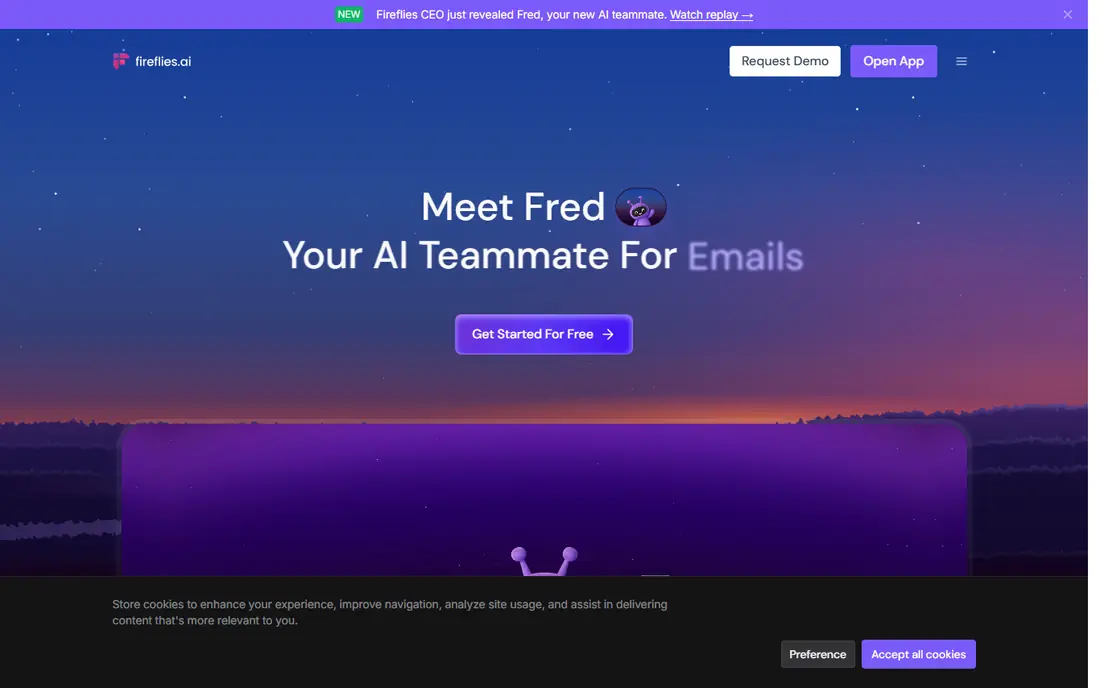
Fireflies.ai is aimed squarely at meeting notes and CRM sync. Like Otter, Fireflies needs decent audio and a human check for key commitments, dates, and figures. As for the details, Fireflies.ai concentrates on meeting intelligence for sales, support, and client-facing teams.
It records, transcribes, and summarizes calls, then syncs notes and action items to CRMs like HubSpot and Salesforce. Pricing starts around $10 per user a month on annual billing, with a free level for entry-level use. The starting price for Fireflies.ai: $10 per user/month. Free access exists with Fireflies.ai.
Points against: Free level limits storage and features.
- Searchable transcripts
- Meeting summaries with CRM sync
- Accuracy varies with audio quality
ChatGPT Business makes the most sense for general business assistant. The limit is accuracy. Drafts, figures, and cited claims need human checking before they reach clients, and sensitive data should follow company policy even with business controls.
Points against: Business plan pricing rises with seats and annual terms.
In daily use, ChatGPT suits teams that want one adaptable assistant before adding specialists. In practice, teams can share workspaces, handle access, and keep business data out of training under the business terms, which matters for firms with client or internal material. ChatGPT Business pricing: $25 per user/month. ChatGPT Business offers a free plan.
- Research tasks
- Team workspace with admin controls
- Output needs fact-checking
Choose Zapier for workflow automation. AI steps can summarize, classify, or draft messages inside those workflows, which extends automation beyond straightforward transfers.
Points against: Complicated workflows need careful testing.
For everyday use, Zapier suits operations, marketing, and sales teams with clear, repeatable processes that currently depend on manual steps. On cost, Zapier starts like this: $19.99 per month. Zapier has a free plan.
- Links thousands of apps without code
- AI steps for summaries and routing
- Costs rise with task volume
Microsoft 365 Copilot was built for office and email teams. For Office-heavy firms, Copilot commonly replaces multiple smaller tools at once. It can draft documents, summarize email threads, prepare meeting notes, and analyze spreadsheets using company content, without moving work to a separate app.
That in-place help cuts copy-paste work and keeps files where they already live. Copilot costs around $30 per user a month as an add-on, on top of the Microsoft 365 base plan. So the total per seat is higher than a standalone assistant. Starting cost for Microsoft 365 Copilot: $30 per user/month. Microsoft 365 Copilot has no permanent free option.
Drawbacks to consider: Needs a Microsoft 365 base plan, so total cost is higher.
- Works inside Word, Excel, Outlook, Teams
- Uses company documents and email context
- Value relies on how much your team lives in Office
Google Gemini in Workspace is a good fit for Google-first teams. That familiarity lowers training time and adoption friction.
Drawbacks to consider: Output needs review like any assistant.
Gemini shares general assistant limits, including occasional errors and generic phrasing. Pricing relies on the Workspace plan, with fuller AI features on business levels, so check the current plan page for your organization size. Google Gemini in Workspace does not show a starting price in this comparison, so check the vendor site for current pricing. Google Gemini in Workspace has a free plan.
- No separate app for entry-level tasks
- Built into Docs, Sheets, Gmail, Meet
- Advanced AI features rely on Workspace plan
How we compared the tools
For each of the 7 tools we noted price, free plan or trial, fit for AI tools for business productivity and the main limit, using vendor pages and documentation. Seat minimums, billing terms and add-ons can move the real cost, so the starting prices here are a guide and not a quote. The sequence is a judgement call: typical use case first, then pricing transparency, then free access. Use the profiles to check fit.
Things to verify first
- Confirm the entry price on the vendor page. For Google Gemini in Workspace that means a quote rather than a fixed price.
- Check what the free option really includes: Otter.ai, Fireflies.ai, ChatGPT Business and others offer a free plan, and usage caps differ.
- Read the limits listed for Otter.ai first: accuracy drops with accents, crosstalk, and poor audio.
- Find out what support Zapier includes on your plan, and whether onboarding help costs extra.
- Confirm that Microsoft 365 Copilot connects to the apps your team already uses, on the plan you would actually buy.
Frequently asked questions
How do I measure productivity gains from AI?
Count completed tasks, error rates, and time saved, not just tool usage. For everyday use, if time saved does not exceed subscription cost and review time, reconsider the tool.
Can AI replace meetings?
Teams still need live discussion for complicated decisions, conflict, and relationship building. Use transcription to make meetings shorter and follow-up clearer, not to eliminate conversation entirely.
What is the cheapest option for AI tools for business productivity in this list?
On published monthly entry prices, Otter.ai is the lowest here at $8.33 per user/month. Entry price is only part of the cost, because seats, add-ons and billing terms can change the total.
Do these tools publish their prices?
Not all of them. Google Gemini in Workspace publishes no starting price, so expect a quote request for it. The rest, Otter.ai included, show a starting price, though seats and billing terms still change the final cost.
How are the tools for AI tools for business productivity ordered?
The order follows typical fit for AI tools for business productivity, with Otter.ai first and Google Gemini in Workspace last, then price clarity and free access. It is editorial judgement, not a score, so another team could rank the tools differently.
How much should a small business spend on AI tools?
Bigger teams with Microsoft 365 Copilot or team assistants will pay more per seat. Track time saved and tasks completed before expanding, since unused seats are the most typical waste.
Sources
See where you really rank - block by block
ProMapRanker scans Google Maps across a grid of your service area. Simple monthly plans from $19, white-label on every plan.
Start freeKeep reading
 zoho inventory alternatives
6 Alternatives to Zoho Inventory, Compared on Price and Fit
Zoho Inventory alternatives: 6 tools compared on price, free plans and fit. Katana leads the list for manufacturers. Fit and flaws are laid out for each entry.
Read → zoho crm alternatives
Best Zoho CRM Alternatives (2026)
Need Zoho CRM alternatives? We compare 7 tools on cost, free access and who each suits. Every pick gets a straight assessment. Built for quick decisions.
Read → zelle alternatives
Best Zelle Alternatives in 2026
Compare the best Zelle alternatives for sending money to friends, paying sellers and moving funds abroad, with honest notes on fees, speed and safety in 2026.
Read →