 ProMapRanker
7 AI Tools for Business Automation Options Ranked for 2026


Complicated branching flows without enterprise pricing · Pricing starts at: $9 per user/month (Core, billed yearly)
Direct answer
This list puts Make first for complicated branching flows without enterprise pricing. Alternatives: Microsoft Power Automate for organizations standardized on Microsoft 365, and Gumloop for ops teams that want AI workflows and agents in one builder. Prices, free plans and limits for all 7 tools follow.
Key takeaways
- Number one here is Make, a fit for complicated branching flows without enterprise pricing.
- Before buying Gumloop, weigh this: credit consumption spikes on heavy AI use.
- Starting prices begin at $9 per user/month with Make.
- 6 of the 7 tools have a free plan, including Make, Microsoft Power Automate, Gumloop and Pipedream.
Quick comparison
| Pick | Great for | Pricing starts at | Free tier | |
|---|---|---|---|---|
| Make | Complicated branching flows without enterprise pricing | $9 per user/month (Core, billed yearly) | Yes | Visit |
 Microsoft Power Automate | Organizations standardized on Microsoft 365 | Free with qualifying M365; Premium $15 per user/month (billed annually) | Yes | Visit |
 Gumloop | Ops teams that want AI workflows and agents in one builder | Free; Solo $37/month | Yes | Visit |
 Pipedream | Developers wiring APIs together with real code | Free; Basic $29/month (billed annually) | Yes | Visit |
 Zapier | Teams that want the largest app catalog and fastest first automation | $19.99 per user/month (Starter, billed yearly) | Yes | Visit |
 Activepieces | Open-source automation with a friendlier face than n8n | Free; Plus $20/month | Yes | Visit |
 Lindy | Delegating inbox, scheduling and meeting follow-up to an AI teammate | $29.99 per user/month (Plus) | Free trial (7 days) | Visit |
Every option for AI tools for business automation explained
If you are comparing AI tools for business automation, this page covers 7 tools in one place: what each is best for, what it costs to start, whether it has a free plan, and the main limit to know about.
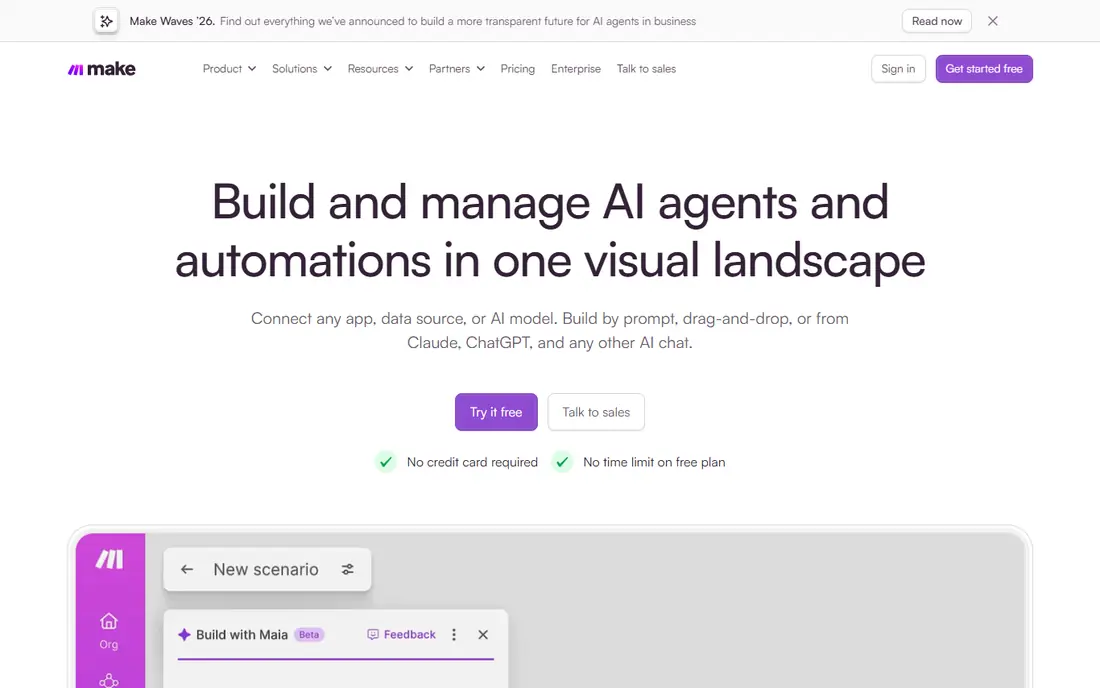
Make makes the most sense for complex branching flows without enterprise pricing. A small business that builds lead routing with three branches and error paths finds this model far simpler to read and fix than a stack of Zap steps. Its economics moved further in its favor this year: Make cut premium levels about 25 percent, so Core is $9 per month for 10,000 credits where a credit is one module execution.
Honest limits: Smaller app library.
That $9 level is the true entry point, and it is the cheapest real automation money can buy among hosted builders. On top of that, Make is what you graduate to when Zapier's linear editor starts fighting you. Price to start with Make: $9 per user/month. Make has a free plan.
- Very good price-to-power ratio
- Visual canvas takes care of branching and parallel routes natively
- No self-hosting
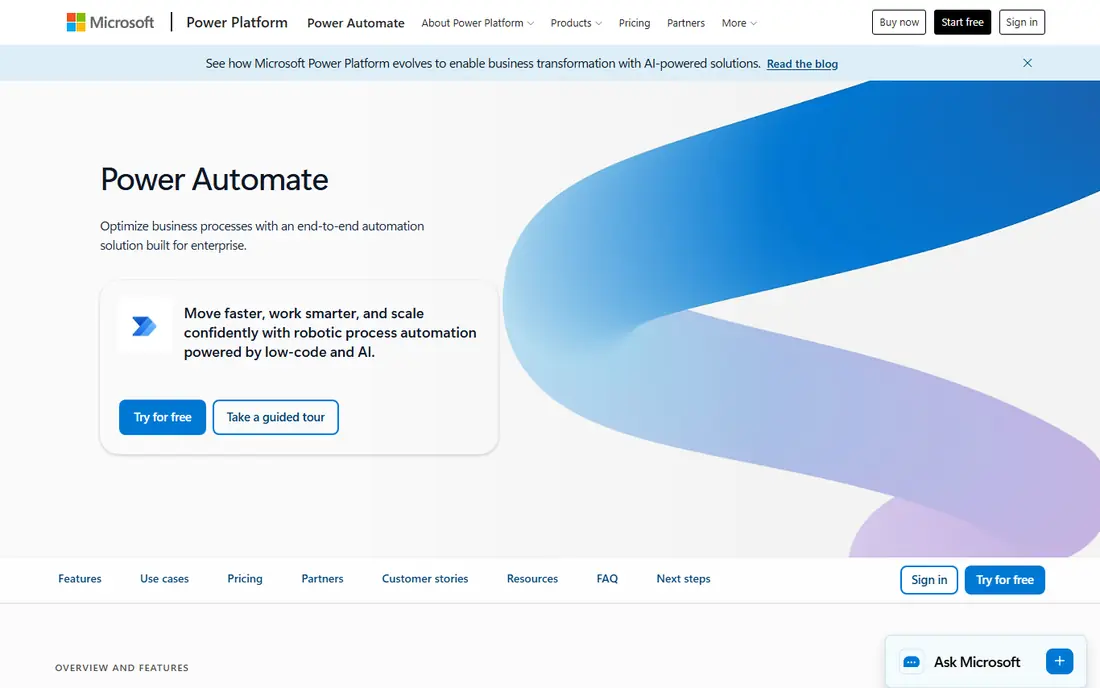
Microsoft Power Automate serves organizations standardized on Microsoft 365. Power Automate is the automation layer of the Microsoft 365 world, and its advantage is governance, not elegance.
Downsides: Weak outside the Microsoft ecosystem.
With a qualifying M365 license you already have a free level for standard-connector flows, and Power Automate Premium at $15 per user a month layers on premium connectors, attended desktop RPA, 5,000 AI Builder credits and process mining. The licensing complexity is real, and numerous non-Microsoft apps sit behind premium connectors, so budget per user instead of per company. Entry price for Microsoft Power Automate: Free with qualifying M365. Microsoft Power Automate offers a free plan.
- Runs inside the Microsoft tenant IT already governs
- Premium connectors and AI Builder on Premium
- Steep ramp-up time for the designer
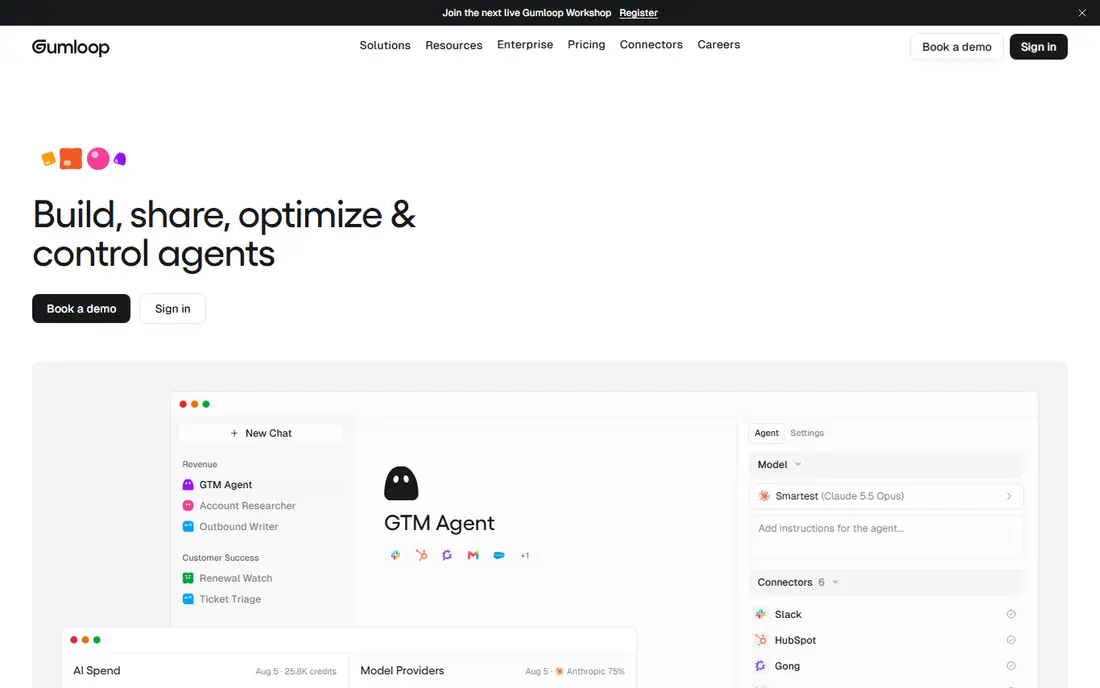
Gumloop is designed for ops teams that want AI workflows and agents in one builder. The free plan's 2,000 credits are ample enough to test real workflows. Worth adding: pick Gumloop when your automations need genuine reasoning, not just data piping.
For everyday use, the meter to watch is AI consumption: standard AI calls cost 2 credits, advanced model calls cost 20, so AI-heavy flows eat the Solo level's 10,000+ credits quicker than straightforward data movement would. Solo at $37 fits individuals and small projects; Team at $244 is the collaboration jump. Starting cost for Gumloop: Free. You can start on Gumloop without paying.
Downsides: Young system, occasional UI quirks.
- MCP connectivity to any tool
- Natural-language builder (Gummie) assembles flows for you
- Credit consumption spikes on heavy AI use
Pipedream is built with developers wiring APIs together with real code in mind. For a developer who needs a cron job with API calls, error handling and Slack alerts, Pipedream is dramatically faster than standing up infrastructure.
Watch-outs: Workflow and account limits on less expensive plans.
Pipedream starts at: Free. Pipedream has a free plan.
- Arbitrary code in every step
- Managed authentication for hundreds of APIs
- Control-flow operators need the Advanced level
Zapier
Great for: Teams that want the largest app catalog and fastest first automation
Think of Zapier for teams that want the largest app catalog and fastest first automation. Zapier remains the default answer for nontechnical automation since breadth solves problems quicker than power. At scale that makes it several times more costly than per-execution or per-run competitors.
The meter is the catch. In practice, Zapier charges per completed action step, so a five-step workflow that runs a thousand times costs five thousand tasks. Beyond that, the Starter plan at $19.99 per month spans 750 tasks, which fits light use, but expanding teams should model their real step volume before assuming the bill stays put. Zapier cost at the entry level: $19.99 per user/month. Free access exists with Zapier.
Drawbacks to consider: No self-hosting choice.
- Quick setup
- Natural-language workflow creation
- Per-task pricing punishes long workflows
Activepieces
Great for: Open-source automation with a friendlier face than n8n
For open-source automation with a friendlier face than n8n, Activepieces is a natural candidate. Cloud pricing is credit-based: Free with 1,000 credits, Plus at $20 a month ($16 annual) for 10,000, Team at $200 for 50,000, with one credit handling one full flow run.
Points against: AI steps consume additional credits.
Price to start with Activepieces: Free. Activepieces offers a free plan.
- Completely permissive for embedding
- MIT license
- Fewer native integrations
Lindy is a good fit for delegating inbox, scheduling and meeting follow-up to an AI teammate. For inbox and scheduling delegation, few tools match the adoption story; for deterministic business logic, a workflow tool is less expensive. Also, you learn the cost by running it.
Where it is weaker: Support is self-serve below Enterprise.
Lindy takes a different starting point: not workflows you build, but a teammate you delegate to. For everyday use, inside Slack you hand Lindy a job, triage my inbox, prep for the meeting, book the dentist. It executes across 1,000+ integrations with built-in approvals for write actions. The pricing is per user with credit pools: Plus is $29.99 per user a month with 3,000 credits, Pro $99.99 with 15,000, Max $199.99 with 35,000, and credits pool across every seat. On cost, Lindy starts like this: $29.99 per user/month. On free options: Free trial (7 days).
- Approvals built in as a product feature
- Slack-native delegation inside threads
- No permanent free level
Our selection method
Selection started from tools commonly considered for AI tools for business automation, then narrowed to 7 that have clear pricing information or a clear quote process. Where a price is missing, the vendor does not list one publicly or ties it to a quote. Always confirm before budgeting. Position on the page reflects fit for a typical buyer first, with price clarity and free access breaking ties. Treat it as a guide, not a ruling.
Pre-purchase checklist
- Check the vendor page for the current price: Make starts at $9 per user/month here, and seats or billing terms can move it.
- Look at free plan limits closely: Make, Microsoft Power Automate, Gumloop and others have one, and the caps decide whether it is usable for real work.
- Run a trial of Lindy with real work before paying for a year; your own workflow is the best test.
- Before choosing Make, weigh its main limit: steeper learning curve than Zapier.
- Compare total cost, not headline price: for Activepieces, add extra seats, add-ons and any usage-based charges.
- Run a one or two week pilot of Make with the people who will use it every day.
Frequently asked questions
Can I try these tools before paying?
Often, yes. Make, Microsoft Power Automate, Gumloop and others have a free plan and Lindy offers a free trial. Use your own data and a real task during the test, and check what the free tier or trial limits before you rely on it.
Should I buy a workflow tool or an AI agent tool?
A rule beats an agent when the input is structured, since it costs the same every run and never hallucinates a step.
What is the cheapest option for AI tools for business automation in this list?
On published monthly entry prices, Make is the lowest here at $9 per user/month. Entry price is only part of the cost, because seats, add-ons and billing terms can change the total.
Is Make the right pick for everyone comparing AI tools for business automation?
No single tool suits every team. Make comes first because it fits complex branching flows without enterprise pricing, while Microsoft Power Automate suits organizations standardized on Microsoft 365 and Gumloop suits ops teams that want AI workflows and agents in one builder. Match the tool to your own size, budget and workflow before deciding.
Which options for AI tools for business automation have a free plan?
On this list, 6 of 7 tools include a free plan, among them Make, Microsoft Power Automate, Gumloop and Pipedream. Caps on seats, usage or features are common, so test the free plan against your real workload. One other tool offers a trial instead.
Sources
See where you really rank - block by block
ProMapRanker scans Google Maps across a grid of your service area. Simple monthly plans from $19, white-label on every plan.
Start freeKeep reading
 zoho inventory alternatives
6 Alternatives to Zoho Inventory, Compared on Price and Fit
Zoho Inventory alternatives: 6 tools compared on price, free plans and fit. Katana leads the list for manufacturers. Fit and flaws are laid out for each entry.
Read → zoho crm alternatives
Best Zoho CRM Alternatives (2026)
Need Zoho CRM alternatives? We compare 7 tools on cost, free access and who each suits. Every pick gets a straight assessment. Built for quick decisions.
Read → zelle alternatives
Best Zelle Alternatives in 2026
Compare the best Zelle alternatives for sending money to friends, paying sellers and moving funds abroad, with honest notes on fees, speed and safety in 2026.
Read →