 ProMapRanker
Comparing 7 AI Tools for Building Mobile Apps in 2026

Direct answer
This list puts Replit first for AI agent plus full IDE. For a different need, Lovable covers prompt to full stack apps and Adalo covers native apps from one canvas. Details, prices and limits for the rest of the 7 tools are below.
Key takeaways
- Replit is the opening pick, best for AI agent plus full IDE.
- The cheapest monthly starting price in the list is $20 per month, offered by Replit.
- Check the limits for Adalo before you commit: no source code export.
- Thunkable fits beginners and educators.
- A free plan is offered by 7 of the 7 tools, including Replit, Lovable, Adalo and Glide.
Quick comparison
| Pick | Great for | Pricing starts at | Free tier | |
|---|---|---|---|---|
 Replit | AI agent plus full IDE | $20 per month | Yes | Visit |
 Lovable | Prompt to full stack apps | $25 a month | Yes | Visit |
 Adalo | Native apps from one canvas | $36 per month | Yes | Visit |
 Glide | Data driven internal tools | $25 a month | Yes | Visit |
 Rork | Mobile first prompt builds | $25 per month | Yes | Visit |
 FlutterFlow | True native apps with code export | $39 a month | Yes | Visit |
 Thunkable | Beginners and educators | $39 a month | Yes | Visit |
AI Tools for Building Mobile Apps compared in detail
Short on time? The summary and table above give the quick view of 7 AI tools for building mobile apps, and the profiles that follow give the detail behind each entry.
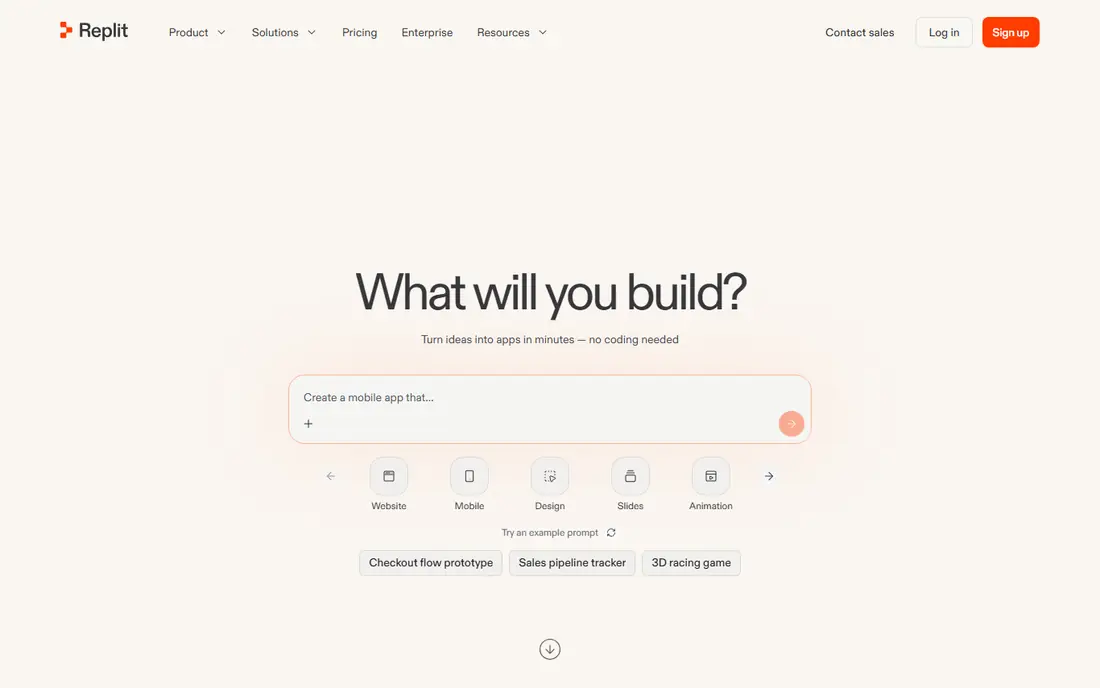
Replit is aimed squarely at AI agent plus full IDE. Replit hands you the most code control here, but publishing a true native mobile app needs additional work beyond the workspace.
Drawbacks to consider: Free level is restricted; Agent usage and hosting costs add up.
More specifically, the trade off is developer power against mobile focus. It hosts web apps from the workspace, supports plenty of languages, and gives you collaborative editing, which makes it widely used with developers who want AI speed without giving up code control. What you pay to start with Replit: $20 per month. You can start on Replit without paying.
- Hosted web apps
- Broad language support
- Interface is developer focused
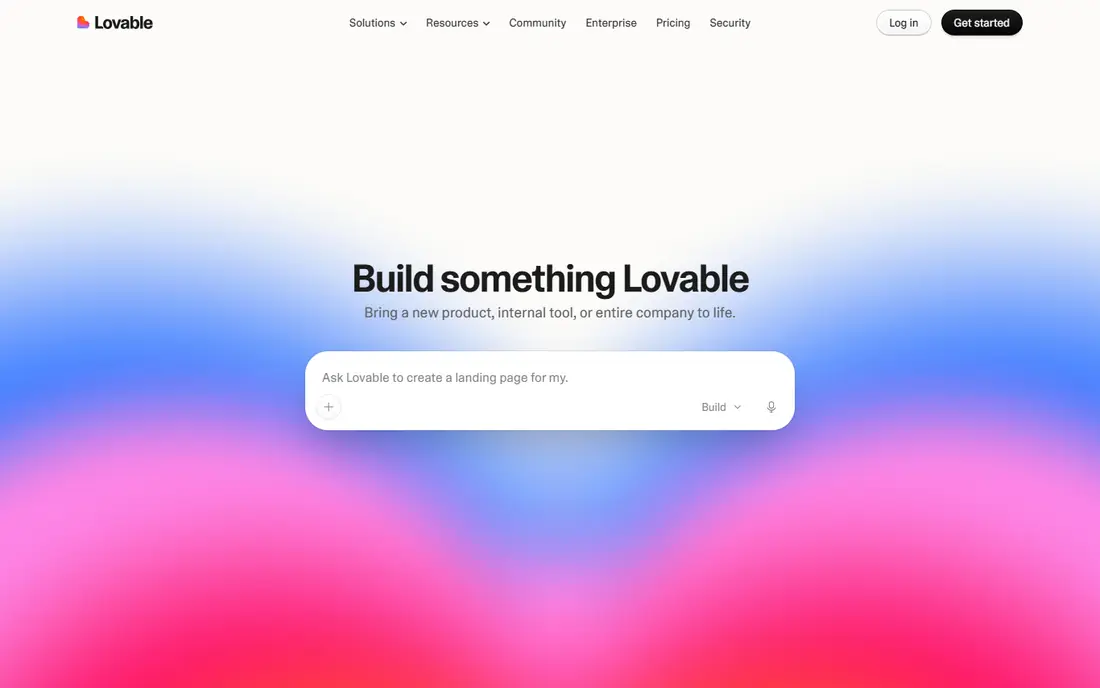
Lovable serves prompt to full stack apps. Lovable is web first, so a true native store app needs additional work, and credit metered pricing means heavy iteration costs more. On top of that, Lovable turns a prompt into a full stack app with a frontend, backend, and database, syncing code to GitHub so you own it and can edit it.
What to check first: Hosting costs are separate at scale; not true native mobile.
What users get: Quick MVPs.
It is the fastest route to a working web MVP for non technical founders, with code they can hand to a developer later. Worth adding: Lovable suits founders who want a quick full stack MVP with code ownership and can accept a web app first. Lovable cost at the entry level: $25 per month. A free plan is available with Lovable.
- Supabase backend integration
- GitHub sync and code export
- AI output needs review and fixes
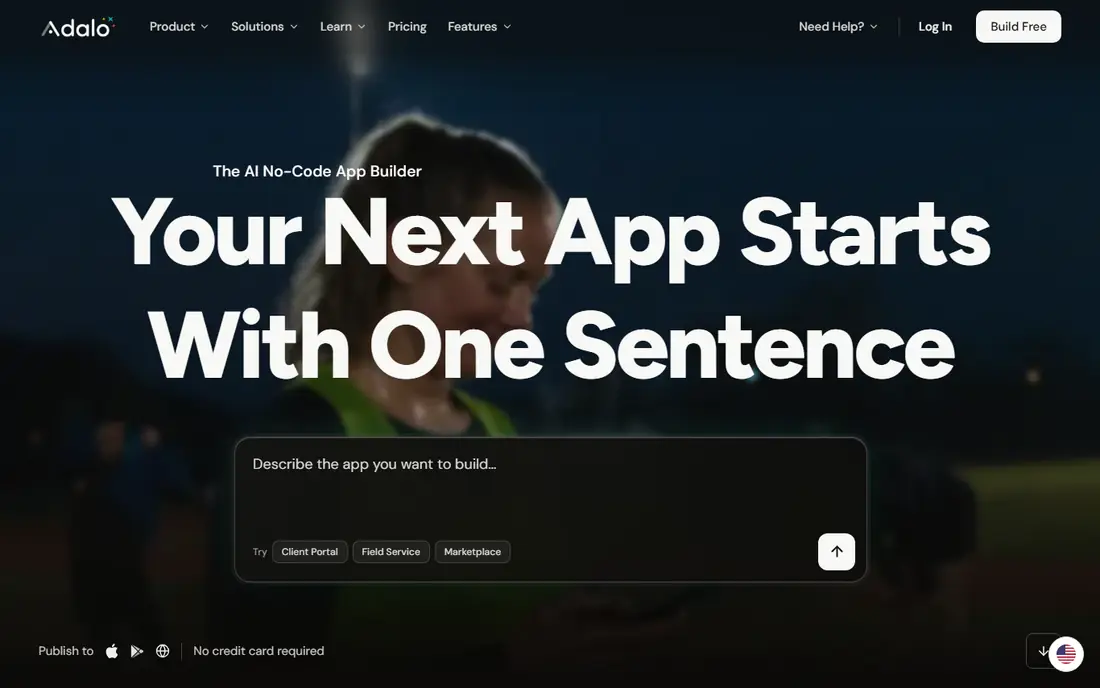
Think of Adalo for native apps from one canvas. Adalo is simple to pick up and publish from.
Honest limits: No source code export; Store fees apply.
But there is no source code export, so your app lives on the Adalo runtime. The trade off is simplicity against portability. Adalo cost at the entry level: $36 per month. You can start on Adalo without paying.
- Flat subscription pricing
- Prebuilt components
- Integrations vary by plan
Glide serves data driven internal tools. Glide turns spreadsheets and existing business data into apps, with AI generation from a prompt, a PDF, or a screenshot, which makes it quick for internal tools, portals, and field apps. It offers data sources, workflows, and integrations, and it publishes web apps that work well on phones and desktops.
Worth adding: Glide is the fastest route from data to a working app. But it produces web apps instead of true native store apps, and there is no code export. What you pay to start with Glide: $25 per month. You can start on Glide without paying.
Drawbacks to consider: Usage limits on lower plans; Custom domain needs a premium plan.
Main advantages: Workflows and integrations.
- AI generation from prompts, PDFs
- Quick internal tools
- No source code export
Rork is aimed squarely at mobile first prompt builds. It fits founders who want a quick prototype that can grow into a real app without being locked to a visual runtime.
What works well: Mobile first prompt to app workflow.
The trade off is speed against maturity. Rork cost at the entry level: $25 per month. Free access exists with Rork. The main drawbacks: Newer product with a smaller community; Credit limits shape iteration.
- Quick prototypes
- Native iOS and Android focus
- Backend choices are narrower than FlutterFlow
In short, FlutterFlow is for true native apps with code export. It links to Firebase and Supabase for auth and data, and it publishes to both keeps plus web and desktop.
What to check first: Backend setup needs a separate Firebase project; Free plan credits run out quick.
What users get: Firebase and Supabase backends. More specifically, FlutterFlow produces real native apps, but logins, roles, and data tables need a Firebase project configured outside the builder, which is a second tool with its own console and vocabulary. FlutterFlow cost at the entry level: $39 per month. FlutterFlow includes a free tier.
- Full Flutter code export
- AI screen generation
- Ramp-up time for custom code
In short, Thunkable is for beginners and educators. Thunkable is the beginner friendly mobile app builder used widely in education, with drag-and-drop blocks, a component library, and a live testing app for phones.
It publishes native iOS and Android apps, which makes it a real route to the keeps for first time builders. The trade off is ease against power. Thunkable pricing: $39 per month. You can start on Thunkable without paying.
Honest limits: Advanced logic needs workarounds; Pricing starts higher than some rivals.
- Component library
- A decent match for education
- No full code export
What went into this list
Each tool was reviewed on what its vendor publishes: price, plan limits, core features and stated drawbacks. We did not run hands-on tests. Where a price is missing, the vendor does not list one publicly or ties it to a quote. Always confirm before budgeting. Position on the page reflects fit for a typical buyer first, with price clarity and free access breaking ties. Treat it as a guide, not a ruling.
Questions to settle before buying
- Prices are a starting point; Replit shows $20 per month to start, so verify what your seat count would cost.
- Check what the free option really includes: Replit, Lovable, Adalo and others offer a free plan, and usage caps differ.
- Before choosing Replit, weigh its main limit: mobile publishing needs extra work.
- Test how quickly Replit answers a pre-sales question; it hints at how support will feel later.
- Compare total cost, not headline price: for Thunkable, add extra seats, add-ons and any usage-based charges.
Frequently asked questions
How are the tools for AI tools for building mobile apps ordered?
Replit sits first and Thunkable last because the order follows typical fit for AI tools for building mobile apps, then price clarity and free access. It is a judgement call, so read each profile for fit and limits.
Can I try these options before paying?
Often, yes. Replit, Lovable, Adalo and others have a free plan. Use your own data and a real task during the test, and check what the free tier or trial limits before you rely on it.
Is Replit the right pick for everyone comparing AI tools for building mobile apps?
No single tool suits every team. Replit comes first because it fits AI agent plus full IDE, while Lovable suits prompt to full stack apps and Adalo suits native apps from one canvas. Match the tool to your own size, budget and workflow before deciding.
Can AI really build a complete app from a prompt?
AI can create a working prototype or MVP from a prompt, but complicated apps still need human fixes for logic, auth, data rules, and edge cases, so plan for review and testing time.
Which options for AI tools for building mobile apps have a free plan?
7 of the 7 tools have a free plan, including Replit, Lovable, Adalo and Glide. Free plans usually cap users, projects or features, so check the limits on the vendor page.
How much does it cost to publish to the app stores?
Builder plans start around $20 to $39 a month, but Apple and Google charge their own developer fees on top, and backend services like Firebase or Supabase may add usage costs.
Sources
See where you really rank - block by block
ProMapRanker scans Google Maps across a grid of your service area. Simple monthly plans from $19, white-label on every plan.
Start freeKeep reading
 zscaler alternatives
Best Zscaler Alternatives in 2026
Looking for zscaler alternatives? We compare 9 SASE and zero trust platforms on architecture, data protection, pricing, and fit for your network and team.
Read → zapier alternatives free
Best Zapier Alternatives Free in 2026
Nine automation tools for zapier alternatives free in 2026, all with genuinely free tiers, plus free plan limits, starting prices and upgrade paths explained.
Read → which platform is best for online reputation
Which Platform Is Best for Online Reputation in 2026
Wondering which platform is best for online reputation? We compare 8 review, listing, and response tools for small and multi-location businesses and agencies.
Read →