 ProMapRanker
AI Tools for Academic Writing


In-depth editing reports on long documents · Pricing starts at: See website
Direct answer
If you need in-depth editing reports on long documents, ProWritingAid is the first tool to look at here. Alternatives: Paperpal for the full path from sources to submission, and Grammarly for steady grammar, clarity, and tone checks. The full list of 6 tools follows, with prices and free plan facts.
Key takeaways
- The list opens with ProWritingAid, aimed at in-depth editing reports on long documents.
- Check the limits for ProWritingAid before you commit: the homepage now emphasizes fiction writers.
- QuillBot suits paraphrasing sources without changing meaning.
- Starting prices begin at $12 per month with Grammarly.
- 6 of the 6 tools have a free plan, including ProWritingAid, Paperpal, Grammarly and Trinka.
Quick comparison
| Pick | Great for | Pricing starts at | Free tier | |
|---|---|---|---|---|
| ProWritingAid | In-depth editing reports on long documents | See website | Yes | Visit |
 Paperpal | The full path from sources to submission | See website | Yes | Visit |
 Grammarly | Steady grammar, clarity, and tone checks | $12 a month (billed annually) | Yes | Visit |
 Trinka | Academic grammar, style, and integrity checks | Free | Yes | Visit |
 SciSpace | Understanding papers before you write about them | See website | Yes | Visit |
 QuillBot | Paraphrasing sources without changing meaning | See website | Yes | Visit |
The best AI tools for academic writing
ProMapRanker compared 6 tools for AI tools for academic writing. The goal is a practical shortlist: published prices, free plan facts, best-fit use cases and honest limits for every entry.
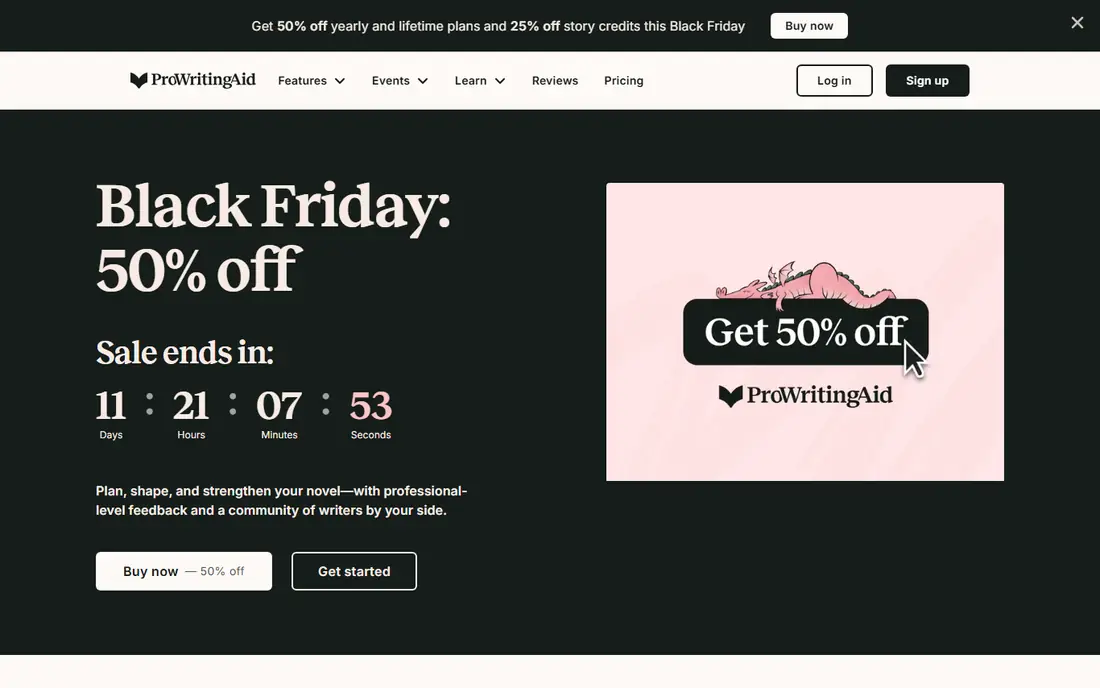
Think of ProWritingAid for in-depth editing reports on long documents. ProWritingAid goes deeper than a grammar checker. Its reports analyze sentence variety, overused words, pacing, and structure across a whole document, which is valuable for a thesis or a long paper where consistency matters.
What to check first: Reports can overwhelm beginners.
It connects with Word, Google Docs, and Scrivener, so you edit where you already write. Beyond that, pricing is not shown on the homepage, so verify it before subscribing. Also, the volume of reports can also overwhelm a new user, so start with grammar and style reports before exploring the rest. ProWritingAid shows no starting price here, so confirm the cost on the vendor site. Free access exists with ProWritingAid.
- Lifetime choice has existed
- In-depth reports on style, structure, repetition
- The homepage now emphasizes fiction writers
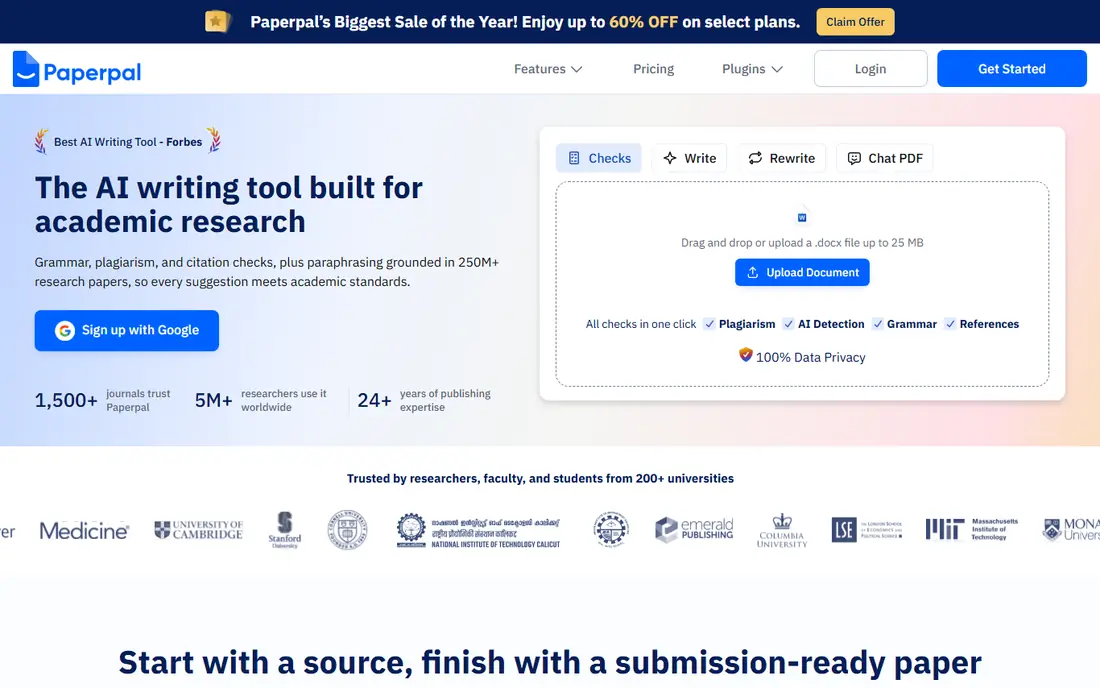
Where Paperpal fits: the full path from sources to submission. You bring in your sources, draft with suggestions grounded in those sources, and cite in thousands of styles, then run pre-submission checks for plagiarism, AI-generated text, and reference errors. Its language model is trained on scholarly writing, so its phrasing suggestions fit journal style better than general tools.
The workspace takes time to configure with your sources and guidelines, and premium pricing is not listed on the homepage. For researchers preparing a paper for a real journal, Paperpal's submission checks catch the errors that cause desk rejections, which makes it worth the effort. Paperpal shows no starting price here, so confirm the cost on the vendor site. Free access exists with Paperpal.
Where it is weaker: Premium pricing is not on the homepage.
- Citation-aware drafting from your own sources
- AI text, references
- Some checks consume credits
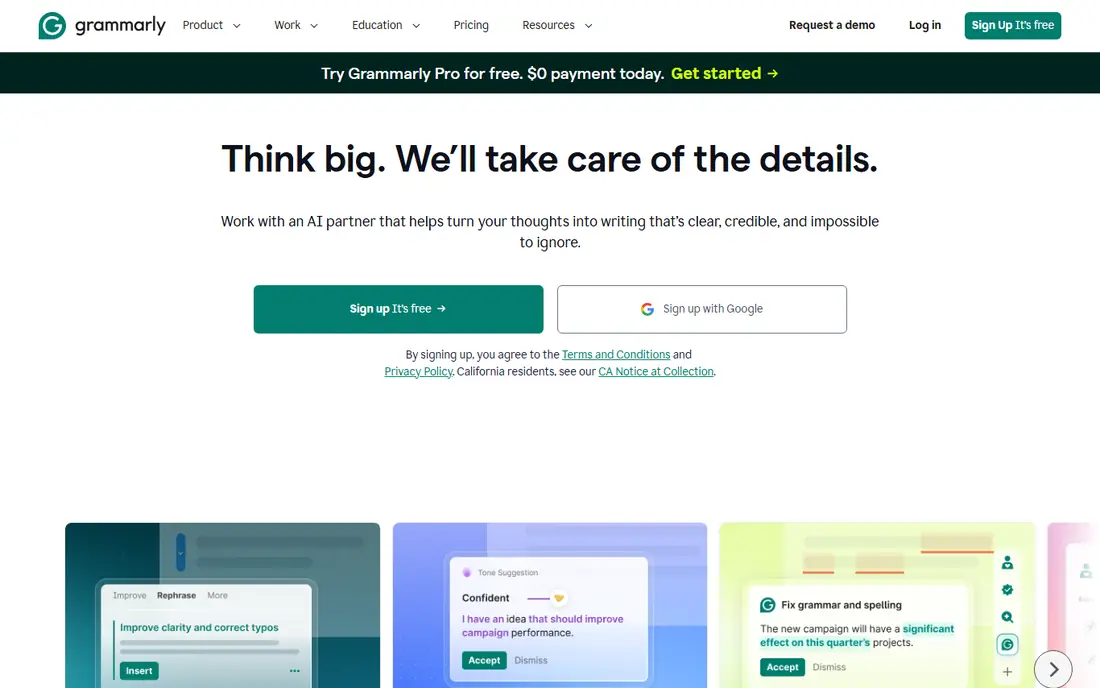
Grammarly makes the most sense for dependable grammar, clarity, and tone checks. The free level includes mistake-free writing and tone detection, whereas Pro, at $12 per member a month billed yearly, brings full-sentence rewrites, tone adjustment, and brand style guides.
Downsides: Academic style guidance is general, not journal-specific.
Grammarly boosts general English well, but it does not check citations, journal style, or subject terminology the way Paperpal or Trinka do. The limit for academics is specificity. Entry price for Grammarly: $12 per month. Grammarly has a free plan.
- Free level catches real mistakes
- Works everywhere you write
- AI prompts are capped on lower plans
Trinka makes the most sense for academic grammar, style, and integrity checks. The credit system for premium checks takes some learning: features consume credits, and heavy users have to track them. Beyond that, Trinka is made for formal academic and technical writing, and it displays.
Its grammar checker understands subject terminology and academic style, its style guides handle APA, IEEE, ACS, and other formats, and its premium plans add plagiarism and AI detection plus a Word add-in. For everyday use, the interface is also plainer than Grammarly's. On cost, Trinka starts like this: Free. Free access exists with Trinka.
Where it falls short: Premium features use a credit system that takes learning; Some checks cost credits. Reasons to shortlist it: Style guides for APA, IEEE, ACS.
- Free plan contains advanced academic grammar checks
- Plagiarism and AI detection available
- The interface is less refined than Grammarly
SciSpace works best for understanding papers before you write about them. SciSpace starts where academic writing actually starts: reading.
The main drawbacks: Premium pricing is not on the homepage.
AI summaries also risk oversimplifying methods and results, so always check the original paper before citing a summary. This comparison lists no price for SciSpace; ask the vendor. A free plan is available with SciSpace.
- Chat with PDFs and get plain-language explanations
- Paraphraser and citation generator included
- Writing features are lighter than dedicated writing tools
QuillBot is designed for paraphrasing sources without changing meaning. QuillBot helps you write originally, but it does not make a source yours.
Drawbacks to consider: Premium price is not shown on the homepage.
One warning matters: paraphrased text still needs a citation. Check the vendor site for QuillBot pricing; none is listed in this comparison. QuillBot offers a free plan.
- Free level includes basic use
- Summarizer and citation generator included
- Paraphrasing must still be cited to avoid plagiarism
Our selection method
For each of the 6 tools we noted price, free plan or trial, fit for AI tools for academic writing and the main limit, using vendor pages and documentation. Prices and plan limits come from vendor pages and can change, so confirm them on the vendor site before you buy. We ordered the tools by general fit, then by how clearly pricing is shown, then by free access. A buyer with unusual needs may reorder them.
A buyer's checklist
- Ask ProWritingAid, Paperpal, SciSpace and QuillBot for a written quote, since no starting price is shown.
- Check what the free option really includes: ProWritingAid, Paperpal, Grammarly and others offer a free plan, and usage caps differ.
- Read the limits listed for ProWritingAid first: the homepage now emphasizes fiction writers.
- Before you load data into ProWritingAid, check what an export looks like and who can run it.
- List the apps you already depend on and check that Grammarly supports each one on the plan you would buy.
Frequently asked questions
Can I try these tools before paying?
Often, yes. ProWritingAid, Paperpal, Grammarly and others have a free plan. Use your own data and a real task during the test, and check what the free tier or trial limits before you rely on it.
Will my university detect AI-assisted writing?
Possibly. Tools like Paperpal and Trinka contain AI detection so you can check your own draft, but the safest approach is to write in your own voice and use AI only for editing.
Which tool is a good match for non-native English speakers?
ProWritingAid is the pick this page puts first, mainly for in-depth editing reports on long documents. If your situation differs, Paperpal suits the full path from sources to submission, and Grammarly suits steady grammar, clarity, and tone checks. Compare price and limits before you decide.
Which options for AI tools for academic writing have a free plan?
6 of the 6 tools have a free plan, including ProWritingAid, Paperpal, Grammarly and Trinka. Free plans usually cap users, projects or features, so check the limits on the vendor page.
What is the cheapest option for AI tools for academic writing in this list?
On published monthly entry prices, Grammarly is the lowest here at $12 per month. Entry price is only part of the cost, because seats, add-ons and billing terms can change the total.
Do these tools publish their prices?
Not all of them. ProWritingAid, Paperpal, SciSpace and QuillBot publish no starting price, so expect a quote request for those. The rest, Grammarly included, show a starting price, though seats and billing terms still change the final cost.
Sources
See where you really rank - block by block
ProMapRanker scans Google Maps across a grid of your service area. Simple monthly plans from $19, white-label on every plan.
Start freeKeep reading
 zoho inventory alternatives
6 Alternatives to Zoho Inventory, Compared on Price and Fit
Zoho Inventory alternatives: 6 tools compared on price, free plans and fit. Katana leads the list for manufacturers. Fit and flaws are laid out for each entry.
Read → zoho crm alternatives
Best Zoho CRM Alternatives (2026)
Need Zoho CRM alternatives? We compare 7 tools on cost, free access and who each suits. Every pick gets a straight assessment. Built for quick decisions.
Read → zelle alternatives
Best Zelle Alternatives in 2026
Compare the best Zelle alternatives for sending money to friends, paying sellers and moving funds abroad, with honest notes on fees, speed and safety in 2026.
Read →