 ProMapRanker
Best AI Tools Comparison in 2026

Key takeaways
- ChatGPT is our pick for most people, because it covers writing, coding, images, research and voice in one app.
- Claude is best for long writing, careful reasoning and code review, especially with long documents.
- Gemini is the natural pick if you already live in Gmail, Docs and Drive, with a generous free tier.
- Perplexity is best for research with sources, while DeepSeek and Meta AI are the strongest free options for everyday use.
- Start on free tiers, then pay only for the tool you hit limits in most often, because most people need one paid tool, not four.
Quick comparison
| Pick | Great for | Pricing starts at | Free tier | |
|---|---|---|---|---|
 ChatGPT | Best all-rounder | $20 per month | Yes | Visit |
 Claude | Long writing and code | $20 per month | Yes | Visit |
 Gemini | Google Workspace users | $19.99 per month | Yes | Visit |
 Perplexity | Research with sources | $20 per month | Yes | Visit |
 Microsoft Copilot | Microsoft 365 users | $20 per month | Yes | Visit |
 DeepSeek | Free reasoning and coding | Free | Yes | Visit |
 Meta AI | Free social and everyday chats | Free | Yes | Visit |
 Mistral Le Chat | European privacy-focused choice | See website | Yes | Visit |
 NotebookLM | Research from your own documents | Free | Yes | Visit |
The best AI tools comparison
AI tools now look similar on price, with most paid plans near 20 dollars a month, so the real differences are in writing quality, coding, research sources, ecosystem and usage limits. We compared official pricing pages, feature pages and model documentation for tools live in October 2026, and we kept only general AI assistants and research tools that ordinary users can sign up for. Prices below are starting paid prices, and higher tiers add much larger usage limits.
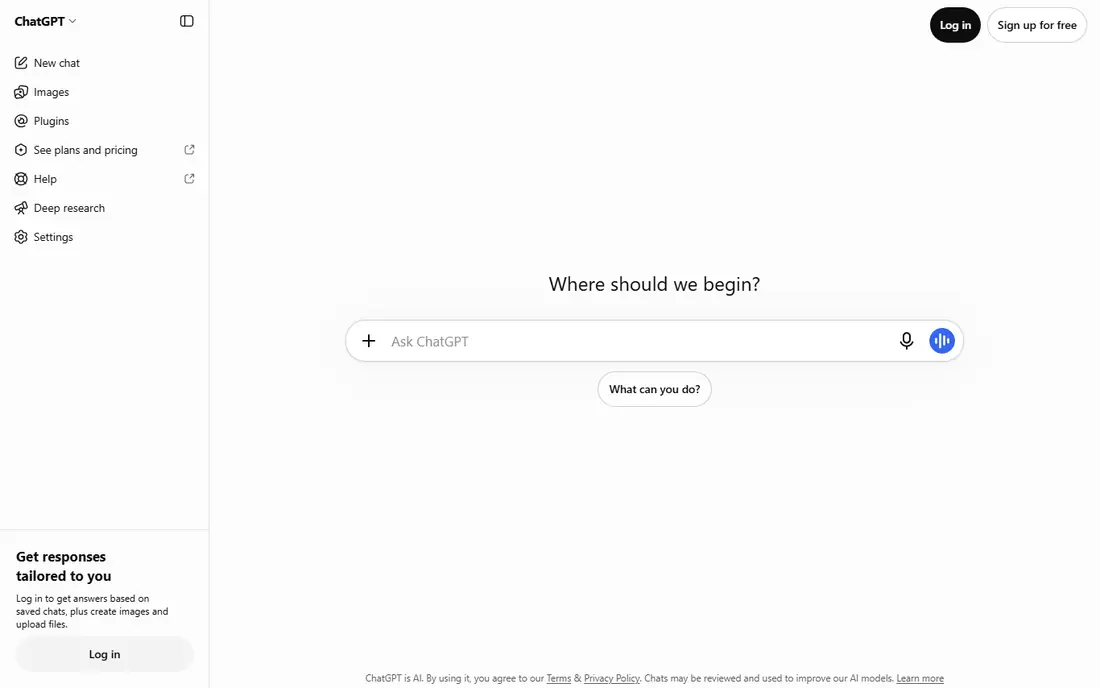
ChatGPT is the safest single subscription for most people, because it does the widest range of jobs well. Writing, brainstorming, coding help, image generation, voice chat, file analysis and deep research all live in one app, and the mobile experience is polished. If you only want one AI tool and you are not sure which job matters most yet, this is the default pick.
The catch is that breadth is not the same as best in every category. Claude often writes more carefully, Perplexity cites sources better, and Gemini fits Google users better, so specialists may prefer those tools for their main job. ChatGPT also needs fact-checking, especially for numbers, dates and citations, because a fluent answer is not always a correct one.
- Broadest feature set
- Strong image and voice tools
- Large ecosystem of integrations
- Usage limits still apply on paid plans
- Answers need checking for facts and citations
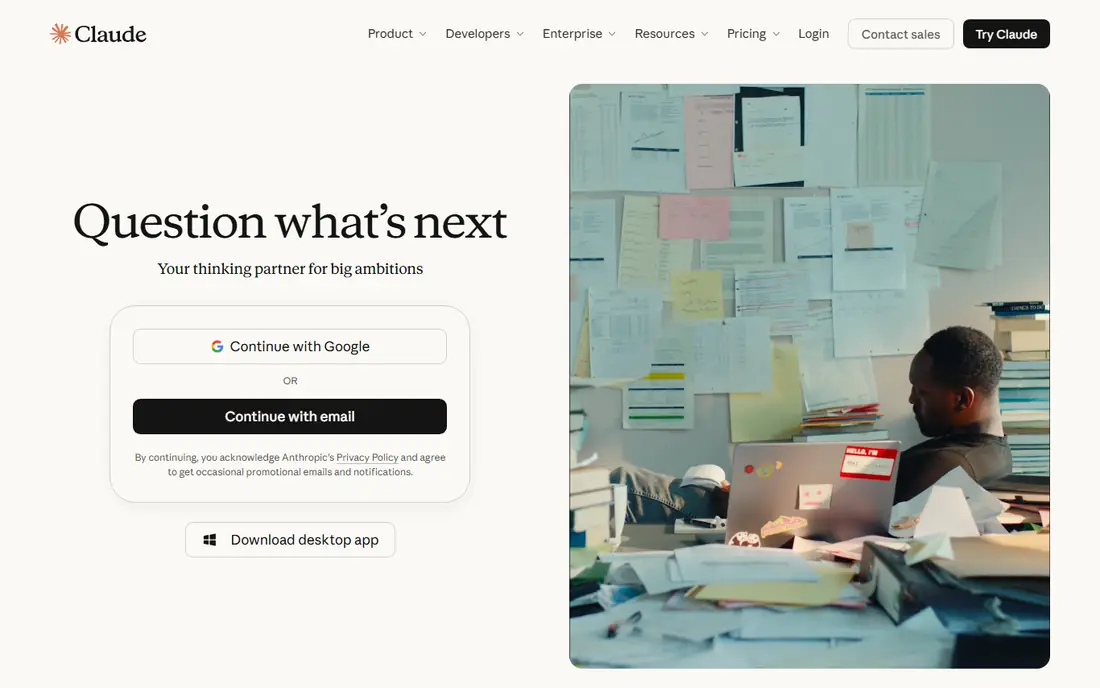
Claude is our pick for writers, editors and developers who work with long documents or large codebases. It handles long inputs well, keeps structure clear in long outputs, and its coding assistant is widely used for code review and multi-step coding tasks. For a report, a contract review or a careful rewrite, Claude often produces cleaner first drafts than its rivals.
Heavy users will hit free tier limits quickly, and the paid plan still has usage limits that depend on demand and model choice. Claude also has fewer everyday consumer integrations than ChatGPT, so it is less of a one-app-fits-all tool. If writing and coding are your main jobs, those trade-offs are worth it.
- Strong long-form writing
- Good with long documents and code
- Careful, structured reasoning
- Free tier limits hit fast for heavy users
- Fewer consumer integrations than ChatGPT
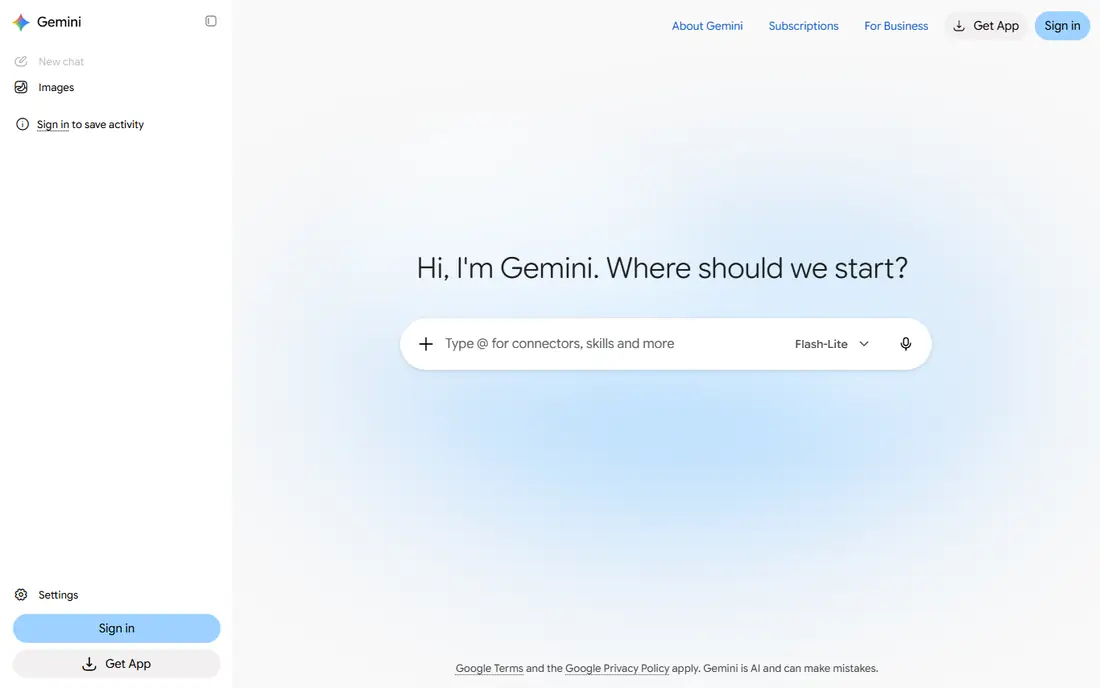
Gemini is the obvious pick if your work already lives in Google. It can summarize Gmail threads, help draft in Docs, work with Drive files and run on Android phones, which saves the copy-and-paste work other tools require. The free tier is also generous for everyday questions, so many users never need to pay.
If you do not use Google Workspace, much of that advantage disappears, and you should judge Gemini on its chat quality alone. Paid features such as extra storage and higher limits only pay off if you use the Google bundle as a whole. For Google households and workplaces, Gemini is the most convenient AI assistant here.
- Deep Gmail, Docs and Drive integration
- Generous free tier
- Strong multimodal and search grounding
- Paid plan value depends on Google use
- Reasoning quality varies by task
Perplexity is best when the question is what is true, not what sounds good. It searches the web, returns answers with citations, and lets you open the sources to check them yourself, which makes it ideal for research, news and fact-checking. The paid plan adds more deep research runs and model choices for heavy researchers.
It is not the best tool for creative writing, long reports or coding projects, where ChatGPT and Claude lead. Free users also get limited pro searches per day, so casual research is free but heavy research needs the paid plan. Use Perplexity to verify facts, and a general assistant to turn those facts into a draft.
- Cited answers with links to sources
- Strong for current events and fact-checking
- Deep research mode on paid plans
- Weaker for creative writing and long drafting than ChatGPT or Claude
- Paid plan needed for heavy research use
Microsoft Copilot makes sense if your work lives in Microsoft 365. On paid plans it can draft in Word, summarize in Outlook, help in Excel and join Teams meetings, which saves time for office workers who already pay for Microsoft tools. Windows integration also makes it easy to reach from the desktop.
As a free standalone chat app, Copilot is less distinctive than ChatGPT or Gemini, and the full Office features need the paid tier. If you do not use Word, Excel and Teams daily, another assistant will serve you better. For Microsoft workplaces, Copilot is the most convenient choice, because it meets users where they already work.
- Works inside Word, Excel, Outlook and Teams on paid plans
- Good for Windows users
- Enterprise controls available
- Full Office integration needs a paid plan
- Less strong as a standalone chat app for some users
DeepSeek is the best free option for reasoning, math and coding, with a chat app that costs nothing for ordinary use and open-weight models that developers can run or build on. For students, hobby coders and budget-conscious users, it offers serious capability without a monthly bill, which is rare in this category.
The ecosystem is smaller than ChatGPT or Claude, with fewer integrations and third-party tools, and users with sensitive work should read its data handling terms carefully before uploading private documents. For general learning, coding practice and everyday reasoning, DeepSeek is an excellent free tool, and a smart second app alongside a paid assistant.
- Free chat with strong reasoning and coding
- Open-weight models
- Low-cost API for developers
- Smaller ecosystem than US rivals
- Data handling and availability policies need reading for sensitive work
Meta AI is the AI most people will meet first, because it is already inside WhatsApp, Instagram and Messenger. You can ask a question, generate an image or get a quick summary without installing a new app or paying anything, which makes it ideal for casual, everyday use. For a quick answer while you are already chatting, that convenience is hard to beat.
It is not a specialist tool. Long documents, serious coding and cited research are better handled by Claude, ChatGPT or Perplexity, and Meta's data policies should be read before you share sensitive information. Use Meta AI for quick, casual help, and switch to a dedicated assistant for work that matters.
- Free and built into WhatsApp, Instagram and Messenger
- Easy for casual questions
- Image generation included
- Tied to Meta apps and data policies
- Weaker for long documents and coding than specialist tools
Mistral Le Chat suits users who want a European alternative with open-weight models and a focus on privacy and multilingual use. It is fast, it handles several European languages well, and its open models appeal to developers and organizations that want more control over deployment. For users in Europe or for teams with data residency concerns, that positioning matters.
The ecosystem is smaller than ChatGPT, Claude or Gemini, with fewer integrations and a shorter track record on some advanced features. For everyday chat, writing and coding help, Le Chat is capable, but power users may still keep a US leader as a second tool. If privacy posture and European hosting are priorities, Mistral is the strongest alternative here.
- European company with open-weight models
- Fast responses
- Strong multilingual support
- Smaller ecosystem than US leaders
- Some advanced features are newer and less proven
NotebookLM solves a different problem from the other tools here: it helps you understand your own documents. Upload PDFs, Docs, web links or videos, and it answers questions grounded in those sources, with citations back to the material. Students, researchers and professionals working through a pile of reports will find that grounding more trustworthy than a general chat answer.
It is not a general assistant. For open questions without sources, or for creative writing, use ChatGPT, Claude or Gemini instead. NotebookLM also depends on the quality of your uploads, so a thin or biased source set will produce thin answers. Pair it with a general assistant: NotebookLM for your documents, and another tool for everything else.
- Free with a Google account
- Answers grounded in your own PDFs, docs and links
- Audio overviews for study
- Only as good as the sources you upload
- Not a general chat assistant for open questions
How we picked these
We compared official pricing pages, feature pages and model documentation for AI assistants live in October 2026, and we kept only tools that ordinary users can sign up for and use for writing, coding or research. We gave weight to free tier generosity, paid plan price, ecosystem fit, research citations, long-document handling and coding strength, and we did not rank tools by benchmark scores alone, because those change with each model release. We did not claim hands-on testing of every model.
How to choose an AI tool
Start with your main job, not with the most famous model. A writer, a coder, a researcher and a Google Workspace user need different strengths, and the best tool for one job can be average for another. List your top three uses, try the free tiers for those exact tasks, and only pay for the tool that handles your most frequent task best.
Try free tiers with real work
Free tiers are generous enough to test real tasks, so use them for a real report, a real code problem or a real research question, not a toy prompt. Check how often you hit limits, whether citations link to real sources, and whether the output needs heavy editing. The tool that saves you the most editing time is usually the right paid pick, even if another tool looks better on paper.
Watch usage limits and total cost
Most paid plans sit near 20 dollars a month, but usage limits, model access and higher tiers differ a lot. A heavy user may need a higher tier, while a light user may never need to pay at all. Add up all AI subscriptions you actually use, and cancel any tool you have not opened in a month, because two or three overlapping subscriptions quickly cost more than one good tool.
Check privacy before you upload sensitive work
Read what each tool does with your prompts, whether it trains on your data, and whether business or enterprise tiers offer stronger controls. Do not upload passwords, medical records, legal documents or trade secrets to a free consumer tier without checking those terms first. For sensitive work, a business tier or a self-hosted open model may be worth the extra cost or setup.
Frequently asked questions
What is the best AI platform comparison for everyday use?
ChatGPT is the best all-rounder for everyday use, with Claude best for writing and coding, Gemini best for Google users, and Perplexity best for cited research. Most people only need one paid tool, plus free tools for specific jobs such as NotebookLM for documents. Start free, find your most frequent task, and pay for the tool that handles that task best.
What is the best AI app comparison for coding?
Claude is our pick for careful code review and long codebase work, with ChatGPT close behind for general coding and integrations, and DeepSeek best for free coding help. The best choice depends on your language, project size and whether you need an agent that can edit files directly. Try all three free tiers on a real coding task before you pay.
What is the best AI tools comparison for research?
Perplexity is best for research with sources, because its answers link back to web pages you can check, while NotebookLM is best for research from your own documents. ChatGPT and Gemini also offer deep research modes on paid plans, but their citations need checking. For serious research, use Perplexity or NotebookLM to verify facts, then a general assistant to draft.
Is there a good free AI tool?
Yes, DeepSeek and Meta AI are both free for everyday chat, Gemini has a generous free tier, and NotebookLM is free with a Google account for document research. Free tiers of ChatGPT, Claude and Perplexity also cover light use well. Most casual users can get by on free tiers and only pay when they hit limits regularly.
Should I pay for more than one AI subscription?
Most people should not, because one good paid tool plus free tools for specific jobs covers almost every need. Pay for a second tool only if you hit limits in your main tool every week, or if your second job, such as cited research or Google Workspace work, is clearly better in another app. Review your subscriptions monthly and cancel any tool you rarely open.
Sources
See where you really rank - block by block
ProMapRanker scans Google Maps across a grid of your service area. Simple monthly plans from $19, white-label on every plan.
Start freeKeep reading
 zoho inventory alternatives
6 Alternatives to Zoho Inventory, Compared on Price and Fit
Zoho Inventory alternatives: 6 tools compared on price, free plans and fit. Katana leads the list for manufacturers. Fit and flaws are laid out for each entry.
Read → zoho crm alternatives
Best Zoho CRM Alternatives (2026)
Need Zoho CRM alternatives? We compare 7 tools on cost, free access and who each suits. Every pick gets a straight assessment. Built for quick decisions.
Read → zelle alternatives
Best Zelle Alternatives in 2026
Compare the best Zelle alternatives for sending money to friends, paying sellers and moving funds abroad, with honest notes on fees, speed and safety in 2026.
Read →