 ProMapRanker
Best AI Tool Stack (2026): 5 Options Compared


Docs and knowledge · Pricing starts at: Free; AI from $10 per user a month
Direct answer
If you need docs and knowledge, Notion AI is the first tool to look at here. Look at Grammarly for writing polish, and at Claude for coding and long writing. All 5 tools are compared below on price, free plan and limits.
Key takeaways
- Notion AI sits first on this list: docs and knowledge.
- For general AI assistant, ChatGPT is worth a look.
- A fair warning about Zapier: starter at $19.99 per month.
- A free plan is available from 5 of the 5 tools: Notion AI, Grammarly, Claude, Zapier, ChatGPT.
Quick comparison
| Pick | Great for | Pricing starts at | Free tier | |
|---|---|---|---|---|
| Notion AI | Docs and knowledge | Free; AI from $10 per user a month | Yes | Visit |
 Grammarly | Writing polish | Free; Pro from $12 per month | Yes | Visit |
 Claude | Coding and long writing | Free; Pro from $20 a month | Yes | Visit |
 Zapier | AI automation | Free; Starter from $19.99 a month | Yes | Visit |
 ChatGPT | General AI assistant | Free; Plus from $20 per month | Yes | Visit |
The best AI tool stack
ProMapRanker put together this guide to AI tool stack for readers who want a clear shortlist without reading every vendor page. It compares 5 tools on starting price, free plans, who each one suits and where each one falls short.
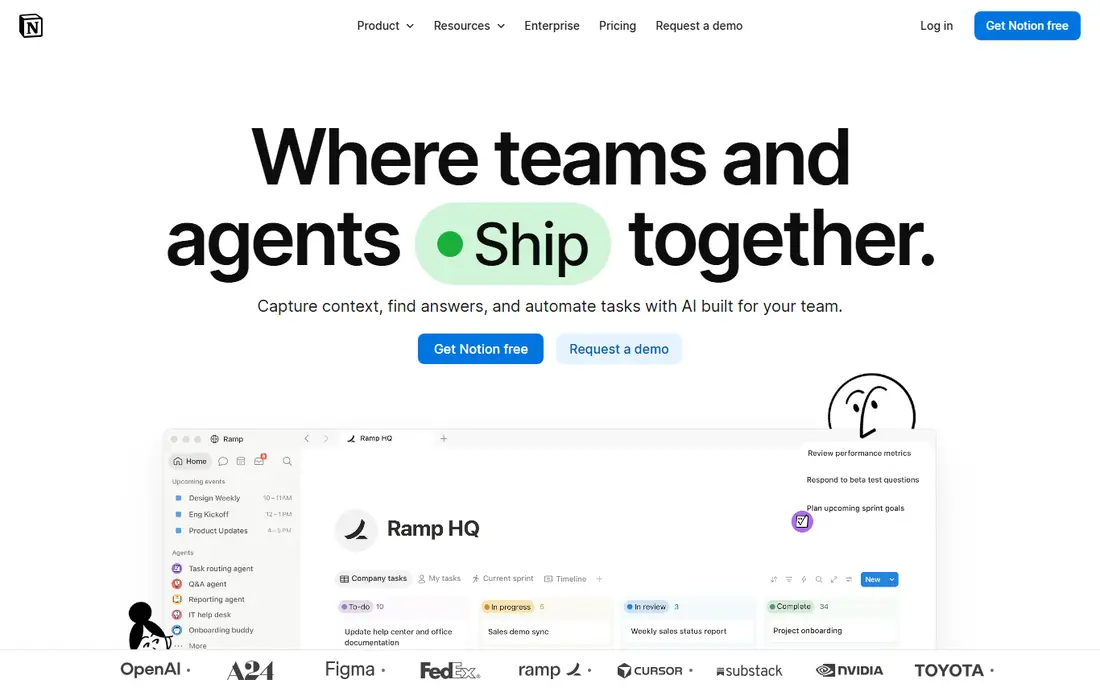
Pick Notion AI if this describes you: docs and knowledge. Notion AI brings AI inside the docs and knowledge base where a team already works. It drafts, summarizes, and answers from team notes, turning scattered pages into a searchable knowledge layer.
Output needs editing, and coding help trails Claude. For a team whose knowledge lives in Notion, Notion AI is the stack layer that makes that knowledge usable. In practice, the free Notion level spans entry-level docs, whereas AI brings $10 per user a month. Entry price for Notion AI: Free. Notion AI offers a free plan.
Upsides: Summaries and drafting where notes live.
What to check first: Output needs editing; Weaker than Claude for coding.
- AI inside docs, wikis, databases
- Team knowledge base
- AI costs $10 per user a month on top of Notion
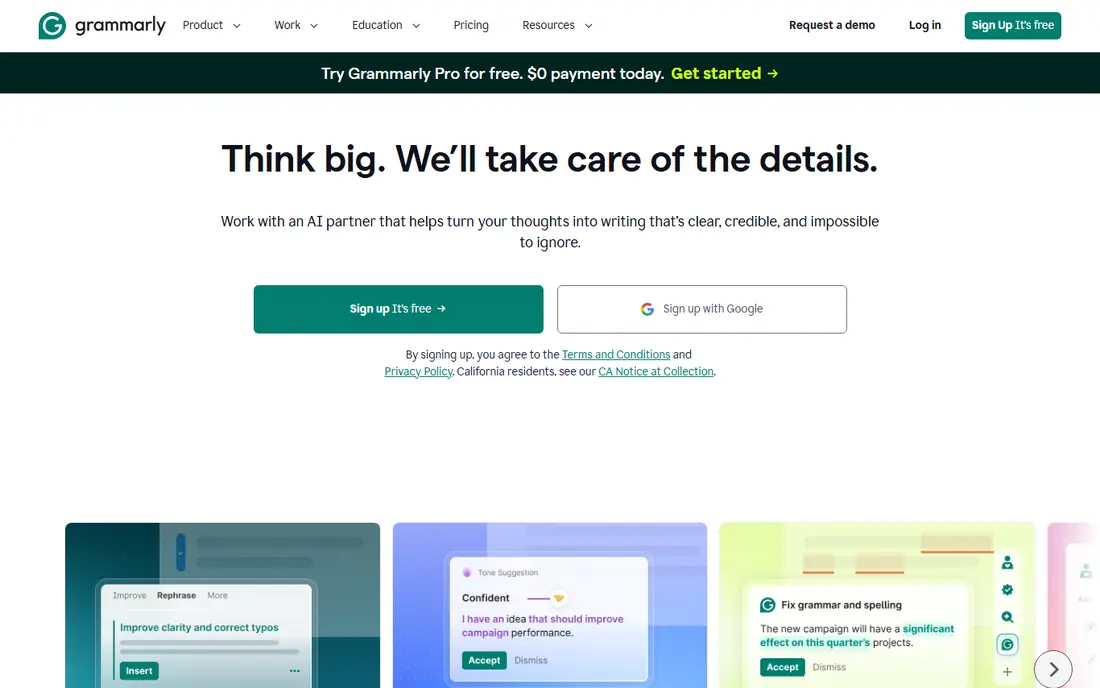
Grammarly is aimed squarely at writing polish. Grammarly polishes writing everywhere it happens, from email to docs to social posts.
Limits to weigh: Suggestions need judgment.
Where it shines: Team style guides.
Beyond that, suggestions need judgment, since style rules vary, and AI writing features overlap with chatbots. Also, the free level spans entry-level corrections, whereas Pro at $12 per month layers on tone, clarity, and AI writing help. Grammarly starts at: Free. You can start on Grammarly without paying.
- Clarity issues everywhere you write
- Catches grammar, tone
- Pro at $12 per month
Claude works best for coding and long writing. It excels at coding assistance, long-document analysis, and careful reasoning, with a large context window that holds entire codebases and reports. For everyday use, for a stack that comes with serious coding or writing, Claude complements ChatGPT instead of duplicating it.
Where it falls short: Usage limits frustrate heavy users.
Beyond that, the ecosystem is smaller than ChatGPT, and usage limits frustrate heavy users. More specifically, Pro costs $20 per month, with a free level for casual use. Claude cost at the entry level: Free. Free access exists with Claude.
- Best coding and long-document work
- Careful reasoning
- Fewer consumer integrations
Zapier targets AI automation. Zapier links AI to the apps where work actually happens. As for the details, complicated automations need planning, and task limits cap heavy use.
For everyday use, automations move data between tools, trigger AI actions on new inputs, and remove repetitive copying between systems, all without code. Also, for a stack that should do work instead of just answer questions, Zapier is the layer that turns AI output into action. Also, the free level includes straightforward automations, whereas Starter at $19.99 per month raises task limits. Zapier cost at the entry level: Free. Zapier has a free plan.
What Zapier does well: Connects AI to thousands of apps.
Downsides: Task limits cap heavy use.
- No code needed
- AI actions inside automations
- Complicated automations need planning
Choose ChatGPT for general AI assistant. Answers need fact-checking, notably for citations and numbers, and model behavior shifts with updates.
Drawbacks to consider: Answers need fact-checking.
In practice, ChatGPT anchors most AI stacks as the general assistant. It drafts, brainstorms, explains, codes, and examines, with image generation built in and the broadest ecosystem of apps and integrations. ChatGPT starts at: Free. ChatGPT offers a free plan.
- Image generation built in
- Fastest feature shipping
- Model behavior changes with updates
How these tools were picked
ProMapRanker used vendor pricing pages and product documentation as the base, then compared plans, free access and documented limits for 5 tools. Seat minimums, billing terms and add-ons can move the real cost, so the starting prices here are a guide and not a quote. Order on the page follows fit for the typical buyer first, then price transparency and free access. Your own requirements should decide the final pick.
What to check before you buy
- Confirm the entry price on the vendor page for Notion AI and the others: seat counts and billing terms change the total.
- Read the fine print on the free plans from Notion AI, Grammarly, Claude and others; seat, project and feature caps differ.
- Read the limits listed for Notion AI first: AI costs $10 per user a month on top of Notion.
- A short pilot of Claude with your real workflow tells you more than a feature table.
- Ask Zapier whether prices are locked for the first term and what happens at renewal.
Frequently asked questions
Can AI tools replace human work entirely?
No. AI drafts, summarizes, and automates, but human judgment, verification, and relationships remain essential. Treat AI output as a first draft, not a final answer.
What AI tool is a good match for research?
This list starts with Notion AI, which fits docs and knowledge. For other needs, Grammarly is aimed at writing polish, and Claude at coding and long writing. Check each tool's price and main limit first.
Is Notion AI the right pick for everyone comparing AI tool stack?
No single tool suits every team. Notion AI comes first because it fits docs and knowledge, while Grammarly suits writing polish and Claude suits coding and long writing. Match the tool to your own size, budget and workflow before deciding.
Do these tools publish their prices?
Yes. Every tool from Notion AI to ChatGPT shows a starting price, though seats, add-ons and billing terms still change the final cost.
Can I try these tools before paying?
Often, yes. Notion AI, Grammarly, Claude and others have a free plan. Use your own data and a real task during the test, and check what the free tier or trial limits before you rely on it.
How much does a full AI tool stack cost?
From free for entry-level levels to about $100 per month for premium plans across multiple tools. Audit quarterly and cancel tools you seldom use.
Sources
See where you really rank - block by block
ProMapRanker scans Google Maps across a grid of your service area. Simple monthly plans from $19, white-label on every plan.
Start freeKeep reading
 zoho inventory alternatives
6 Alternatives to Zoho Inventory, Compared on Price and Fit
Zoho Inventory alternatives: 6 tools compared on price, free plans and fit. Katana leads the list for manufacturers. Fit and flaws are laid out for each entry.
Read → zoho crm alternatives
Best Zoho CRM Alternatives (2026)
Need Zoho CRM alternatives? We compare 7 tools on cost, free access and who each suits. Every pick gets a straight assessment. Built for quick decisions.
Read → zelle alternatives
Best Zelle Alternatives in 2026
Compare the best Zelle alternatives for sending money to friends, paying sellers and moving funds abroad, with honest notes on fees, speed and safety in 2026.
Read →