 ProMapRanker
Best AI Tool for Image Creation in 2026


Artistic, cinematic, and editorial images · Pricing starts at: $10 per month for Basic
Key takeaways
- Midjourney still leads on artistic quality, while ChatGPT image tools lead on ease of use and prompt accuracy for everyday graphics.
- Ideogram is the best pick when text inside an image must be spelled correctly, such as posters, logos, and social graphics.
- Adobe Firefly is the safest choice for commercial work, because it is trained on licensed content and integrates with Creative Cloud tools.
- Stable Diffusion and Flux give the most control and privacy for users willing to run models locally or through a host.
Quick comparison
| Pick | Great for | Pricing starts at | Free tier | |
|---|---|---|---|---|
| Midjourney | Artistic, cinematic, and editorial images | $10 per month for Basic | No | Visit |
 ChatGPT ChatGPT | Easy image creation inside a chat workflow | $20 per month for Plus | Yes, limited | Visit |
 Adobe Firefly Adobe Firefly | Commercial-safe images for brands and Creative Cloud users | $9.99 per month for Standard | Yes, limited credits | Visit |
 Ideogram Ideogram | Posters, logos, and images with accurate text | See website | Yes | Visit |
 Leonardo AI Leonardo AI | Game assets, character design, and creator workflows | $12 per month | Yes, daily tokens | Visit |
 Stable Diffusion Stable Diffusion | Free local generation, privacy, and full control | Free, self-hosted | Yes | Visit |
 Canva Magic Media Canva Magic Media | Non-designers making finished social and marketing graphics | $15 per month for Pro | Yes | Visit |
 Recraft Recraft | Vectors, logos, brand sets, and UI graphics | $20 per month for Pro | Yes | Visit |
The best AI tools for image creation
Image generators differ in quality, text accuracy, editing control, and licensing. A tool that makes beautiful art may spell poster text wrong, while a tool that spells text well may lack artistic range. We compared those trade-offs, plus price and commercial use terms, rather than ranking on a single demo image.
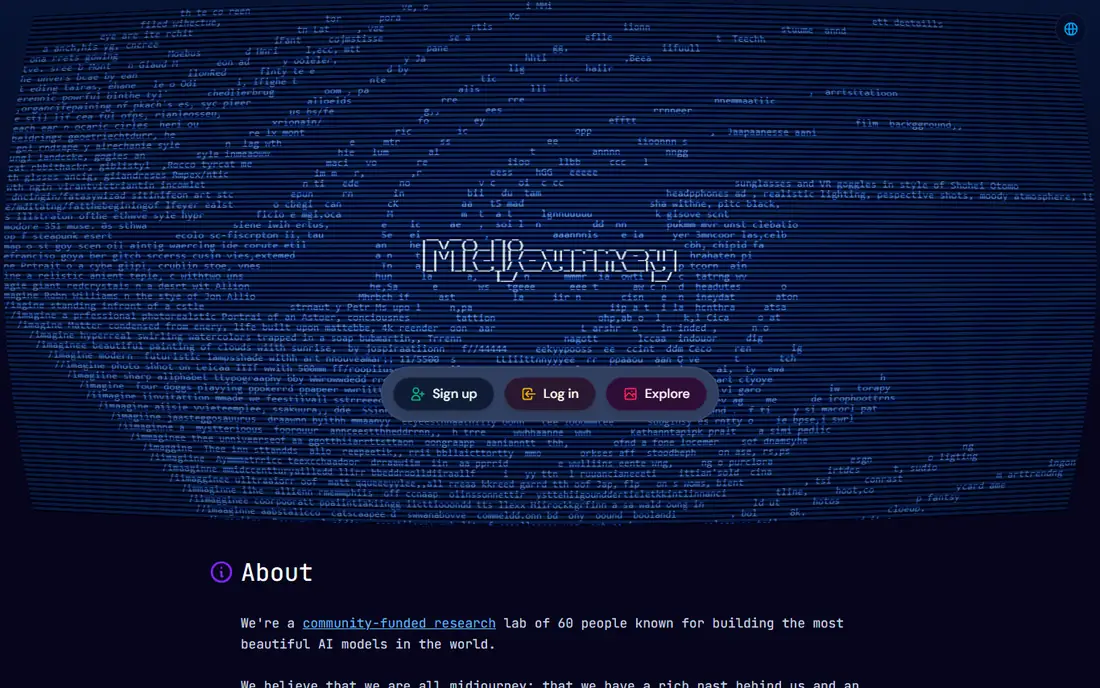
Midjourney remains the benchmark for image beauty. Lighting, composition, and detail in its outputs suit thumbnails, hero images, concept art, and social visuals where the image itself must impress. The web app has removed the old Discord-only barrier, so new users can generate, organise, and upscale images in a browser. The limits are practical. There is no free tier, so you must pay to test it properly, and Midjourney is less literal than ChatGPT image tools when you need an exact layout or a precise object in a precise place. Prompt skill also matters more here. If art quality is your priority and you will use images often, the $10 per month Basic plan is good value. If you need exact text or a simple graphic, Ideogram or ChatGPT may suit you better.
- Outstanding image quality, strong style control, web app available, commercial rights on paid plans
- No free tier, less literal than chat-based tools for exact layouts, learning curve for prompts
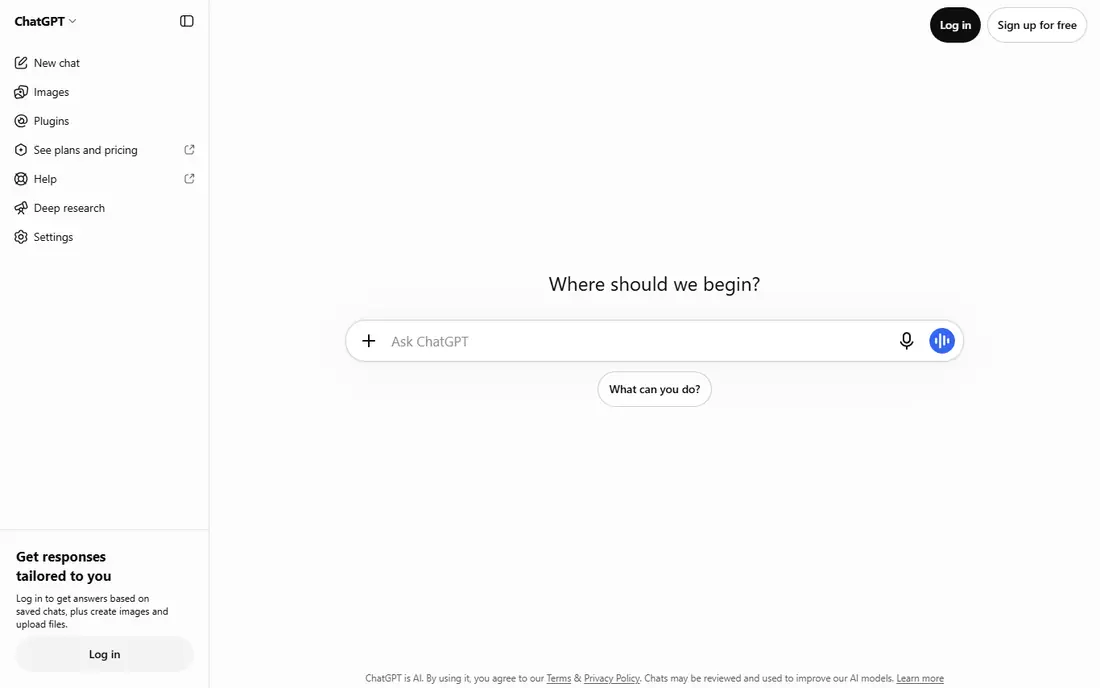
ChatGPT image tools suit people who already use ChatGPT for writing and research. Describe an image in plain words, ask for changes in conversation, and refine the result without learning a separate app. That workflow is ideal for blog graphics, social posts, product mockups, and internal presentations, where speed and clarity matter more than gallery-level art. The trade-off is style. ChatGPT images are clean and literal, but they rarely match Midjourney for cinematic art or dramatic lighting. Generation limits also apply, and the $20 per month Plus price buys the full ChatGPT subscription, not just images. If you already pay for Plus, image creation is a strong bonus. If you only need images, a dedicated tool may be cheaper.
- Simple chat prompts, good prompt accuracy, editing by conversation, useful for business graphics
- Artistic range trails Midjourney, image limits apply on free and paid tiers, Plus price covers the whole ChatGPT product
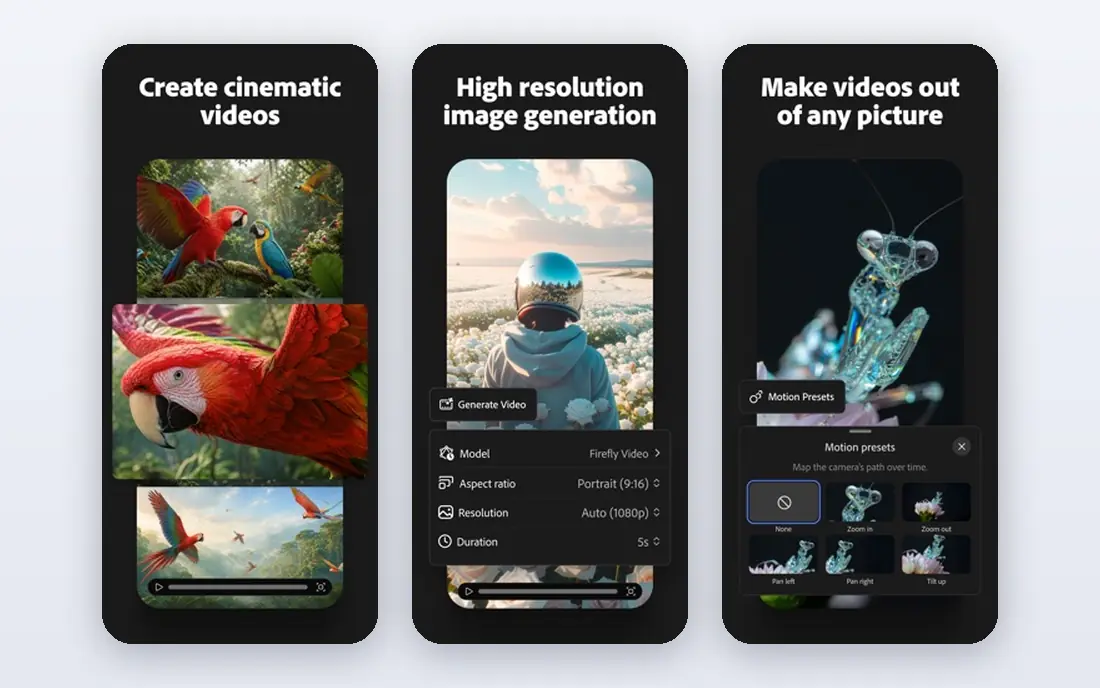
Adobe Firefly is the choice when licensing matters. Adobe trains Firefly on licensed content and offers commercial use terms that give brands more confidence than a general-purpose generator. Integration with Photoshop, Illustrator, and Express means you can generate an image and finish it in the same workflow, rather than exporting and starting again elsewhere. Firefly images are polished and brand-safe, but they can feel less adventurous than Midjourney outputs. Credits also limit how many generations you can run each month, so heavy users need a higher tier. For agencies, marketing teams, and freelancers who publish client work, the licensing clarity is worth that trade.
- Trained on licensed content, commercial use terms for paid work, Photoshop and Express integration, style controls
- Artistic range is narrower than Midjourney, credits limit heavy use, best value needs a Creative Cloud workflow
Ideogram solves the problem that frustrates most image generator users: text that comes out misspelled. Posters, social graphics, logos, and product labels need words that read correctly, and Ideogram renders short and medium text far more reliably than most rivals. Magic Prompt also improves plain prompts before generation, which helps beginners get usable results faster. Artistic range is the trade-off. Ideogram images are clean and commercial, but they lack some of Midjourney's cinematic drama. The community and prompt library are also smaller. If your work involves text-heavy graphics, Ideogram should be your first test. If your work is pure art, Midjourney remains ahead.
- Best text rendering in this list, Magic Prompt enhancement, brand kit features, simple interface
- Less artistic flair than Midjourney, smaller community, editing tools are more limited
Leonardo AI suits creators who generate many related images, such as game characters, concept art sets, and branded illustrations. Style consistency tools help keep a character or visual style stable across images, which is hard in general-purpose generators. The free daily tokens let you test the workflow without paying, and paid plans add private mode and more tokens. Tokens are also the catch. You need to track how many tokens each generation uses, and heavy use can burn through a plan quickly. The interface offers many models and settings, which can overwhelm a first-time user. For game developers, illustrators, and content creators who need a consistent look, Leonardo is a strong, flexible pick.
- Free daily tokens, character and style consistency tools, game and concept art strengths, private mode on paid plans
- Token system needs tracking, interface has many options for beginners, commercial terms depend on plan
Stable Diffusion is the free, private alternative to subscription generators. You can run models locally, keep prompts and images on your own computer, and choose from a huge library of community models for specific styles. For privacy-sensitive work, research, and experimentation, that control is unmatched in this list. Setup is the price of that freedom. You need a capable graphics card for reasonable speed, and you will spend time installing models and learning settings. Cloud hosts remove the setup burden but add cost. Stable Diffusion suits tinkerers, developers, and privacy-focused users. If you want polished results with no setup, a paid tool will be faster.
- Open models, local privacy, huge community model library, no subscription for the core models
- Needs a capable computer or paid hosting, setup takes time, out-of-the-box quality trails paid tools
Canva Magic Media
Great for: Non-designers making finished social and marketing graphics
Canva Magic Media is best judged as part of Canva, not as a standalone generator. Generate an image, then place it directly into a social post, presentation, flyer, or video, with templates, text, and brand colours already in place. For small businesses and social teams, that finished-design workflow saves more time than a slightly better image from another tool. Image quality alone trails Midjourney and Ideogram, especially for detailed art and accurate text. Credits also limit free use. The $15 per month Pro price buys the full Canva suite, so it is good value if you already use Canva for design, but expensive if you only need images. Choose Canva when the finished graphic matters more than the raw image.
- Images inside a full design tool, templates, easy editing, team features, brand kit on paid plans
- Image quality trails dedicated generators, credits limit free use, Pro price buys the whole Canva suite
Recraft fills a gap most generators ignore: clean, editable graphics for brands and products. Vector output means a logo or icon can be scaled without losing quality, and brand style controls help keep a set of graphics consistent. Mockups, icon sets, and UI elements suit product teams, startups, and designers who need assets, not just pictures. Photorealistic art is not Recraft's strength, and the Pro price is higher than some rivals. The community is also smaller, so prompt examples and tutorials are thinner. If your work is logos, icons, brand sets, and product graphics, Recraft is a distinctive and useful pick. If your work is photos and art, Midjourney or ChatGPT will serve you better.
- Vector output, brand style controls, mockups and icon sets, useful for product and UI work
- Less suited to photorealistic art, Pro price is higher than some rivals, smaller community
How we picked these
We compared official feature pages, pricing pages, app store listings, and public reviews, and we kept only tools that generate images in October 2026. We checked image quality, prompt accuracy, text rendering, editing control, commercial use terms, and price. We favoured tools that cover a clear job, such as art, text graphics, brand work, or local control, rather than tools that only produce a generic image. Where a price could not be verified on the vendor page during our research, we wrote "See website" rather than guessing.
How to choose an AI image tool
Match the tool to the image you need most often, then check licensing before publishing.
For art and hero images
Midjourney leads on quality and style. Use it for thumbnails, editorial visuals, and concept art where the image must stand out. Generate several versions and pick the strongest, rather than accepting the first output.
For posters and social graphics with text
Ideogram leads on text accuracy, and Canva Magic Media leads on finishing the graphic with templates and brand colours. Test a poster with your exact wording before committing, because text errors are the fastest way to spot a weak generator.
For commercial and client work
Adobe Firefly leads on licensing clarity, with training on licensed content and commercial use terms for paid work. Read the terms for your plan, check whether free tier outputs allow commercial use, and keep records of which tool and plan you used for client assets.
For privacy and control
Stable Diffusion leads, with local models and no subscription for the core tools. Budget for a capable computer or a host, and accept setup time in exchange for privacy and full control over models and outputs.
Frequently asked questions
What is the best AI tool for image creation overall?
Midjourney is the best overall tool for artistic quality, while ChatGPT image tools are the best overall for ease of use and everyday graphics. Ideogram leads for text-heavy images, and Adobe Firefly leads for commercial safety. The best overall pick depends on whether art, text, ease, or licensing matters most to you.
What is the best AI image generator app for beginners?
ChatGPT and Canva Magic Media are the easiest starting points. ChatGPT uses plain chat prompts, while Canva places generated images directly into finished designs with templates. Both have free tiers, so you can test prompts and styles before paying.
Which AI image generator is best for logos and posters?
Ideogram is best for posters and logos with text, because it renders words more reliably than most rivals. Recraft is best for vector logos and brand sets that need to scale cleanly. For a finished poster, generate the image in Ideogram or Recraft, then finish layout and text in Canva or a design tool if needed.
Can I use AI-generated images commercially?
Usually yes on paid plans, but terms vary by tool and tier. Adobe Firefly offers the clearest commercial terms for brand work, and Midjourney offers commercial rights on paid plans. Free tiers often restrict commercial use or keep images public, so read the terms for your plan before publishing client or product work.
Is there a free AI image generator that is actually useful?
Yes. Stable Diffusion is free when self-hosted, Leonardo AI offers free daily tokens, Ideogram and Canva offer free tiers, and ChatGPT offers limited free image generation. Free tiers limit generations, credits, or commercial use, so they suit testing and personal projects better than heavy commercial work.
How do I get better results from an AI image generator?
Be specific about subject, style, lighting, composition, and aspect ratio, and generate several versions before choosing one. For text graphics, keep wording short and test spelling carefully. For consistent characters or brands, use a tool with style controls, such as Leonardo AI or Recraft, rather than re-prompting a general generator each time.
Sources
- https://www.midjourney.com
- https://chatgpt.com
- https://www.adobe.com/products/firefly.html
- https://ideogram.ai
- https://leonardo.ai
- https://stability.ai
- https://www.canva.com
- https://www.recraft.ai
- https://toolchase.com/blog/best-ai-image-generators-2026/
- https://aitoolsworth.com/best-ai-image-generators/
- https://diginomad818.com/8-best-ai-image-generators-in-2026/
See where you really rank - block by block
ProMapRanker scans Google Maps across a grid of your service area. Simple monthly plans from $19, white-label on every plan.
Start freeKeep reading
 youtube alternatives
Best YouTube Alternatives in 2026
Looking for youtube alternatives in 2026? We compare Vimeo, Dailymotion, Twitch, Rumble, and more on price, audience, monetization, control and privacy.
Read → what's the best ai tool for photo editing
What Is the Best AI Tool for Photo Editing in 2026
What is the best AI tool for photo editing? We compare ten tools for 2026, from Photoshop and Lightroom to Luminar, Topaz, Canva and mobile editors today.
Read → twitter alternatives
Best Twitter Alternatives in 2026
Compare the best twitter alternatives for 2026, from Bluesky, Threads, and Mastodon to Reddit, Tumblr, and Micro.blog, with free plans and audience notes.
Read →