 ProMapRanker
Best AI Tool for HR Teams in 2026


talent intelligence and internal mobility · Pricing starts at: See website
Key takeaways
- Hiring tools such as Paradox, HireVue, and Workable focus on screening, interviews, and pipelines.
- Eightfold AI and Lattice focus more on skills, mobility, performance, and engagement.
- Manatal and Breezy HR give smaller teams a lower-cost starting point, with limits on depth.
- Custom pricing is common in this category, so ask for the full annual cost before a trial ends.
Quick comparison
| Pick | Great for | Pricing starts at | Free tier | |
|---|---|---|---|---|
| Eightfold AI | talent intelligence and internal mobility | See website | No | Visit |
 HireVue HireVue | structured video interviews at scale | See website | No | Visit |
 Paradox Paradox | high-volume conversational hiring | See website | No | Visit |
 Lattice Lattice | performance and engagement | $11 per user per month | No | Visit |
 Workable Workable | all-in-one hiring for growing teams | See website | Free trial | Visit |
 Greenhouse Greenhouse | structured hiring process | See website | No | Visit |
 Manatal Manatal | budget-friendly AI recruiting | $15 per user per month | Free trial | Visit |
 Breezy HR Breezy HR | simple hiring for small teams | See website | Yes | Visit |
The best ai tools for hr teams
HR teams use AI tools for different jobs, from screening applicants to running reviews and spotting skills gaps. This list separates hiring tools from performance and talent tools, so the choice matches the actual bottleneck. We also note where pricing is custom, because a tool with no public price needs a sales call before any budget can be set.
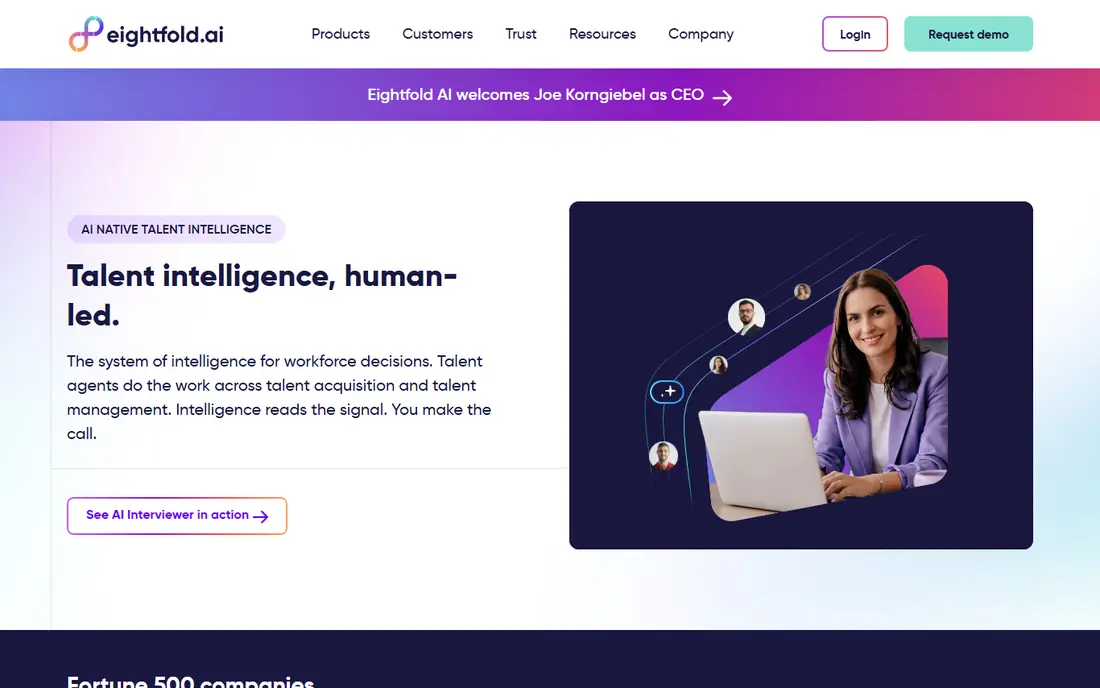
For readers who want talent intelligence and internal mobility, Eightfold AI is a natural place to start. Eightfold AI focuses on skills, matching, and internal moves rather than simple resume keyword search. Its clearest strength is skills-based matching across applicants and current staff. That focus helps a reader decide quickly, instead of comparing long feature lists with no clear winner.
In daily use, Eightfold AI is best judged by how it handles the work it claims to do well. The pros point to skills-based matching; internal mobility; broad talent data. Check the current plan page before paying, because plan names and limits change, and the free tier may cover less than an older review suggests.
The honest catch is enterprise pricing and setup put it out of reach for small teams. Enterprise pricing and setup; overkill for small teams Before committing, try the free plan or trial on one real project, invite the people who will actually use it, and confirm that exports, mobile access, and support meet the need. If any of those fail, move to the next option on this list.
- Skills-based matching
- Internal mobility
- Broad talent data
- Enterprise pricing and setup
- Overkill for small teams
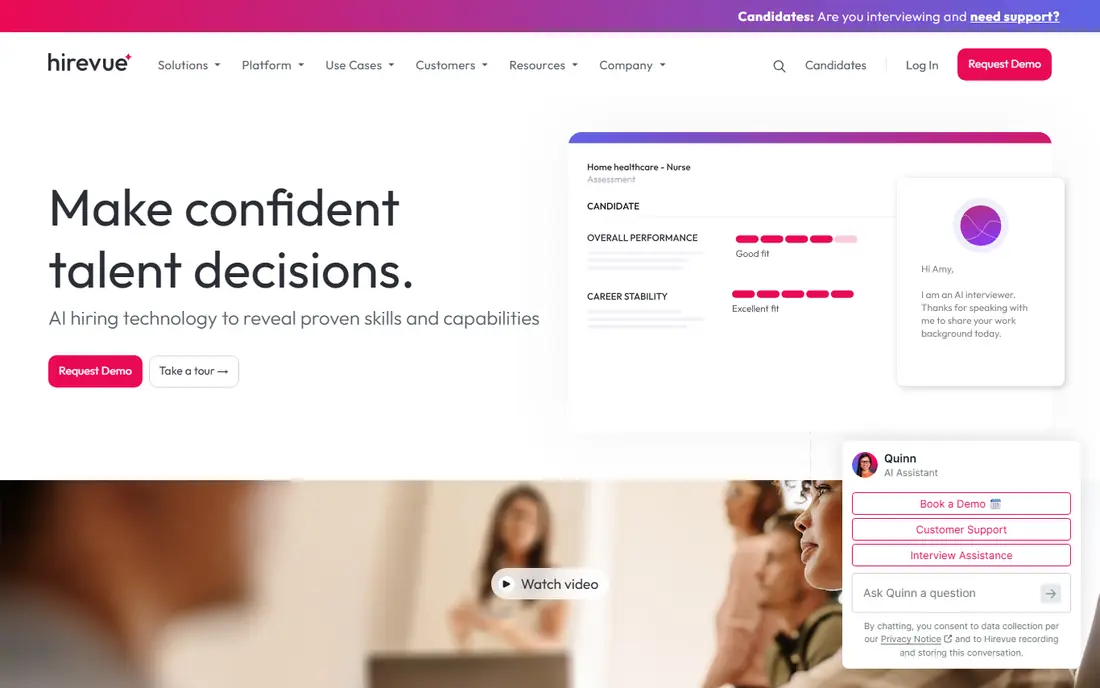
If structured video interviews at scale is the main goal, HireVue deserves a close look. HireVue supports video interviews and assessments for employers that hire at scale. Its clearest strength is structured video interviews for high-volume hiring. That focus helps a reader decide quickly, instead of comparing long feature lists with no clear winner.
In daily use, HireVue is best judged by how it handles the work it claims to do well. The pros point to structured interviews and assessments; hiring workflow tools. Check the current plan page before paying, because plan names and limits change, and the free tier may cover less than an older review suggests.
The honest catch is custom pricing and the need for careful human review add cost and care. Custom pricing; needs careful human review of results Before committing, try the free plan or trial on one real project, invite the people who will actually use it, and confirm that exports, mobile access, and support meet the need. If any of those fail, move to the next option on this list.
- Structured interviews and assessments
- Hiring workflow tools
- Custom pricing
- Needs careful human review of results
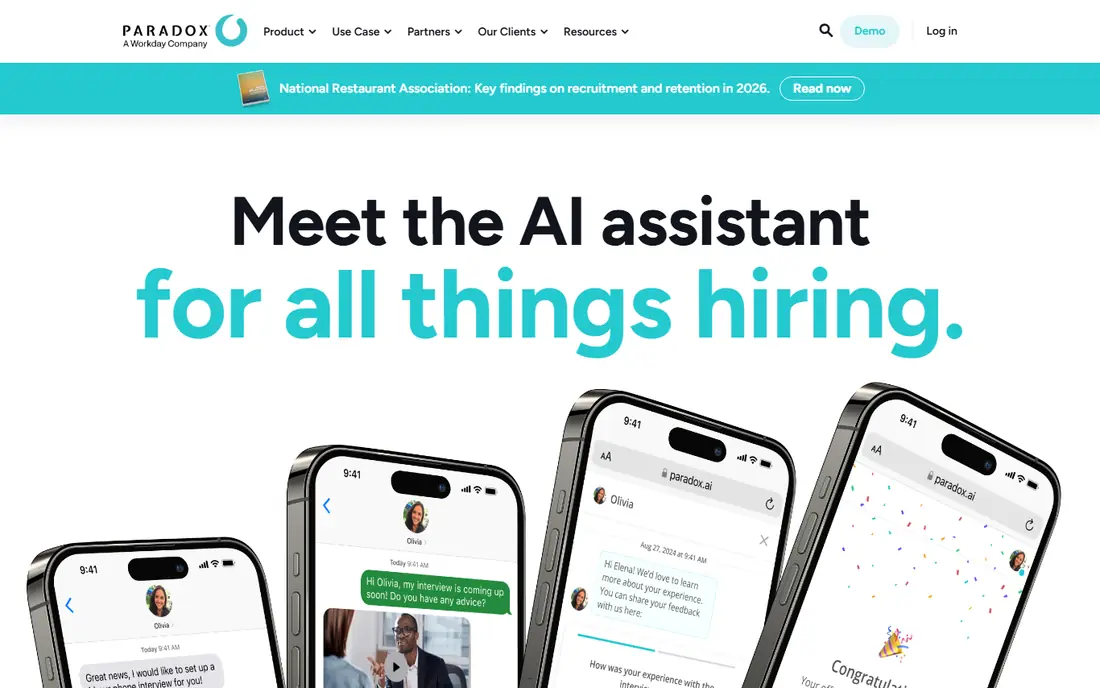
Start with Paradox when high-volume conversational hiring matters more than having every extra feature. Paradox, known for Olivia, uses conversation to screen candidates and book interviews without long email chains. Its clearest strength is conversational screening that answers candidates quickly. That focus helps a reader decide quickly, instead of comparing long feature lists with no clear winner.
In daily use, Paradox is best judged by how it handles the work it claims to do well. The pros point to conversational screening and scheduling; works around the clock. Check the current plan page before paying, because plan names and limits change, and the free tier may cover less than an older review suggests.
The honest catch is custom pricing and a high-volume focus limit its fit for small hiring needs. Custom pricing; best for hourly and high-volume roles Before committing, try the free plan or trial on one real project, invite the people who will actually use it, and confirm that exports, mobile access, and support meet the need. If any of those fail, move to the next option on this list.
- Conversational screening and scheduling
- Works around the clock
- Custom pricing
- Best for hourly and high-volume roles
We place Lattice here for people focused on performance and engagement. Lattice helps HR teams run reviews, goals, and engagement surveys in one place. Its clearest strength is performance reviews joined to engagement surveys. That focus helps a reader decide quickly, instead of comparing long feature lists with no clear winner.
In daily use, Lattice is best judged by how it handles the work it claims to do well. The pros point to performance reviews and goals; engagement surveys; clear reporting. Check the current plan page before paying, because plan names and limits change, and the free tier may cover less than an older review suggests.
The honest catch is per-person pricing adds up, and it is not a full hiring system. Paid plans add up per person; not a full hiring system Before committing, try the free plan or trial on one real project, invite the people who will actually use it, and confirm that exports, mobile access, and support meet the need. If any of those fail, move to the next option on this list.
- Performance reviews and goals
- Engagement surveys
- Clear reporting
- Paid plans add up per person
- Not a full hiring system
Consider Workable first if all-in-one hiring for growing teams is at the top of the list. Workable covers job posts, applications, and hiring pipelines for teams that hire regularly. Its clearest strength is an all-in-one hiring pipeline for growing teams. That focus helps a reader decide quickly, instead of comparing long feature lists with no clear winner.
In daily use, Workable is best judged by how it handles the work it claims to do well. The pros point to job posting and applicant tracking; ai screening help; hiring pipeline. Check the current plan page before paying, because plan names and limits change, and the free tier may cover less than an older review suggests.
The honest catch is pricing varies by volume, and advanced AI sits on higher plans. Pricing varies by plan and hiring volume; advanced AI on higher plans Before committing, try the free plan or trial on one real project, invite the people who will actually use it, and confirm that exports, mobile access, and support meet the need. If any of those fail, move to the next option on this list.
- Job posting and applicant tracking
- AI screening help
- Hiring pipeline
- Pricing varies by plan and hiring volume
- Advanced AI on higher plans
Greenhouse stands out for readers who need structured hiring process. Greenhouse helps teams run structured hiring with scorecards and interview plans. Its clearest strength is structured scorecards that keep interviews consistent. That focus helps a reader decide quickly, instead of comparing long feature lists with no clear winner.
In daily use, Greenhouse is best judged by how it handles the work it claims to do well. The pros point to structured scorecards; interview kits; strong integrations. Check the current plan page before paying, because plan names and limits change, and the free tier may cover less than an older review suggests.
The honest catch is custom pricing and setup time can slow a small team. Custom pricing; setup takes time for small teams Before committing, try the free plan or trial on one real project, invite the people who will actually use it, and confirm that exports, mobile access, and support meet the need. If any of those fail, move to the next option on this list.
- Structured scorecards
- Interview kits
- Strong integrations
- Custom pricing
- Setup takes time for small teams
For a direct answer to budget-friendly AI recruiting, Manatal is a strong candidate. Manatal offers AI matching and a hiring pipeline at a price that small teams can test. Its clearest strength is AI matching at a lower starting price. That focus helps a reader decide quickly, instead of comparing long feature lists with no clear winner.
In daily use, Manatal is best judged by how it handles the work it claims to do well. The pros point to ai candidate matching; social profile enrichment; simple pipeline. Check the current plan page before paying, because plan names and limits change, and the free tier may cover less than an older review suggests.
The honest catch is its feature set is smaller than enterprise suites. Smaller feature set than enterprise suites; support hours vary Before committing, try the free plan or trial on one real project, invite the people who will actually use it, and confirm that exports, mobile access, and support meet the need. If any of those fail, move to the next option on this list.
- AI candidate matching
- Social profile enrichment
- Simple pipeline
- Smaller feature set than enterprise suites
- Support hours vary
When simple hiring for small teams is the priority, Breezy HR makes the shortlist on its own merits. Breezy HR keeps hiring visual and simple, which suits small teams that do not need an enterprise suite. Its clearest strength is a simple visual pipeline for small hiring teams. That focus helps a reader decide quickly, instead of comparing long feature lists with no clear winner.
In daily use, Breezy HR is best judged by how it handles the work it claims to do well. The pros point to visual pipelines; simple hiring workflow; free starting tier. Check the current plan page before paying, because plan names and limits change, and the free tier may cover less than an older review suggests.
The honest catch is AI features sit on paid tiers, so the free tier is basic. AI features sit on paid tiers; limited depth for large employers Before committing, try the free plan or trial on one real project, invite the people who will actually use it, and confirm that exports, mobile access, and support meet the need. If any of those fail, move to the next option on this list.
- Visual pipelines
- Simple hiring workflow
- Free starting tier
- AI features sit on paid tiers
- Limited depth for large employers
How we picked these
We compared official product pages, pricing pages, and app store listings, and we checked public reviews for recurring complaints. We kept only products that are available in the United States in October 2026 and that fit the topic directly. We did not claim hands-on testing that did not happen. Where a price could not be confirmed on the vendor site at the time of writing, we wrote See website instead of guessing. Prices, plan names, and free-tier limits change, so confirm the current details on the vendor page before buying.
Choosing an AI tool for HR without creating new risk
Start with one bottleneck, such as slow screening or inconsistent interviews, and measure it before buying. A tool that saves time on screening is easy to judge, while a broad suite is harder to prove. Next, ask who makes the final decision when the AI ranks a candidate low. Human review should stay in place for hiring choices, and the team should be able to explain a rejection in plain terms. Check data handling, retention, and integrations with the existing HR system, because a tool that cannot share data cleanly creates manual work. Finally, run a pilot on one real role, compare time to shortlist and candidate response, and keep the tool only if those numbers move.
Frequently asked questions
What is the best AI tools for HR teams for most people?
There is no single winner for every reader, because budget, team size, and daily habits change the answer. Start with the option whose best_for line matches the main job, use its free plan or trial on a real task, and keep the one that the team actually opens each day.
Are there good free AI tools for HR teams options?
Yes, several options on this list offer a free plan, but free plans usually limit seats, storage, or advanced features. Read the free-plan line in the table, then test the exact feature that matters most before assuming the free tier will be enough long term.
How much should I expect to pay?
That depends on whether the price is per user, per account, or per year, and on how many people need paid seats. Use the starting_price line as a guide only, check the vendor pricing page for taxes and add-ons, and compare the annual total rather than the monthly headline.
Can I switch later if I pick the wrong one?
In most cases, yes, but switching takes time if data, templates, or team habits are tied to one tool. Before paying for a year, confirm that export is available, test it with a small sample, and keep a copy of important work outside the tool.
How do I choose between the top two options?
List the three tasks that will happen every week, then test those tasks in both tools. The better choice is usually the one with fewer steps for those tasks, clearer pricing, and support that answers in a useful timeframe, not the one with the longest feature list.
Sources
See where you really rank - block by block
ProMapRanker scans Google Maps across a grid of your service area. Simple monthly plans from $19, white-label on every plan.
Start freeKeep reading
 zendesk alternatives
Best Zendesk Alternatives in 2026
Compare the best Zendesk alternatives in 2026, from budget help desks to AI-first support tools, with current pricing, free plans, and honest trade-offs.
Read → wordpress alternatives
Best WordPress Alternatives in 2026
Looking for the best WordPress alternatives? We compare 8 free and paid options for blogs, business sites, stores, and developer-led projects in 2026.
Read → which real estate company has the best training
Best Real Estate Company Training in 2026
Compare which real estate company has the best training, from Keller Williams and eXp to Compass and Coldwell Banker, by program, mentor, and fit in 2026.
Read →