 ProMapRanker
Best AI Tools for Documentation in 2026

Key takeaways
- Mintlify is our pick for developer-facing product docs, with an AI writing agent and clean API references, though its paid price is steep.
- GitBook is the best choice for mixed teams of writers, engineers and support staff who need a visual editor plus Git sync.
- ReadMe leads for API-first developer hubs, with live try-it consoles and reader analytics.
- Scribe and Guidde are the best picks for process documentation, with Scribe for text guides and Guidde for narrated video guides.
- Price these tools by author count and AI answer volume, not by the headline rate, since both move the real bill.
Quick comparison
| Pick | Great for | Pricing starts at | Free tier | |
|---|---|---|---|---|
 Mintlify | Developer-facing product docs | $450 per month | Yes | Visit |
 GitBook | Mixed technical and non-technical teams | $65 per site per month | Yes | Visit |
 ReadMe | API-first developer hubs | $250 per month | Yes | Visit |
 Document360 | Support-led knowledge bases | See website | Free trial | Visit |
 Scribe | Step-by-step process guides | $25 per user per month | Yes | Visit |
 Guidde | Narrated video guides | See website | Yes | Visit |
 Notion | Internal wikis and team knowledge | $10 per user per month | Yes | Visit |
 HelpDocs | Customer help centers without Git | $129 per month | Free trial | Visit |
The best AI tools for documentation
AI documentation tools do more than store pages: they draft pages from code, answer reader questions from your docs, flag stale content and keep API references in sync with a spec. We compared tools that are actively sold in October 2026, with real AI features on their pricing pages, and we mixed developer docs platforms with process and support documentation tools.
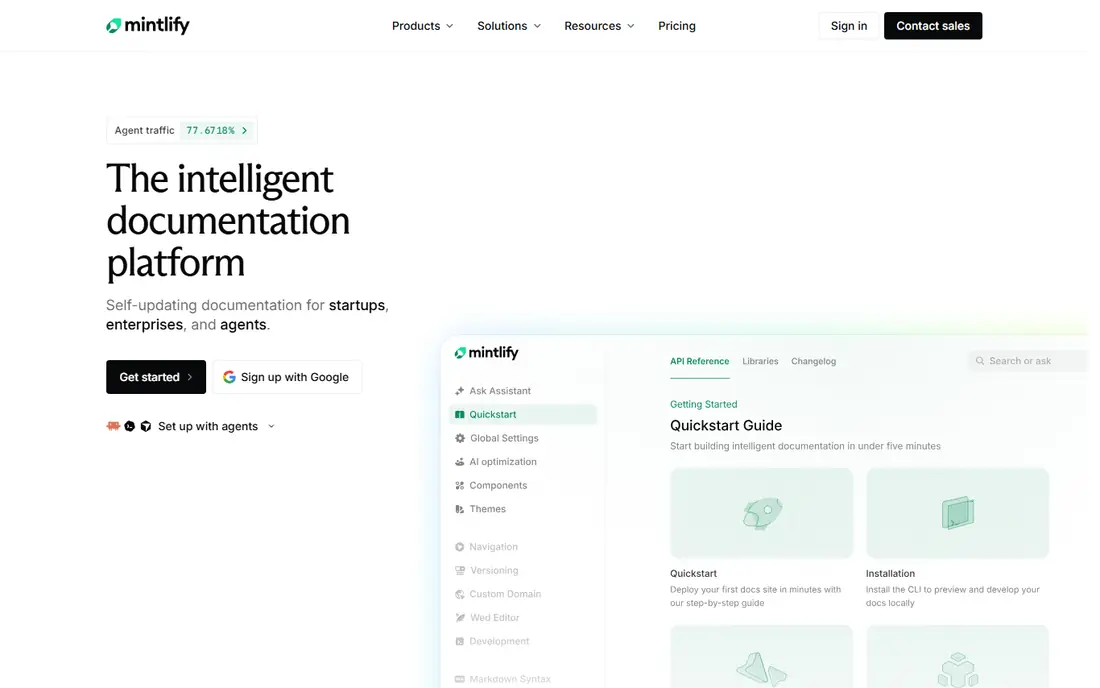
Mintlify is the tool most developer-focused teams reach for when docs must look sharp without a week of setup. You write in MDX, connect a GitHub repo and docs deploy on every push, and the AI writing agent drafts pages from your codebase, flags stale content and helps keep references current. Its API playground and automatic llms.txt file also help developers and AI coding assistants use your product correctly.
The price is the honest catch. The free Starter plan covers basic docs, but Pro costs $450 per month, and AI usage is metered beyond included allowances, so real teams often pay more once seats and AI use grow. Mintlify is worth it when developer docs are a core product surface. For a support knowledge base or a mixed-team wiki, GitBook or Document360 fit better.
- AI writing agent that drafts from your codebase
- Clean API playground
- Automatic machine-readable docs files
- Steep jump from the free plan to Pro
- AI usage is metered on top of the subscription
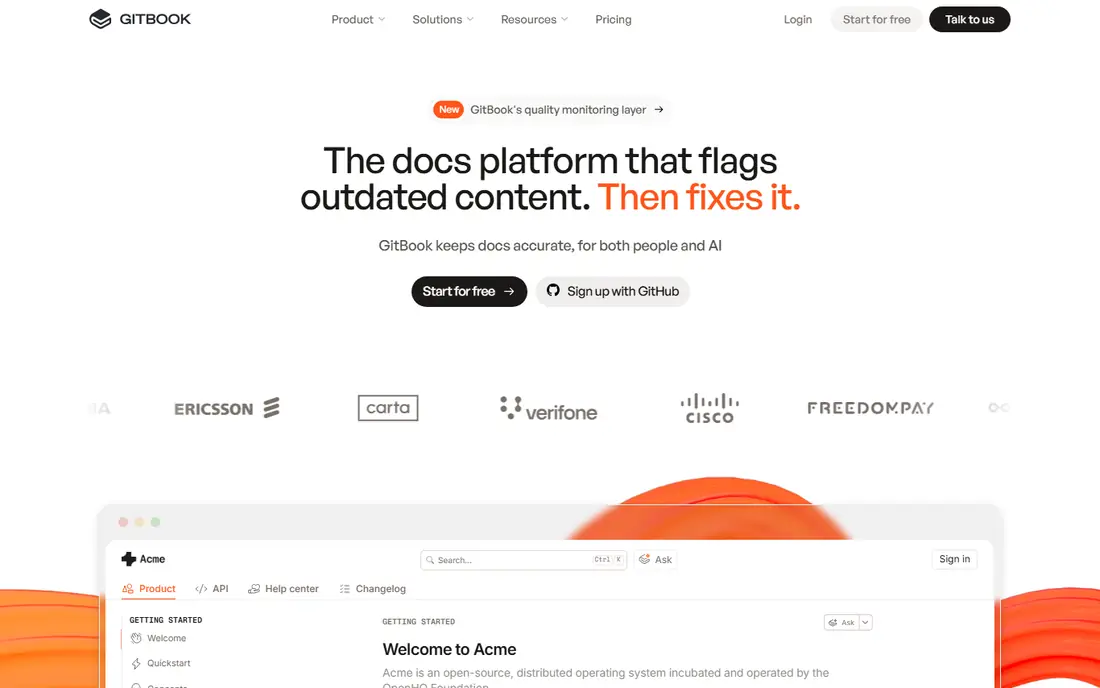
GitBook suits documentation owned by more than one team: engineering, support and product all editing the same site. Its block editor is friendly for non-technical writers, while Git Sync keeps a Markdown mirror for engineers who prefer code workflows. Premium starts at $65 per site per month plus $12 per user per month, which is far more accessible than Mintlify for a small team.
The pricing model needs modeling. Per-site plus per-user billing grows with both sites and authors, and the reader AI chat feature sits on the Ultimate tier at $249 per site per month plus seats. If your readers mainly need search and well-organized guides, Premium is enough. Buy Ultimate only when an AI reader assistant is a real requirement.
- Visual editor plus Git sync
- Strong for cross-team docs
- AI search on higher tiers
- Per-site plus per-user pricing adds up
- Reader AI chat sits on the top tier
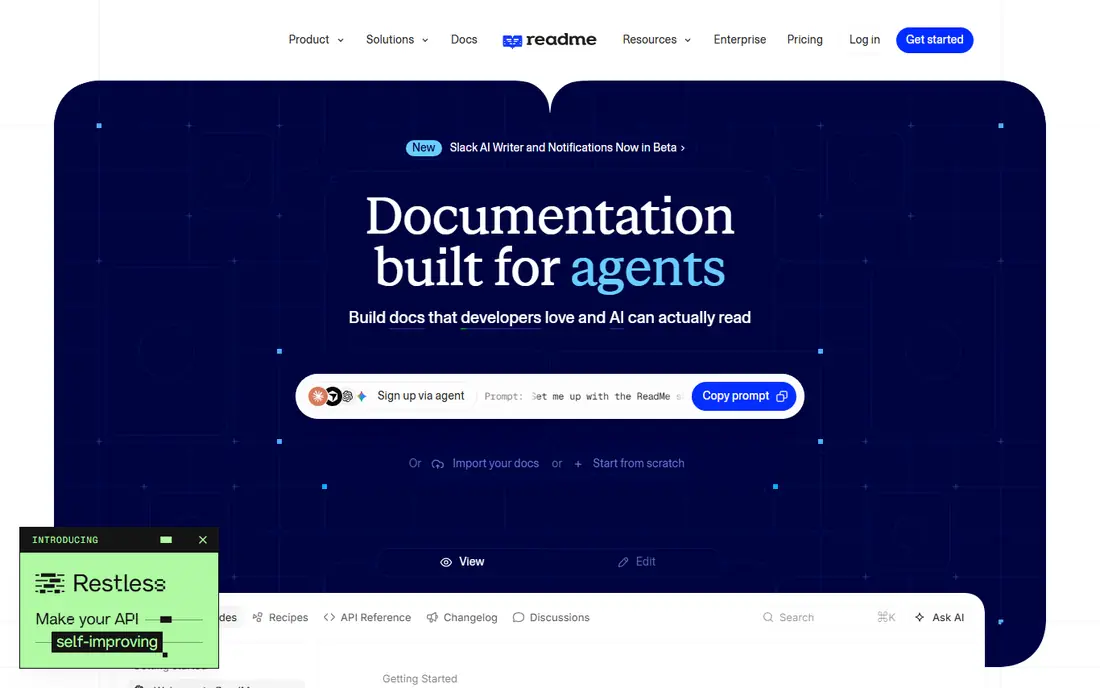
ReadMe is built for companies whose product is an API. Its references let readers make real API calls with their own keys, its guides sit alongside the reference in one hub, and its analytics show which endpoints developers actually use. That combination makes it the best choice for an API-first developer portal, even at a higher price than general docs tools.
Pro costs $250 per month, and the full Ask AI reader assistant is a $150 per month add-on, so a team that wants AI answers pays more than the headline rate. The free Starter plan covers one project for testing. Choose ReadMe when API adoption is a business goal. For general product guides, Mintlify or GitBook cost less.
- Interactive API references with live try-it calls
- Reader analytics and personalized keys
- Strong API focus
- Expensive for a single small project
- Full AI answers cost extra as an add-on
Document360 is the pick for support-led knowledge bases: large help centers organized by category, with versioning, workflows and audit controls. Its AI search and answer features help customers find answers without opening a ticket, which is the main return on investment for a support team. The platform also handles internal and external knowledge bases side by side.
Pricing is quote-only, so you cannot compare it directly without a sales conversation, and AI allowances need confirming in that quote. That opacity is a real drawback against GitBook and Mintlify, which publish prices. Ask for AI answer volumes, editor seats and project limits in writing before committing, since those decide the final bill.
- Category-heavy help centers with versioning
- AI search and answers for support teams
- Strong access controls
- Quote-only pricing
- AI features need confirmation in the quote
- Weaker for API reference docs
Scribe solves a different documentation problem: internal process guides and standard operating procedures. You work through a task in a browser or desktop app, and Scribe turns your clicks into a step-by-step guide with screenshots and written steps, ready to edit and share. The free Basic plan includes browser capture and link sharing, which is genuinely useful for individuals documenting routine work.
Paid plans start with Pro Personal at $25 per user per month billed annually, adding desktop capture, branding, redaction and exports. Pro Team adds collaboration and approval workflows but requires five seats, so the floor is higher than it first appears. Scribe is best for operations, support and onboarding docs, not for public API references.
- Captures clicks into text guides with screenshots automatically
- Generous free plan
- Exports to PDF and Markdown
- Desktop capture and branding need paid plans
- Team plan has a five-seat minimum
Guidde is the video counterpart to Scribe. Record your screen once, and Guidde builds a step-by-step video guide with AI narration, captions and branded visuals, without manual editing. That format works well for customer onboarding, employee training and any process where watching beats reading. The free plan covers a limited number of videos for testing.
Pricing reports for Guidde vary, with different sources quoting different per-creator rates, so we list the starting price as See website rather than risk an outdated figure. Confirm the current plan, video limits and AI voice allowances on the vendor pricing page before budgeting. Choose Guidde when training engagement matters more than searchable reference text.
- Turns a screen recording into a narrated video guide automatically
- Good for training and onboarding
- Easy sharing
- Paid pricing varies across sources, so confirm before buying
- Video format suits training more than reference docs
Notion is the best AI documentation choice for internal team knowledge, rather than public developer docs. Teams already write meeting notes, plans and wikis in Notion, so adding documentation there keeps everything in one searchable workspace. Plus costs $10 per user per month, and Business at $20 per user per month adds workspace AI features. The free plan is enough for a small team to test the workflow.
Public API documentation is not Notion's strength: it lacks interactive API references, versioned API docs and the polished developer portal experience of Mintlify or ReadMe. Use Notion when the audience is your own team and the docs mix guides, decisions and tasks. Use a dedicated docs platform when the audience is external developers.
- Docs, wikis and tasks in one workspace
- Easy for non-technical teams
- AI features on Business plans
- Weak for public API references
- Export and structure limits for large public docs sites
HelpDocs suits a customer help center maintained by a support team without Git. Authoring is visual, branding runs from simple colors to custom templates, and pricing is flat from $129 per month with unlimited readers, so adding a second product area does not move the bill. AI credits are included on plans, and article ratings and failed-search reports show which questions your docs fail to answer.
The entry price is higher than GitBook's starting rate, and developer teams that want docs in Git will prefer Mintlify or GitBook. HelpDocs earns its price when support agents fix docs themselves, readers are unlimited and the help center must rank in search. For a small team with one product and a handful of articles, a cheaper tool may be enough.
- No-code help center a support team can maintain
- Flat pricing with unlimited readers
- AI credits included on plans
- Higher entry price than GitBook for a small site
- Less suited to docs-as-code developer workflows
How we picked these
We compared documentation tools with real AI features, current pricing pages and active use in October 2026, and we favored tools with a free plan or trial, published or quotable pricing, and a clear audience: developer docs, support knowledge bases, internal wikis or process guides. We left out tools whose AI features were only promised, or whose pricing could not be verified at all.
What to check before you buy
Start by naming the audience and the job. Public developer docs need API references, versioning and search. Support knowledge bases need categories, workflows and deflection analytics. Internal wikis need easy editing and search across everything the team writes. Process docs need fast capture and sharing. A tool that is excellent for one job is often mediocre for another, so match the tool to the audience first.
Next, model the total cost at your real author count. Add per-site fees, per-user fees and AI allowances together, and ask what happens when AI answer volume exceeds the included amount. Check export and migration too: Markdown-based tools export cleanly, while block-based tools can make moving painful. Finally, test AI output on your own content, since AI drafting and answering quality varies by documentation style, and a demo on generic content hides that gap.
Frequently asked questions
What is the best AI tool for documentation overall?
Mintlify is our pick for developer-facing product docs, GitBook for mixed teams, and ReadMe for API-first developer hubs. There is no single winner, since the best tool depends on whether your readers are external developers, customers or your own team. Start from the audience, then compare price at your author count.
What is the best rated software documentation AI for small teams?
For small teams, GitBook and Notion are the most practical starting points, with free plans and low entry prices. Mintlify and ReadMe are stronger for developer docs but cost much more once you leave the free tier. Scribe is the best small-team pick for internal process guides rather than public product docs.
What are the top AI tools for software documentation?
Mintlify, GitBook and ReadMe lead for software and API documentation, with AI drafting, search and reader assistants. Document360 and HelpDocs lead for support knowledge bases, while Scribe and Guidde lead for process documentation. Notion covers internal software team wikis when public API references are not needed.
How much do AI documentation tools cost?
Entry prices range from free plans on Mintlify, GitBook, ReadMe, Scribe, Guidde and Notion to $10 per user per month for Notion Plus, $65 per site per month for GitBook Premium, $129 per month for HelpDocs, $250 per month for ReadMe Pro and $450 per month for Mintlify Pro. Always add per-user fees and AI usage allowances to the headline rate.
Can AI write documentation from my codebase?
Yes, tools such as Mintlify offer an AI writing agent that drafts pages from code and specs, and GitBook and ReadMe offer AI-assisted authoring and search. AI drafts still need human review, especially for API parameters, edge cases and security guidance. Treat AI as a first draft and a maintenance helper, not as a replacement for a technical writer.
Should I choose a docs platform or a wiki for internal documentation?
Choose a wiki such as Notion when the audience is internal and docs mix guides, decisions and tasks. Choose a docs platform such as GitBook or Mintlify when the audience is external, or when you need versioning, API references and a polished public site. Many companies run both: a platform for customers and a wiki for the team.
Sources
See where you really rank - block by block
ProMapRanker scans Google Maps across a grid of your service area. Simple monthly plans from $19, white-label on every plan.
Start freeKeep reading
 outreach alternatives
Outreach Alternatives in 2026
Compare outreach alternatives for 2026, from Salesloft and Apollo to HubSpot and Lemlist, with pricing, channels, features, limits, and honest trade-offs.
Read → best web conference tools
Best Web Conference Tools in 2026
Compare the best web conference tools for meetings, webinars and team calls, with current pricing, free plans and honest limits for each option here today.
Read → best voice cloning tools
Best Voice Cloning Tools in 2026
Compare the best voice cloning tools in 2026, from ElevenLabs and Descript to Resemble and Cartesia, with consent rules, pricing, licenses, and limits.
Read →