 ProMapRanker
Best AI to Build an App in 2026

Key takeaways
- Lovable and Bolt suit founders who want a working web app from a prompt, with code they can export.
- Cursor and v0 suit developers who want AI help inside a real codebase, not just a hosted demo.
- Bubble and Glide suit non-developers who want visual building, though learning time and pricing differ.
- Credit and token limits decide real cost, since a cheap monthly plan can run out mid-project.
- AI output still needs human review for security, data handling and real user testing before launch.
Quick comparison
| Pick | Great for | Pricing starts at | Free tier | |
|---|---|---|---|---|
 Lovable | Polished web apps from prompts | $25 per month | Yes | Visit |
 Bolt | Full-stack prototypes in the browser | $25 per month | Yes | Visit |
 Replit | All-in-one building and hosting | $20 per month | Yes | Visit |
 Cursor | AI coding inside your own codebase | $20 per month | Yes | Visit |
 v0 by Vercel | React front ends from prompts | $30 per user per month | Yes | Visit |
 Bubble | Complex no-code web apps | $29 per month | Yes | Visit |
 Glide | Spreadsheet data turned into apps | See website | Yes | Visit |
 Base44 | Fast hosted apps with built-in backend | See website | Yes | Visit |
The best AI tools to build apps
AI app builders fall into three groups: prompt-to-app tools that generate a working app, AI code editors that help developers write code, and visual builders with AI starting points. The best AI tools to build apps in this list cover all three, and we compared them on output, code access, pricing and free tiers.
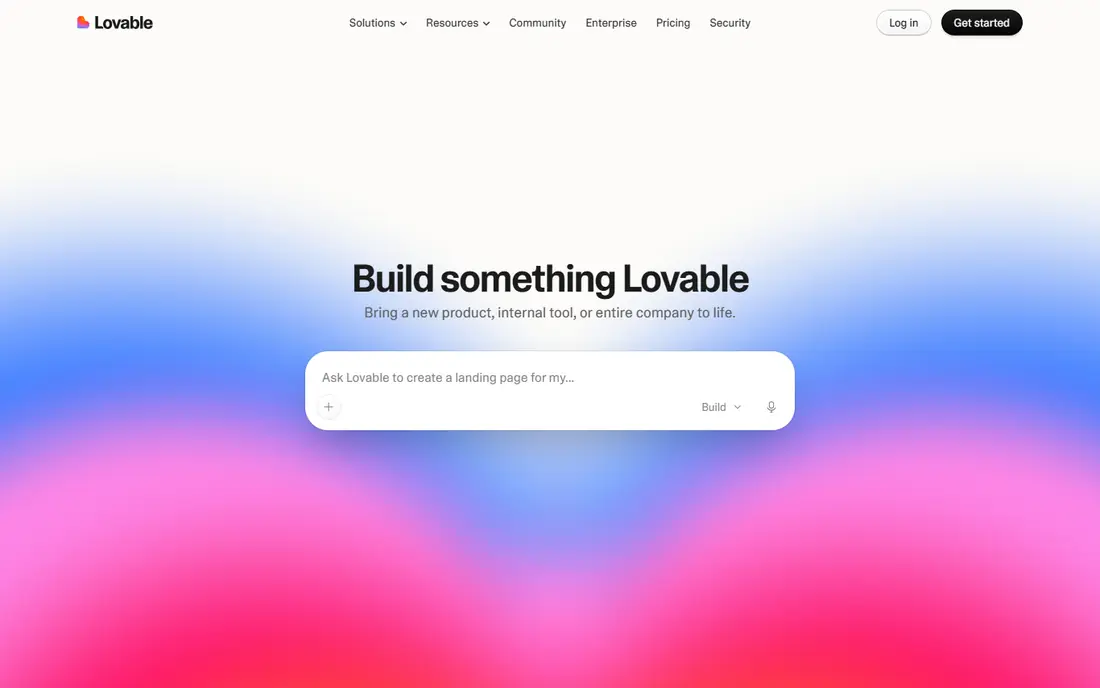
Lovable is our pick for non-technical founders who want a polished web app fast. You describe the app in chat, Lovable builds a React front end with a Supabase backend, and you can refine it with follow-up prompts. Code can sync to GitHub, which helps if a developer later takes over the project. Pro plans start at $25 per month, with a free tier that includes a daily credit allowance.
Credits are the main limit. A large app can burn through credits quickly, and generated code still needs review for security, edge cases and data rules. Lovable fits MVPs, prototypes and internal tools best, rather than complex production systems built without any developer input.
- Polished React apps from chat prompts
- Supabase backend
- Code export via GitHub sync
- Credit limits on free and paid plans
- Complex apps still need developer review
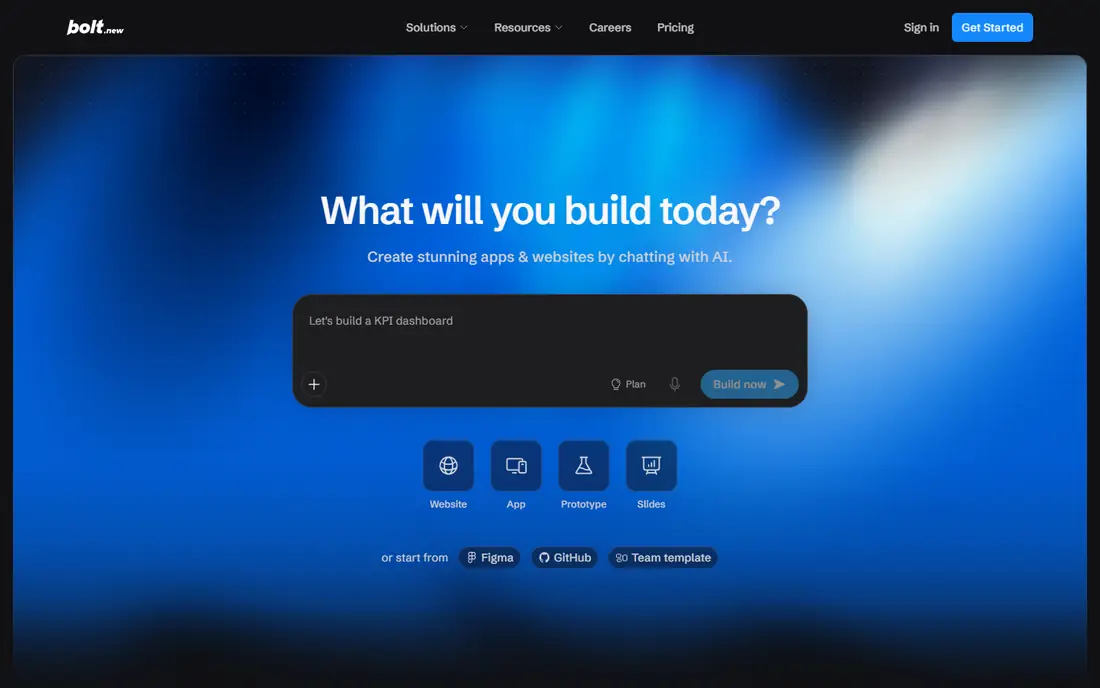
Bolt, from StackBlitz, builds full-stack apps inside the browser, so you can prompt, preview and edit without installing tools locally. It generates a React and Node codebase with a database, and you can download the code or sync it to GitHub. Pro plans start at $25 per month, with a free tier that includes a monthly token allowance.
Token use is the detail to watch, since long prompts and large changes consume tokens faster than a simple flat fee suggests. Bolt is strongest for prototypes, demos and MVPs that a developer can later refine. For a large production app, plan for extra tokens and a code review pass before launch.
- Full-stack apps in the browser
- Code download or GitHub export
- Fast iteration
- Token limits can raise costs on large builds
- Browser-based workflow suits prototypes best
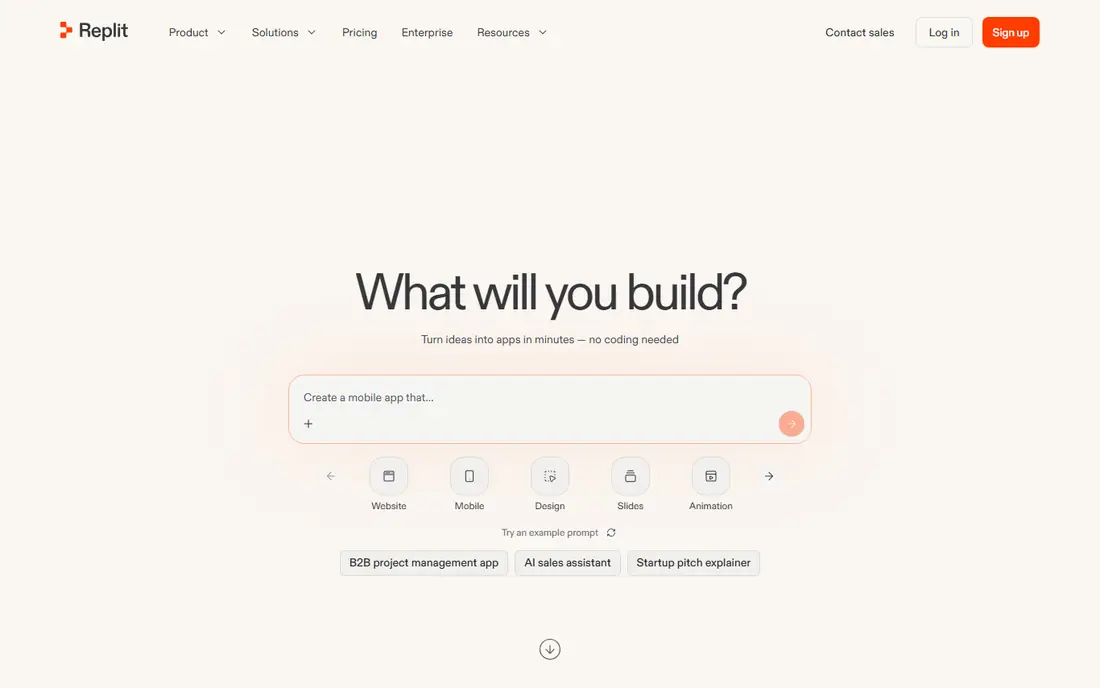
Replit combines an AI agent, a cloud IDE and hosting in one place, so you can prompt for an app, edit the code and publish it without setting up servers. That all-in-one flow suits beginners and solo builders who want a live link fast. Core plans start at $20 per month, with a free tier that includes a limited published app allowance.
The trade-off is portability. Replit apps are easiest to run inside Replit, so moving a large app elsewhere takes work, even though code access exists on paid plans. Agent use and published apps also scale with plan limits. Replit fits best when convenience and speed matter more than full hosting freedom.
- AI agent plus cloud IDE and hosting
- Many languages
- Collaboration built in
- Paid plans needed for more published apps and agent use
- Lock-in risk if you stay hosted
Cursor is the pick for developers who already code and want AI help without giving up their own repository. It is an editor based on Visual Studio Code, with an AI agent that can read many files, make changes and explain code. Pro plans start at $20 per month, with a free tier that includes limited agent requests.
Cursor is not a no-code builder, so non-developers will struggle to use it alone for a full app. It also needs careful review, since agent changes can touch many files at once. For professional developers, Cursor offers the best balance of AI speed and code control in this list.
- AI agent inside a familiar editor
- Multi-file context
- Your code stays in your repo
- Needs coding skill
- Agent requests are limited on lower plans
v0 by Vercel turns prompts into React interface code, which suits developers who need a polished front end fast. Output uses common interface components, and you can deploy to Vercel or copy code into your own project. Plus plans start at $30 per user per month, with a free tier that includes a daily message allowance.
v0 does not build a full backend on its own, so you still need a database, auth and business logic for a complete app. It also suits React and Next.js best, so teams on other stacks should check fit. For front-end work and prototypes, v0 is fast and its code is easy to reuse.
- Clean React and Next.js output
- Shadcn components
- Easy Vercel deployment
- Front end only
- Needs a developer for backend and production logic
Bubble is the strongest visual builder here for complex web apps, since it offers a full visual programming model with a database, workflows and plugins. You can build marketplaces, dashboards and SaaS tools without writing code, and AI can help start a design. Starter plans start at $29 per month, with a free tier for learning and testing.
Learning time is the main cost. Bubble takes longer to learn than Lovable or Glide, and its workload-unit pricing can be hard to predict for apps with heavy use. Bubble fits founders who want a complex app and are willing to learn a real builder, rather than founders who want a one-prompt demo.
- Deep visual programming
- Plugin range
- Database and workflows built in
- Steep learning curve
- Pricing based on workload units can be hard to predict
Glide turns spreadsheet data into a mobile-first web app in minutes, which suits internal tools, directories, order trackers and customer portals. You start from Google Sheets, Airtable or Glide tables, add screens and actions, and share a link with users. A free tier lets you test the core workflow before paying.
Pricing has varied across plan names and team sizes, so check the current pricing page for your use case rather than relying on an older guide. Glide also suits data-driven apps better than apps with complex custom logic or unique designs. For spreadsheet-based tools, it is one of the fastest paths to a working app.
- Fast apps from Google Sheets or Airtable
- Mobile-first design
- Easy sharing
- Pricing has changed across plans
- Less suited to complex custom logic
Base44, owned by Wix, builds hosted apps from prompts with a built-in database, auth and analytics, so you do not need to wire up a backend separately. That makes it a fast path to a working MVP for non-technical founders. A free tier lets you test the flow, with paid plans adding more messages and features.
Code ownership is more limited than at Lovable or Bolt, especially on lower plans, so developers who want full control should check export options first. Base44 fits MVPs and internal tools that can stay hosted, rather than large production apps that need full code access from day one.
- Prompt-built apps with built-in database, auth and analytics
- Fast MVP path
- Limited code ownership on lower plans
- Hosted model suits MVPs more than large systems
How we picked these
We compared official pricing pages, product documentation and public feature lists for AI app builders that were live in October 2026. We favored tools with a free tier, a clear output type and code or export options where claimed, and we excluded tools that had closed or that offered only chat prototypes with no working app output. We did not claim hands-on app launches, and we treated generated apps as drafts that need testing.
How to choose the right builder
Start with your skill level and your end goal. If you cannot code and want a web MVP, try Lovable, Bolt or Base44 first. If you can code and want control, start with Cursor and v0. If you want a visual builder for a complex app, learn Bubble. If your app is mainly spreadsheet data, Glide will be fastest.
Next, test with a real feature, not a demo prompt. Build user login, a data list and one core workflow, then check how many credits or tokens it used. That test shows the true cost and whether the output is clean enough to maintain. Also check data hosting, export and backup options before you store real user data.
Security and launch checks
AI builders can create apps with weak auth, open data rules or missing input checks, so review security before launch. Test with real users, check privacy handling, and keep backups of your code or data outside the builder where possible. A short security review is worth more than a fast launch when user data is involved.
Frequently asked questions
What is the best AI to build software without coding?
Lovable and Bolt are the strongest no-code starts for web apps, since both turn prompts into working apps with code you can export. Base44 is another good no-code pick for fast hosted MVPs. Bubble suits more complex no-code apps, but it takes longer to learn.
What is the best AI tool to build an app for developers?
Cursor is the best AI tool for developers who already code, since it adds an AI agent to a real editor and keeps code in your own repo. v0 is the best companion for React front ends, and Replit suits developers who want an all-in-one cloud workspace with hosting.
Can AI really build a complete app?
AI can build a working MVP, prototype or internal tool, but a complete production app still needs human work on security, data rules, testing and edge cases. Treat AI output as a strong starting point, then refine it with real users and, for complex apps, a developer review.
How much does it cost to build an app with AI?
Free tiers cover testing and small prototypes, while paid plans in this list start from around $20 to $30 per month. Real cost depends on credits or tokens, users and hosting, so test one real feature and track usage before you budget for a full build.
Should I pick a prompt builder or a visual builder?
Pick a prompt builder such as Lovable or Bolt for speed and code output, and pick a visual builder such as Bubble or Glide when you want long-term control over screens, data and workflows without code. Many founders start with a prompt builder for an MVP, then rebuild in a visual or code tool if the app grows.
Sources
See where you really rank - block by block
ProMapRanker scans Google Maps across a grid of your service area. Simple monthly plans from $19, white-label on every plan.
Start freeKeep reading
 zoho inventory alternatives
6 Alternatives to Zoho Inventory, Compared on Price and Fit
Zoho Inventory alternatives: 6 tools compared on price, free plans and fit. Katana leads the list for manufacturers. Fit and flaws are laid out for each entry.
Read → zoho crm alternatives
Best Zoho CRM Alternatives (2026)
Need Zoho CRM alternatives? We compare 7 tools on cost, free access and who each suits. Every pick gets a straight assessment. Built for quick decisions.
Read → zelle alternatives
Best Zelle Alternatives in 2026
Compare the best Zelle alternatives for sending money to friends, paying sellers and moving funds abroad, with honest notes on fees, speed and safety in 2026.
Read →