 ProMapRanker
Best AI Thumbnail Generators in 2026

Creators who want quick, straightforward static graphics · Pricing starts at: $10 a month (billed yearly)
Direct answer
This list puts Snappa first for creators who want quick, straightforward static graphics. Listed starting prices: Snappa from $10 a month, VistaCreate from $10 a month and Canva from $120 a year. VistaCreate fits small teams who want one flat plan for up to 10 seats; Canva fits most creators who want templates plus AI. All 6 tools are compared below on price, free plan and limits.
ProMapRanker compared 6 AI thumbnail generators. The goal is a practical shortlist: published prices, free plan facts, best-fit use cases and honest limits for every entry.
Key takeaways
- This list starts with Snappa, which is built for creators who want quick, straightforward static graphics.
- The cheapest monthly starting price in the list is $3.99 per month, offered by Fotor.
- Free access is easy to find: 6 of the 6 tools have a free plan, for example Snappa, VistaCreate, Canva and Adobe Express.
- Check the limits for Adobe Express before you commit: free plan has restricted generative AI credits.
- Fotor suits creators who want plenty of AI models in one editor.
Quick comparison
| Pick | Great for | Pricing starts at | Free tier | |
|---|---|---|---|---|
| Snappa | Creators who want quick, straightforward static graphics | $10 a month (billed yearly) | Yes | Visit |
 VistaCreate | Small teams who want one flat plan | $10 a month (billed annually) | Yes | Visit |
 Canva | Most creators who want templates plus AI | $120 a year (billed yearly) | Yes | Visit |
 Adobe Express | Creators who want Firefly AI and Adobe templates | $9.99 per month | Yes | Visit |
 vidIQ | YouTube creators who want thumbnails plus channel analytics | $16.58 per month (billed annually) | Yes | Visit |
 Fotor | Creators who want plenty of AI models in one editor | $3.99 per month (billed yearly) | Yes | Visit |
6 AI thumbnail generators in detail
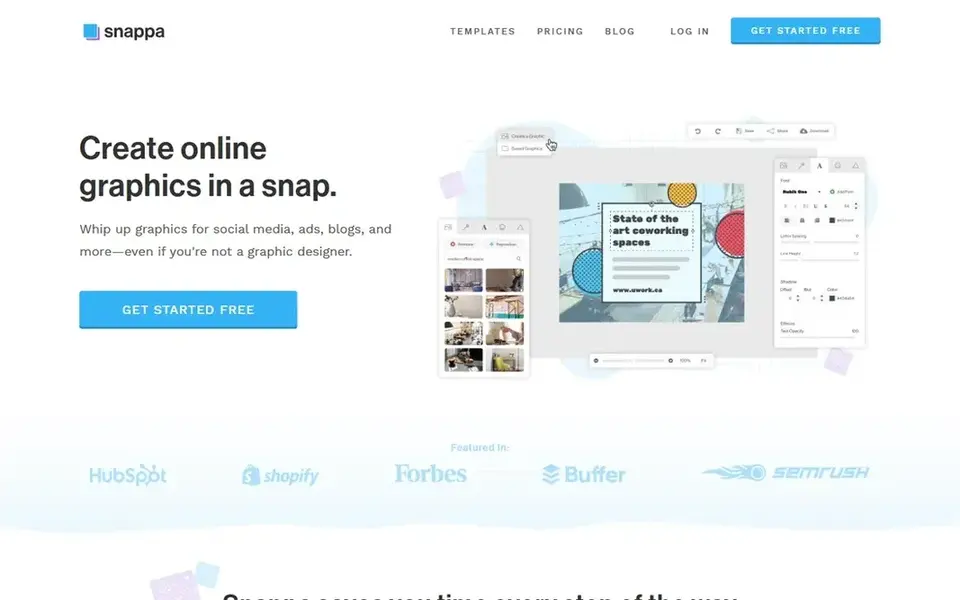
For creators who want quick, straightforward static graphics, Snappa is a natural candidate. Snappa has more than 6,000 templates and an editor that stays concentrated on static graphics.
Where it falls short: Free Starter plan permits only 3 downloads a month.
In daily use, the free Starter plan costs $0, contains access to all templates, and lets 3 downloads a month for one user. Snappa cost at the entry level: $10 per month. Snappa offers a free plan.
- Background removal and custom fonts on Pro
- Straightforward editor with no ramp-up time
- No AI credit system and no video export
Choose VistaCreate for small teams who want one flat plan for up to 10 seats. VistaCreate Pro costs $10 a month when billed yearly at $120 a year, billed upfront, or $13 a month when billed monthly.
One Pro subscription handles up to 10 seats, whereas Canva Business and Snappa Team charge per person or per small group. Pro layers on more than 200,000 templates, 170 million premium assets, unlimited Brand Kits, unlimited storage, one-click resize, and 100 AI generations a month. VistaCreate pricing: $10 per month. VistaCreate has a free plan.
Watch-outs: premium assets need Pro.
- Unlimited downloads on Starter with no watermark
- 100 AI generations a month on Pro
- Pro is the only subscription level, so there is no mid-tier step
In short, Canva is for most creators who want templates plus AI. Pro brings premium templates, a Brand Kit, Magic Resize, background removal, and 1 TB of storage. Each complicated task can use more than one of the 20 monthly AI uses.
Honest limits: Free plan permits only 20 AI uses a month.
Canva Pro costs $120 a year when billed yearly, or $15 a month when billed monthly. From a buyer's view, choose Canva if you want one editor for all channel graphics. Canva pricing: $120 per year. Canva offers a free plan.
- 1 TB storage on Pro
- Large thumbnail template library
- Pro costs $15 a month on monthly billing, which totals $180 a year
Choose Adobe Express for creators who want Firefly AI and Adobe templates. Adobe Express sets the thumbnail canvas to 1280 by 720 pixels by default.
In daily use, the free plan costs $0, needs no credit card, and bundles 5 GB of storage, more than 100,000 templates, and restricted generative AI credits. In daily use, the background remover cuts a headshot out of a photo, and Firefly can fill or extend a scene when the original frame is too tight. Starting cost for Adobe Express: $9.99 per month. Adobe Express offers a free plan.
Where it is weaker: Free plan has restricted generative AI credits.
- Firefly generative AI with a commercial-use position from Adobe
- Background remover and bulk resize on Premium
- Some premium templates and features need Premium

vidIQ is designed for YouTube creators who want thumbnails plus channel analytics. Max costs $39 a month when billed yearly at $468 a year.
Trade-offs to know: Max is annual billing only at $39 a month billed yearly.
On cost, vidIQ starts like this: $16.58 per month. You can start on vidIQ without paying.
- Boost bundles 2,000 AI credits a month
- Thumbnail maker inside a YouTube analytics suite
- Boost costs $39 a month on monthly billing
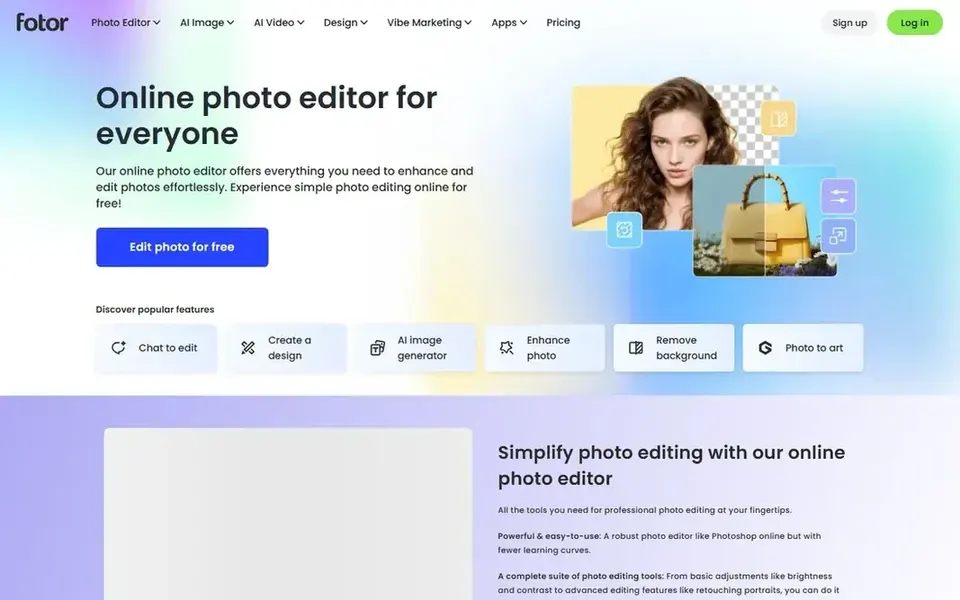
Think of Fotor for creators who want numerous AI models in one editor. Pro Plus costs $5.83 a month when billed yearly, and Max costs $13.99 a month when billed yearly. More specifically, Pro provides 100 credits a month, and a Nano Banana Pro image costs 15 credits, so Pro handles about 6 of those images a month.
Unused credits roll over whereas you stay subscribed, up to 5 months of accumulation. Also, Pro contains 100 credits a month, 10 concurrent generations, and 2 GB of cloud storage. More specifically, Fotor puts Midjourney, Flux, GPT Image, Nano Banana, and Seedream behind one subscription, with more than 500 YouTube thumbnail templates on top. What you pay to start with Fotor: $3.99 per month. A free plan is available with Fotor.
Where it is weaker: free exports carry a watermark.
- 500 or more YouTube thumbnail templates
- Unused credits roll over up to 5 months whereas subscribed
- Pro hands only 100 credits a month, which spans about 6 Nano Banana Pro images
How we compared the tools
Selection started from tools commonly considered for AI thumbnail generators, then narrowed to 6 that have clear pricing information or a clear quote process. Plan names, prices and limits change often. Treat the figures here as a starting point and verify them with the vendor. Position on the page reflects fit for a typical buyer first, with price clarity and free access breaking ties. Treat it as a guide, not a ruling.
What to check before you buy
- Check the vendor page for the current price: Fotor starts at $3.99 per month here, and seats or billing terms can move it.
- Read the fine print on the free plans from Snappa, VistaCreate, Canva and others; seat, project and feature caps differ.
- Read the limits listed for Snappa first: free Starter plan permits only 3 downloads a month.
- Look at which plan of Canva unlocks the features you need; entry tiers are often cut down.
- Total up the real monthly cost of vidIQ, including add-ons, extra users and usage-based fees.
Frequently asked questions
What size should a YouTube thumbnail be?
Keep the primary subject large, use three to five words in a bold font, and check the design at phone size before you export.
Can I try these tools before paying?
Often, yes. Snappa, VistaCreate, Canva and others have a free plan. Use your own data and a real task during the test, and check what the free tier or trial limits before you rely on it.
Is Snappa the right pick for everyone comparing AI thumbnail generators?
No single tool suits every team. Snappa comes first because it fits creators who want fast, simple static graphics, while VistaCreate suits small teams who want one flat plan for up to 10 seats and Canva suits most creators who want templates plus AI. Match the tool to your own size, budget and workflow before deciding.
How are the tools for AI thumbnail generators ordered?
Snappa sits first and Fotor last because the order follows typical fit for AI thumbnail generators, then price clarity and free access. It is a judgement call, so read each profile for fit and limits.
Do these tools publish their prices?
Yes. Every tool from Snappa to Fotor shows a starting price, though seats, add-ons and billing terms still change the final cost.
Sources
See where you really rank - block by block
ProMapRanker scans Google Maps across a grid of your service area. Simple monthly plans from $19, white-label on every plan.
Start freeBrowse all guides
← Best AI Roleplay Platform for Life Sciences (2026)Top 7 AI Tools for Freelancers, Compared on Price (2026) →
 best ai powered case management software
Best AI Powered Case Management Software (2026)
Need the best AI powered case management software? We compare 6 tools on cost, free access and who each suits. Short verdicts, no fluff. See which fits.
Read → best ai platform for worksheet creation
Best AI Platform for Worksheet Creation in 2026
7 products for the best AI platform for worksheet creation, ranked by fit, with starting costs and free tiers. Plus the drawbacks of each tool. See which fits.
Read → best ai agent platform for head of support
Best AI Agent Platform for Head of Support (2026)
Shortlisting the best AI agent platform for head of support? 7 products compared on cost, free access and ideal buyer. Pros and cons for every tool. No filler.
Read → best platform for ai worksheet generation
7 Strong Platform for AI Worksheet Generation Choices in 2026
7 tools for the best platform for AI worksheet generation, compared on pricing, free plans and best-fit use. Real limits included. Skim the table first.
Read → best ai platform for creating worksheets
6 Best AI Platform for Creating Worksheets for 2026
Best AI platform for creating worksheets: 6 tools compared on price, free plans and fit. Short, factual notes on every option. Current for November 2026.
Read → google review link generator
Google Review Link Generator: Get Your Direct Review URL
How to find or generate your direct Google review link so customers can leave reviews in one tap.
Read →More in AI Tools · All guides A to Z by date · Latest guides