 ProMapRanker
Best AI Text to Image Tool in 2026

Key takeaways
- Midjourney still leads on pure visual style, but it has no free tier and starts at $10 per month.
- Ideogram is the strongest choice when an image must contain readable words, such as a poster or a logo concept.
- Adobe Firefly is the safest pick for client work because Adobe trains its models on licensed and public domain content.
- ChatGPT image generation and Google Gemini are the best value if you already pay for a chat plan.
- Recraft stands apart for editable vector graphics, while Leonardo AI suits game art and custom model training.
Quick comparison
| Pick | Great for | Pricing starts at | Free tier | |
|---|---|---|---|---|
 Midjourney | Artistic and cinematic images | $10 per month | No | Visit |
 ChatGPT Images | Conversational edits | Free | Yes | Visit |
 Adobe Firefly | Commercially safe client work | $9.99 per month | Yes | Visit |
 Ideogram | Text inside images | $20 per month | Yes | Visit |
 Leonardo AI | Game art and custom models | $12 per month | Yes | Visit |
 Google Gemini | Photo-style edits and Google users | Free | Yes | Visit |
 Recraft | Vector graphics and brand assets | $12 per month | Yes | Visit |
 Stability AI | Open models and API volume | See website | Yes | Visit |
 Canva AI | Finished social and marketing graphics | $15 per month | Yes | Visit |
The best ai text to image tool
We compared these tools on image quality, prompt accuracy, text rendering, commercial terms, and price. No single tool wins every job, so pick by the image you need most often.
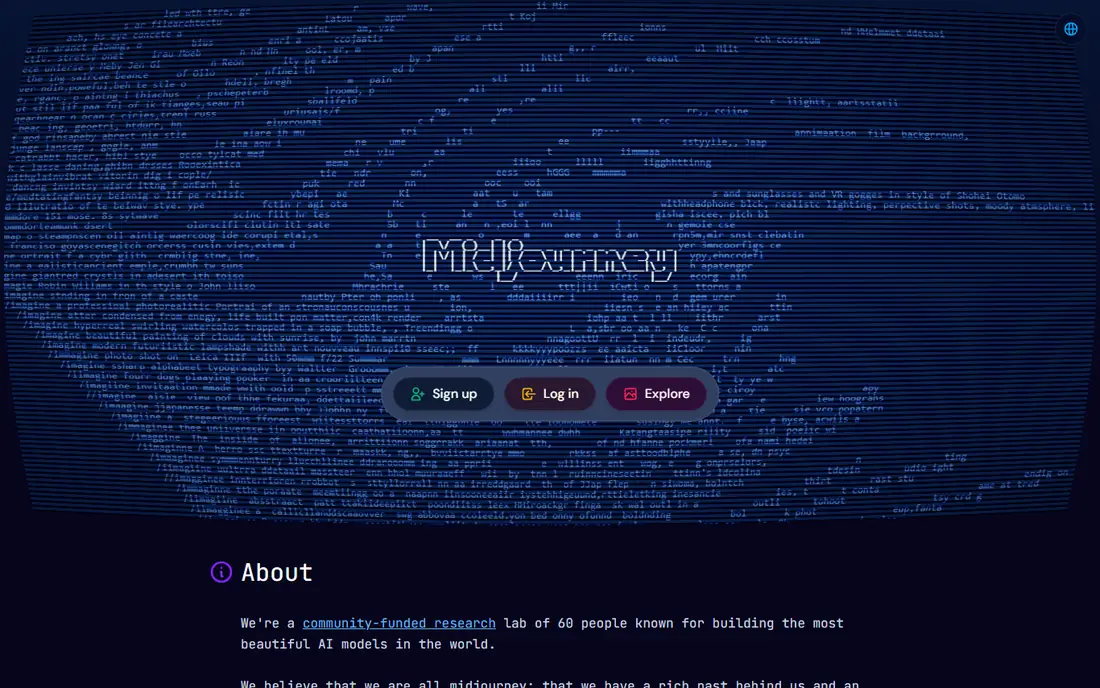
Midjourney remains the tool many creators open first when the look matters most. Its images have a polished, art-directed feel that is hard to copy with a generic prompt, and it handles illustration, concept art, and atmospheric scenes with confidence. The web editor and community galleries also make it easier to learn by example than tools that leave you alone with a blank prompt box.
The limits are practical. There is no free tier, so you pay before you know whether the style fits your work. Text inside images can still misspell words, and the lack of a general public API makes Midjourney a weaker fit for automated production pipelines. Use it for hero images and creative exploration, and pair it with a text-strong tool for posters.
- Distinctive visual style
- Strong for illustration and moodboards
- Large community and style references
- No free tier
- No public API for most users
- Text rendering lags behind Ideogram and ChatGPT
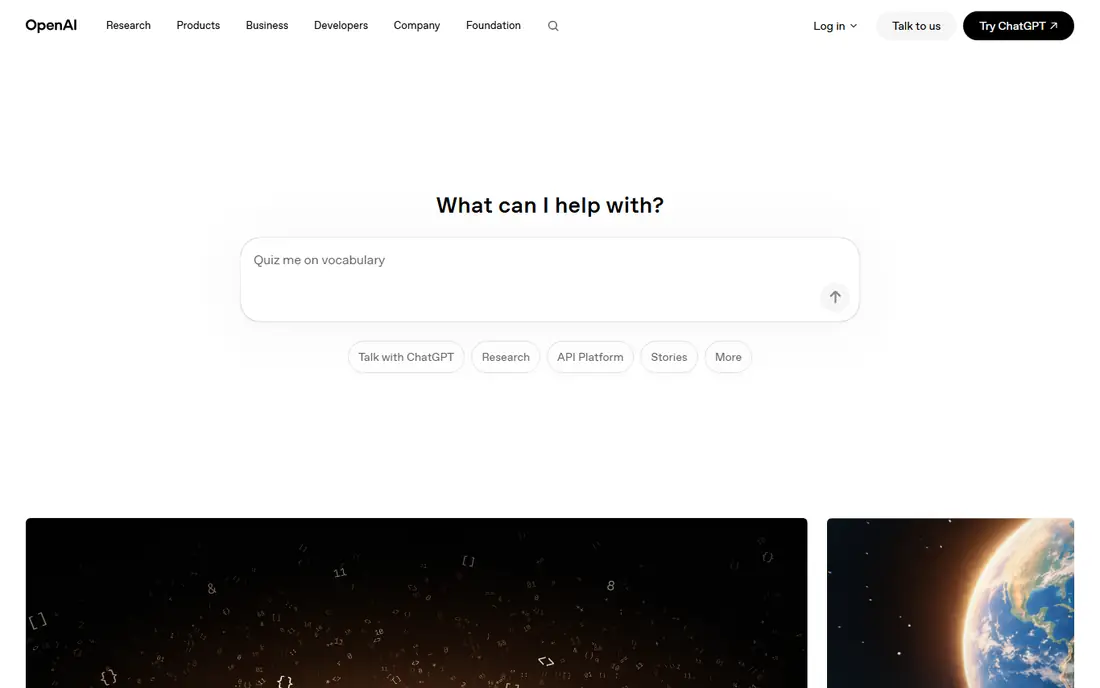
ChatGPT image generation suits people who think in conversation rather than in prompt syntax. You describe an image, then ask for changes in the next message, such as a different background, a warmer palette, or a simpler composition. That back-and-forth is far quicker than rewriting a long prompt from scratch in another tool.
The free tier covers casual use, while heavier users will want a paid plan. Results can look polished but generic when prompts are vague, so name the subject, setting, lighting, and mood in the first request. For marketing mockups, social images, and quick revisions, this is the easiest all-round tool here.
- Edit images by describing changes in plain language
- Strong prompt accuracy
- Readable text in many cases
- Free tier is limited and slower
- Plus plan needed for heavier use
- Style can feel generic without detailed prompts
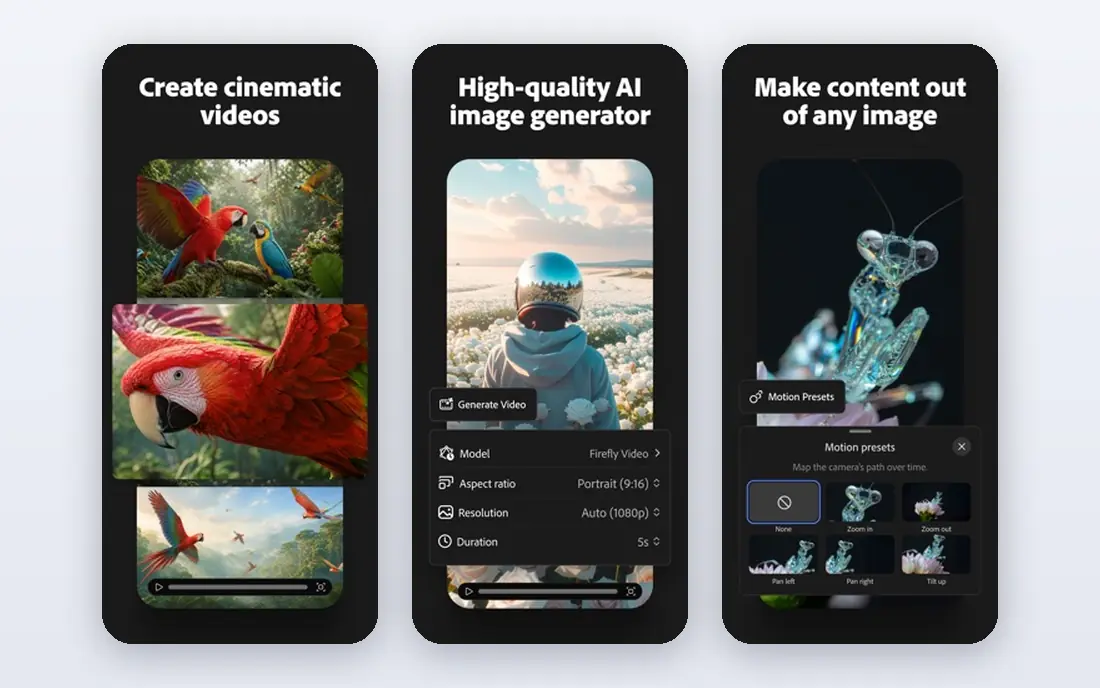
Adobe Firefly is the tool we would choose for paid client work where licensing questions matter. Adobe states that Firefly models are trained on licensed content and public domain material, which lowers the legal uncertainty that hangs over some rivals. Integration with Photoshop and Express also means generated images can move straight into an edit without exporting and reimporting files.
Firefly is less likely to win a beauty contest against Midjourney on a single illustration. Its strength is workflow: generative fill, image extension, and text-to-image inside tools designers already use. Check your credit allowance before a large batch, since credit use varies by model and output size.
- Trained on licensed and public domain content
- Built into Photoshop and Express
- Monthly credits included on paid plans
- Pure artistic style is less distinctive than Midjourney
- Credit limits can bind heavy users
- Best value inside Adobe apps
Ideogram solves the problem that frustrates most users of other generators: words inside the picture. Posters, book covers, social graphics, and logo concepts come out with spelling that is usually correct, which saves the rework that other tools demand. It also offers controls for typography and layout that feel designed for graphic work rather than added as an afterthought.
The paid tier costs more than some rivals, and free-tier images are public, so do not test private client concepts on the free plan. For pure photographic scenes, Gemini or Midjourney may still look better. When the headline is part of the image, Ideogram is the first tool to try.
- Accurate readable text for posters and logos
- Free tier for trying it
- Style controls for typography
- Paid plan starts higher than Midjourney or Firefly
- Free images are public
- Less suited to photoreal scenes
Leonardo AI appeals to creators who want control rather than a single house style. You can pick from many models, train a custom model on your own style, and generate game assets, product mockups, and character concepts with consistent looks. The daily free token allowance makes it one of the more generous tools to learn on.
That flexibility has a cost in complexity. New users face many settings, and token costs differ by model and image size, so a month of heavy use needs budgeting. Leonardo is best for creators who will use it weekly and who value a repeatable style over one-off images.
- Daily free tokens
- Custom model training
- Wide model choice for different styles
- Interface can overwhelm new users
- Token math takes time to learn
- Commercial terms vary by plan
Google Gemini, including its Nano Banana image editing, is a strong choice for editing real-looking images. You can change a background, add a prop, or restyle a photo by describing the change, and character consistency across edits is better than in many rivals. For Google users, it also sits alongside search, documents, and photos without a separate signup.
Free use covers casual edits, while paid Google AI plans raise limits. Gemini is less distinctive for pure illustration, and heavy commercial users should read the current terms for their plan before publishing client work. As a free or already-paid option, it is hard to argue against trying first.
- Strong image editing in conversation
- Good photoreal results
- Free tier inside the Gemini app
- Paid AI plans needed for the highest limits
- Output terms and availability vary by plan
- Less art-directed than Midjourney
Recraft fills a gap the other tools leave open. Most generators produce flat raster images that are hard to edit. Recraft can produce vector graphics that a designer can open, recolor, and resize without quality loss, which matters for logos, icons, and brand illustrations. Style controls help keep a set of assets consistent across a campaign.
Photorealism is not its strength, and the free plan does not license images for commercial use, so budget for a paid plan if you publish the output. For design teams that need editable assets rather than one-off pictures, Recraft earns its place alongside a raster generator.
- Real editable vector output
- Brand style controls
- Good for icons and illustrations
- Less suited to photoreal scenes
- Free plan images are not licensed for commercial use
- Smaller community than Midjourney
Stability AI, home of Stable Diffusion, is the pick for developers and teams who want to build image generation into a product. Open weights can run locally, and the hosted API charges per image rather than by subscription, which suits uneven volume. Control over model choice, fine-tuning, and safety settings is far greater than in a closed consumer app.
That control comes with work. You must choose models, tune settings, and handle hosting or API integration yourself. Casual users will get better results faster from ChatGPT, Firefly, or Ideogram. For pipelines, research, and products that need many images at a known per-image cost, Stability AI is the practical foundation.
- Open-weight Stable Diffusion models
- API pricing suits high volume
- Local running possible for technical users
- Setup is technical
- Quality depends on the model and settings chosen
- Support is thinner than hosted rivals
Canva AI is less about generating the perfect image and more about finishing the job. You generate or edit an image, then add text, brand colors, and the right size for each channel without leaving the app. For small teams that publish social posts, ads, and presentations every week, that single workflow saves more time than a marginally better image elsewhere.
The trade-off is ceiling. A specialist tool will usually beat Canva on raw image quality or text accuracy for a demanding brief. Use Canva when the deliverable is a finished graphic, and export the image to a specialist tool first only when the brief demands it.
- Images land inside a full design tool
- Templates, text, and brand kits in one place
- Generous free tier for basics
- Image quality alone trails specialist generators
- AI credits are limited on lower plans
- Best for finished graphics, not raw art
How we picked these
We compared official pricing pages, model documentation, and public terms for each tool, and we favored tools with a live text-to-image flow in October 2026. We excluded tools that had shut down, tools that only edit video, and tools without a usable free or paid path for ordinary users. Where pricing varies by billing period or credits, we used the monthly starting figure shown on the vendor page and noted the limit in the product write-up.
How to choose the right generator
Start with the job, not the leaderboard. If you need one beautiful hero image a week, Midjourney is worth its subscription. If you need readable posters, Ideogram wins. If you publish client work, Firefly reduces licensing worry. If you already pay for ChatGPT or Google AI plans, try those first before adding another bill.
Read the commercial terms before you publish
Free plans often limit commercial use, make images public, or both. Recraft and Ideogram are clear examples where the free tier is for trying, not for publishing client work. Paid plans usually change those terms, but the details vary by vendor and plan, so read the license page for the exact tier you will use.
Prompt with specifics, then edit in rounds
Name the subject, action, setting, lighting, and style in the first prompt, then change one thing at a time. Vague prompts produce generic images in every tool here. Save prompts that work, note which model produced each result, and keep a small set of proven prompts for repeat jobs such as product shots or social headers.
Watch credit and token math
Subscriptions rarely mean unlimited images. Firefly uses credits, Leonardo uses tokens, and API tools charge per image. Estimate your monthly image count before subscribing, and test a tool on its free tier with real briefs, not just one trial image. A cheaper plan that runs out mid-campaign costs more in lost time than a higher plan bought once.
Frequently asked questions
What is the best ai text to image tool?
Midjourney is our pick for pure visual quality, Ideogram for images with readable text, and Adobe Firefly for commercially safe client work. ChatGPT image generation is the best all-round choice for casual users because editing happens in plain conversation. The best tool depends on whether you value style, text, licensing, or ease most.
What are the best text to image ai tools for beginners?
ChatGPT Images and Google Gemini are the easiest starting points because you describe changes in plain language. Canva AI is also friendly for beginners who need a finished graphic rather than a raw image. Midjourney and Leonardo AI reward practice but take longer to learn.
What is the best ai text to image app for posters and logos?
Ideogram leads for posters and logo concepts because it renders words accurately inside the image. Recraft is the better pick when you need an editable vector logo or icon set. For a finished poster with text, layout, and brand colors, Canva AI can complete the design after generation.
What is the top-rated ai text to image software for commercial work?
Adobe Firefly is the safest rated choice for commercial work in our comparison because of its licensed training data and Adobe integration. Paid plans on Ideogram, Recraft, and ChatGPT also support commercial use under their terms, but you should confirm the terms for your exact plan. Free tiers often do not cover commercial publishing.
Can I use AI text to image tools for free?
Yes, for trying and for personal projects. Ideogram, Leonardo AI, Recraft, ChatGPT, Google Gemini, and Canva all offer free tiers, though limits, public visibility, and commercial terms differ. Midjourney has no free tier. For regular publishing, a paid plan is usually needed for licensing and higher limits.
How much does a good AI image generator cost?
Most paid plans start between $10 and $20 per month, including Midjourney at $10, Firefly at $9.99, Leonardo AI at $12, and Recraft at $12. Ideogram starts higher at $20 per month. API tools such as Stability AI charge per image instead, which can be cheaper for low or uneven volume.
Sources
See where you really rank - block by block
ProMapRanker scans Google Maps across a grid of your service area. Simple monthly plans from $19, white-label on every plan.
Start freeKeep reading
 who has the best home internet service
Who Has the Best Home Internet Service in 2026
Who has the best home internet service in 2026? Compare fiber, cable, and 5G providers on speed, price, data caps, and availability at your address today.
Read → visio alternatives
Best Visio Alternatives in 2026
Compare 9 Visio alternatives for flowcharts, org charts, and network diagrams, with free plans, pricing, and the best pick for teams and solo users in 2026.
Read → top 10 logistics software
Top 10 Logistics Software in 2026
We compared the top 10 logistics software tools for transport, warehousing, visibility and shipping, for shippers, carriers and 3PL teams in 2026 today.
Read →