 ProMapRanker
Best AI Text to Image App for Beginners in 2026


first-time users who want to describe an image in words · Pricing starts at: $20 per month
Key takeaways
- ChatGPT with image generation and Microsoft Designer are the easiest starting points, since both accept plain-language prompts with little setup.
- Adobe Firefly and Canva Magic Media suit beginners who need images for work, with clearer commercial terms and design tools built in.
- Ideogram is the strongest choice for images that contain readable words, such as posters and signs, while Midjourney suits art-focused users who want more style control.
- Free plans are useful for learning, but daily credits and limits mean a paid plan is worth it once you generate images regularly.
Quick comparison
| Pick | Great for | Pricing starts at | Free tier | |
|---|---|---|---|---|
| ChatGPT | first-time users who want to describe an image in words | $20 per month | Yes | Visit |
 Adobe Firefly | work images with clearer commercial terms | $9.99 per month | Yes | Visit |
 Canva Magic Media | social graphics and presentations | $15 per month | Yes | Visit |
 Microsoft Designer | free everyday graphics | Free | Yes | Visit |
 Ideogram | posters, signs and images with words | See website | Yes | Visit |
 Leonardo AI | free daily credits with more control | $12 per month | Yes | Visit |
 Midjourney | artistic and editorial imagery | $10 per month | No | Visit |
 NightCafe | hobby creators and community learning | $5.99 per month | Yes | Visit |
 Craiyon | simple free experimentation | Free | Yes | Visit |
The best AI text to image apps for beginners
A good beginner tool should accept a normal sentence, show a usable image quickly, and explain what went wrong when the result misses the mark. It should also make costs clear, since credit systems can confuse new users. The nine tools below are legitimate creative tools that are actively offered in October 2026, and each one suits a slightly different kind of beginner. Only generate images you have the right to create, and never create images of real people without consent.
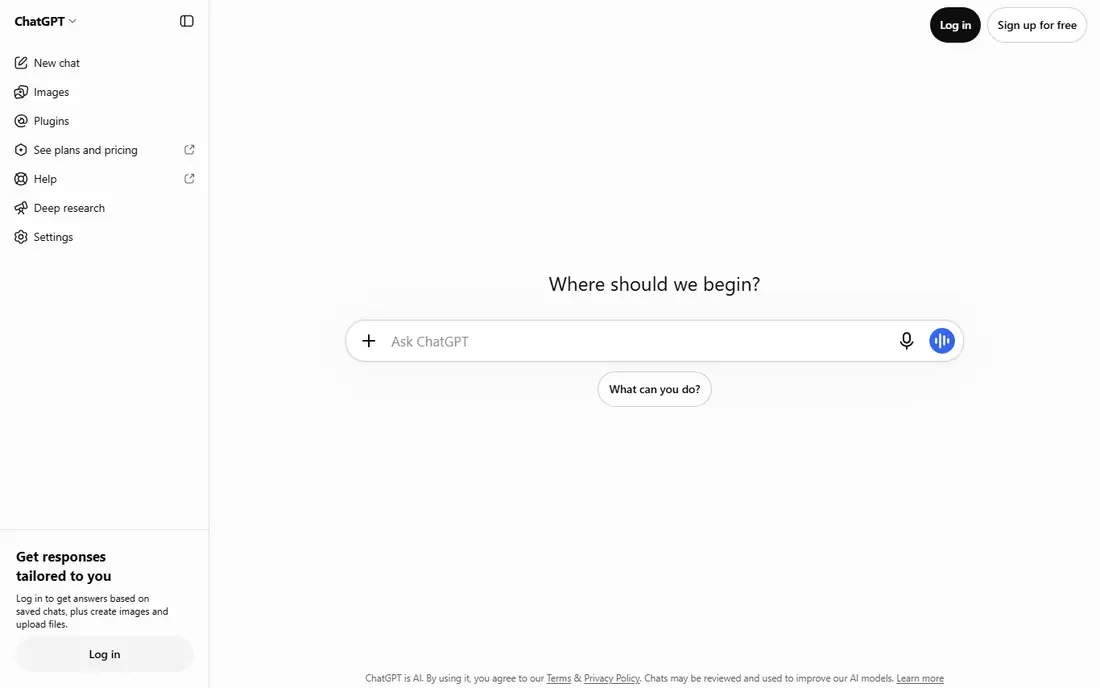
ChatGPT is the easiest place to start because you can write a prompt the way you would describe a picture to a friend, then ask for changes in plain language. If the image is too dark, too crowded or missing an object, say so in the next message and the tool will try again. That back-and-forth teaches prompting faster than a form full of settings.
The limit is control and cost. Free use covers only a small number of images, and the Plus plan costs $20 per month, which is high if you only need a few graphics. For a beginner who wants to learn prompting and generate occasional images, the free tier is a fair trial. For regular work, compare it against Firefly or Canva before you subscribe.
- Conversational prompts let you refine an image by chatting
- Image generation is built into a familiar app
- Good at following detailed descriptions
- Full access requires the Plus plan at $20 per month
- Free use is limited
- Less fine control over style than specialist tools

Firefly suits beginners who plan to use images at work, on a website or in client materials. Adobe presents Firefly as commercially safer than many rivals, since its training approach focuses on licensed and public domain content, and paid plans include terms that matter for business use. Read the current terms for your plan before you use an image commercially, since terms vary by tier.
Inside Adobe Express, Firefly is easy to use: type a prompt, pick a style or aspect ratio, and drop the result into a design. That integration saves beginners from learning a separate editing app. The downside is credit limits, which can run out during a busy week, so check how many generations your plan includes before a large project.
- Trained with attention to licensed content
- Integrates with Photoshop and Express
- Free credits let beginners try it properly
- Paid plan starts at $9.99 per month
- Credit limits apply on lower plans
- Style range is narrower than Midjourney
Canva Magic Media is the best choice if your goal is a finished graphic, not just an image file. Generate a background or illustration, add text, adjust the layout, and export for social media or a presentation without leaving Canva. That workflow suits small business owners, teachers and social media managers who need usable graphics quickly.
The trade is image quality. For a hero image or a detailed illustration, Firefly, Ideogram or Midjourney will usually produce a stronger result. Canva also limits free AI uses, so beginners should test it with a few real projects before paying for Pro. If you already pay for Canva Pro, Magic Media is a useful bonus rather than a reason to buy a second tool.
- Images are generated inside a design you can finish and export
- Very low learning curve
- Templates, text and brand tools are built in
- Image quality is below specialist tools for detailed art
- Free AI uses are limited
- Pro costs $15 per month
Microsoft Designer, which grew out of Bing Image Creator, is the strongest free starting point for casual users. Sign in with a Microsoft account, type a prompt, and get a set of images to download or edit. The interface adds style and layout suggestions, which helps beginners who are unsure how to phrase a prompt.
It will not match Midjourney for artistic depth or Firefly for commercial clarity, and some prompts need several tries to get a clean result. For school projects, blog illustrations and social posts, that trade is fair. Start here if you want to learn prompting at no cost, then move to a paid tool when you need higher quality or clearer commercial terms.
- Free with a Microsoft account
- Simple prompt box with style suggestions
- Useful for quick social and blog graphics
- Output quality varies by prompt
- Fewer advanced controls than paid tools
- Commercial terms need checking for business use
Ideogram stands out for one practical reason: it renders words inside images more reliably than most rivals. If you need a poster that says a specific phrase, a book cover title or a shop sign, Ideogram is more likely to spell it correctly on the first try. That single strength saves beginners from repeated generations and manual fixes.
The wider art range is narrower than Midjourney, and the interface offers fewer style controls than Leonardo. For text-heavy graphics, that focus is a benefit, since the tool does one hard job well. Check the current paid pricing on the site, since plans have changed, and use the free tier to test text rendering with your exact wording before you subscribe.
- Strong text rendering for posters and logos
- Clean web interface for beginners
- Free tier for testing
- Paid pricing varies by plan, so check the site
- Less artistic range than Midjourney
- Free use is limited
Leonardo AI suits beginners who want to practise daily without paying at once. The free plan offers a daily token allowance, which is enough for several images a day if you use the standard models. That regular practice helps you learn how prompt wording, style presets and aspect ratios change the result, which is the core skill in AI image generation.
The interface has more panels and options than ChatGPT or Microsoft Designer, so the first session can feel crowded. Start with one model and one style preset, then explore others once you have a feel for the tool. If you generate images daily for a hobby or a small project, the paid plan at $12 per month is worth comparing against NightCafe and Firefly.
- Free daily token allowance for regular practice
- Many models and styles to try
- Useful for game art and character work
- The interface can feel busy for a first-time user
- Paid plan starts at $12 per month
- Token limits frustrate heavy users
Midjourney remains the benchmark for artistic image quality, with lighting, composition and detail that often look more polished than rivals. The move to a standalone web app has made it far easier for beginners than the old Discord-only setup, since prompts, settings and galleries now live in one place. For art, editorial visuals and social imagery, it is hard to beat at this price.
There is no free tier, so you pay from the first image, and the Basic plan at $10 per month covers a moderate number of images. Midjourney is also less literal than ChatGPT when you need an exact layout or exact text, so it suits artistic goals better than precise design briefs. Try it when you want beautiful images and you are ready to learn a few prompt techniques.
- Strong artistic quality for editorial and concept art
- Web app replaces the old Discord-only workflow
- Good style control once learned
- No free tier
- Less literal than ChatGPT for exact layouts
- $10 per month Basic plan suits moderate use only
NightCafe suits hobby creators who want to try many models without subscribing to each one separately. Daily free credits let you generate images every day, and the community gallery shows prompts and settings used by other creators, which is a useful learning resource. Daily challenges give beginners a reason to practise with a theme.
The credit system is the catch. Premium models cost more credits, and free users may wait longer during busy periods. Paid plans start at $5.99 per month, which is low compared with most rivals, but check how many credits your plan includes for the models you actually use. For casual art and learning, the free tier alone can carry you for weeks.
- Free daily credits for regular practice
- Many models in one place
- Community gallery and challenges help beginners learn
- Credit system limits premium models
- Free images may carry a watermark on some tiers
- Interface can feel busy
Craiyon, formerly DALL-E mini, is the simplest tool on this list. Type a prompt, wait a short while, and get a set of rough images to judge an idea. That simplicity suits students, hobbyists and anyone who wants to test a concept before paying for a better tool. It is also useful for brainstorming, since you can try many prompts quickly at no cost.
Quality is the limit. Craiyon images look rougher and less detailed than Firefly, Ideogram or Midjourney, and free downloads carry a watermark. Paid plans remove the watermark and add higher quality, but at $12 per month for the Supporter plan, most beginners will get better value from Firefly or Leonardo. Use Craiyon to learn and sketch ideas, then move to a paid tool for final images.
- Free to try with no account friction for basic use
- Very simple prompt box
- Good for quick ideas and rough concepts
- Image quality is below paid tools
- Free images carry a watermark
- Paid plans start at $12 per month for fuller features
How we picked these
We compared official product pages, pricing pages and public tool comparisons for each generator, and we kept only legitimate creative tools that are actively offered in October 2026. We weighed ease of use for a first-time user, free plan value, text rendering, commercial terms and price, rather than artistic quality alone. We did not claim hands-on testing, and prices are shown as See website where plans vary by billing period or have changed recently.
How to write a better first prompt
Start with the subject, the setting and the style in one sentence, then add one or two details that matter. For example, name the main object, where it sits, the lighting and the art style, and leave out extra adjectives that pull the image in different directions. If the result misses, change one element at a time instead of rewriting the whole prompt, so you learn which words caused the change.
Next, set the shape before you generate. A square image suits social posts, a wide image suits a blog header, and a tall image suits a poster. Check text separately: if your image needs words, use Ideogram or ChatGPT and spell the text exactly, then check the spelling in the output before you export. Finally, keep a short list of prompts that worked, since a good prompt is easier to reuse than to reinvent.
Frequently asked questions
What is the best AI text to image app for beginners?
ChatGPT is the easiest general starting point because you can refine images by chatting in plain language. Microsoft Designer is the best free starting point, while Adobe Firefly suits beginners who need images for work. The best AI text to image apps for beginners depend on whether you want free practice, finished designs or artistic quality.
Are there free AI text to image apps for beginners?
Yes, Microsoft Designer, Craiyon, NightCafe and Leonardo AI all offer free tiers, and ChatGPT, Firefly, Canva and Ideogram offer limited free use. Free tiers usually limit daily generations, credits or resolution, so they suit learning and occasional use. Paid plans are worth it once you generate images several times a week.
Which AI image app is best for text in images?
Ideogram is the strongest choice for readable text in posters, signs and covers, with ChatGPT also performing well for short phrases. Spell the text exactly in your prompt, keep the phrase short, and check the output closely, since even strong tools can misspell longer text. For a logo, plan to refine the result in a design app.
Can I use AI-generated images commercially?
It depends on the tool and the plan, so read the terms for the plan you actually use. Adobe Firefly and Canva present clearer commercial terms for business use, while free tiers may limit commercial rights. Only generate images you have the right to create, and never create images of real people without consent.
Do I need to learn prompting to use these apps?
No, you can start with a plain sentence and get a usable image from most tools on this list. Prompting skill helps you get closer to your idea with fewer tries, and it improves fastest when you change one element at a time. Save prompts that work, and reuse them as templates for new images.
Sources
See where you really rank - block by block
ProMapRanker scans Google Maps across a grid of your service area. Simple monthly plans from $19, white-label on every plan.
Start freeKeep reading
 zscaler alternatives
Best Zscaler Alternatives in 2026
Looking for zscaler alternatives? We compare 9 SASE and zero trust platforms on architecture, data protection, pricing, and fit for your network and team.
Read → zapier alternatives free
Best Zapier Alternatives Free in 2026
Nine automation tools for zapier alternatives free in 2026, all with genuinely free tiers, plus free plan limits, starting prices and upgrade paths explained.
Read → which platform is best for online reputation
Which Platform Is Best for Online Reputation in 2026
Wondering which platform is best for online reputation? We compare 8 review, listing, and response tools for small and multi-location businesses and agencies.
Read →