 ProMapRanker
Best AI Test Automation Platform in 2026

Key takeaways
- Self-healing tests help most when user interfaces change often, but they do not remove the need for good test design.
- mabl and Tricentis Testim lead on mature AI maintenance, while Functionize and Katalon offer clearer entry pricing.
- Visual testing from Applitools suits teams with frequent layout regressions, not teams that only need functional checks.
- Quote-based pricing is common here, so ask for pricing against the same test volume before you compare vendors.
- Start with a small, flaky suite, measure maintenance time before and after, and only then expand.
Quick comparison
| Pick | Great for | Pricing starts at | Free tier | |
|---|---|---|---|---|
 mabl | Low-code end-to-end testing | See website | Free trial | Visit |
 Tricentis Testim | Enterprise web testing | See website | Yes | Visit |
 Functionize | Agentic testing on a budget | $20 per month | Yes | Visit |
 Katalon | Mixed web, mobile, and API testing | See website | Free trial | Visit |
 Applitools | Visual regression testing | See website | Free trial | Visit |
 testRigor | Plain-language test authoring | See website | Yes | Visit |
 BrowserStack | Device and browser coverage | $29 per month | Free trial | Visit |
 LambdaTest | Grid plus AI authoring value | $15 per month | Yes | Visit |
The best ai test automation platform
We compared platforms that use AI for test creation, maintenance, or analysis, not just record-and-playback tools with a chatbot added. Our pick for most mid-size teams is mabl for maturity, with Functionize as the budget pick when published pricing matters.
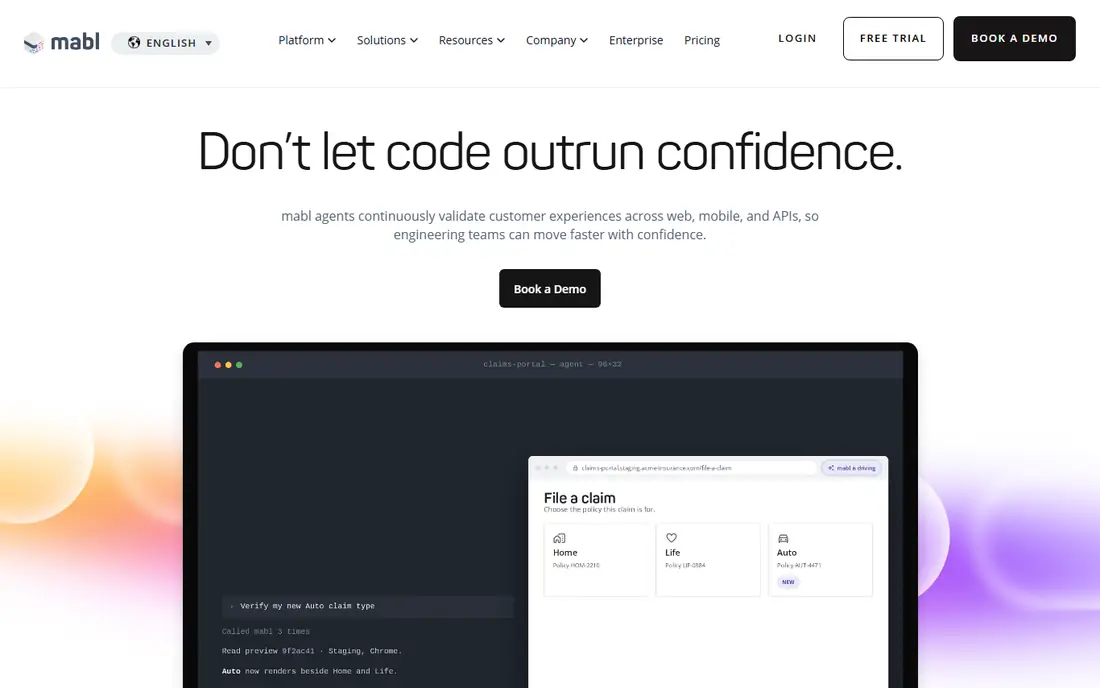
mabl is a strong default for agile teams whose main pain is test maintenance. When a button moves or a label changes, its machine learning models try to adapt the test instead of failing it outright. That reduces the weekly chore of fixing locators after routine interface updates, which is where many automation efforts stall.
mabl does not offer a free plan, and pricing is quoted, so budget planning needs a sales conversation. Solo testers and very small teams may find the cost hard to defend. For established QA teams with a large suite and frequent releases, the time saved on maintenance can justify the price, provided you trial it on your flakiest tests first.
- Mature auto-healing for changing interfaces
- Unified UI, API, and mobile testing
- Built-in visual checks
- No free plan, only a trial
- Pricing is quoted
- May be costly for solo testers
Testim, from Tricentis, uses smart locators that weigh multiple attributes of an element, so a test is less likely to break when one attribute changes. That approach suits enterprise web apps with complex flows, including Salesforce-heavy environments. A community plan lets teams try the basics before talking to sales.
Paid pricing is quoted, which makes direct comparison harder. Teams already invested in Tricentis tools such as Tosca will get more value from shared reporting and governance. Standalone teams should weigh Testim against mabl and Katalon on the same test suite, with maintenance time as the score to beat.
- Smart locators for stable tests
- Community plan available
- Fits Tricentis enterprise suites
- Quote-based paid pricing
- Enterprise focus can feel heavy
- Best value inside a larger Tricentis setup

Functionize stands out in this group because it publishes a starting price and a free plan, which makes budgeting far simpler. Its AI helps create tests from natural language, recognize elements with multiple signals, adapt tests when interfaces change, and explain failures. That coverage suits teams managing large suites where maintenance is the main cost.
The limits matter. Plans use credits and parallel-run caps, so a team with a huge suite should model its monthly runs before choosing a tier. Functionize is also a smaller vendor than the enterprise leaders, so larger buyers should check support, security, and roadmap fit. For cost-conscious teams, though, it is an easy first trial.
- Published entry pricing
- AI across creation, maintenance, and failure analysis
- Free plan available
- Credit and parallel-run limits apply
- Smaller vendor than mabl or Tricentis
- Enterprise pricing is quoted
Katalon suits mixed QA teams that test more than just a website. One platform can cover web flows, mobile apps, APIs, and desktop apps, which reduces the need to learn and maintain several tools. Its free Studio tool lets individuals start without a purchase, and AI assistance helps with test authoring and maintenance.
The full platform pricing and AI feature limits need a careful check, since published figures vary by plan and billing term. Beginners may also find the breadth daunting at first. If your team tests across channels and wants one vendor for most of it, Katalon is a practical shortlist pick.
- Covers web, mobile, API, and desktop in one platform
- Free desktop tool available
- AI assistance for authoring
- Paid platform pricing needs checking
- Breadth can overwhelm beginners
- Some AI features need higher tiers
Applitools focuses on a specific problem: catching visual regressions without drowning a team in pixel-level false alarms. Its Visual AI compares layouts in a way closer to how a person sees a page, so a small shift that does not matter is less likely to block a release. That helps design-heavy products, marketing pages, and apps where layout is part of quality.
Applitools is not a full functional testing replacement. You still need tests that click, fill forms, and check logic. Pricing also starts higher than general test tools, so small teams should trial it on the pages where visual bugs actually reach users. For teams with frequent layout regressions, it can pay for itself in fewer escaped defects.
- Visual AI reduces false-positive layout diffs
- Cross-browser and cross-device checks
- Strong for design-heavy apps
- Needs pairing with functional tools
- Entry pricing is high for small teams
- Visual baselines need management
testRigor lets people write tests in plain English, which opens automation to manual testers, product managers, and business analysts who do not code. That matters when the people who know the expected behavior are not the people who write code. Built-in accessibility checks add value for teams that must meet accessibility standards.
Plain language does not remove test design. A vague test still produces vague results, and teams need discipline about steps, data, and expected outcomes. Code-heavy engineering teams may prefer a code-first tool. For teams that want broader participation in automation, testRigor is worth a trial on a real user journey.
- Tests written in plain English
- No-code authoring for non-developers
- Accessibility checks included
- Pricing is quoted for many teams
- Plain-language tests still need design care
- Less suited to code-heavy teams
BrowserStack is best known for its real device and browser grid, which lets teams test on combinations they could never maintain in-house. Its AI features help with test authoring and maintenance, but the core value remains coverage: a test that passes on one browser can still fail on another, and BrowserStack finds that early.
Costs grow with parallel sessions and device time, so teams should model their suite size before committing. BrowserStack also pairs best with an existing test framework or platform, rather than replacing test design entirely. If coverage is your bottleneck, it is the safest pick in this list.
- Very wide real device and browser coverage
- Integrates with many test frameworks
- AI features for test authoring
- AI testing is an add-on to a grid, not the whole product
- Costs rise with parallel sessions
- Setup takes planning
LambdaTest, now also branded as TestMu AI, combines a test grid with AI authoring at a low entry price. That makes it attractive for budget-conscious teams that need both coverage and help writing tests. A free plan lets small teams start without a purchase, and paid plans add more parallel sessions and features.
Its AI authoring is less proven than the leaders in this list, so teams should trial it on their own app rather than trusting demos. As with any grid, costs rise with parallel use. For teams that want grid coverage plus AI help without an enterprise budget, LambdaTest is a sensible value pick.
- Low entry price
- Real device and browser grid
- AI test authoring features
- AI features are newer than mabl or Testim
- Support and depth vary by plan
- Grid costs rise with scale
How we picked these
We compared official pricing pages, product documentation, and public reviews for platforms with real AI features in test creation, maintenance, or analysis in October 2026. We kept only platforms that are actively sold and that cover a distinct need, from low-code end-to-end testing to visual regression and grid coverage. Where pricing is quoted, we say so rather than repeating third-party estimates as vendor prices.
How to choose an AI test platform
Start with your bottleneck. If tests break after every interface change, rank self-healing and locator stability first. If writing tests is slow, rank AI authoring and plain-language support first. If layout bugs escape, rank visual testing first. A platform that is excellent at one job can be average at another, so a single demo rarely tells the whole story.
Next, run the same suite on two finalists. Measure how many tests pass without edits after a small interface change, how long failure triage takes, and how much maintenance time you save in two weeks. Ask each vendor for pricing on the same run volume, parallel count, and team size, in writing. That prevents a cheap-looking quote from hiding credit or seat limits.
Finally, check ownership of your tests. Can you export them, run them elsewhere, or at least read them in a clear form? A platform that locks tests inside a proprietary format creates a costly exit later. Favor tools that let you keep test logic readable and portable, even if you plan to stay for years.
Frequently asked questions
What is the best ai test automation platform?
For most mid-size teams, mabl is a strong default because of its mature self-healing and unified testing. Functionize is the budget pick with published pricing, and Tricentis Testim suits enterprises already using Tricentis tools. Trial finalists on your own flaky tests before deciding.
What are the best ai test automation tools for non-developers?
testRigor and Functionize suit non-developers because they support plain-language or low-code authoring. mabl also works for low-code teams, but its pricing is quoted. Whichever you choose, invest in test design, since clear steps and expected results matter more than the authoring style.
What is the best ai tool for test automation on a budget?
Functionize offers a free plan and a published Growth plan from $20 per month, while LambdaTest starts from $15 per month for grid plus AI features. Katalon also offers a free desktop tool. Model your monthly runs and parallel needs, since credits and limits affect the real cost.
Do AI test tools replace manual testers?
No. AI tools reduce repetitive maintenance and speed up authoring, but people still need to decide what to test, what correct behavior looks like, and whether a failure matters. The best setups pair AI automation with human judgment on risk, usability, and edge cases.
How does self-healing testing work?
Self-healing tools use multiple signals, such as element attributes, position, and context, to find an element after a change, instead of relying on a single locator. When one signal changes, the tool tries the others and updates the test. It helps with routine changes, but it cannot fix a test that was wrong in the first place.
Should I choose a visual testing tool or a functional testing tool?
Choose functional testing first if your main risk is broken flows, forms, or logic. Add visual testing from Applitools or a similar tool when layout regressions reach users often. Many teams need both, with functional tests for behavior and visual tests for presentation.
Sources
See where you really rank - block by block
ProMapRanker scans Google Maps across a grid of your service area. Simple monthly plans from $19, white-label on every plan.
Start freeKeep reading
 zscaler alternatives
Best Zscaler Alternatives in 2026
Looking for zscaler alternatives? We compare 9 SASE and zero trust platforms on architecture, data protection, pricing, and fit for your network and team.
Read → zapier alternatives free
Best Zapier Alternatives Free in 2026
Nine automation tools for zapier alternatives free in 2026, all with genuinely free tiers, plus free plan limits, starting prices and upgrade paths explained.
Read → which platform is best for online reputation
Which Platform Is Best for Online Reputation in 2026
Wondering which platform is best for online reputation? We compare 8 review, listing, and response tools for small and multi-location businesses and agencies.
Read →