 ProMapRanker
Best AI Software Testing Tools in 2026

Key takeaways
- mabl and Tricentis Testim lead for self-healing UI tests, while Applitools leads for visual checks that catch layout and design regressions.
- Katalon suits mixed teams testing web, mobile, API, and desktop in one platform, while Functionize suits teams that want plain-language test creation.
- LambdaTest, BrowserStack, and Sauce Labs add device and browser coverage, which matters more than AI authoring for teams that must test many environments.
- Most enterprise AI testing tools price by quote, so pilot with your real app and measure flaky test reduction before signing.
Quick comparison
| Pick | Great for | Pricing starts at | Free tier | |
|---|---|---|---|---|
 mabl | Self-healing tests for changing UIs | See website | Free trial | Visit |
 Tricentis Testim | AI test automation for enterprises | See website | Yes | Visit |
 Functionize | Plain-language test creation | $20 per month | Yes | Visit |
 Applitools | Visual AI testing | See website | Free trial | Visit |
 Katalon | Web, mobile, API, and desktop testing | $70 per seat per month | Free trial | Visit |
 Testsigma | Natural-language tests plus device coverage | See website | Free trial | Visit |
 LambdaTest | Cloud browsers, devices, and AI authoring | $15 per month | Yes | Visit |
 BrowserStack | Widest device and browser coverage | $29 per month | Free trial | Visit |
 Sauce Labs | Regulated enterprise testing | $39 per month | Free trial | Visit |
The best AI software testing tools
AI testing tools should reduce the time teams spend fixing broken tests, catch visual and functional regressions earlier, and make test creation accessible to more team members. The nine tools below cover self-healing UI tests, visual AI, plain-language authoring, and cloud device grids, so you can match the tool to your main testing pain.
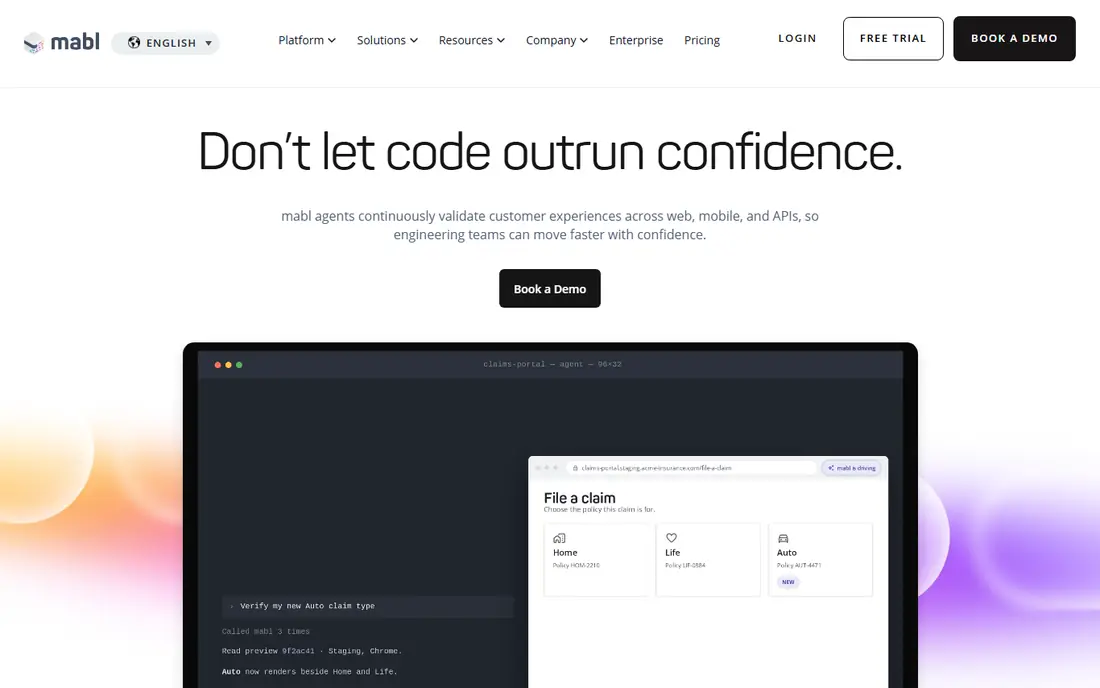
mabl suits teams whose UI changes often and whose test suite breaks just as often. Low-code authoring lets QA and product team members build tests without writing full code, while machine learning helps tests adapt when labels, layouts, or elements shift. API, accessibility, and performance checks in the same console reduce the need for separate tools.
The trade is price clarity and ownership. mabl prices by quote, and teams should ask for pricing tied to test runs and parallel capacity. A team without a QA owner may also underuse its insights and reporting. For mid-size and larger teams drowning in test maintenance, mabl is a leading pick.
- Low-code test creation with machine learning insights
- Self-healing locators reduce breakage from UI changes
- Web, mobile, API, and accessibility testing in one console
- Pricing by quote, so budget needs a sales conversation
- Advanced use suits teams with dedicated QA ownership
Tricentis Testim focuses on fast, resilient web test automation. AI-based locators use many element attributes, so a test can survive minor UI changes that would break a brittle selector. Authoring stays visual and code-friendly at once, with JavaScript extensions for teams that need custom logic, and TestOps features help manage runs at scale.
Enterprise buyers gain most, especially teams already using Tricentis tools or testing Salesforce apps. Pricing comes by quote, and smaller teams may find the sales process heavy for a simple pilot. The community plan gives a low-cost way to test authoring, but production teams should price the paid tier against real run volume first.
- AI locators and self-healing tests
- Fast authoring for web apps
- Salesforce support and root-cause analysis
- Community plan available
- Enterprise pricing by quote
- Deepest value inside the Tricentis suite
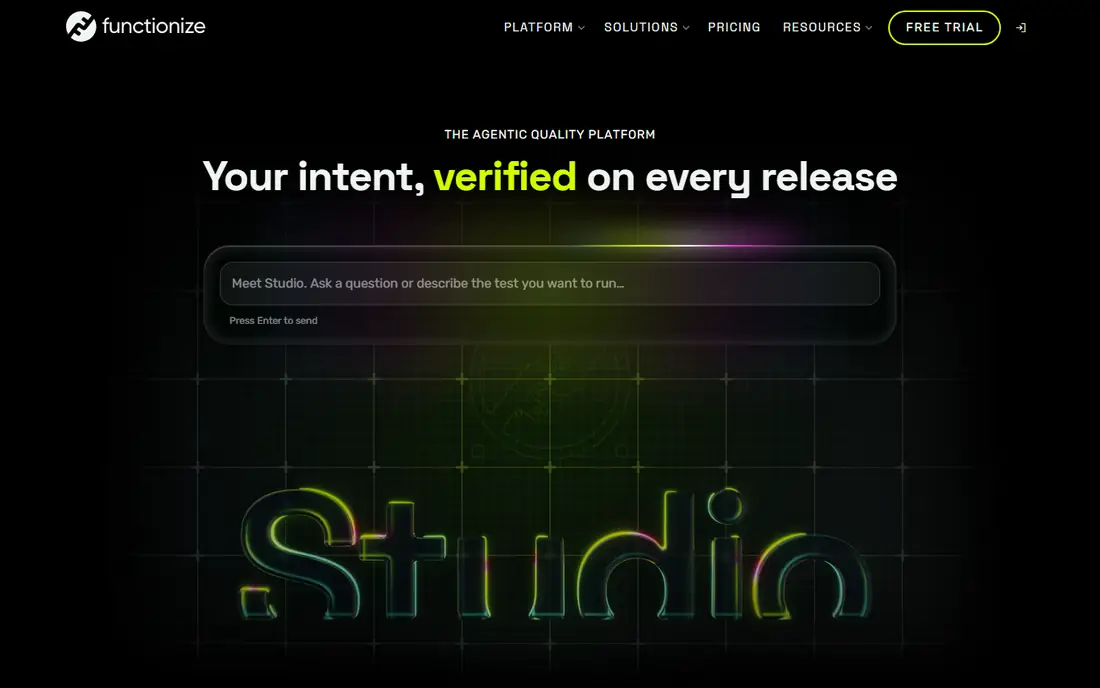
Functionize stands out for pricing transparency in a market where most vendors hide prices. Teams can write tests in plain language, run them in the cloud at scale, and rely on machine learning to adapt tests when the app changes. Analytics and diagnostics help teams find why a test failed, not just that it failed.
Plain-language authoring helps product managers and manual testers contribute to automation, but complex apps still need test design skill. Data and security teams should also check where test data runs and how results are stored. For teams that want agentic testing without an enterprise sales call first, Functionize is an accessible starting point.
- Natural-language test creation for non-technical testers
- Agent-based execution with self-healing
- Published entry pricing with a free tier
- Enterprise features and scale need higher plans
- Cloud execution model may not suit every data policy
Applitools solves a problem functional tests miss. A button can work and still look broken, with overlapping text, a shifted layout, or a missing image. Visual AI compares screenshots across browsers, devices, and screen sizes, and flags meaningful visual differences while ignoring minor rendering noise. That makes it valuable for design-heavy products and customer-facing pages.
Baseline management is the work. Teams must review visual changes, approve intentional redesigns, and update baselines, or visual tests become noise. Pricing comes by quote for most production use, so ask for a price tied to visual checkpoints and parallel runs. For UI quality, Applitools remains the specialist to beat.
- Visual AI catches layout, style, and rendering differences humans miss
- Works across browsers and devices
- Autonomous test options for UI flows
- Pricing by quote for most plans
- Visual baselines need management to avoid false positives
Katalon suits mixed QA teams that test many surfaces. Web, mobile, API, and desktop tests can live in one platform, with a recorder for quick starts and scripting for complex cases. AI-assisted locators help tests survive UI changes, and TestOps centralizes execution, scheduling, and reporting across teams.
Per-seat pricing means large teams should model total cost carefully, including cloud execution add-ons where needed. New testers may also need training to use the platform well, despite the low-code entry point. For organizations consolidating several testing tools into one, Katalon offers a practical, broad platform.
- One platform for web, mobile, API, and desktop
- Low-code recorder plus scripted options
- TestOps for run management and reporting
- Per-seat pricing adds up for large teams
- Learning curve for advanced features and setup
Testsigma combines plain-language authoring with broad execution coverage. Teams can write tests in simple English steps, generate tests with AI assistance, and run them across many browsers and real devices in the cloud. That combination suits teams that need both accessibility for non-coders and confidence across environments.
Quoted pricing makes budgeting harder, so teams should request a written price for their test volume and device needs. Advanced AI and enterprise features also sit on higher tiers, which can surprise buyers who pilot only the base plan. For teams that value natural-language tests plus device breadth, Testsigma is a strong contender.
- Natural-language test creation
- AI test generation and self-healing
- Large cloud browser and device grid for execution
- Pricing by quote
- Advanced features sit on higher tiers
LambdaTest, now linked to TestMu AI, gives budget-conscious teams a cloud grid plus AI test authoring in one vendor. Live testing, automated browser runs, and real device testing cover many environments without buying hardware, while AI authoring helps teams create tests from natural language and export code for pipelines.
Plan differences matter. Entry plans suit small teams and individual testers, while large parallel runs and advanced AI features need higher tiers. Teams should also check session limits and support levels before relying on LambdaTest for release-critical runs. For price-sensitive teams that need breadth, it offers strong value.
- Cloud browser and real device grid
- AI-assisted test authoring under TestMu AI
- Low entry price compared with larger grids
- AI features and grid scale vary by plan
- Support and run limits need checking for large teams
BrowserStack is the coverage-first pick. Teams can test on a wide range of real devices, browsers, and operating systems without maintaining a device lab, and integrations with common CI tools fit release pipelines. Live testing helps reproduce a bug on a specific device, while automated runs check regressions across many environments at once.
AI test creation is not the main strength here, so teams that want plain-language authoring should pair BrowserStack with a specialist tool or use its AI-assisted features where available. Parallel run pricing also needs modeling for large suites. For coverage breadth and reliability, BrowserStack remains a standard choice.
- Very wide real device and browser coverage
- Live, automated, and visual testing options
- Strong integrations with CI tools
- AI authoring is less central than in specialist tools
- Costs rise with parallel runs and team seats
Sauce Labs suits regulated enterprises that need reliable cloud testing with strong reporting and controls. Automated and live testing across browsers and devices, plus analytics that link failures to code and environment details, help release managers decide with evidence rather than guesswork. Enterprise security and compliance features support teams in finance, healthcare, and other regulated fields.
Smaller teams may find the entry price and enterprise focus heavier than needed, and teams that want AI-first authoring may prefer mabl, Testim, or Functionize. For enterprises that prize coverage, analytics, and governance in one grid, Sauce Labs is a solid, proven option.
- Cloud testing across browsers, devices, and operating systems
- Analytics and error reporting for release decisions
- Compliance and enterprise controls
- Entry price higher than some grids
- AI authoring depth lags specialist AI tools
How we picked these
We compared official feature pages, pricing pages, and platform documentation for AI testing tools live in October 2026, and we favored tools with real AI features such as self-healing locators, AI generation, or visual AI, not tools that only add an AI label. We marked pricing as See website where vendors price by quote, and we used published prices where vendors list them. We did not claim hands-on testing, and we judged each tool by its public docs and pricing.
How to choose an AI testing tool
Start with your biggest testing pain. If tests break on every UI change, shortlist mabl and Testim. If visual regressions slip through, shortlist Applitools. If non-technical testers must create tests, shortlist Functionize and Testsigma. If device coverage is the gap, shortlist LambdaTest, BrowserStack, and Sauce Labs. Katalon suits teams that need all surfaces in one platform.
Pilot on your real app, not a demo app
Run a pilot with your own application, your own CI pipeline, and your flakiest tests. Measure how many tests break, how long fixes take, how many false positives appear, and whether generated tests are readable and maintainable. Also check test code ownership, since a tool that locks tests inside a vendor platform creates risk if you leave. A two-week pilot on real code tells you more than any demo.
Price runs, parallels, and seats together
Ask for pricing tied to monthly test runs, parallel capacity, seats, and device minutes, not just a per-seat figure. Check data handling, test data privacy, and on-premise or private cloud options where your app handles sensitive data. Keep a human in the loop for release decisions, since AI-generated tests still need review for coverage gaps and false confidence.
Frequently asked questions
What are the best AI testing tools?
mabl and Tricentis Testim lead for self-healing UI tests, Applitools leads for visual testing, Katalon leads for multi-surface coverage, and Functionize leads for plain-language creation. The best tool depends on whether breakage, visuals, authoring, or device coverage hurts most.
What are the top AI tools for testing software?
Top tools include mabl, Testim, Functionize, Applitools, Katalon, Testsigma, LambdaTest, BrowserStack, and Sauce Labs. Shortlist by your main pain, then pilot on your real app before buying, since AI value varies sharply by app type.
What is the best AI for testing software applications?
For web applications with frequent UI changes, mabl and Testim offer strong self-healing. For visual quality, Applitools offers the deepest visual AI. For broad app types, Katalon and Testsigma cover web, mobile, and API in one platform.
What is the best software for AI testing?
There is no single best tool, since visual, functional, and device testing need different strengths. Many teams pair a specialist like Applitools or mabl with a grid like BrowserStack or Sauce Labs to cover both authoring and environments.
What are the best AI tools for software testing on mobile?
Katalon, Testsigma, LambdaTest, BrowserStack, and Sauce Labs all support mobile testing, with cloud device grids from the latter three. Check real device coverage for your target phones and operating system versions before committing.
What are the best AI testing platforms for enterprises?
Tricentis Testim, mabl, Applitools, Katalon, and Sauce Labs suit enterprises best, with governance, reporting, and scale features that smaller tools lack. Enterprise buyers should request written pricing for run volume, parallels, and seats, and test security and data handling during a pilot.
Sources
See where you really rank - block by block
ProMapRanker scans Google Maps across a grid of your service area. Simple monthly plans from $19, white-label on every plan.
Start freeKeep reading
 outreach alternatives
Outreach Alternatives in 2026
Compare outreach alternatives for 2026, from Salesloft and Apollo to HubSpot and Lemlist, with pricing, channels, features, limits, and honest trade-offs.
Read → best web conference tools
Best Web Conference Tools in 2026
Compare the best web conference tools for meetings, webinars and team calls, with current pricing, free plans and honest limits for each option here today.
Read → best voice cloning tools
Best Voice Cloning Tools in 2026
Compare the best voice cloning tools in 2026, from ElevenLabs and Descript to Resemble and Cartesia, with consent rules, pricing, licenses, and limits.
Read →