 ProMapRanker
Best AI Software for FP&A in 2026

Key takeaways
- Datarails and Vena suit finance teams that want to keep Excel as the interface while adding governed data, automation, and AI summaries.
- Anaplan and OneStream suit large organisations with complex, multi function planning that needs one connected model.
- Pigment and Cube suit growing teams that want a modern planning tool without a long enterprise rollout.
- Planful and Prophix cover the middle ground, with budgeting, forecasting, and reporting in one platform.
- This is not financial advice. These tools support planning and reporting, but they do not replace professional judgement on forecasts and investments.
Quick comparison
| Pick | Great for | Pricing starts at | Free tier | |
|---|---|---|---|---|
 Anaplan | Connected enterprise planning | See website | No | Visit |
 Datarails | Excel native FP&A automation | See website | No | Visit |
 Vena | Excel based planning with control | See website | No | Visit |
 Planful | Growing finance teams | See website | No | Visit |
 Pigment | Modern AI native planning | See website | No | Visit |
 Cube | Lean teams wanting Excel planning | See website | Free trial | Visit |
 Workday Adaptive Planning | Workday customers | See website | No | Visit |
 Prophix | Mid market planning and close | See website | No | Visit |
The best AI software for FP&A
AI in FP&A software should do a clear job: pull data together, flag a variance, draft a summary, or run a scenario faster than a manual spreadsheet cycle. The tools below all offer AI assisted forecasting, reporting, or analysis, but they differ sharply in how much change they ask from a finance team.
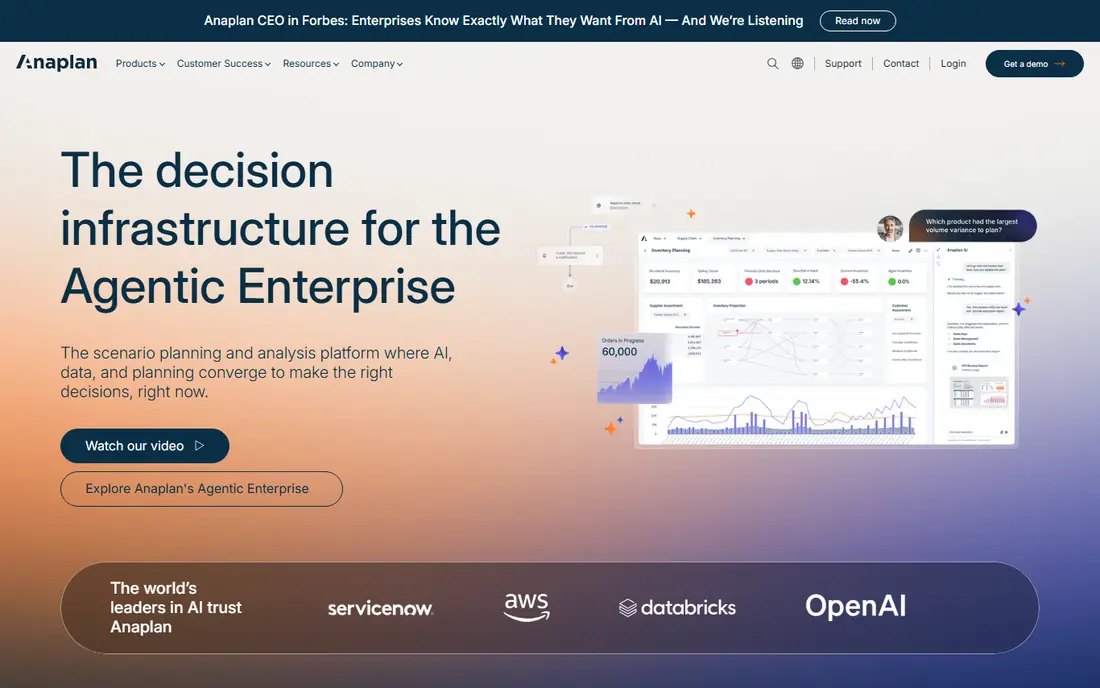
Anaplan is built for planning problems where sales, operations, and finance must work from the same numbers. Its multi dimensional model lets each function keep its own view while sharing core drivers, which helps when a sales forecast, a hiring plan, and a cash forecast must stay consistent. AI features support forecasting and anomaly checks inside that model.
The cost is scope and setup. Pricing is quoted, implementation can take months, and the platform rewards teams with a dedicated planning owner. Choose Anaplan when the model itself is complex and many teams depend on it, not when a single finance team just needs faster reporting.
- Multi dimensional modelling
- Connected plans across functions
- AI assisted forecasting
- Quoted pricing
- Implementation often needs a partner
- More than a small team needs

Datarails is the most direct fix for a finance team drowning in manual spreadsheet work. It connects ERP, CRM, HR, and banking data into a governed layer, then lets analysts build live reports, budgets, and forecasts in Excel. AI tools can draft variance summaries, run scenario checks, and answer questions against consolidated data.
The trade off is that you stay in Excel. Teams that want a standalone planning app with its own modelling interface may find that limiting. For teams that refuse to leave spreadsheets but need control, version history, and audit trails, Datarails is a strong pick.
- Keeps Excel as the interface
- Automates consolidation and reporting
- AI variance summaries
- Quoted pricing
- Implementation takes weeks
- Excel focus limits standalone modelling
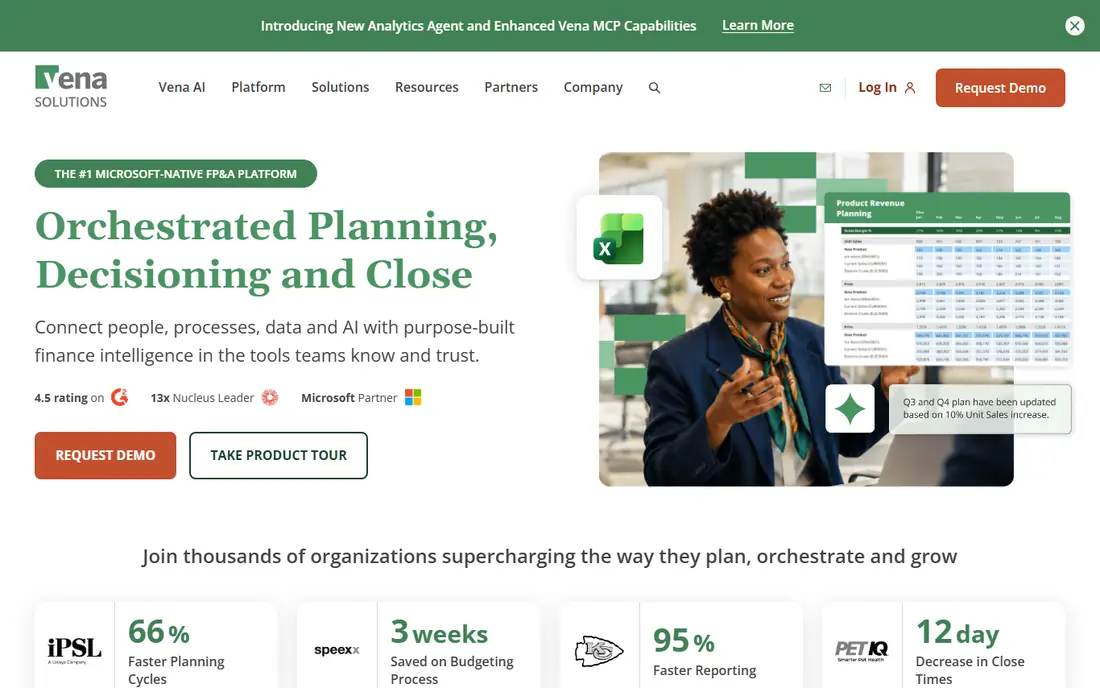
Vena offers a full planning platform that lives inside Excel, with budgeting, forecasting, workforce planning, and close workflows. Approvals and audit controls give finance leaders the governance that loose spreadsheets lack, while staff keep the interface they already know. That mix suits mid market and enterprise teams that need discipline without retraining everyone.
Vena is not a light purchase. Pricing is quoted, onboarding adds cost, and the platform needs an owner on the finance side. Buy Vena when your planning process needs enterprise control and your team will not leave Excel.
- Full planning in Excel
- Workflows and approvals
- Workforce and close support
- Quoted pricing
- Onboarding can be costly
- Needs finance systems ownership
Planful covers the end to end FP&A cycle for growing finance teams. Budgeting and forecasting sit next to close management and reporting, so a team can move from plan to actuals without exporting data between tools. AI features help surface trends and draft commentary for management reports.
It is a mid market platform, not a quick spreadsheet add on. Expect a rollout measured in weeks, with time spent on data connections and report design. Teams that complete that work get a single planning home that scales as headcount and entity count grow.
- Budgeting, forecasting, close, and reporting in one place
- AI assisted analysis
- Scalable structure
- Quoted pricing
- Setup takes time for a full rollout
Pigment is the modern alternative for teams that want AI native planning without the weight of an older enterprise suite. Models are built in a clean interface, scenarios can be tested quickly, and AI assistance helps with forecasting and analysis. Finance and operations teams can collaborate in the same model without waiting for a spreadsheet cycle.
Pigment is newer than the enterprise leaders, so very large, highly complex estates should test its limits with their hardest model during evaluation. For growing companies that want speed and a modern feel, it is one of the most appealing options on this list.
- Modern modelling interface
- AI assisted planning and scenario work
- Fast setup for its class
- Quoted pricing
- Newer vendor than Anaplan or OneStream
- Enterprise depth still growing
Cube suits lean finance teams that want governed planning without abandoning spreadsheets. It centralises data from source systems, adds version control, and lets analysts work in Excel or Google Sheets. That approach shortens the rollout compared with a full enterprise platform, and it keeps the learning curve low.
Complex multi entity modelling is not Cube's main strength. If your planning needs deep dimensional models across many functions, Anaplan or OneStream will fit better. If your main pain is manual consolidation and version chaos, Cube is a practical step up.
- Works with Excel and Google Sheets
- Centralised data and version control
- Faster rollout
- Quoted pricing on higher tiers
- Less depth than enterprise suites for complex models
Workday Adaptive Planning is the natural pick for organisations already running Workday for HR or finance. Planning, budgeting, and forecasting connect to workforce and financial data with less manual mapping, and AI features support driver based forecasting and scenario work. The interface is built for finance users, not only for model builders.
Outside a Workday estate, the case is weaker, since much of the value comes from shared data and processes. Pricing is quoted and rollouts can take months for a wide scope. Shortlist it first if Workday is already your system of record.
- Strong planning and forecasting
- AI assisted analysis
- Tight fit for Workday users
- Quoted pricing
- Best value inside a Workday estate
- Implementation can be long
Prophix serves mid market finance teams that need planning, reporting, and close support in one platform. It handles budgeting and forecasting alongside financial consolidation and reporting, which helps a team that still runs the close in spreadsheets. AI assistance supports analysis and commentary, rather than replacing finance judgement.
The interface is more traditional than the newest tools, and that may matter to a team that values a modern feel. For a mid market team that wants a proven, broad platform at a scale below Anaplan, Prophix remains a solid choice.
- Budgeting, forecasting, and reporting
- Close and consolidation support
- AI assisted analysis
- Quoted pricing
- Interface feels more traditional than Pigment or Cube
How we picked these
We compared official feature pages, pricing pages, and public documentation for FP&A platforms that are sold and working in October 2026 and that offer AI assisted forecasting, analysis, or reporting. We kept tools with budgeting, forecasting, and reporting as core functions, and we left out general business intelligence tools and pure accounting software. Where a vendor does not publish a price, we wrote See website rather than repeating a third party estimate as a vendor price.
What to check before you pay
Start with your data sources and your close calendar. List every system that must feed the plan, from ERP and CRM to HR and payroll, and ask how each connection works and how often data refreshes. A planning tool that needs weekly manual uploads will not fix a stale forecast, no matter how good its AI sounds.
Next, test AI output on your own numbers. Ask the tool to explain a real variance from last quarter, run a downside scenario, and draft a short commentary. Check whether the numbers tie back to source data and whether a finance reviewer can trace each claim. AI summaries save time only when a human can verify them fast.
Finally, price the full first year, including implementation, training, and the internal owner who will run the model. Enterprise tools can cost far more in services than in licences in year one. A smaller tool that goes live in weeks may beat a larger tool that is still being configured at year end.
Frequently asked questions
What is the best AI software for FP&A for a small finance team?
Cube and Datarails are strong starting points for smaller teams, since both keep spreadsheet workflows while adding governed data. Cube suits lean teams that want a fast rollout, while Datarails suits teams with heavier consolidation work. Test both with your real close data before you pick.
What are the best AI FP&A tools for enterprise planning?
Anaplan leads for connected, multi function planning at enterprise scale, and OneStream suits firms that want planning and close in one platform. Workday Adaptive Planning leads for Workday customers. All three need a serious implementation plan and a dedicated owner.
What is the best FP&A AI tool that keeps Excel?
Datarails and Vena both keep Excel as the interface. Datarails leans toward automated reporting and consolidation, while Vena leans toward full planning with workflows and approvals. Cube also works with Excel and Google Sheets for leaner teams.
Do AI FP&A tools replace finance analysts?
No. AI tools speed up data gathering, variance checks, and first drafts, but analysts still own assumptions, check outputs, and explain results to leaders. Treat AI as a faster draft and a second check, not as a decision maker. This is not financial advice, and forecasts always carry uncertainty.
How much does AI FP&A software cost?
Most platforms on this list use quoted pricing, so the total depends on users, entities, and scope. Light tools can run in the low thousands per month, mid market platforms often run higher, and enterprise platforms can reach six figures per year once implementation is added. Ask for a full first year figure in writing.
Sources
See where you really rank - block by block
ProMapRanker scans Google Maps across a grid of your service area. Simple monthly plans from $19, white-label on every plan.
Start freeKeep reading
 zscaler alternatives
Best Zscaler Alternatives in 2026
Looking for zscaler alternatives? We compare 9 SASE and zero trust platforms on architecture, data protection, pricing, and fit for your network and team.
Read → zapier alternatives free
Best Zapier Alternatives Free in 2026
Nine automation tools for zapier alternatives free in 2026, all with genuinely free tiers, plus free plan limits, starting prices and upgrade paths explained.
Read → which platform is best for online reputation
Which Platform Is Best for Online Reputation in 2026
Wondering which platform is best for online reputation? We compare 8 review, listing, and response tools for small and multi-location businesses and agencies.
Read →