 ProMapRanker
AI Software for Creating Videos


Editing video by editing its transcript · Pricing starts at: $16/month (premium plans start here)
Key takeaways
- The list opens with Descript, aimed at editing video by editing its transcript.
- Starting prices begin at $16/month with Descript.
- For turning scripts and blog posts into finished videos, Pictory is worth a look.
- Check the limits for Synthesia before you commit: creator tier is expensive for solo creators.
- Only 5 of the 7 tools have a free plan (Descript, Lumen5, Synthesia, HeyGen, InVideo), so check the caps.
Direct answer
Our first pick is Descript, best for editing video by editing its transcript. Look at Lumen5 for marketing teams repurposing content at scale, and at Synthesia for corporate training and onboarding videos with AI presenters. All 7 tools are compared below on price, free plan and limits.
Quick comparison
| Pick | Great for | Pricing starts at | Free tier | |
|---|---|---|---|---|
| Descript | Editing video by editing its transcript | $16/month (premium plans start here) | Yes | Visit |
 Lumen5 | Marketing teams repurposing content at scale | See website | Yes | Visit |
 Synthesia | Corporate training and onboarding videos with AI presenters | $89/month (Creator) | Yes | Visit |
 HeyGen | Quick avatar videos without the enterprise price tag | $29/month (Creator, or $24/month billed yearly) | Yes | Visit |
 Colossyan | Training videos with several AI presenters in conversation | See website | Free trial | Visit |
 InVideo | Template-driven social and promo videos | See website | Yes | Visit |
 Pictory | Turning scripts and blog posts into finished videos | $25/month (Starter) | Free trial | Visit |
Our 7 AI software for creating videos
Short on time? The summary and table above give the quick view of 7 AI software for creating videos, and the profiles that follow give the detail behind each entry.
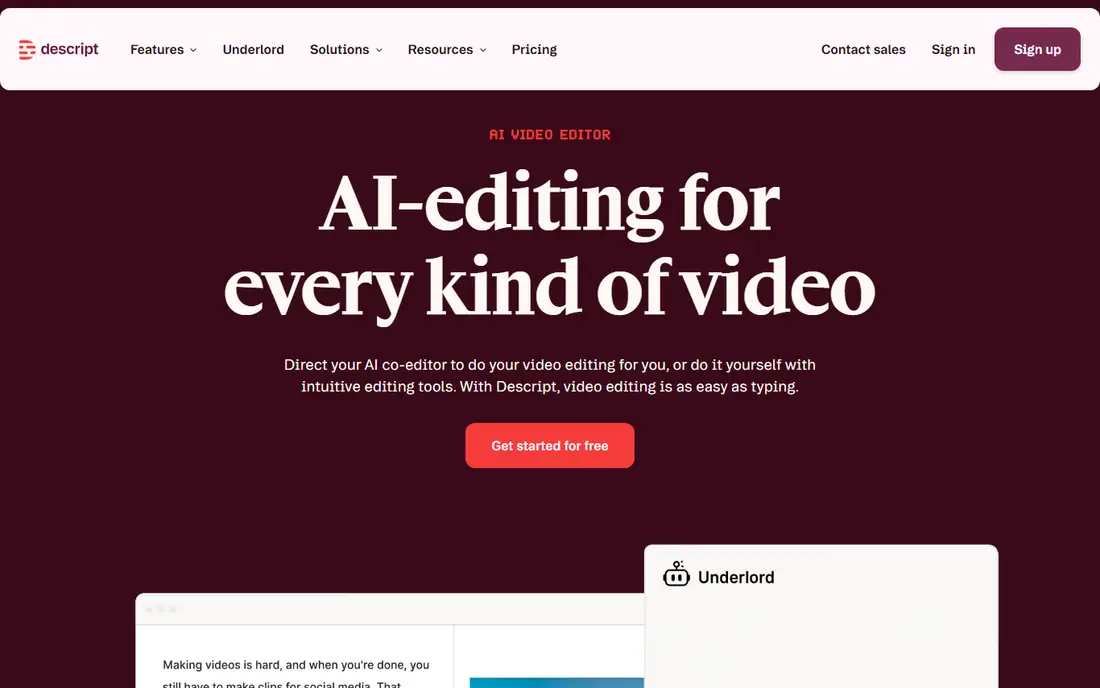
Descript was built for editing video by editing its transcript. Upload a recording and Descript transcribes it; then you edit by deleting sentences from the text, and the video cuts itself. Descript will not conjure a presenter or B-roll from a prompt.
But for talking-head YouTube videos, course lessons and podcast video, the transcript workflow cuts editing time so dramatically that plenty of creators never go back. In practice, Overdub clones your voice so you can fix a flubbed line by typing the correction. In practice, studio Sound removes room echo, and one click strips every "um" and "uh." premium plans start at $16 per month, and the free plan handles short projects. What you pay to start with Descript: $16/month. Descript includes a free tier.
Watch-outs: Ramp-up time for the transcript workflow; it edits footage you offer.
- Filler-word removal and Studio Sound
- Delete a word in the transcript and it vanishes from the video
- Not a video generator

Lumen5 works best for marketing teams repurposing content at scale. The template aesthetic is recognizable once you have seen a handful of Lumen5 videos.
Limits to weigh: Template look is recognizable.
It earns its place for teams that require brand control and collaboration more than they need the lowest price. Lumen5 does not show a starting price in this comparison, so check the vendor site for current pricing. Lumen5 offers a free plan.
- Purpose-built for content repurposing
- Brand kits keep every video on-style
- Costs more than simpler rivals for similar output
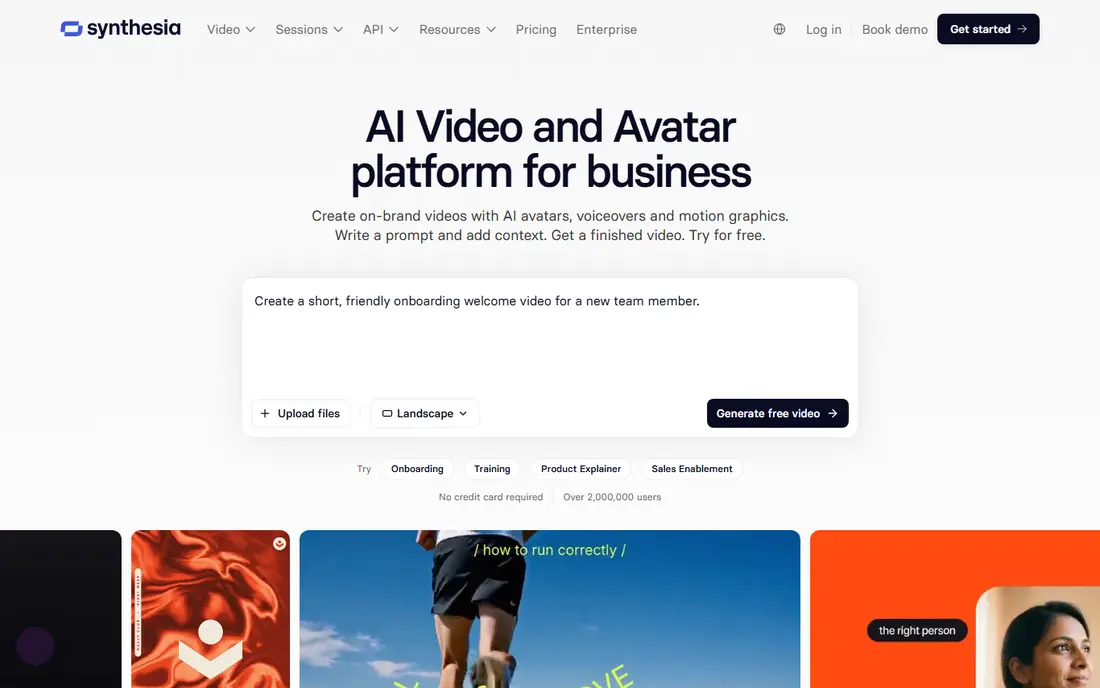
In short, Synthesia is for corporate training and onboarding videos with AI presenters. Picture this: your HR team needs forty onboarding videos in six languages, and hiring a film crew is out of the question. That is the exact job Synthesia was built for.
In daily use, you type or paste a script, pick one of the stock AI presenters (or build a custom avatar of a real employee), and get a studio-style talking-head video without a camera. On top of that, the lip sync and gestures are the most convincing in this category. The 140-plus language support means one script becomes a global training library in an afternoon. $89 per month is steep for a handful of videos, and no AI presenter matches a real human for warmth. The starting price for Synthesia: $89/month. Free access exists with Synthesia.
Points against: Avatars can feel stiff on emotional delivery.
- SSO and team workspaces on premium tiers
- 140+ languages and accents
- Creator level is expensive for solo creators
Think of HeyGen for quick avatar videos without the enterprise price tag. The Creator plan at $29 per month ($24 on annual billing) buys you an avatar presenter, voice cloning, auto-translate dubbing and templates for product explainers and social clips. A handful of features feel rushed at launch.
For everyday use, monthly credits cap how numerous minutes you can produce, and heavy users hit the ceiling rapidly. In daily use, generation times are short enough that you can iterate on a script three or four times in one sitting, which matters when a founder keeps rewriting the voiceover. Worth adding: where HeyGen displays its challenger status is polish and limits. Starting cost for HeyGen: $29/month. A free plan is available with HeyGen.
Watch-outs: Monthly credit caps limit output.
- Fast generation turnaround
- Lower entry price with annual billing
- Some newer features ship half-finished
Where Colossyan fits: training videos with several AI presenters in conversation. Colossyan's signature trick is conversation: two AI presenters in side view who take turns delivering a dialogue, which makes compliance scenarios and sales training feel less like a lecture. In daily use, setup is fast enough that an L&D team can publish its first course video the same day.
It is a narrower product than Synthesia. Auto-translation converts a finished video into dozens of languages whereas keeping the same presenters, and the templates are built around workplace learning scenarios. If you need a single presenter or marketing content, the larger products provide you more. Check the vendor site for Colossyan pricing; none is listed in this comparison. Free options: Free trial.
Downsides: Pricing needs contacting sales on higher levels.
- Side-view avatars that talk to each other
- Automatic translation into dozens of languages
- No free level, trial only
InVideo is designed for template-driven social and promo videos. For a social media manager who needs five short promos a week, the assembly-line workflow is hard to beat. The free plan lets you learn the editor before spending anything.
More specifically, the AI scene selection at times picks visuals that only loosely match your script, so plan on swapping clips. Beyond that, you start from one of thousands of templates sized for YouTube, Reels, TikTok or ads, then let the AI draft the script, pick visuals and create the voiceover. InVideo sits between the template libraries of old and the AI generators of now. InVideo shows no starting price here, so confirm the cost on the vendor site. You can start on InVideo without paying.
Honest limits: Free exports carry a watermark.
- Thousands of templates for every format
- AI script and voiceover generation
- AI-generated scenes vary in quality
Pictory makes the most sense for turning scripts and blog posts into finished videos. Paste a blog post URL or a script and Pictory builds scenes from stock footage, layers on an AI voiceover, captions everything and pulls out highlight clips for social. The trade-off is originality.
Stock footage is stock footage, and viewers can tell when a "custom" video is assembled from the same clips everyone else uses. There are no AI presenters, so talking-head content is out. On cost, Pictory starts like this: $25/month. Free access: Free trial.
Limits to weigh: Limited fine control over timing.
- Low $25 entry price
- Automatic captions and flags
- No AI presenters
What went into this list
We compared the tools on published pricing, free plan or trial availability, feature coverage for AI software for creating videos, and the limits each vendor documents. Plan names, prices and limits change often. Treat the figures here as a starting point and verify them with the vendor. The order reflects how well each tool fits the most common buying scenario for AI software for creating videos, then price clarity, then free plan access. It is a starting point, not a verdict.
What to confirm before you sign up
- Get a written quote from Lumen5, Colossyan and InVideo; the list shows no starting price for them.
- Check what the free option really includes: Descript, Lumen5, Synthesia and others offer a free plan, and usage caps differ.
- Run a trial of Colossyan and Pictory with real work before paying for a year; your own workflow is the best test.
- Before choosing Descript, weigh its main limit: not a video generator, it edits footage you offer.
- Ask HeyGen whether prices are locked for the first term and what happens at renewal.
- Involve the people who will use Pictory daily; a short pilot beats a long feature checklist.
Frequently asked questions
What is the cheapest option for AI software for creating videos in this list?
On published monthly entry prices, Descript is the lowest here at $16/month. Entry price is only part of the cost, because seats, add-ons and billing terms can change the total.
How are the tools for AI software for creating videos ordered?
The order follows typical fit for AI software for creating videos, with Descript first and Pictory last, then price clarity and free access. It is editorial judgement, not a score, so another team could rank the tools differently.
Can I try these tools before paying?
Often, yes. Descript, Lumen5, Synthesia and others have a free plan and Colossyan and Pictory offer a free trial. Use your own data and a real task during the test, and check what the free tier or trial limits before you rely on it.
Can AI avatars replace hiring actors?
For advertising and brand storytelling, most viewers still sense the artificiality, and a real human performs better. A typical setup is AI avatars for high-volume routine video and real shoots for flagship content.
Do these tools publish their prices?
Not all of them. Lumen5, Colossyan and InVideo publish no starting price, so expect a quote request for those. The rest, Descript included, show a starting price, though seats and billing terms still change the final cost.
Sources
See where you really rank - block by block
ProMapRanker scans Google Maps across a grid of your service area. Simple monthly plans from $19, white-label on every plan.
Start freeKeep reading
 zscaler alternatives
Best Zscaler Alternatives in 2026
Looking for zscaler alternatives? We compare 9 SASE and zero trust platforms on architecture, data protection, pricing, and fit for your network and team.
Read → zapier alternatives free
Best Zapier Alternatives Free in 2026
Nine automation tools for zapier alternatives free in 2026, all with genuinely free tiers, plus free plan limits, starting prices and upgrade paths explained.
Read → which platform is best for online reputation
Which Platform Is Best for Online Reputation in 2026
Wondering which platform is best for online reputation? We compare 8 review, listing, and response tools for small and multi-location businesses and agencies.
Read →