 ProMapRanker
Best AI Search Tools in 2026


Cited answers for everyday research · Pricing starts at: $20 per month
Key takeaways
- Perplexity is our pick for most people who want cited answers in one place, with a free tier and a $20 per month Pro plan.
- Kagi suits readers who want an ad-free search engine and are willing to pay $5 per month for a limited plan.
- Consensus and Elicit are better for research papers than for general web questions, so pick them when sources and study quality matter most.
- Free chat assistants can answer many everyday questions, but you should still open the cited source before you act on a factual claim.
Quick comparison
| Pick | Great for | Pricing starts at | Free tier | |
|---|---|---|---|---|
| Perplexity | Cited answers for everyday research | $20 per month | Yes | Visit |
 You.com | Search and chat side by side | See website | Yes | Visit |
 Brave Search | Private search without an account | Free | Yes | Visit |
 ChatGPT | Search inside a general assistant | Free | Yes | Visit |
 Google Gemini | Google users who search and work in one place | Free | Yes | Visit |
 Microsoft Copilot | Search inside Windows and Microsoft 365 | Free | Yes | Visit |
 Consensus | Evidence from published research | $20 per month | Yes | Visit |
 Kagi | Ad-free search for paying users | $5 per month | Free trial | Visit |
The best ai search tools
AI search tools try to answer a question directly instead of handing you ten blue links and leaving the work to you. The best ones show sources, separate facts from guesses, and let you follow up without starting over.
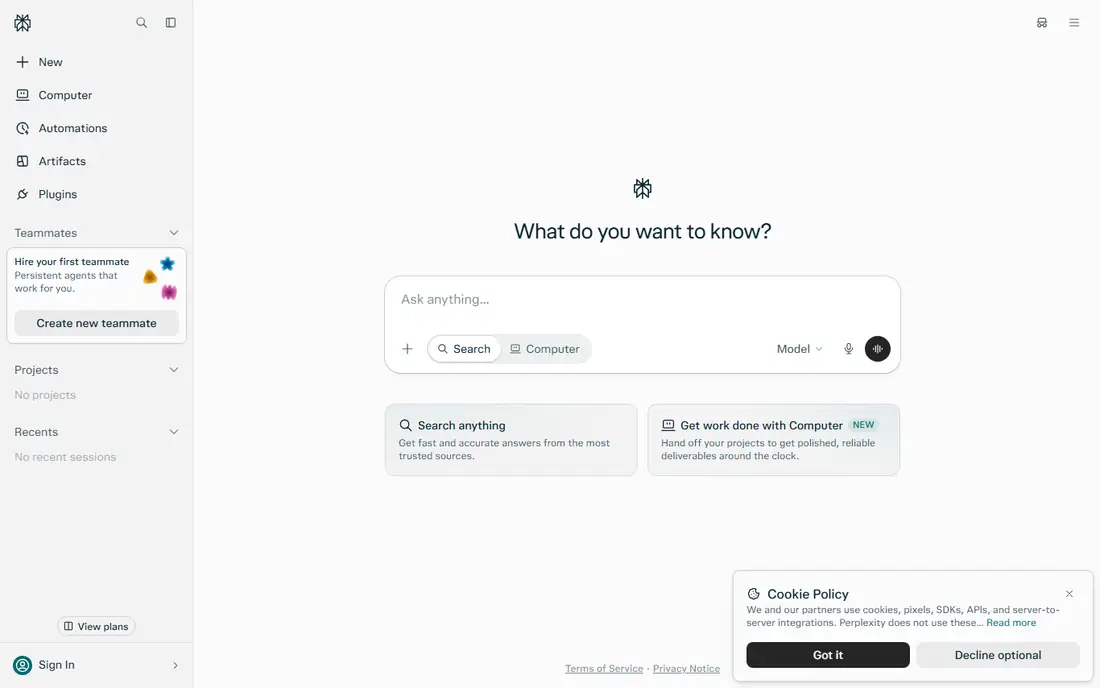
Perplexity feels closest to a search engine that also writes a short brief. You ask a question in plain language, and it returns an answer with links you can open and check. That habit of checking matters, because an answer can sound certain while resting on a thin source. We like it for product comparisons, current events, and questions where the date matters.
The free tier covers casual use, while Pro at $20 per month adds more Pro searches, deep research runs, and a choice of models. Students can sometimes get a lower education price with verification, so check that route before you pay full price. The main catch is scope: Perplexity is a research starting point, not a substitute for reading a primary document when money, health, or a legal choice is on the line.
- Clear citations on most answers
- Pro search and deep research options
- Works well for news, products, and comparisons
- Free use has daily limits on Pro searches
- Some answers still need source checks
- Paid plan is easy to outgrow for heavy research teams
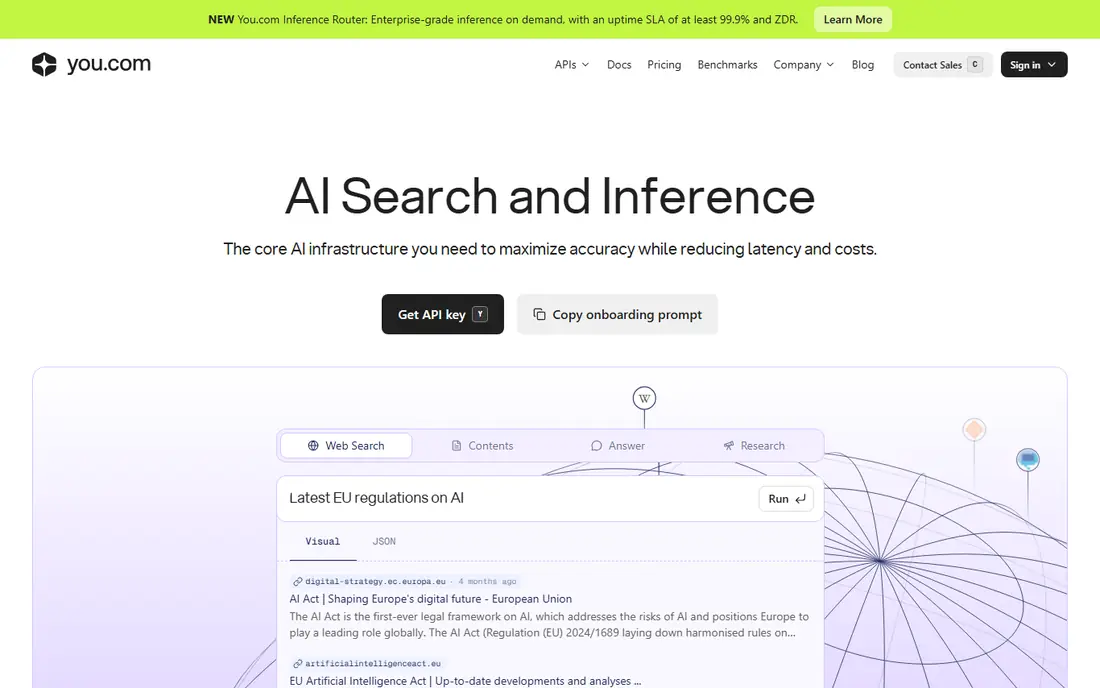
You.com keeps traditional results near its AI answers, which helps if you like to compare the two. You can start with a web search, ask a follow-up in chat, and then jump back to a source page. That back-and-forth suits shoppers and students who want both a summary and the original page. The free tier is a sensible way to test the layout before you commit.
Paid plans and developer products sit on separate pages, so confirm which plan you are buying before checkout. Some users will find the extra modes more noise than help, and a plain search engine may be faster for a single fact. Still, for open-ended questions with several angles, the combined view saves a few tabs.
- Mixes web results with AI answers
- Lets you switch between search modes
- Useful for quick follow-up questions
- Pricing and plan details change often
- Interface can feel busy
- Answer quality varies by topic

Brave Search is the quiet option in this list. It runs its own index, avoids tracking-based advertising in its core pitch, and lets you search without signing in. That makes it a good default for everyday lookups, news checks, and private browsing. You will not get the same long-form research reports as Perplexity, but you will get a clean results page.
Its AI answer feature, Ask Brave, sits on top of that index rather than replacing it. Use Brave when privacy and speed matter more than a written brief. If a question needs deep synthesis across many papers, pair it with a research tool from this list instead of forcing one tool to do everything.
- No account needed for basic search
- Privacy-first approach
- Independent search index
- AI answers are more limited than chat-first rivals
- Fewer built-in research tools
- Paid API pricing is separate from consumer search
ChatGPT works best when search is only the first step. You can ask for current information, then ask it to turn the findings into a comparison table, a draft email, or a study plan. That flexibility is why many people keep it open all day. The free plan covers light use, while Plus at $20 per month raises limits and adds more capable models.
Treat its web answers with the same caution as any AI summary. Open the cited pages for prices, dates, and statistics, and ask a sharper follow-up when two sources disagree. For pure search, a dedicated tool may be faster. For a question that turns into writing, planning, or coding, ChatGPT earns its place.
- Strong follow-up conversation
- Can draft, compare, and explain after searching
- Large free tier for casual use
- Search results and citations vary by plan and model
- Plus costs $20 per month
- Answers can be confident even when a source is weak
Gemini is the natural pick if your documents, email, and calendar already live with Google. You can ask a question, then move the answer into a Doc or check it against your own files on higher plans. Google AI Plus costs $4.99 per month and Google AI Pro costs $19.99 per month, based on October 2026 pricing reports, so check the current plan page before you subscribe. The free tier handles many short questions without payment.
The trade-off is control. Google Search AI features and Gemini do not always present sources in the same clean way as a research-first tool. Use Gemini for fast, practical answers and for work inside Google apps. Use a citation-first tool when you need to show your working to a boss, a teacher, or a client.
- Ties into Gmail, Docs, and Drive on paid plans
- Strong for everyday questions and summaries
- Free plan is widely available
- Best features sit behind Google AI plans
- AI Overviews can mix ads and organic results in Search
- Source transparency varies
Copilot is less a single website than a layer across Microsoft products. In a browser, it can search the web and summarise results. Inside Microsoft 365 apps, paid business plans add work data, documents, and meetings to the picture. That split matters: the free consumer version and the paid workplace version are different purchases, so read the plan name carefully.
For a home user or a small team already on Microsoft tools, the free version covers a lot of ground. It can explain a topic, draft a reply, and pull recent web facts into one view. For a research paper or a legal question, we would still cross-check with a source-first tool and the original document.
- Free web search through Bing and Copilot
- Handy inside Edge, Windows, and Office apps
- Good for quick summaries and drafts
- Business Copilot pricing is separate and complex
- Answers vary by app and sign-in state
- Less suited to deep academic research
Consensus answers a different question from the rest of this list: what does the published research say. It searches papers, pulls out findings, and links each claim to a study. That focus makes it valuable for students, clinicians in training, and anyone writing a report that needs evidence rather than opinion. The free tier lets you test how it handles your field before you pay.
Coverage is the limit. A new product, a local business, or a fast-moving news story will not have a body of papers behind it. Consensus also cannot replace clinical judgment, and health decisions still need a qualified professional. Use it to find and weigh studies, then read the papers that matter most.
- Searches peer-reviewed papers
- Shows study details behind claims
- Useful for health, science, and policy questions
- Pro costs $20 per month
- Not a general web search engine
- Some topics have thin paper coverage
Kagi asks you to pay for search instead of paying with attention and data. The Starter plan costs $5 per month for 300 searches, Professional costs $10 per month for unlimited searches, and Ultimate costs $25 per month with fuller AI research features. A trial of 100 searches lets you judge result quality before you subscribe. Fans like the clean page and the ability to shape results with lenses for programming, news, or academic sources.
The obvious catch is cost. Most people can search free elsewhere, so Kagi has to earn its fee every month. It does that best for heavy searchers who hate ads and sponsored clutter. Light searchers should stick with a free tool, and anyone buying mainly for AI should compare the Ultimate tier against Perplexity Pro first.
- No ads in results
- Custom lenses and personalisation
- Professional plan offers unlimited searches
- No permanent free plan
- Starter plan caps monthly searches
- AI features differ by tier
How we picked these
We compared official feature pages, pricing pages, and app listings, plus recent pricing reports from October 2026, and we kept only tools that exist and work now. We favoured tools that show sources, explain their limits, and serve a clear use case, from everyday search to paper-based research. We dropped tools with unclear ownership, dead homepages, or prices we could not trace to a vendor or a recent reliable report.
What to check before you pay
Start with the question you ask most. A cited-answer tool fits research and shopping. A general assistant fits questions that turn into writing or planning. A paper search tool fits academic work. Do not buy a research subscription for casual lookups, and do not rely on a free chat answer for a decision that needs a primary source.
Check citations, not confidence
Open at least two cited sources for any factual answer that affects money or safety. Look for the original publisher, the date, and the exact figure. If a tool gives no link, treat the answer as a lead, not a fact. A short extra check beats a polished paragraph that is wrong.
Match the plan to your volume
Free tiers suit occasional questions. Starter and Plus plans suit daily use. Annual billing can lower the monthly figure, but only if you will still use the tool in six months. Set a reminder before renewal, and cancel a plan that has become a second search box you never open.
Watch privacy and data use
Read the privacy page for any tool that will see your questions, files, or work documents. Free tiers sometimes allow broader data use for product improvement than paid plans. If you search about health, finances, or a client, choose a paid plan with clearer controls or keep those questions out of a general assistant.
Frequently asked questions
What is the best ai search tool for most people?
Perplexity is our pick for most people, because it pairs direct answers with citations and a usable free tier. ChatGPT or Gemini may suit you better if you want search plus writing and planning in one assistant. Try the free tier of each for a week of real questions before you pay.
What is the best ai search platform for research papers?
Consensus is built for papers, with study-level results and links to the source research. Elicit is another strong academic option, though we left it out of the ranked eight to keep this list focused on general and paper search tools you can compare directly. For a thesis or a literature review, use both a paper tool and your library database.
Is there a good best ai search app that is free?
Brave Search, ChatGPT, Gemini, and Copilot all offer free tiers for everyday search. Brave Search is the simplest free choice for private lookups. ChatGPT and Gemini add conversation and drafting, while Copilot adds Microsoft app integration. Free tiers usually cap heavy use, so expect limits on long research sessions.
What is the best ai search software for privacy?
Brave Search leads on privacy for everyday search, since it does not require an account and pitches itself as independent and tracking-light. Kagi is another privacy-minded choice, because you pay a subscription rather than seeing ads. Read each privacy policy, since AI features can send queries to model providers even when the search page itself is private.
Should I trust AI search answers without checking sources?
No. AI search can summarise well and still misread a date, a price, or a study result. Open the cited source for any claim you will repeat, spend money on, or use in work. That single habit is the difference between a useful assistant and a confident mistake.
Sources
See where you really rank - block by block
ProMapRanker scans Google Maps across a grid of your service area. Simple monthly plans from $19, white-label on every plan.
Start freeKeep reading
 zoho inventory alternatives
6 Alternatives to Zoho Inventory, Compared on Price and Fit
Zoho Inventory alternatives: 6 tools compared on price, free plans and fit. Katana leads the list for manufacturers. Fit and flaws are laid out for each entry.
Read → zoho crm alternatives
Best Zoho CRM Alternatives (2026)
Need Zoho CRM alternatives? We compare 7 tools on cost, free access and who each suits. Every pick gets a straight assessment. Built for quick decisions.
Read → zelle alternatives
Best Zelle Alternatives in 2026
Compare the best Zelle alternatives for sending money to friends, paying sellers and moving funds abroad, with honest notes on fees, speed and safety in 2026.
Read →