 ProMapRanker
Best AI Scraping Tools in 2026

Key takeaways
- AI scraping tools turn public web pages into structured data, but lawful use starts with permission, site terms, and robots rules.
- Apify suits ready-made collectors, while Firecrawl suits teams feeding clean data into AI and search pipelines.
- Octoparse and Browse AI suit non-developers, while ScraperAPI and ScrapingBee suit developers who want a simple API.
- Always check the terms of the site you collect from, and collect only data you have a right to use.
Quick comparison
| Pick | Great for | Pricing starts at | Free tier | |
|---|---|---|---|---|
 Apify | Ready-made collectors and scheduling | $49 per month | Yes | Visit |
 Firecrawl | Clean pages for AI pipelines | $16 per month | Yes | Visit |
 Octoparse | No-code visual extraction | See website | Yes | Visit |
 Browse AI | No-code monitoring and extraction | See website | Yes | Visit |
 ScraperAPI | Simple API for developers | $49 per month | Free trial | Visit |
 ScrapingBee | API fetching with rendering | $49 per month | Free trial | Visit |
 Zyte | Managed collection for teams | See website | Free trial | Visit |
 Bright Data | Large-scale managed collection | See website | Free trial | Visit |
The best AI scraping tools
We compared AI-assisted collection tools that help teams gather public web data lawfully, with respect for site terms, robots rules, and applicable law.

Apify is a platform for running collectors, called Actors, on a schedule, with storage and APIs built in. Before building anything, a team can check the marketplace for a ready-made collector for a common target, which saves weeks of work. Custom collectors can also be built and shared by developers.
The platform suits data teams that collect regularly and need reliable scheduling. Costs are usage-based on top of the plan, so set budgets and alerts early. Always confirm that your target allows collection, and keep your use within its terms.
- Large marketplace of ready-made collectors
- Scheduling and storage built in
- Strong API and integrations
- More technical than pure no-code tools
- Usage costs need monitoring
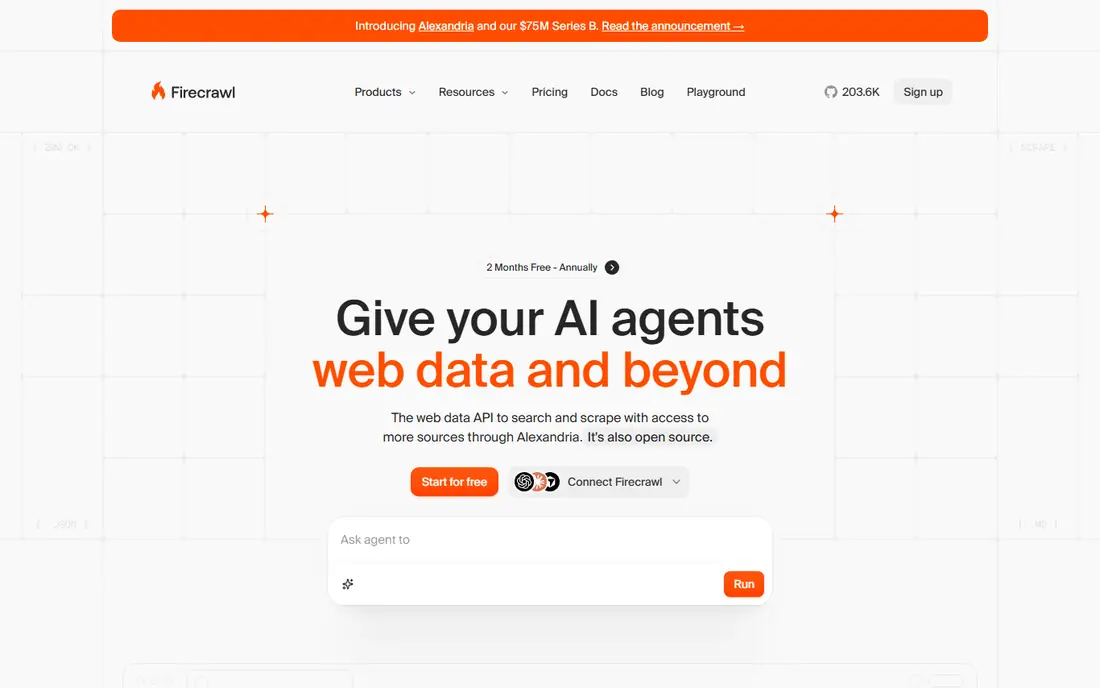
Firecrawl is built for teams that feed web pages into AI tools and search systems. It converts pages into clean Markdown or structured JSON, so models and indexes get tidy input instead of raw HTML. That focus makes it a practical choice for retrieval pipelines and research assistants.
Pricing is credit-based, and structured extraction costs more credits than a basic scrape. Start on the free tier with a small set of pages, and measure cost per page before scaling. As with every tool here, use it only on pages you are allowed to collect.
- Returns clean Markdown or structured data for AI use
- Simple API
- Crawling and extraction in one tool
- Credit costs rise with structured output
- Less visual tooling than no-code rivals
Octoparse lets non-developers build a collector by clicking the data they want on a page. Templates cover common targets, and exports feed spreadsheets and databases without code. That visual approach makes it a good first tool for operations teams and researchers.
Collectors need maintenance, since sites change layout and templates age. Budget time for checks after a target redesigns. Octoparse fits teams that collect from a stable set of public pages and want results without hiring a developer.
- Visual point-and-click setup
- Templates for common sites
- Cloud scheduling on paid plans
- Site changes can break collectors
- Desktop roots show on lower tiers
Browse AI combines extraction with monitoring, so a team can watch a public page for changes and get alerts when data moves. Train a robot by selecting data on a page, then schedule it to run and export rows. That monitoring angle suits price tracking, listings, and public data watchlists where lawful collection is permitted.
Credits are based on pages and rows, so large jobs can cost more than the headline plan suggests. Test on a small set first, and confirm that monitoring a given page fits its terms. For steady, small-scale jobs, it is easy to run.
- Point-and-click robots for extraction
- Change monitoring and alerts
- Spreadsheet-friendly output
- Credit model needs care at volume
- Complex pages may need tuning
ScraperAPI gives developers a simple way to fetch pages through an API call, with rendering for pages that load content with JavaScript. The appeal is simplicity: send a URL, get the page back, and parse it with your own code. That keeps control with the developer and avoids a heavy platform.
It does not build collectors visually or store results for you, so pair it with your own pipeline. It suits indie developers and small teams with a deadline and a clear, lawful target list. Respect rate guidance and robots rules for each site.
- Simple API with few parameters
- Rendering options for dynamic pages
- Predictable credit model
- No visual builder
- Developers must handle parsing and storage
ScrapingBee is a managed fetching API for developers who own their own parsing and storage. It returns rendered pages through a simple API, which helps with dynamic sites that need a browser to load content. Credit use is clear, with rendering options that cost more.
Like ScraperAPI, it is a fetching layer, not a full data platform. Teams that want scheduling, storage, and ready-made collectors should look at Apify instead. For a developer-owned pipeline with a lawful target list, ScrapingBee keeps the fetching step simple.
- Straightforward API credits
- JavaScript rendering
- Simple integration for developers
- Trial credits only, no recurring free tier
- Parsing stays with the developer
Zyte offers a managed collection API with extraction features for production teams. It fits organizations that collect at scale and need documentation, support, and data handling practices they can show to legal and security reviewers. AI-assisted extraction can turn pages into structured fields without hand-writing a parser for each layout.
The usage-based pricing needs careful estimation, since costs vary by site difficulty and mode. Start with a trial credit and a small target set, and review costs per thousand responses before committing. Confirm terms and permissions for each target before scaling.
- Managed API with extraction options
- Compliance-focused documentation
- Built for production pipelines
- Pricing is usage-based and can grow fast
- Setup suits technical teams
Bright Data is the large-scale option in this list, with ready-made collectors, datasets, and managed APIs for enterprise teams. Organizations that collect from many public sources on a schedule can centralize that work in one platform with support and compliance documentation.
Small teams will find it complex and costly. Start here only when volume, coverage, or enterprise requirements justify it. For smaller jobs, Apify or Firecrawl will be simpler and cheaper, and the same lawful-use rules still apply.
- Large set of ready-made collectors and datasets
- Enterprise scale
- Broad infrastructure options
- Enterprise pricing and complexity
- Overkill for small jobs
How we picked these
We compared official product pages, pricing pages, and public reviews, and we favored tools with current availability in October 2026 and a clear role in AI-assisted collection. We framed every tool around lawful collection only, respecting site terms, robots rules, and applicable law. We excluded tools marketed to evade blocks or to access restricted content, and we wrote See website where pricing could not be verified from the vendor page. We also favored tools with clear documentation on rate guidance and data handling, since a team needs to show how it collected data if a site owner or a client asks. A tool that hides its methods behind vague claims is a poor fit for a project that must stand up to review.
How to collect data lawfully
Check three things before you collect: the site terms, the robots file, and the law that applies to the data. Do not collect personal data without a lawful basis, and do not collect content you plan to republish without rights. Keep request rates modest, identify your collector honestly, and stop if a site owner asks you to.
Store only what you need, and keep a record of sources, dates, and permissions. That record helps your team answer questions later and keeps a project defensible. When in doubt, ask the site owner for permission or use an official API or dataset instead. Review your collector list each quarter, since site terms change and a page that was open last year may now require permission. Remove targets that changed their terms, and document each change so a new team member can see why a source was dropped.
Frequently asked questions
What is the best AI scraping tool for beginners?
Octoparse or Browse AI, since both use visual setup with no code. Apify is a good next step when you need scheduling, storage, and ready-made collectors.
What is the best AI scraping tool for developers?
Firecrawl suits AI pipelines that need clean Markdown or JSON, while ScraperAPI and ScrapingBee suit developers who want a simple fetching API and their own parsing code.
Is web scraping legal?
It depends on the site terms, robots rules, the type of data, and applicable law. Collect only public data you have a right to use, respect terms and robots guidance, and get legal advice for sensitive projects.
Do I need to respect robots.txt?
Yes, as a baseline. Robots rules express the site owner wishes for automated collection, and respecting them is part of lawful, good-faith collection. Some sites also offer an API that is a better path.
How much do AI scraping tools cost?
Entry plans range from free tiers to about 49 dollars a month, with usage-based costs on top. Estimate cost per page or per thousand records on your real target list before scaling.
Sources
See where you really rank - block by block
ProMapRanker scans Google Maps across a grid of your service area. Simple monthly plans from $19, white-label on every plan.
Start freeKeep reading
 zscaler alternatives
Best Zscaler Alternatives in 2026
Looking for zscaler alternatives? We compare 9 SASE and zero trust platforms on architecture, data protection, pricing, and fit for your network and team.
Read → zapier alternatives free
Best Zapier Alternatives Free in 2026
Nine automation tools for zapier alternatives free in 2026, all with genuinely free tiers, plus free plan limits, starting prices and upgrade paths explained.
Read → which platform is best for online reputation
Which Platform Is Best for Online Reputation in 2026
Wondering which platform is best for online reputation? We compare 8 review, listing, and response tools for small and multi-location businesses and agencies.
Read →