 ProMapRanker
Best AI Research Platforms for Data Analysts in 2026

Key takeaways
- Consensus and Elicit suit analysts who need answers grounded in peer reviewed papers, with Consensus faster for a claim and Elicit stronger for tables.
- Scite helps an analyst check how a paper has been cited, including supporting and contrasting evidence.
- ResearchRabbit, Connected Papers, and Semantic Scholar are strong low cost routes to discovery and citation maps.
- Julius AI and Perplexity suit analysts who work with their own datasets or need current web sources with citations.
- No AI research tool replaces checking the original paper, especially for a figure that will go into a report or decision.
Quick comparison
| Pick | Great for | Pricing starts at | Free tier | |
|---|---|---|---|---|
 Elicit | Structured literature extraction | See website | Yes | Visit |
 Consensus | Evidence answers from papers | See website | Yes | Visit |
 Scite | Citation context checking | See website | Free trial | Visit |
 ResearchRabbit | Citation network discovery | Free | Yes | Visit |
 Semantic Scholar | Free paper discovery | Free | Yes | Visit |
 Perplexity | Cited web and market research | $20 per month | Yes | Visit |
 NotebookLM | Synthesis from your own sources | Free | Yes | Visit |
 SciSpace | Paper reading and analysis | See website | Yes | Visit |
 Connected Papers | Visual citation graphs | $3 per month | Yes | Visit |
 Julius AI | Data analysis without heavy SQL | $20 per month | Yes | Visit |
The best ai research platforms for data analysts
We compared tools on source quality, citation handling, export options, and pricing, with a focus on work a data analyst actually does: checking a claim, gathering evidence, mapping a field, and analyzing a dataset. The list mixes literature tools and data analysis tools, because an analyst often needs both in the same project.
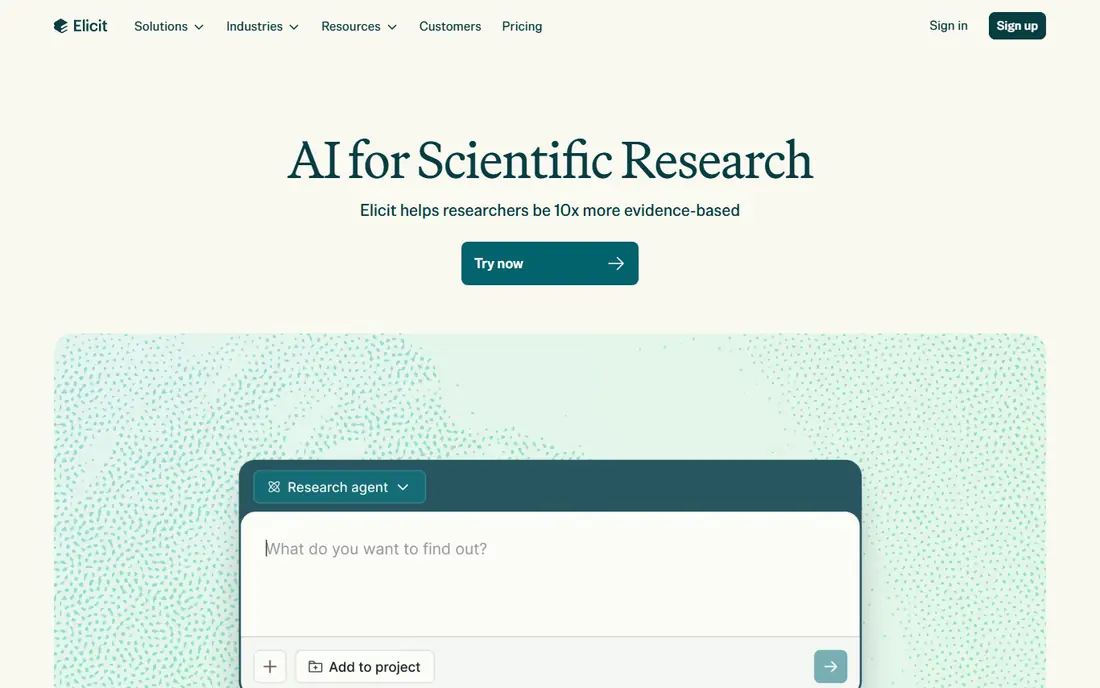
Elicit is the strongest pick when an analyst must turn many papers into a comparable table. You define columns for methods, sample size, outcome, or any other field, and Elicit fills a table from the papers you select. That structure saves hours compared with reading each paper and copying values by hand.
The risk is over trust. Extracted values can be wrong, especially for nuanced results, so every figure that matters should be checked against the original paper. Elicit also gets expensive on higher tiers, so a solo analyst should start on the free tier and upgrade only when a real project needs the extra capacity.
- Custom columns for systematic extraction
- Tables export to common formats
- Large paper index
- Paid tiers can be costly for a solo analyst
- Extraction still needs human checking
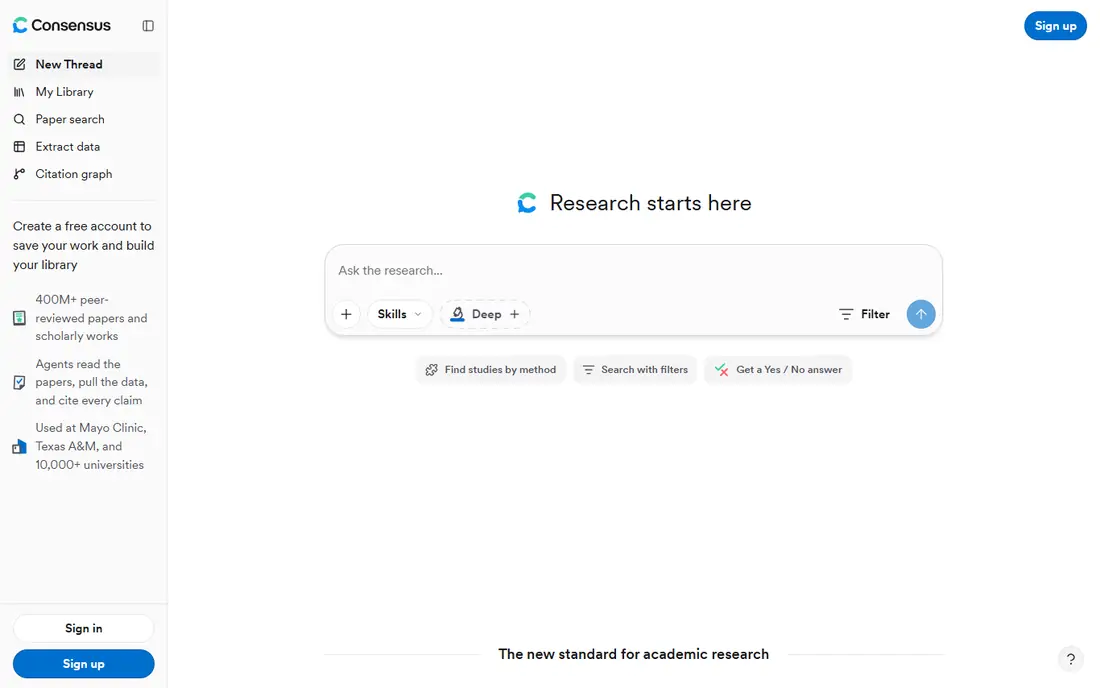
Consensus suits the first question in a project: what does the published evidence say about this claim. Ask in plain language, and it returns a synthesis with cited papers plus a meter that shows how much agreement the literature shows. That speed makes it useful for scoping a topic before a deeper review.
The limit is depth. Consensus gives a narrative answer, not a full extraction table, so an analyst who needs comparable numbers across studies will still need Elicit or a manual table. Treat its answer as a starting map, then open the top cited papers and check methods and sample sizes yourself.
- Fast synthesized answers from papers
- Consensus Meter shows agreement
- Free basic search
- Weaker for structured extraction than Elicit
- Answer quality depends on the papers found
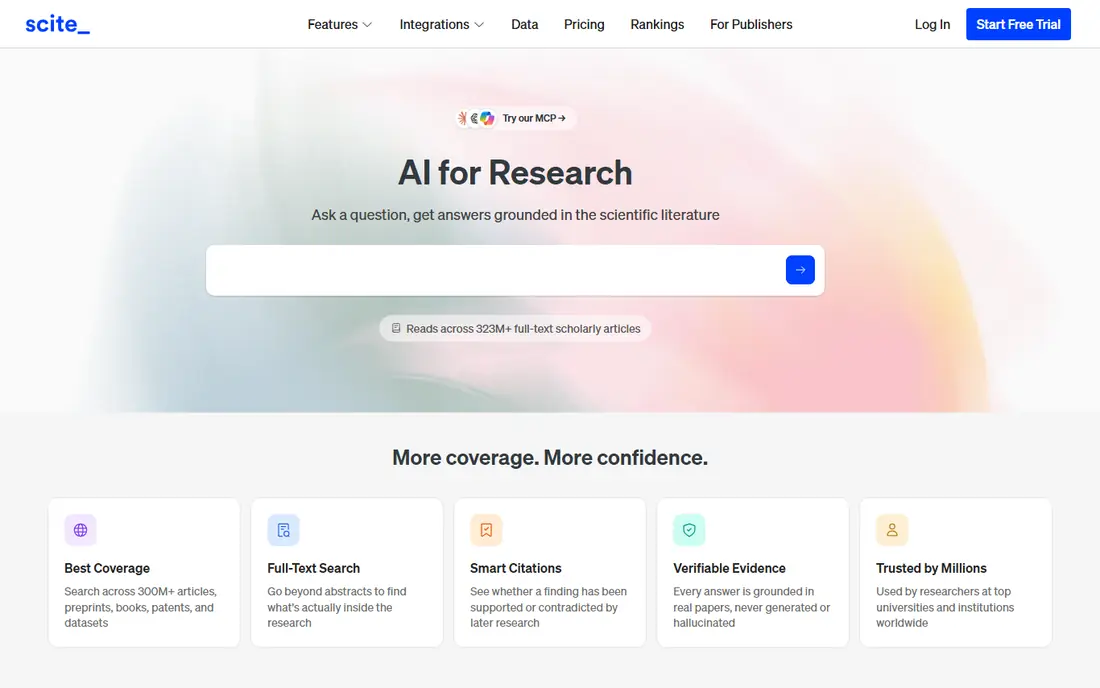
Scite answers a different question from Consensus: has this finding held up. By classifying how later papers cite a study, it surfaces supporting evidence and, more importantly, contrasting evidence that a simple citation count would hide. That makes it a good second check before an analyst quotes a famous result.
The trade-off is that Scite is a checking tool, not a writing tool. It will not draft a synthesis for you, and its full reports sit behind paid plans. Use it alongside a literature tool, and pay attention to contrasting citations, since a single strong refutation can change how a result should be presented.
- Classifies citations as supporting or contrasting
- Visual citation maps
- Reference manager export
- No narrative synthesis on its own
- Paid plans needed for full reports
ResearchRabbit is the best free way to map a field from a few seed papers. Add papers you already trust, and it suggests related work and shows how papers connect through citations. Alerts then keep you current without repeated manual searches.
The limit is that it finds papers; it does not judge them. An analyst must still read abstracts, check methods, and decide which papers belong in a review. For discovery on a zero budget, though, it is hard to beat, and it pairs well with Elicit or Consensus for the next step.
- Free discovery and recommendations
- Visual citation networks
- Alerts for new papers
- No AI synthesis of findings
- Recommendations depend on seed papers
Semantic Scholar is the free backbone behind several tools in this list, and it works well on its own. Search is fast, the index is large, and short TLDR summaries help an analyst triage a long result list. Author and venue pages also help when checking whether a result comes from a credible source.
The main gap is workflow. There are no custom extraction tables or team review features of the kind Elicit offers, so an analyst must build tables elsewhere. For discovery and quick triage, however, it is a reliable first stop, and its API also suits teams that want to build their own search.
- Free access to a large paper index
- TLDR summaries
- Author and venue pages
- No structured extraction tables
- AI summaries need checking
Perplexity suits an analyst who needs current market, company, or policy information with citations, not only academic papers. Ask a question, get an answer with sources, and follow up to narrow the result. That workflow fits market sizing, competitor checks, and news driven research.
The caution is source quality. Perplexity searches the web, so a cited page may be a blog, a press release, or a vendor page rather than a peer reviewed study. For an academic claim, switch to Consensus, Elicit, or Scite. For a current market question, check the cited page itself and note its date and author.
- Cited answers from current web sources
- Follow up questions
- Academic focus option
- Not limited to peer reviewed papers
- Web sources vary in quality
NotebookLM is the best pick when the research material is already in hand: reports, PDFs, notes, and datasets that you upload. Answers are grounded in those sources, with citations back to them, which makes it easier to trace a claim than with a general chatbot. Audio overviews also help when briefing a team.
The limit is scope. It cannot find papers you have not provided, so it does not replace discovery tools. It also inherits any errors in your sources, so a flawed report will still produce a confident sounding summary. Use it for synthesis, and keep a human check on any number that leaves the notebook.
- Answers grounded in sources you upload
- Audio overviews
- Free tier with limits
- Limited to your uploaded sources
- Output still needs fact checking
SciSpace helps an analyst who spends a lot of time inside individual papers. Upload or open a PDF, ask questions about methods or results, and get answers tied to the text. Review matrices also help when comparing several papers side by side.
The risk is the same as with every PDF copilot: an answer can sound precise while missing a caveat in the paper. Use SciSpace to speed reading, then confirm key figures in the original text before quoting them. The free tier is enough to test whether the workflow fits your reading habits.
- PDF copilot for questions about a paper
- Literature review matrices
- Large paper index
- Paid features needed for full use
- Copilot answers need verification
Connected Papers turns one good paper into a visual map of related work. Papers that cite similar sources cluster together, which helps an analyst see schools of thought, key authors, and gaps at a glance. A few free graphs a month are enough for occasional use.
The limit is that it is a single purpose tool. It will not extract data, synthesize findings, or check citation context. Use it at the start of a project to build a reading list, then move to Elicit, Consensus, or Scite for deeper work on the papers that matter.
- Clear visual graphs from one seed paper
- Free graphs each month
- Easy to spot related work
- One graph at a time
- No extraction or synthesis features
Julius AI belongs in this list because a data analyst often needs to analyze data, not only read about it. Upload a spreadsheet or data file, ask questions in plain language, and get charts and tables back. Repeatable workflows help when the same analysis must run on a new month of data.
The caution is accuracy. Julius can misread a column, mishandle a join, or produce a plausible but wrong chart, so every result should be checked against the source data and, where possible, reproduced in a spreadsheet or SQL. For quick exploration and charts, it is fast. For a final reported figure, verify it by a second method.
- Natural language analysis of datasets
- Charts and repeatable workflows
- Spreadsheet and file support
- Analysis still needs checking for errors
- Complex modeling needs a specialist tool
How we picked these
We compared official feature and pricing pages, paper index coverage, citation handling, and export options, and we favored tools with clear evidence of active use in October 2026. We kept tools that serve a distinct research job, from discovery to extraction to citation checking to data analysis, and we left out general chatbots with no citation or source grounding. Where a vendor price could not be verified on its own page at the time of writing, we wrote See website rather than guessing.
What to check before you choose
Start with the job, not the tool. A claim check needs Consensus or Scite, a systematic review needs Elicit, discovery needs ResearchRabbit or Semantic Scholar, and a dataset question needs Julius AI. Buying one tool for every job usually wastes money, while pairing two complementary tools often covers a full project.
Next, check citation and export quality. Open the cited paper, confirm the figure, and test whether tables export cleanly to CSV or a reference manager. Finally, set a verification rule for your team: no AI extracted figure goes into a client report or a decision document without a check against the original source. That single rule prevents most AI research errors.
Frequently asked questions
Can AI research tools replace reading papers?
No. They speed discovery, extraction, and triage, but they can misread methods, miss caveats, and cite a paper for a claim it does not support. Use them to find and organize papers, then read the methods and results of the papers that matter before quoting them.
Which tool is best for a systematic literature review?
Elicit is the strongest pick in this list for structured extraction, because custom columns turn many papers into a comparable table. Pair it with ResearchRabbit or Semantic Scholar for discovery, and with Scite to check whether key findings have been supported or challenged.
Is Perplexity good for academic research?
Perplexity is good for current web and market research with citations, but it is not limited to peer reviewed papers. For an academic claim, use Consensus, Elicit, Scite, or Semantic Scholar first, and use Perplexity for background, news, and market context that academic databases cover slowly.
How do I check whether a cited finding still holds?
Use Scite to see how later papers cite the study, and look for contrasting citations. Then read the contrasting paper itself, since a citation label alone does not tell you whether the challenge was about methods, sample, or interpretation. A single citation is never enough for a strong claim.
What should a data analyst verify before sharing AI output?
Verify the source, the figure, and the method. Open the original paper or dataset, confirm the number, and check whether the sample, date range, or definition matches your question. Note the tool and the date in your working notes, so a reviewer can trace the claim later.
Sources
See where you really rank - block by block
ProMapRanker scans Google Maps across a grid of your service area. Simple monthly plans from $19, white-label on every plan.
Start freeKeep reading
 zoro.to alternatives
Best Zoro.to Alternatives in 2026
We compare the best zoro.to alternatives in 2026, listing only legal licensed anime streaming services, from Crunchyroll to free options for fans today.
Read → zip alternatives
Best Zip Alternatives in 2026
We compare the best zip alternatives for buy now, pay later in 2026, covering pay-in-4 plans, fees, spending limits, and credit reporting options today.
Read → yesware alternatives
Best Yesware Alternatives in 2026
Compare the best yesware alternatives for sales email tracking, templates, and sequences, with current pricing and honest tradeoffs for small sales teams.
Read →