 ProMapRanker
Best AI Remodel App in 2026: 9 Apps Compared

Key takeaways
- Remodel AI and REimagineHome are the clearest photo-first choices for quick interior and exterior concepts.
- Planner 5D and Homestyler matter when you need to edit a layout, not just view a picture.
- Credit limits change the real cost, so check how many designs a plan includes before you pay.
- AI images are concepts, not construction plans, and structural work still needs a qualified professional.
Quick comparison
| Pick | Great for | Pricing starts at | Free tier | |
|---|---|---|---|---|
 Remodel AI | Quick photo remodels | $29 per month | Yes | Visit |
 HomeDesigns AI | Many styles and rooms | See website | Free trial | Visit |
 REimagineHome | Chat edits and product ideas | $19 per month | Yes | Visit |
 Planner 5D | Editable floor plans | $19.99 per month | Yes | Visit |
 Homestyler | Planning plus AI renders | See website | Yes | Visit |
 Interior AI | High-volume concepts | $49 per month | No | Visit |
 RoomGPT | One-off style tests | $9 one-time pack | Yes | Visit |
 Spacely AI | Iterative design variations | $25 per month | Free trial | Visit |
 IKEA Kreativ | Previewing real IKEA furniture | Free | Yes | Visit |
The best AI remodel apps
We compared photo remodel tools, planners, and furniture preview apps, with a focus on what you can actually do with the result.

Remodel AI suits a homeowner who wants to see a room or a house front in a new style before talking to a contractor. You upload a photo, pick a style, and get a concept image. That speed is the main appeal, and it works well for early brainstorming.
The limit is what the image cannot tell you. It will not confirm dimensions, costs, or whether a wall can move. Use it to narrow down styles and finishes, then take measurements and get professional advice for anything structural.
- Interior and exterior concepts from photos
- Simple photo workflow
- Useful for finish and style tests
- Results are images, not measured plans
- Paid plan needed for regular use
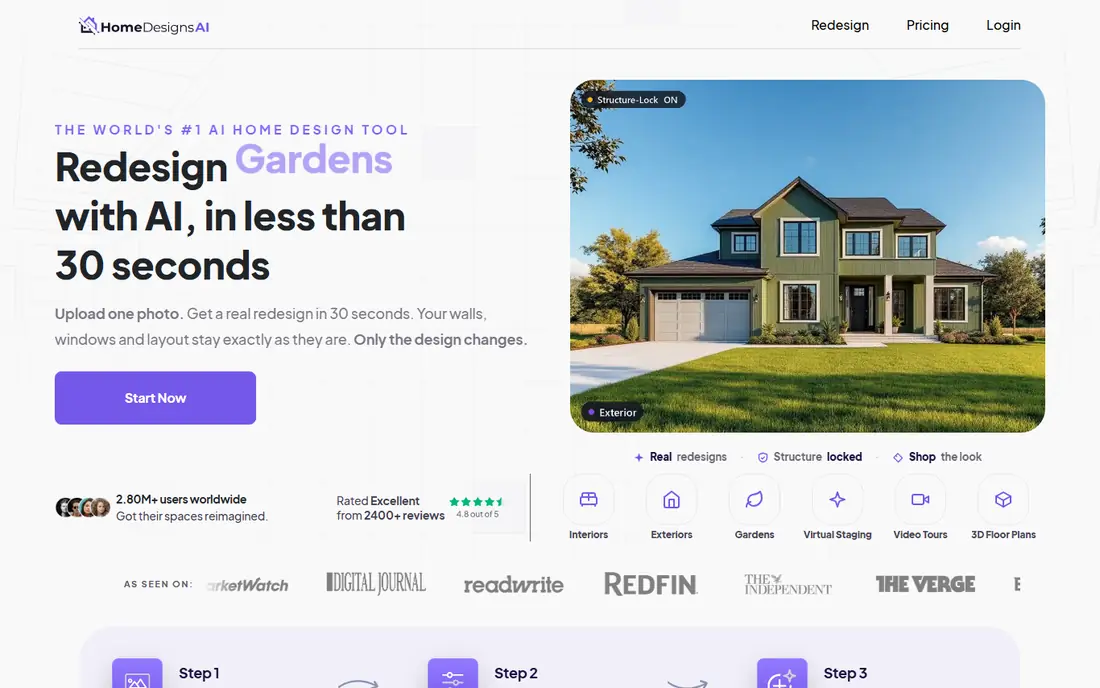
HomeDesigns AI is a good fit when one project touches several spaces. A kitchen, a bedroom, an exterior, and a garden can all be tested in the same account, which helps keep the style consistent across a home.
Check the trial terms before you start, since payment details may be required. Also compare credit allowances across plans, because a low monthly price means less if it only covers a small number of designs.
- Covers interiors, exteriors, and gardens
- Wide style range
- Useful for whole-home ideas
- Pricing and plan details vary by offer
- Some tools need add-ons
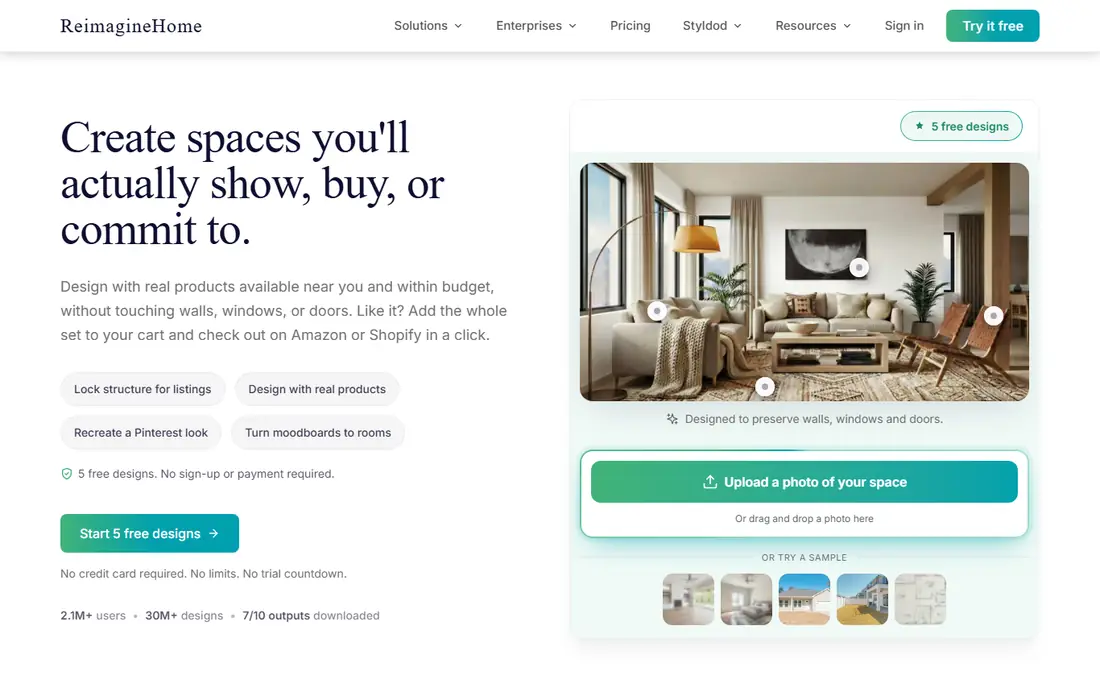
REimagineHome stands out for people who want to refine an idea in words rather than start over each time. You can ask for changes and keep working on the same room, which feels closer to a design conversation than a single image generator.
The free starter designs are enough to test the style. If you want shoppable product suggestions, check which plan includes them, since that feature is not on every tier.
- Conversational edits
- Product-linked ideas on higher plans
- Free starter designs
- Chat and real product features sit on higher tiers
- Credits limit heavy use
Planner 5D is our pick when placement matters more than a pretty picture. You can draw a room, move walls and furniture, and check whether a larger sofa or a new layout actually fits. That practical test is something a photo concept cannot give you.
The free plan includes unlimited projects with part of the catalog, which is generous for a first layout. Paid plans open the full catalog, floor-plan recognition, and better renders.
- Editable 2D and 3D layouts
- Large furniture catalog
- Works on web and mobile
- Takes more setup than a photo tool
- Best renders sit on higher tiers
Homestyler bridges the gap between a planner and a photo tool. You can build a room layout and then generate rendered views of it, which helps when you need both a plan and a visual to show a partner or contractor.
Start on the free tier to learn the planner. If you need many AI images or sharper renders, compare the paid tiers by render count and resolution, not just the monthly price.
- Combines floor planning with AI rendering
- Free basic renders
- Web and mobile access
- AI credit limits apply
- Higher-resolution renders cost extra on some plans
Interior AI fits designers, agents, and landlords who need many concepts in a short time. The interface stays simple, and the paid plans include large numbers of designs, which suits staging and listing work.
For a single room at home, the monthly price is harder to justify. Try a smaller credit tool first if you only need a handful of ideas for your own house.
- Fast photorealistic restyles
- High design counts on paid plans
- Simple interface
- No ongoing free plan
- Cost rises quickly for occasional users
RoomGPT is the low-commitment option. You can test a style on one room without signing up for a monthly plan, which is ideal if you are curious but not ready to remodel yet.
The trade-off is depth. You get style ideas, not a plan you can edit or measure. For a real project, pair it with a planner such as Planner 5D.
- Simple and fast
- No subscription required
- Low cost for occasional use
- No editable floor plan
- Credit cost varies by image type
Spacely AI works well when you want to iterate. Instead of accepting the first result, you can adjust details and generate variations until the direction feels right. That makes it useful for professionals presenting options to a client.
Watch the credit math. Different generations cost different amounts, so a plan that looks generous on paper may cover fewer finished images than you expect.
- Targeted edits and variations
- Trial credits with no card
- Useful for design teams
- Credit cost varies by generation
- Exports are limited on trial
IKEA Kreativ answers a different question from the rest of this list: will this actual sofa or storage unit look right in my room. Because it uses real products, the result leads directly to a purchase decision.
It will not redesign a kitchen layout or suggest other brands. Use it alongside a remodel tool when furniture choice is the main decision, not structural change.
- Free to use
- Shows real IKEA products in your room
- Practical for buying decisions
- Limited to the IKEA catalog
- Not a full remodel planner
How we picked these
We compared official feature pages, pricing pages, and app store listings, plus public comparison coverage from October 2026. We kept tools that still work as photo remodel or planning apps, that cover interiors or exteriors, and that state their pricing or trial terms clearly enough to judge. We left out tools that only generate unrelated images or that no longer offer a working product.
We also weighed how easy each result is to share and act on. A concept that looks good on a phone screen is less useful if you cannot print it, send it to a contractor, or compare it with a measured plan. Tools that let you save, export, and revisit designs scored higher than tools that only show a one-time image. We also checked whether pricing was stated on the vendor site or only in third-party comparisons, and we used See website where vendor pages and secondary sources disagreed. That approach keeps the prices honest, even when it means less detail in a table row.
What to check before you pay
Start with the output you need. If you need a picture for inspiration, a credit-based photo tool is enough. If you need to test fit, choose a planner and enter real measurements. If you need to buy furniture, a catalog preview tool will save more time than a generic image generator.
Check three details on any paid plan: how many designs or credits are included, whether exports carry a watermark, and whether commercial use is allowed if you are an agent or designer. Monthly credits often expire, so a large plan only helps if you will use it within the month. For structural, electrical, or plumbing changes, show the concept to a licensed professional and get a proper quote. An AI image is not a permit, a plan, or a cost estimate.
One more practical step helps: save two or three favorite concepts for each room, not twenty. A short list makes it easier to compare styles, discuss them with a partner or contractor, and spot the direction you keep returning to. Delete the rest, and keep notes on what you liked in each saved image, such as the wall color, the cabinet style, or the floor material. Those notes turn a pile of pictures into a brief a professional can actually use.
Frequently asked questions
What is the best ai remodel app for most homeowners?
Remodel AI or REimagineHome are strong starting points for quick photo concepts, while Planner 5D is better if you need an editable layout. Try the free designs first and pick based on whether you need pictures, plans, or both.
Is there a best remodel ai app that is free?
IKEA Kreativ is free for previewing IKEA furniture, and several photo tools offer a small number of free designs. A free tier is usually a trial, not unlimited rendering, so expect to pay for regular use.
Can an AI remodel app replace an architect or contractor?
No. These tools help you explore styles and layouts, but they do not check structure, codes, permits, or costs. Use them for ideas, then work with qualified professionals for real building work.
Do AI remodel results show real prices?
No, most tools do not give reliable local prices for materials or labor. Treat any cost hint as a rough guide only and get written quotes from local contractors.
Can I use these tools for exteriors as well as interiors?
Yes, several tools on this list cover exteriors and gardens, including Remodel AI and HomeDesigns AI. Check the tool before you pay, since some focus mainly on interior rooms.
How long does an AI remodel concept take?
Usually only a few minutes per image once you upload a photo and pick a style. The longer work is comparing options, checking measurements, and getting contractor quotes, so allow days or weeks for the real project, not minutes.
Sources
See where you really rank - block by block
ProMapRanker scans Google Maps across a grid of your service area. Simple monthly plans from $19, white-label on every plan.
Start freeKeep reading
 zscaler alternatives
Best Zscaler Alternatives in 2026
Looking for zscaler alternatives? We compare 9 SASE and zero trust platforms on architecture, data protection, pricing, and fit for your network and team.
Read → zapier alternatives free
Best Zapier Alternatives Free in 2026
Nine automation tools for zapier alternatives free in 2026, all with genuinely free tiers, plus free plan limits, starting prices and upgrade paths explained.
Read → which platform is best for online reputation
Which Platform Is Best for Online Reputation in 2026
Wondering which platform is best for online reputation? We compare 8 review, listing, and response tools for small and multi-location businesses and agencies.
Read →