 ProMapRanker
6 AI Prototyping Tools, Compared by Cost and Features

Direct answer
v0 comes first here, mainly for React UI generation. Alternatives: Uizard for Sketch and text to wireframes, and Bolt for in browser rapid builds. The remaining 3 options are covered below with prices and limits.
Key takeaways
- Number one here is v0, a fit for React UI generation.
- Starting prices begin at $12 per month with Uizard.
- Relume fits sitemaps and site prototypes.
- Only 4 of the 6 tools have a free plan (v0, Uizard, Bolt, Relume), so check the caps.
Quick comparison
| Pick | Great for | Pricing starts at | Free tier | |
|---|---|---|---|---|
 v0 | React UI generation | Free | Yes | Visit |
 Uizard | Sketch and text to wireframes | $12 a month | Yes | Visit |
 Bolt | In browser rapid builds | Free | Yes | Visit |
 Google Stitch | Free UI design exploration | Free | No | Visit |
 Figma Make | Figma native prototyping | $16 a month | No | Visit |
 Relume | Sitemaps and site prototypes | $18 a month | Yes | Visit |
Tool-by-tool breakdown
If you are comparing AI prototyping tools, this page covers 6 tools in one place: what each is best for, what it costs to start, whether it has a free plan, and the main limit to know about.
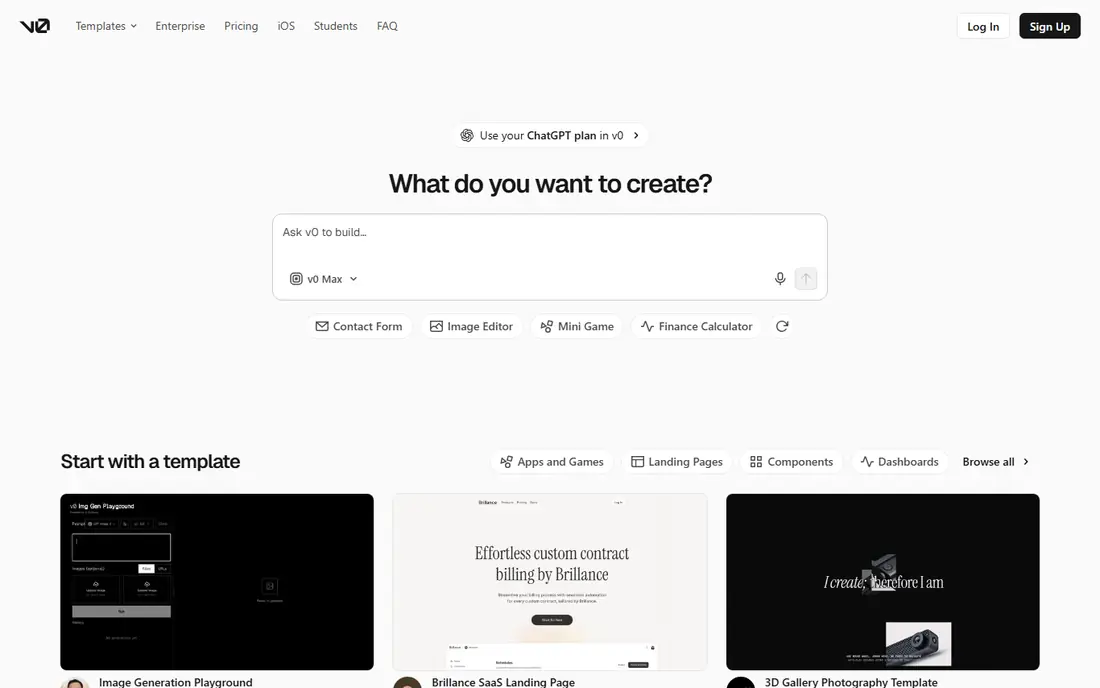
For React UI generation, v0 is a natural candidate.
Where it shines: is the interface specialist: describe or import a design and it produces refined React and Next.js components in the shadcn and Tailwind style, with a design mode for visual edits and direct deployment to Vercel. The free level bundles about 5 dollars in monthly credits and a daily message allowance, Plus at 30 dollars per user per month is the current entry premium plan for individuals. Developers rate its output quality and code cleanliness at the top of this list.
Honest limits: a second line item to budget.
v0 cost at the entry level: Free. You can start on v0 without paying.
- From Vercel
- V0
- It builds front ends only: no database, authentication, or backend, which you integrate yourself or pair with another service. Credit burn relies on the model you select, so flagship models make iteration costly. Hosting on Vercel is billed separately beyond its free hobby level
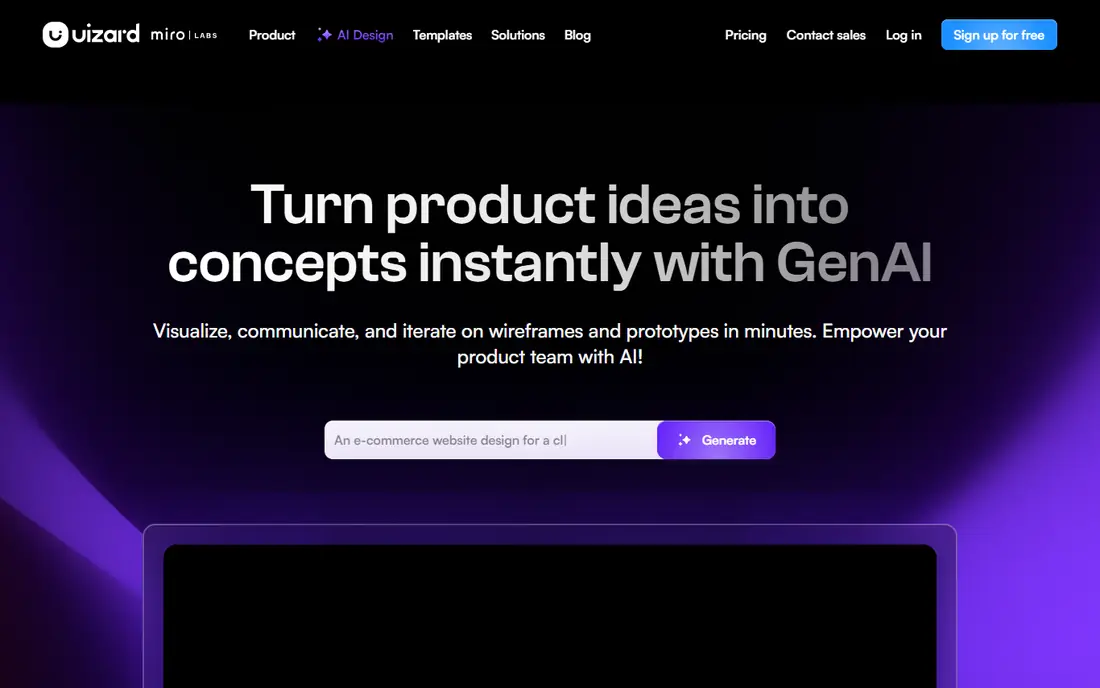
Uizard is built with Sketch and text to wireframes in mind.
Points against: Its outputs are wireframe to mid fidelity: final visual design still happens in a real design tool. AI generations on the free level run out in a single enthusiastic afternoon. Inside Miro's ownership.
Starting cost for Uizard: $12 per month. A free plan is available with Uizard.
- Pro at 12 dollars a month billed yearly opens the full generator. Product managers use it to make ideas discussable before a designer touches them
- Or a hand drawn sketch photograph into editable wireframes and mockups, with templates for apps and sites and handoff friendly exports. The free level includes two projects with a handful of AI generations per month
- Packaging and plan details have been shifting, so confirm the current level contents before an annual commitment
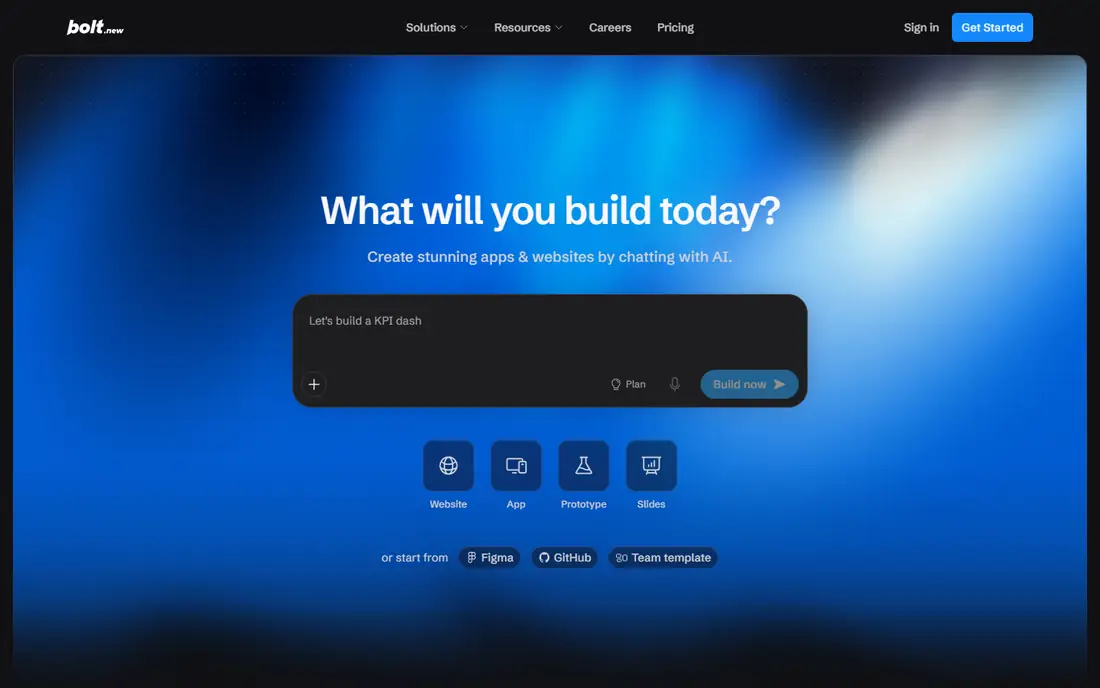
Bolt is built with in browser rapid builds in mind.
Where it shines: Figma frames can be imported as a starting point; watch it build and run, edit, deploy, with support for several frameworks and even native mobile through Expo. Its free level contains one million tokens per month.
The main drawbacks: Token consumption scales with project size and iteration count, where the model loses track of earlier decisions. As with Lovable.
The starting price for Bolt: Free. A free plan is available with Bolt.
- Bolt
- Pro at 25 dollars per month
- The output is a fast draft: production use demands code review, testing
Google Stitch was built for free UI design exploration.
Upsides: Stitch is Google's free experiment in AI UI design: describe an app or site and it produces screens and flows you can paste into Figma as editable designs or export as front end code; nothing else here is free at this quality. It is a genuinely handy front end to the design process even for teams who finish work elsewhere.
Where it falls short: the code first tools.
Entry price for Google Stitch: Free. Google Stitch has no free tier.
- At no cost within its daily Labs limits. For exploration
- Three layout directions before lunch
- Free here means a Labs product: limits apply, terms can change, which is why the free plan column reads no despite zero cost. Output fidelity for complicated flows still needs a designer's hand. It designs interfaces instead of building working back ends, so it pairs with, rather than replaces
Choose Figma Make for Figma native prototyping.
Where it is weaker: engineering teams should expect to rebuild or heavily review it. Credit allowances are shared across Figma's AI features, so heavy AI use elsewhere in Figma eats the same budget; not a production handoff.
Starting cost for Figma Make: $16 per month. There is no free plan with Figma Make.
- Results can be copied back as editable layers, which keeps design and prototype in one conversation. It is bundled with Figma premium plans: a Professional Full seat at 16 dollars per editor per month billed yearly bundles Make with a monthly AI credit allowance
- Currently listed around 3,000 credits on Professional. For design led teams
- Starter users get only restricted trial credits in drafts, so there is no real free level. Generated code is a prototyping output
Relume is built with sitemaps and site prototypes in mind.
On cost, Relume starts like this: $18 per month. You can start on Relume without paying.
What Relume does well: Starter runs from 18 dollars per month. Agencies use it to cut days from site kickoffs and align clients on structure before visuals.
- Relume starts a website where websites should start: describe the business and it creates a sitemap and wireframes built from its large component library
- Or React, so a marketing site prototype arrives structured instead of as disconnected screens. A free level spans a small project
- It is a website tool: app interfaces and product flows are outside its centre of gravity. The component driven look can feel generic until a designer layers brand and custom sections over it. Full export destinations and project counts sit in the premium tiers, so the free plan is an evaluation, not a workflow
How we built this list
For each of the 6 tools we noted price, free plan or trial, fit for AI prototyping tools and the main limit, using vendor pages and documentation. Where a vendor does not publish a price, the entry says quote. Where a price depends on seats or billing term, the entry says so. Order on the page follows fit for the typical buyer first, then price transparency and free access. Your own requirements should decide the final pick.
A buyer's checklist
- Prices are a starting point; Uizard shows $12 per month to start, so verify what your seat count would cost.
- Look at free plan limits closely: v0, Uizard, Bolt and Relume have one, and the caps decide whether it is usable for real work.
- Ask the daily users to test Bolt on a live task before you roll it out to everyone.
- Find out what support v0 includes on your plan, and whether onboarding help costs extra.
- List the apps you already depend on and check that Google Stitch supports each one on the plan you would buy.
Frequently asked questions
How are the tools for AI prototyping tools ordered?
The order follows typical fit for AI prototyping tools, with v0 first and Relume last, then price clarity and free access. It is editorial judgement, not a score, so another team could rank the tools differently.
Which options for AI prototyping tools have a free plan?
On this list, v0, Uizard, Bolt and Relume include a free plan. Caps on seats, usage or features are common, so test the free plan against your real workload.
What is the cheapest option for AI prototyping tools in this list?
On published monthly entry prices, Uizard is the lowest here at $12 per month. Entry price is only part of the cost, because seats, add-ons and billing terms can change the total.
Is v0 the right pick for everyone comparing AI prototyping tools?
No single tool suits every team. v0 comes first because it fits React UI generation, while Uizard suits Sketch and text to wireframes and Bolt suits in browser rapid builds. Match the tool to your own size, budget and workflow before deciding.
Is the code these tools produce safe to ship?
Generated authentication, payments, and data handling need professional review before real users or real data are involved. Numerous teams ship marketing surfaces from these tools and rebuild transactional systems properly.
Sources
See where you really rank - block by block
ProMapRanker scans Google Maps across a grid of your service area. Simple monthly plans from $19, white-label on every plan.
Start freeKeep reading
 zoho inventory alternatives
6 Alternatives to Zoho Inventory, Compared on Price and Fit
Zoho Inventory alternatives: 6 tools compared on price, free plans and fit. Katana leads the list for manufacturers. Fit and flaws are laid out for each entry.
Read → zoho crm alternatives
Best Zoho CRM Alternatives (2026)
Need Zoho CRM alternatives? We compare 7 tools on cost, free access and who each suits. Every pick gets a straight assessment. Built for quick decisions.
Read → zelle alternatives
Best Zelle Alternatives in 2026
Compare the best Zelle alternatives for sending money to friends, paying sellers and moving funds abroad, with honest notes on fees, speed and safety in 2026.
Read →