 ProMapRanker
Best AI-Powered Video Editing Tools in 2026

Key takeaways
- Descript is our pick for spoken-word video, because transcript editing makes cuts and cleanup fast.
- CapCut and VEED suit short social video, while Runway suits generated clips and visual experiments.
- Credit limits matter more than headline prices, so check how many minutes or generations a plan really covers.
- Use only your own footage or licensed material, and do not create a realistic video of a real person without that person's clear consent.
Quick comparison
| Pick | Great for | Pricing starts at | Free tier | |
|---|---|---|---|---|
 Descript | Podcast and talking-head editing | $16 per month | Yes | Visit |
 CapCut | Fast short-form social video | Free | Yes | Visit |
 Runway | AI-generated video and visual effects | $15 per month | Yes | Visit |
 Filmora | Beginners who want a desktop editor | $49.99 per year | Yes | Visit |
 Pictory | Turning articles and scripts into video | $25 per month | Free trial | Visit |
 Synthesia | Avatar-led training and explainer video | $18 per month | Yes | Visit |
 Opus Clip | Cutting long video into short clips | $15 per month | Yes | Visit |
 VEED | Browser editing with strong subtitles | $12 per month | Yes | Visit |
 InVideo | Prompt-based marketing and social video | $20 per month | Yes | Visit |
The best AI-powered video editing tools
We compared tools that edit real footage, generate new clips, or turn a script into a finished video. Our list mixes desktop editors, browser editors, and clip tools, so you can match the tool to the job rather than paying for features you will not use.
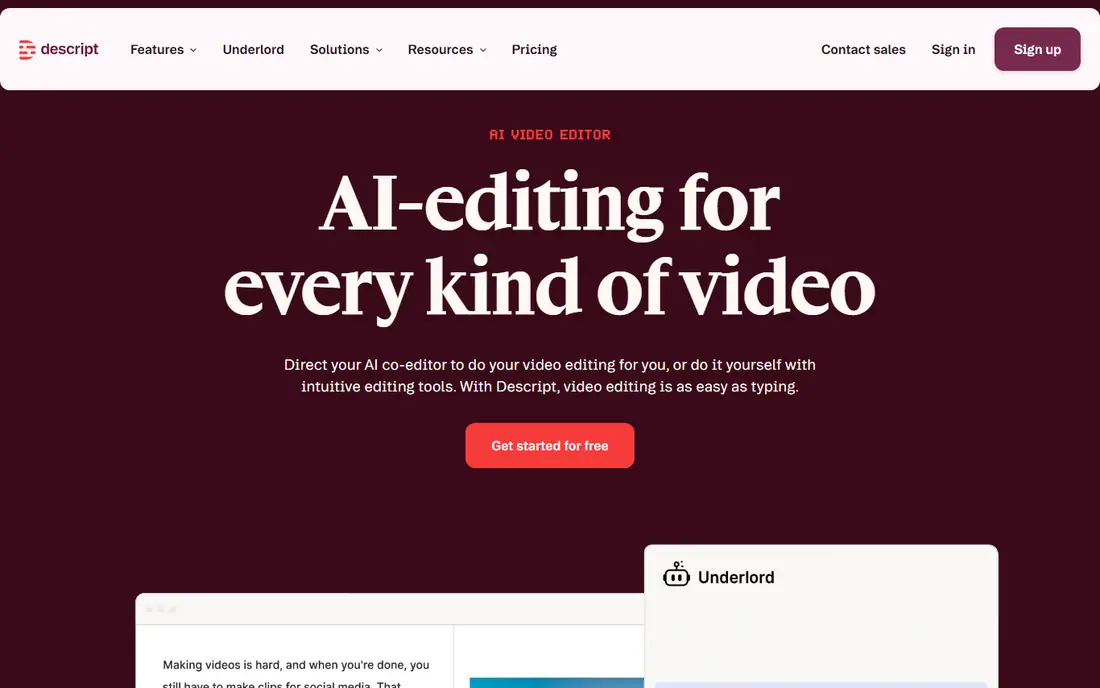
Descript lets you edit video by editing its transcript, so deleting a sentence deletes that part of the clip. That approach feels natural for interviews, lessons, and podcasts, where the words carry the video. Its cleanup tools remove filler words and background noise, and its caption tools save a separate pass through the timeline.
The catch is metering. Free and lower plans cap transcription hours and AI credits, so a long weekly show can outgrow the entry plan quickly. If your work is mostly spoken video, though, the time saved on rough cuts is hard to match with a traditional timeline alone.
- Transcript-based editing
- Filler-word and noise cleanup
- Strong caption and dubbing options
- Credit and hour limits can bite on long projects
- Desktop app takes time to learn in full
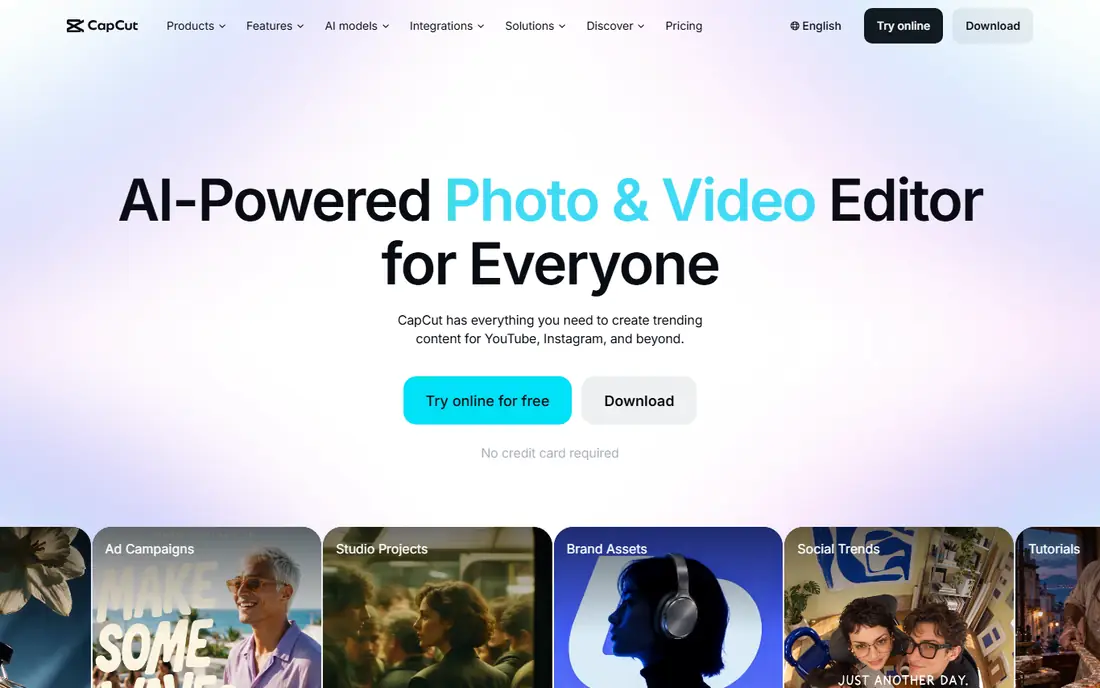
CapCut is the fastest route from a phone clip to a finished short. Auto captions, auto cut tools, templates, and effects cover most TikTok, Reels, and Shorts work without a long learning curve. The free tier handles a lot of everyday editing, which makes it a good first editor for new creators.
Paid Pro adds 4K export, more templates, and the fuller AI toolkit, listed at $19.99 per month in US reference pricing. Before you publish paid work, check the licence on each built-in asset, since some assets carry use limits that a subscription does not remove.
- Easy mobile and desktop editing
- Fast auto captions
- Large template library
- Prices vary by region and platform
- Check asset licences before monetising a video

Runway is a generation bench with editing tools attached, rather than a replacement for a full desktop editor. You can turn a prompt or a still image into a moving clip, extend a shot, replace part of a frame, and direct motion with brushes and keyframes. For ads, title sequences, and visual ideas, that control is genuinely useful.
Budget by credits, not by clips. Standard costs $15 per month and includes 625 credits, and a short high-quality generation can use dozens of credits. Plan for several failed takes, and keep Runway for shots where generation adds something real footage cannot do cheaply.
- Strong text-to-video and image-to-video models
- Useful inpainting and motion controls
- Credits run out fast on longer generations
- Free credits are a one-time allowance
Filmora gives beginners a familiar timeline plus AI help where it counts, including captions, smart cutout, and ready-made templates. It is a good middle ground when CapCut feels too light and a professional editor feels too heavy. The annual plan is listed at $49.99 per year, with a perpetual option also offered.
The free version is best treated as a trial, since exports carry a watermark. Check which AI features draw on credits before you build a workflow around them, and confirm the current plan terms at checkout, since Filmora pricing changes with promotions.
- Friendly timeline
- AI captions, cutout, and templates
- Works on Windows and Mac
- Free exports carry a watermark
- Some AI features use extra credits
Pictory starts from text, not from footage. Paste a script, a blog post, or a URL, and it builds a scene-by-scene draft with stock visuals, captions, and narration. That makes it a strong fit for marketers and educators who already have written content and need video versions without hiring an editor.
The trade-off is taste. Stock scenes sometimes miss the point of a sentence, so a human pass is still needed for anything that carries your brand. Starter is listed at $25 per month billed annually, so price it against how many finished minutes you actually publish each month.
- Script-to-video workflow
- Stock media library
- Brand kits for repeatable output
- AI-chosen visuals can feel generic
- No ongoing free plan, only a trial
Synthesia turns a script into a presenter-led video, with an on-screen avatar speaking in many languages. That is a practical fit for onboarding, compliance training, and product explainers that must be updated often. You edit the script, not the shoot, so a correction takes minutes rather than a new filming day.
Starter is listed at $18 per month billed annually, with a free Basic tier for testing. Watch the minute allowance closely, since re-renders and dubbing draw on the same pool. Use it for clear, factual delivery, and use real presenters when warmth and persuasion matter most.
- Large avatar and language library
- No camera or studio needed
- Good for repeatable training
- Minutes are metered
- Avatar video can feel flat for emotional or sales-led content
Opus Clip takes a podcast, webinar, or interview and suggests vertical shorts with captions, titles, and scores. For creators who already record long-form content, it turns one recording into a week of social posts. Starter costs $15 per month for 150 processing minutes, and Pro costs $29 per month for 300 minutes.
The billing rule matters. One credit equals one minute of source video, so a two-hour podcast uses far more credits than the handful of clips you keep. Review each clip for context, captions, and claims before posting, since an automatic cut can change what a speaker seemed to say.
- Finds shareable moments automatically
- Adds captions and virality scores
- Posts to social platforms
- Credits are charged on source length, not clip count
- Every clip still needs a human check
VEED runs in the browser, which suits teams that share projects and review links without installing software. Its auto subtitles are a genuine strength, and higher plans add avatars, dubbing, and translation for teams that publish in more than one language. Lite is listed at $12 per month billed annually.
The free plan is useful for learning the editor, but its watermark and 720p cap rule it out for client work. If subtitles are your main job, VEED is a strong pick. If you need deep colour work or complex effects, pair it with a desktop editor.
- No install needed
- Accurate auto subtitles
- Avatars, dubbing, and translation in higher plans
- Free exports are watermarked at 720p
- AI credits can run out before the month ends
InVideo builds a first draft from a prompt, script, or idea, then lets you edit scenes, voiceover, and music in its editor. It suits marketers who need many short ads and social videos and do not want to start from a blank timeline each time. Plus is listed at $20 per month, with higher tiers for heavier generative use.
Treat the draft as a starting point, not a finished ad. Check every visual, claim, caption, and brand detail, and budget for re-generations, since higher-quality models use far more credits than basic ones. Unused credits expire at the end of the month, so do not buy a large plan for occasional use.
- Turns a prompt or script into an editable draft
- Large stock and model library
- Fast for ads
- Credit use varies by model and quality
- Monthly credits do not roll over
How we picked these
We compared official pricing pages, feature pages, and app store listings, and we kept only tools that exist and work in October 2026 with a clear fit for AI video editing. We favoured tools with a free plan or trial, a published price, and a distinct job, and we left out tools that exist only as demos or that could not be verified as live consumer products.
What to check before you pay
Start with your source material. If you record talking-head video, a transcript editor will save more time than a generator. If you start from text, a script-to-video tool is the better buy. If you publish shorts, a clip tool may pay for itself from one long recording a week.
Next, price the month, not the plan card. Add up your expected minutes of source video, generations, and re-renders, then compare that total with the credit allowance. Check export resolution, watermark rules, and stock licences, since those limits decide whether a video is publishable. Finally, try the free tier on a real project before committing to an annual plan.
Frequently asked questions
What is the best AI-powered video editing tool for beginners?
CapCut or Filmora are good starting points. CapCut is faster for social shorts, while Filmora gives you a fuller desktop timeline. Both have free tiers, so try a real project in each before you pay.
What are the best AI-powered video editing tools for YouTube?
Descript suits talking-head and interview channels, Opus Clip suits repurposing long videos into Shorts, and VEED suits subtitle-heavy publishing. Pick by your format, since no single tool leads on every YouTube job.
What is the best AI-powered video editing software for marketing teams?
Pictory and InVideo suit script-led marketing output, while Synthesia suits repeatable training and explainer video. For social-first teams, VEED or CapCut often cover daily publishing at lower cost.
Is there a free AI-powered video editing tool worth using?
Yes. CapCut, VEED, Descript, Runway, and Opus Clip all offer free tiers, but each limits exports, minutes, or credits. Use the free tier to test the workflow, and pay only when a limit blocks real publishing.
Do AI video tools replace a human editor?
No, not for finished work. They speed up rough cuts, captions, clip selection, and first drafts, but a person still needs to check facts, captions, context, and licences. Treat AI output as a draft that you review and approve.
How do credits work in AI video tools?
Credits are a meter for AI work, such as generating a clip, processing source video, or dubbing a minute of audio. The cost of one finished video varies with length, model, and quality, and unused credits often expire. Read the credit rules on the pricing page before you subscribe.
Sources
See where you really rank - block by block
ProMapRanker scans Google Maps across a grid of your service area. Simple monthly plans from $19, white-label on every plan.
Start freeKeep reading
 zscaler alternatives
Best Zscaler Alternatives in 2026
Looking for zscaler alternatives? We compare 9 SASE and zero trust platforms on architecture, data protection, pricing, and fit for your network and team.
Read → zapier alternatives free
Best Zapier Alternatives Free in 2026
Nine automation tools for zapier alternatives free in 2026, all with genuinely free tiers, plus free plan limits, starting prices and upgrade paths explained.
Read → which platform is best for online reputation
Which Platform Is Best for Online Reputation in 2026
Wondering which platform is best for online reputation? We compare 8 review, listing, and response tools for small and multi-location businesses and agencies.
Read →