 ProMapRanker
Best AI-Powered Design Tools for Presentations in 2026

Key takeaways
- Gamma is the fastest prompt-to-deck option for most people, with web-first decks and a free credit-based plan.
- Beautiful.ai suits teams that want consistent layouts and brand control across many decks.
- Canva is the best value for visual teams that also need social, print, and brand assets in one place.
- Plus AI and SlidesAI suit users who want AI help inside PowerPoint or Google Slides rather than a new editor.
- Pitch, Prezi, and Decktopus cover collaboration, non-linear talks, and quick solo decks respectively.
Quick comparison
| Pick | Great for | Pricing starts at | Free tier | |
|---|---|---|---|---|
 Gamma | Fast prompt-to-deck | $9 per month | Yes | Visit |
 Beautiful.ai | Consistent business decks | $14.50 per month | Free trial (14 days) | Visit |
 Canva | Visual teams and templates | $12 per month | Yes | Visit |
 Pitch | Collaborative team decks | See website | Yes | Visit |
 Plus AI | AI inside PowerPoint and Slides | $10 per month | Free trial (7 days) | Visit |
 SlidesAI | Budget Google Slides drafts | $10 per month | Yes | Visit |
 Prezi | Non-linear zoomable talks | $7 per month | Yes | Visit |
 Decktopus | Quick solo seller decks | $9.99 per month | No | Visit |
The best AI-powered design tools for presentations
The best AI-powered design tools for presentations turn a prompt, outline, or document into a first draft in minutes, then let you edit layout, text, and images without starting from a blank slide. We compared official pricing pages, feature pages, and public comparisons for tools that generate or assist presentation design, not just template libraries.
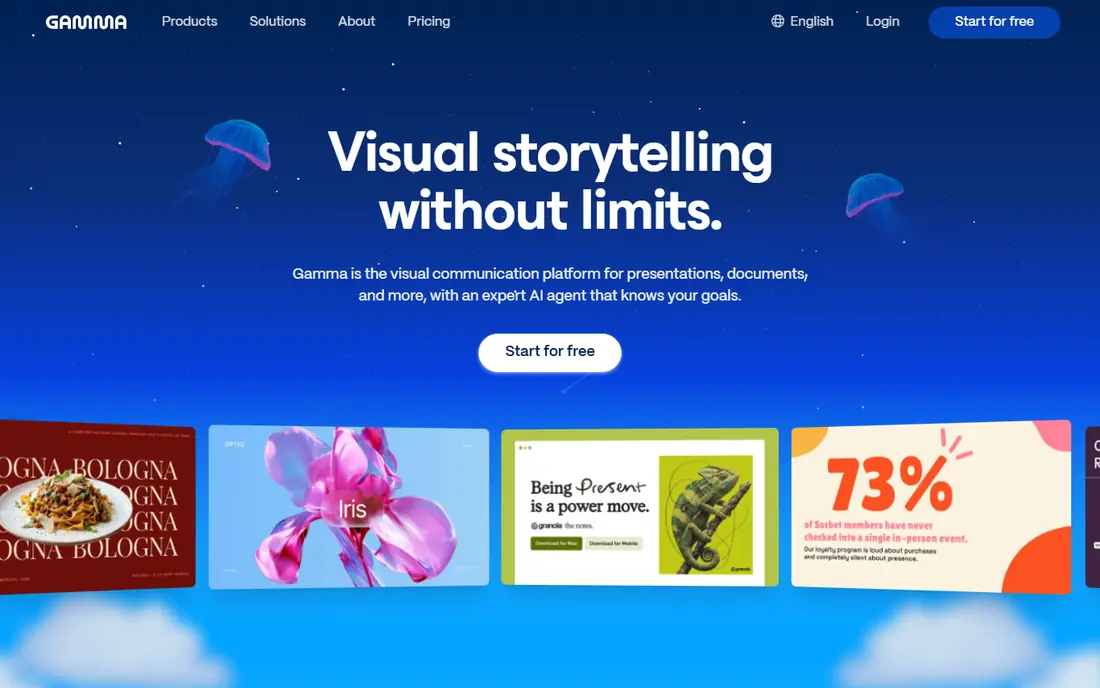
Gamma is our pick for most people because it removes the blank-page problem. Type a topic, paste an outline, or upload a document, and Gamma produces a structured deck with layouts, images, and text you can edit. Sharing as a web page is simple, which suits teams that present links rather than files, and exports to PowerPoint and PDF cover more formal settings.
The free plan uses one-time credits, so heavy users will need a paid plan. Some complex decks also need cleanup after export to PowerPoint, since web-first layouts do not always map perfectly to slide formats. If you need a strong first draft fast and you are comfortable editing in the browser, Gamma is the easiest place to start.
- Very fast prompt-to-deck
- Web-first sharing
- Editable decks and pages
- Free credits are limited
- PowerPoint export quality varies by deck
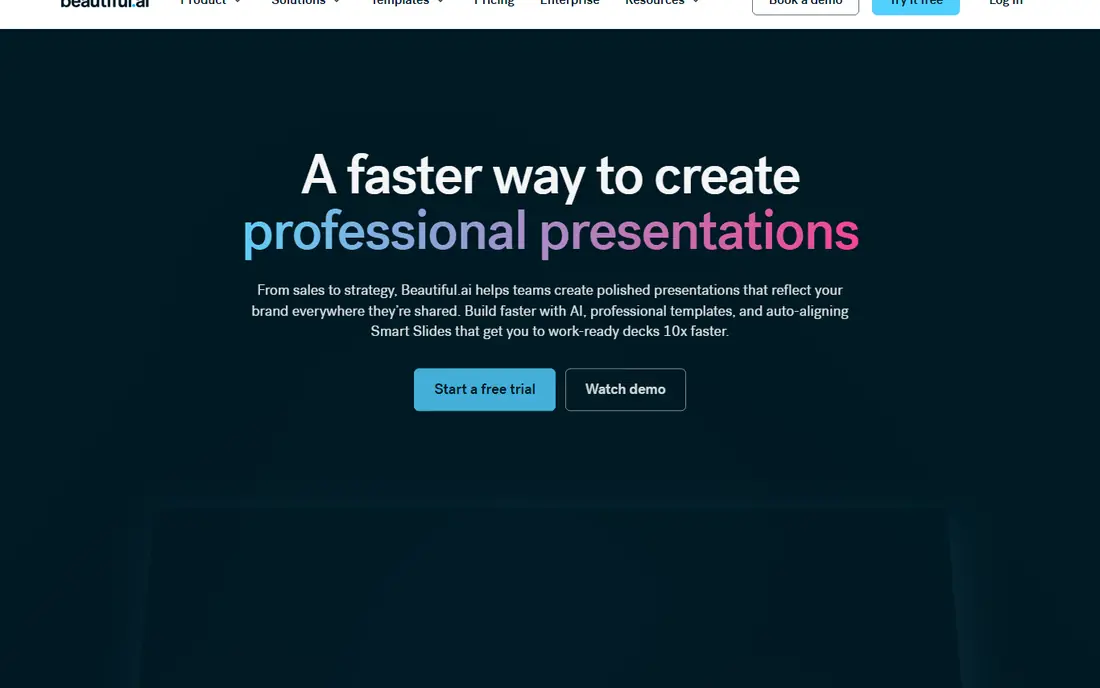
Beautiful.ai suits teams that produce many similar decks and want them to look consistent without a designer checking every slide. Its Smart Slides rebalance text, images, and charts as you edit, so adding a bullet does not break the layout. Brand colors, fonts, and logos can be locked in, which helps sales and marketing teams stay on brand.
The main limits are price and freedom. There is no ongoing free plan, only a trial, and the structured layouts can feel restrictive if you want highly custom design. For internal updates, investor decks, and sales presentations where consistency matters more than artistic freedom, Beautiful.ai is a strong choice.
- Smart Slides adjust layout automatically
- Strong brand controls
- Clean business designs
- No free plan, only a trial
- Less freeform than Canva or Gamma
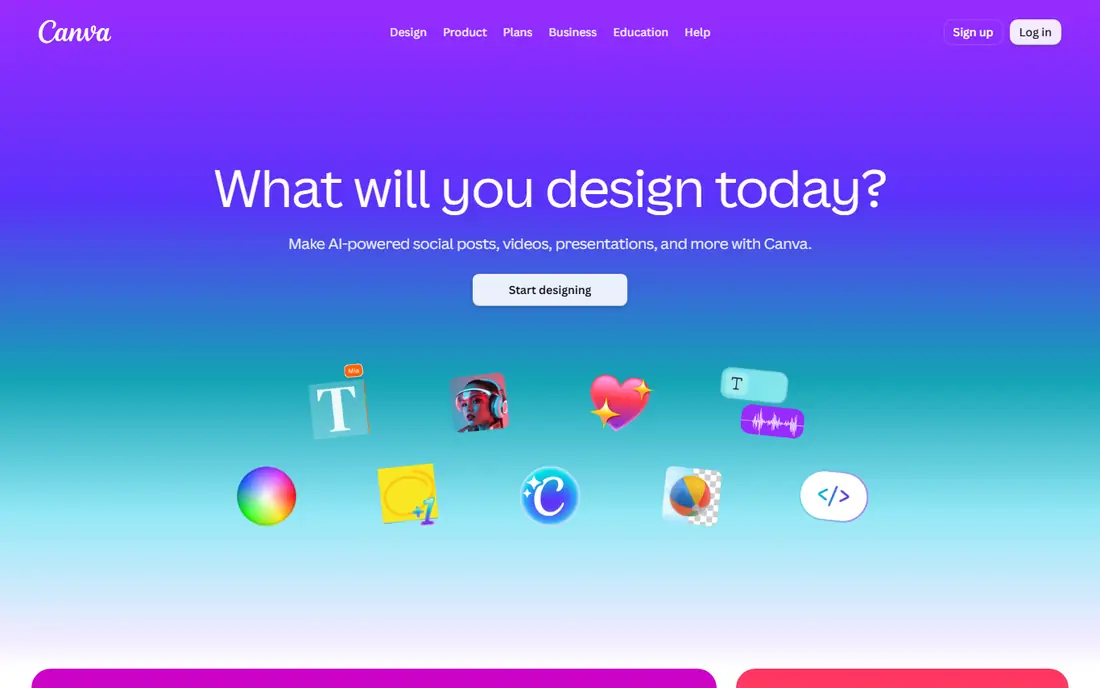
Canva is the best value for teams that need presentations plus social graphics, documents, and brand assets in one subscription. Its AI tools can turn a prompt into a draft deck, suggest layouts, and generate or edit images, while the template library gives non-designers a strong starting point. Collaboration, comments, and brand kits make it easy for a small team to share work.
The trade-off is originality. Canva decks can look familiar, since many users start from the same templates, and AI drafts often need editing to feel specific to your topic. It also lacks some of the deep slide logic found in Beautiful.ai or Plus AI. If you want one affordable tool for many design jobs, Canva is hard to beat.
- Huge template library
- Magic Design for AI drafts
- Brand kit and collaboration tools
- AI output can look templated
- Advanced presentation controls are lighter than dedicated tools
Pitch suits startup and sales teams that build decks together and share them as links. Multiple people can edit, comment, and track views, and analytics show who opened a deck and how far they read. That is useful for fundraising, sales follow-up, and partner decks where follow-through matters as much as design.
Pricing can confuse US buyers, since some plans are listed in euros and AI allowances vary by tier. The free plan is useful for small teams, but larger teams will need a paid plan for full collaboration and analytics. If your deck is a living sales document rather than a one-time file, Pitch is a practical choice.
- Strong collaboration and analytics
- Clean sharing
- AI credits on free plan
- Pricing in euros for many plans
- Some AI features need paid tiers
Plus AI is different because it does not ask you to leave PowerPoint or Google Slides. It generates slides, rewrites text, and adjusts layouts inside the file you already use, which suits corporate teams with strict templates and file standards. That matters when IT, legal, or brand teams require a specific deck format.
There is no ongoing free plan, only a short trial, so test it with a real deck before paying. Results also depend heavily on the prompt and source material, so vague prompts produce generic slides. If your team lives in PowerPoint or Slides and wants AI help without a new platform, Plus AI is the most natural fit.
- Works inside PowerPoint and Google Slides
- Keeps your existing files
- Good for editing drafts
- No free plan, only a trial
- Output quality depends on your prompt and source text
SlidesAI is a budget add-on for Google Slides users who want a quick draft from text. Paste or type your content, choose a style, and SlidesAI builds a slide set you can edit in Slides. The free plan allows a limited number of presentations per year, which is enough to test whether AI drafting helps your workflow.
Design quality is functional rather than striking. SlidesAI focuses on structure and content over visual polish, so client-facing decks usually need manual refinement. It also works best inside Google Slides, not as a standalone design studio. For teachers, students, and internal teams on a tight budget, it is a sensible low-cost option.
- Low-cost entry
- Free plan with limited presentations
- Simple text-to-slides flow
- Design depth is lighter than Gamma or Beautiful.ai
- Best inside Google Slides
Prezi stands out when a talk needs movement and story rather than a linear slide sequence. Its zoomable canvas lets you move from an overview to detail and back, which can hold attention in teaching, training, and conference talks. AI tools help generate a starting deck, and the free plan lets you test the format before paying.
That style is not right for every deck. Formal business reports, dense data decks, and decks that will be read without a presenter often work better in a linear format. Export and printing also need checking if you must share a standard file. If your presentation is a talk first and a document second, Prezi offers a distinct and memorable format.
- Zoomable canvas for storytelling
- AI-assisted deck creation
- Good for teaching and talks
- Non-linear style does not suit every business deck
- Export and printing need care
Decktopus suits solo sellers, freelancers, and small teams who need a complete deck quickly without learning a design tool. It generates slides from a prompt, pulls brand colors from a website address, and keeps the workflow short. That speed helps consultants and founders who need a pitch or proposal deck on a deadline.
It is less focused on large team collaboration, analytics, or deep enterprise controls than Pitch or Beautiful.ai. Pricing is also paid-only, so there is no free tier to test long term. If you work alone or in a very small team and want a fast, simple deck builder, Decktopus is a practical pick.
- Fast prompt-to-deck for solo users
- Brand kit from a website address
- Simple workflow
- No free plan
- Less suited to large team collaboration
How we picked these
We compared official pricing pages, feature pages, and public comparisons for AI presentation tools that generate decks, assist layout, or improve design inside existing slide editors. We excluded tools that had shut down, including Tome, and we focused on products that are available in October 2026. We did not claim hands-on testing. Where pricing varies by billing period or currency, we used the vendor figure shown in recent pricing pages and noted uncertainty with See website where needed.
Choosing an AI presentation tool
Start with where the deck will live. A web link, a PowerPoint file, and a Google Slides file have different editing and sharing needs, and the best tool depends on that destination. A team that shares links can use Gamma or Pitch freely, while a corporate team that must deliver PowerPoint files should start with Plus AI or a tool with strong PowerPoint export.
Test with your real content, not a sample topic
AI tools look impressive on generic topics such as marketing or fitness. Test them with your actual outline, data, and brand rules, including charts, tables, and product names. Check whether the tool keeps your numbers correct, respects your brand colors, and produces slides you would actually present. A tool that fails on your real content is not a time saver.
Check exports, brand controls, and ownership
Confirm export formats, image rights, and whether AI-generated images can be used in client work. Check brand controls such as locked fonts, colors, and logos, especially if many people will edit decks. Also check what happens to your decks if you cancel, since web-first tools can make export an important exit step.
Use AI for drafts, then edit like a human
AI drafts save time on structure and layout, but they do not replace judgment about story, evidence, and audience. Review every claim, chart, and image before presenting, and cut slides that do not advance your point. The best result is usually an AI first draft plus focused human editing, not an untouched AI deck.
Frequently asked questions
What are the best AI-powered presentation design tools?
Gamma, Beautiful.ai, and Canva are the strongest general picks, while Plus AI suits PowerPoint and Google Slides users. The best AI-powered presentation design tools depend on whether you want a web deck, a standard slide file, or help inside an existing editor.
What are the best AI-powered design tools for presentations for teams?
Beautiful.ai and Pitch suit teams that need consistency, collaboration, and analytics. Beautiful.ai focuses on layout and brand control, while Pitch focuses on shared editing and link sharing. Canva also works well for small visual teams that need many design types.
Can AI tools make a full presentation from a prompt?
Yes, Gamma, Decktopus, Prezi, and Plus AI can generate a full draft from a prompt or outline. Treat the result as a first draft. Check facts, charts, and images, and edit the story for your audience before you present or share it.
Do these tools export to PowerPoint?
Most do, including Gamma, Beautiful.ai, Canva, Pitch, and Plus AI, though export quality varies. Test export with a real deck before you commit, especially for complex layouts, charts, and fonts. If PowerPoint is your main format, Plus AI has a natural advantage.
Is there a free AI presentation tool?
Gamma, Canva, Pitch, SlidesAI, and Prezi offer free plans or free tiers with limits on credits, presentations, or features. Beautiful.ai, Plus AI, and Decktopus offer trials or paid plans only. Free tiers are good for testing, but regular users usually need a paid plan for exports and higher limits.
Sources
See where you really rank - block by block
ProMapRanker scans Google Maps across a grid of your service area. Simple monthly plans from $19, white-label on every plan.
Start freeKeep reading
 zoom alternatives for webinars
Best Zoom Alternatives for Webinars in 2026
Discover zoom alternatives for webinars in 2026, from browser-based rooms to sales-focused platforms, with pricing, audience limits and honest trade-offs.
Read → tipalti alternatives
Best Tipalti Alternatives in 2026
Compare the best tipalti alternatives for accounts payable, global payouts and bill pay, with pricing and free plans for small teams in 2026 for US teams.
Read → mixpanel alternatives
Best Mixpanel Alternatives in 2026
Compare the best mixpanel alternatives for product analytics, funnels and retention, with free tiers and current pricing for growing teams in 2026 for US teams.
Read →