 ProMapRanker
Best AI Powered AP Automation Platforms in 2026

Key takeaways
- AI in AP should cut manual coding, matching, and chasing, not just scan invoices into a PDF store.
- The best fit depends on your accounting system: ERP-native depth matters more than a long feature list.
- Global payment needs, fraud checks, and multi-entity controls separate enterprise tools from simple bill pay.
- Compare total cost, including per-user, per-document, and transaction fees, before judging a low headline price.
Quick comparison
| Pick | Great for | Pricing starts at | Free tier | |
|---|---|---|---|---|
 BILL | Proven AP automation for SMBs | $49 per user per month | No | Visit |
 Ramp | Free AP with spend management | Free | Yes | Visit |
 Tipalti | Global supplier payments | $99 per month | No | Visit |
 Stampli | Invoice collaboration for ERP teams | See website | No | Visit |
 Melio | Simple bill pay for small businesses | See website | No | Visit |
 Yooz | High-volume AI invoice processing | See website | No | Visit |
 AvidXchange | Mid-market ERP-heavy AP | See website | No | Visit |
 MineralTree | AP with payment rebates and controls | See website | No | Visit |
 Coupa | Full procure-to-pay control | See website | No | Visit |
 Nanonets | Trainable AI invoice extraction | See website | No | Visit |
The best ai powered ap automation platforms
Accounts payable work is mostly chasing paper: invoices in inboxes, approvals stuck with one manager, duplicate payments, and month-end surprises. AI-powered AP platforms aim to capture invoice data, code it, match it to purchase orders, route approvals, and pay suppliers with less manual work. The tools below differ in depth, global reach, and the accounting systems they fit best.
This is not financial advice. AP software changes how money moves, so test controls, approval limits, and audit trails with your finance team before switching payment flows.
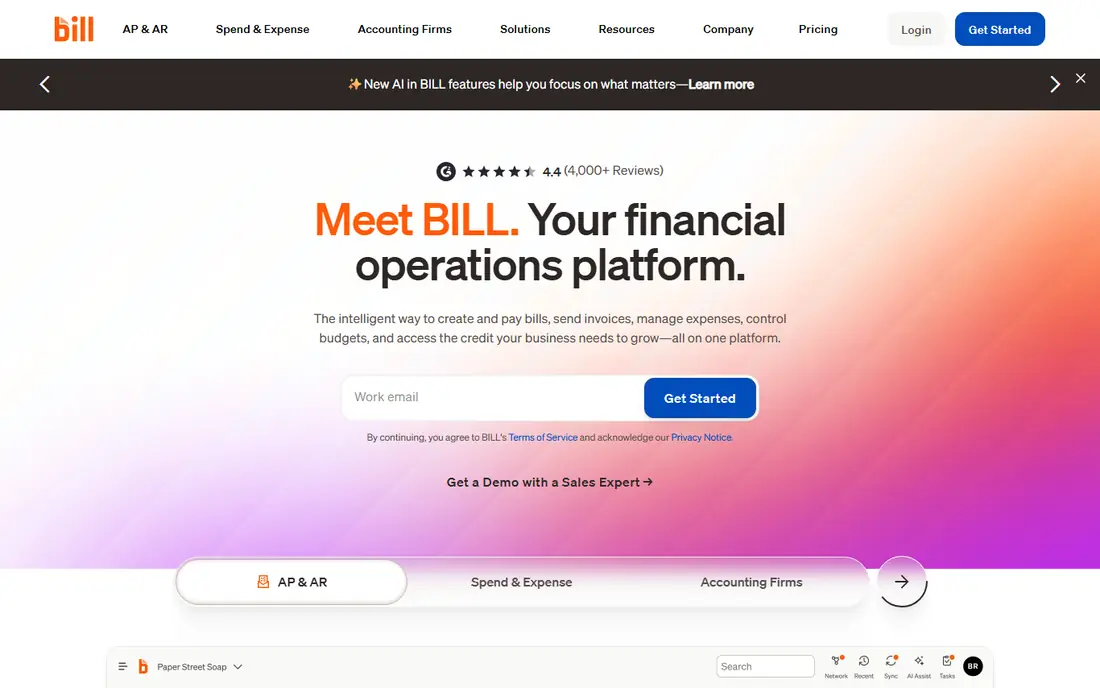
BILL is a widely used AP platform for small and mid-size businesses, with AI capture and coding, approval workflows, and payment options that include ACH, check, and international payments. Its accounting sync with systems such as QuickBooks and Xero keeps the general ledger current without retyping invoice data, which is the main time saving for a busy finance team.
The per-user price can grow quickly when approvers, accountants, and managers all need seats, so count seats honestly before comparing BILL with a per-document tool. Clean vendor and chart-of-accounts data also matters at setup: AI coding is only as good as the history and rules it learns from.
- AI invoice coding
- Approval workflows
- Payments in many countries
- Accounting sync
- Per-user pricing adds up
- Advanced features need higher plans
- Setup needs clean vendor data
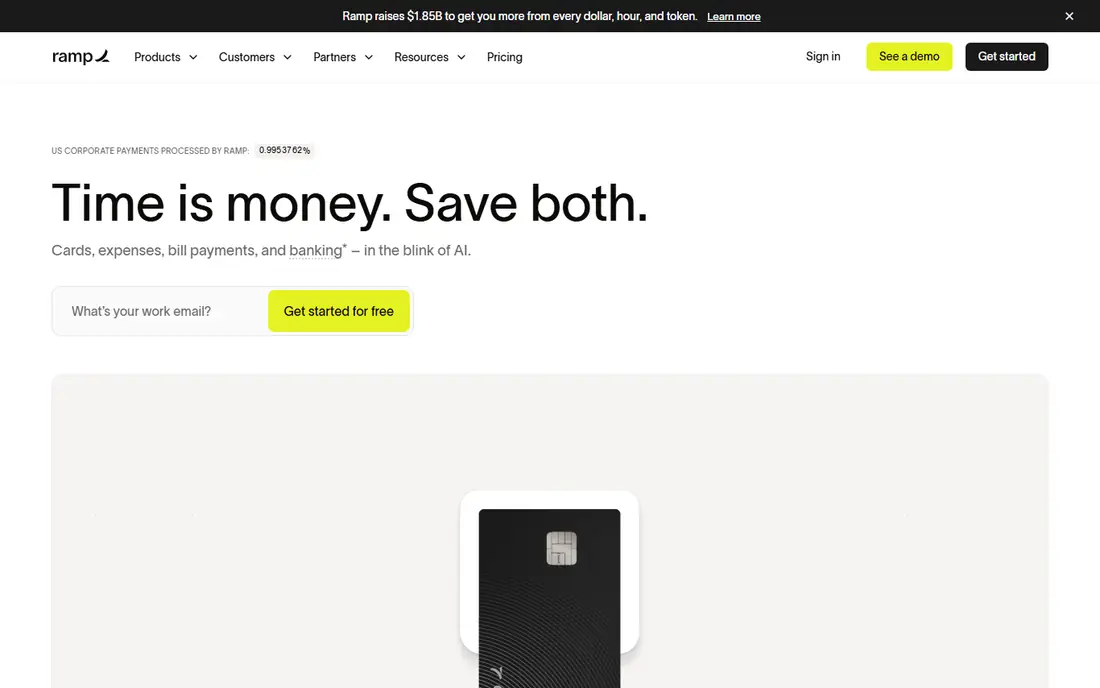
Ramp changed AP pricing by offering a free core platform that combines bill pay, corporate cards, expense management, and procurement. AI agents help code bills, route approvals, and flag issues, and the system syncs with accounting software so finance teams avoid duplicate entry. For a startup or mid-market company that wants one spend system, the free tier is a strong starting point.
Ramp is a spend platform with AP inside it, not a dedicated AP tool built for complex multi-entity global payables. Teams with heavy purchase-order matching, multi-currency supplier networks, or complex approval matrices may need a deeper AP specialist instead.
- Free core tier
- AI coding and approvals
- Cards and expenses in one system
- ERP sync
- AP depth is thinner than dedicated AP tools
- Global payables are less developed
- Revenue comes from card use
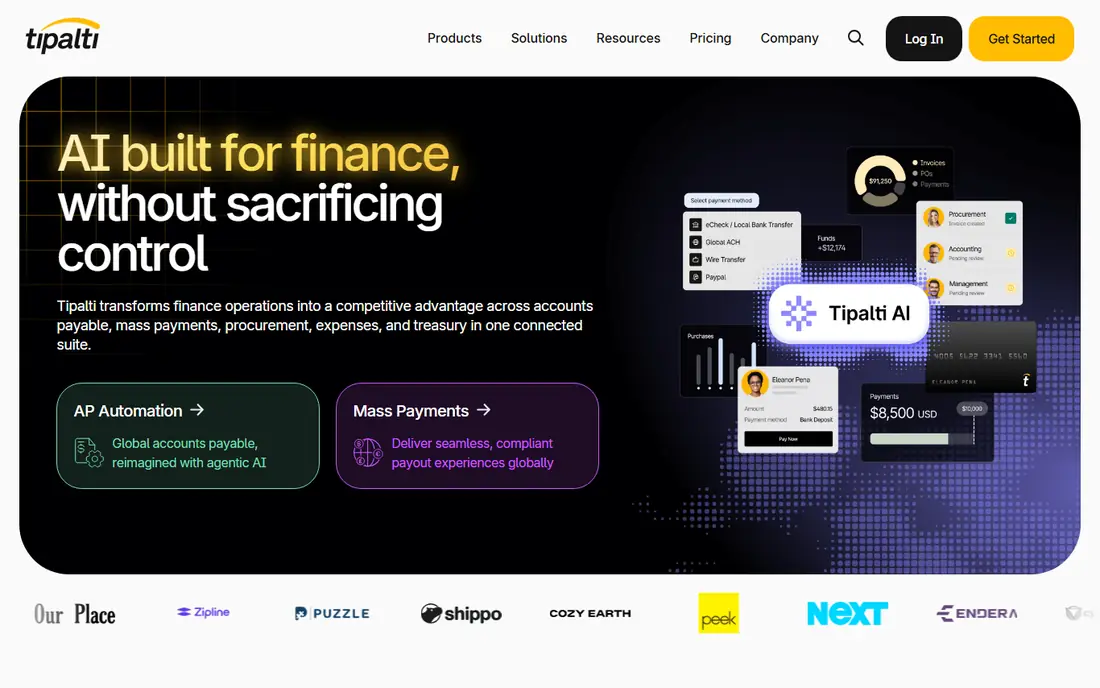
Tipalti suits companies paying suppliers, freelancers, or partners across many countries. It handles supplier onboarding, tax form collection, payment method choice, and payments in a wide range of currencies, with compliance checks built into the flow. That breadth saves finance teams from juggling local payment rules and manual tax paperwork for each country.
Tipalti is overkill for a purely domestic small business with a handful of vendors. Implementation and supplier onboarding also take time, so plan a phased rollout by supplier group rather than switching every payment at once.
- Payments in many currencies and countries
- Supplier onboarding and tax forms
- Fraud and compliance checks
- Entry price is only a starting point for larger volumes
- Implementation takes time
- Best value for global teams
Stampli puts collaboration at the center of AP. Approvers, buyers, and finance staff can discuss an invoice, resolve coding questions, and clear purchase-order mismatches in the invoice record itself, rather than in email threads that get lost. Its AI assistant helps code and route invoices, and its ERP integrations keep the accounting system as the system of record.
Pricing is quoted, so a smaller team cannot compare it quickly with a self-serve tool. Stampli also fits ERP-centric teams best: a business without a clear ERP or accounting backbone will use less of its depth.
- AI coding and routing
- Invoice discussion in one place
- Deep ERP integrations
- Audit trail
- Quoted pricing
- Best for ERP-centric teams
- Smaller teams may find it heavy
Melio is built for small businesses that want bill pay without a long implementation. Capture a bill, approve it, and pay by bank transfer or card, with the payment recorded in your accounting system. The simple flow suits owners and small finance teams who handle a modest invoice volume and want to stop paying by manual bank transfer.
Melio is not a full enterprise AP suite. Complex purchase-order matching, multi-entity controls, and high-volume automation are thinner here, so a growing mid-market team may outgrow it. Check payment fees for each method, since card payments can cost more than ACH.
- Simple bill capture and pay flow
- Card-to-ACH payment option
- Approval workflows
- Mobile app
- Less depth for complex AP
- Accounting depth varies by integration
- Fees apply to some payment methods
Yooz focuses on high-volume invoice processing with AI capture, workflow routing, and fraud checks. Its per-document pricing can suit teams with a clear monthly invoice count, and its ERP integrations cover a wide range of accounting systems. Fraud detection, including duplicate invoice flags, helps finance teams catch errors before payment.
Pricing needs care: per-document costs look low until volume, exceptions, and add-ons are counted. Implementation also depends on your ERP, so ask for a reference customer on the same system before committing, and test exception handling with your messiest real invoices.
- Smart document capture
- Fraud detection
- Many ERP integrations
- Per-document pricing option
- Quoted or per-document pricing needs careful comparison
- Implementation varies by ERP
- Support quality varies by region
AvidXchange serves mid-market companies with complex vendor and ERP environments. It automates invoice capture, approval, and payment through a vendor payment network, and it integrates with many ERP and accounting systems used by mid-market firms. That network effect helps when suppliers already accept payments through it.
AvidXchange is not a quick self-serve purchase for a tiny business. Pricing is quoted, implementation takes planning, and the value grows with invoice volume and ERP complexity. Small teams with simple bill pay will find cheaper, faster options in this list.
- Large vendor payment network
- ERP integrations
- Invoice and payment automation for mid-market teams
- Quoted pricing
- Implementation can be long
- Best for mid-market, not tiny teams
MineralTree combines invoice automation with payment controls and virtual card payments that can earn rebates where suppliers accept cards. Fraud detection and duplicate payment alerts sit inside the workflow, and two-way ERP sync keeps invoice and payment status current in both systems. That mix suits US finance teams that want AP to offset part of its own cost.
Rebates depend on suppliers accepting virtual cards, so the saving is not guaranteed for every vendor list. Pricing is quoted, and the payment network is more US-focused than a global tool such as Tipalti, so international teams should check coverage first.
- Fraud and duplicate payment alerts
- Two-way ERP sync
- Virtual card payments with rebates
- Quoted pricing
- US-focused payment network
- Rebate value depends on card acceptance
Coupa goes wider than AP alone, covering requests, purchase orders, receipts, invoices, expenses, and payments in one platform. That breadth helps enterprises control spend before an invoice arrives, rather than only processing it faster after the fact. Its reporting and approval controls suit large, multi-entity organizations with strict procurement rules.
Coupa is enterprise software in price and implementation, and it is too heavy for a team that only needs bill pay. Rolling it out also needs change management, since buyers, approvers, and suppliers all change how they work. Choose Coupa when procurement control is the goal, not just faster invoice entry.
- Procurement, invoicing, and expenses in one platform
- Spend controls before purchase
- Enterprise reporting
- Enterprise pricing and implementation
- Heavy for simple AP needs
- Change management needed
Nanonets is an AI document extraction platform that teams can train on their own invoice layouts, including unusual formats that standard OCR struggles with. It suits operations teams with high invoice volumes, varied supplier formats, or a custom workflow that needs extracted data fed into another system through an API.
Nanonets is not a turnkey AP suite. Approvals, payments, and ERP posting usually need to be built around it or connected through other tools, so it fits teams with technical resources better than a small finance team that wants a ready-made bill pay flow. Price it by document volume and model training needs, not by seat count alone.
- Trainable extraction models
- Handles varied invoice layouts
- API for custom workflows
- More technical than turnkey AP tools
- Needs workflow building for approvals and payments
- Pricing varies by volume
How we picked these
We compared official pricing and feature pages with recent AP comparisons, and we favored platforms with live AI capture, coding, approval, and payment features in October 2026. We weighted invoice accuracy and exception handling, ERP fit, fraud controls, global payment reach, and total cost over marketing claims about AI alone. Prices marked See website are quoted or volume-based, or varied across sources.
What to check before you choose
Start with your accounting system. List your ERP or accounting software, your invoice volume, your supplier countries, and your approval rules, then shortlist only tools with a proven integration for that system. A strong AP tool with a weak integration will create manual work that cancels the automation saving.
Test with real invoices, not demos. Use messy scans, multi-page invoices, credit notes, and invoices that do not match a purchase order, and measure how many go straight through without human touch. Also test duplicate detection, approval delegation when a manager is away, and the audit trail for a payment that is questioned months later.
Controls that matter
Set approval limits by amount and category, require two-person checks for large or changed bank details, and lock vendor bank changes behind verification. AI coding should suggest, not silently post, until accuracy is proven on your data. Keep an exception queue with an owner and a deadline, since unowned exceptions are where late payments and duplicate payments start.
Measuring success
Track straight-through processing rate, average approval time, duplicate payments caught, late payment rate, and cost per invoice before and after rollout. If those numbers do not improve within a few months, check whether the problem is the tool, the data, or approval habits, rather than buying another tool.
Frequently asked questions
What does AI actually do in AP automation?
AI reads invoice data from PDFs and scans, suggests coding and approvers, matches invoices to purchase orders, flags duplicates and fraud risks, and routes exceptions. Humans still approve payments and handle complex cases, but routine invoices need far fewer touches.
Can AP software replace my accounting system?
No. AP software handles the invoice-to-payment workflow, while your accounting system or ERP holds the general ledger and financial reports. The best tools sync both ways so data flows without retyping.
How much does AI AP software cost?
Costs vary by model: per user, per document, per transaction, or quoted enterprise pricing. Small business tools may start free or at a low monthly price, while enterprise platforms are quoted by volume and scope, so compare total cost for your invoice count.
Is AI invoice capture accurate enough to trust?
Accuracy is high for clean, standard invoices and lower for messy scans, handwritten notes, or unusual layouts. Test with your own invoices, keep human review for exceptions and large amounts, and measure accuracy before turning on full auto-posting.
What is the biggest risk when switching AP tools?
The biggest risks are weak approval controls during migration, bad vendor bank data, and a poor ERP integration. Run old and new systems in parallel for a short period, verify bank details directly with suppliers, and test the audit trail before going live.
Sources
See where you really rank - block by block
ProMapRanker scans Google Maps across a grid of your service area. Simple monthly plans from $19, white-label on every plan.
Start freeKeep reading
 zscaler alternatives
Best Zscaler Alternatives in 2026
Looking for zscaler alternatives? We compare 9 SASE and zero trust platforms on architecture, data protection, pricing, and fit for your network and team.
Read → zapier alternatives free
Best Zapier Alternatives Free in 2026
Nine automation tools for zapier alternatives free in 2026, all with genuinely free tiers, plus free plan limits, starting prices and upgrade paths explained.
Read → which platform is best for online reputation
Which Platform Is Best for Online Reputation in 2026
Wondering which platform is best for online reputation? We compare 8 review, listing, and response tools for small and multi-location businesses and agencies.
Read →