 ProMapRanker
Best AI Portrait Apps for PC in 2026


all-round AI editing with portraits · Pricing starts at: See website
Key takeaways
- Evoto is our pick for high-volume portrait work, with batch retouching, presets and per-export credits from $80 per year.
- Luminar Neo is the best all-round PC editor for photographers who want AI portrait tools plus full editing in one app.
- Topaz Photo AI is the specialist for noise, sharpening and upscaling, rather than a full retoucher on its own.
- Only edit portraits of yourself or people who have given permission, and only use licensed or consented faces for any AI generation.
- Adobe Photoshop and Lightroom remain the deepest workflow pair, but they cost more and take longer to learn than a dedicated retoucher.
Quick comparison
| Pick | Great for | Pricing starts at | Free tier | |
|---|---|---|---|---|
| Luminar Neo | all-round AI editing with portraits | See website | Free trial | Visit |
 Topaz Photo AI | noise, sharpening and upscaling | $199 one-time | Free trial | Visit |
 Evoto | high-volume batch retouching | $80 per year | Free trial | Visit |
 PortraitPro | dedicated face retouching | See website | Free trial | Visit |
 ON1 Photo RAW | all-in-one editor without subscription | See website | Free trial | Visit |
 Adobe Photoshop | maximum portrait control | See website | Free trial | Visit |
 Adobe Lightroom | catalog-based portrait workflow | See website | Free trial | Visit |
 DxO PhotoLab | best RAW quality for portraits | $249.99 one-time | Free trial | Visit |
 Retouch4me | Photoshop plugin retouching | $145 per plugin | Free trial | Visit |
The best ai portrait app for pc
Portrait tools on PC range from one-click retouchers to full editors with AI masking and generative fill. The picks below all run on Windows or Mac desktops, and they differ in batch speed, control and price model.
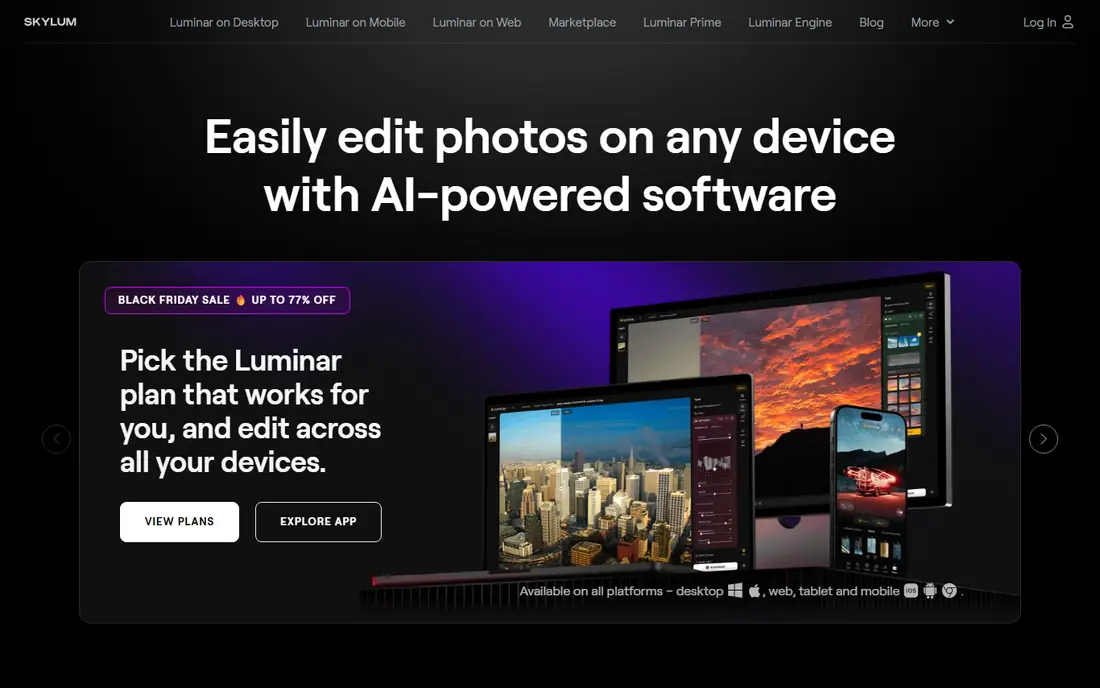
Luminar Neo gives you portrait retouching inside a full photo editor, so you do not need to switch apps for color, light and background work. Portrait AI adjusts skin, eyes and face shape with sliders, while Relight AI and Sky AI handle lighting and backgrounds. Generative tools can erase, swap or expand parts of an image when a shoot needs a fix.
The app is sold with both subscription and one-time license options, so check the current Skylum page for your platform before buying. For photographers who want one app for most portrait jobs, Luminar Neo is the most balanced pick on this list.
- AI portrait tools with controllable strength
- Sky AI, Relight AI and generative tools in one app
- Works standalone or as a plugin
- Can feel slow on computers with less than 16 GB of RAM
- Subscription and license options need a careful read

Topaz Photo AI is a specialist, not a general editor. It cleans noise from high-ISO portraits, sharpens soft faces, recovers detail in small faces and upscales images for large prints. The $199 one-time price reflects that focused power, and a trial lets you test it on your own noisy files before buying.
Topaz Photo AI has no layers, masks or color grading depth, so pair it with Lightroom, Luminar Neo or ON1 Photo RAW for the full edit. If your portraits suffer mainly from noise, softness or low resolution, Topaz Photo AI is the best fix on this list.
- Leading noise reduction and sharpening
- Face recovery for soft portraits
- Upscaling for prints and crops
- No layers or full editing workflow
- Price is one-time but high for a single-purpose tool
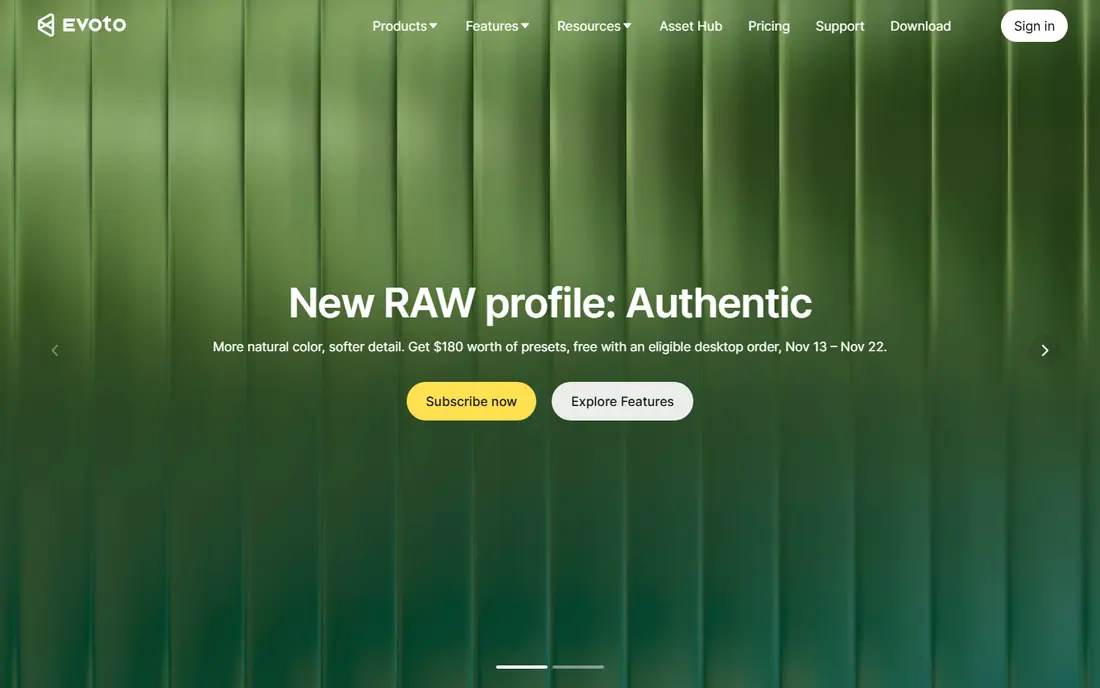
Evoto is built for portrait photographers who deliver hundreds of images. Create a retouching preset once, apply it to a whole session, fine-tune individual faces with sliders, and export only the finals you need. Starter plans start around $80 per year for 800 credits, with higher tiers for larger volumes and more devices.
Credits are deducted on export, and re-rendering on the same computer does not cost extra, which keeps the math fair for corrections. Evoto is not a RAW converter or catalog tool, so most photographers use it after Lightroom and before delivery. For volume portrait work, it saves the most time.
- Batch retouching with reusable presets
- Sliders for skin, eyes, teeth and background
- Credit system means you pay per export
- Credit math takes care for large volumes
- No full RAW workflow on its own
PortraitPro focuses on the face itself. You can smooth skin, reshape features, adjust eyes, lips and nose, apply digital makeup and fix lighting, all with separate controls for each area. That depth suits photographers who want precise retouching on hero portraits rather than a fast batch preset.
The risk is over-retouching. Strong settings can make skin look plastic and faces look unlike the person photographed, so keep the strength modest and check results at full size. For single portraits where control matters more than speed, PortraitPro remains a dedicated favorite.
- Detailed face sculpting and makeup controls
- Full manual control over each feature
- Standalone and plugin versions
- Results can look overdone if sliders are pushed too far
- Pricing varies by edition
ON1 Photo RAW bundles a RAW editor, catalog, portrait retouching, noise reduction and resizing into one app with no subscription required for the perpetual version. Portrait tools cover skin, eyes and face adjustments, while NoNoise AI and Resize AI handle technical quality. Local processing keeps your files on your own computer.
The catalog and mobile story are thinner than Adobe Lightroom, and the interface can feel busy at first. For photographers who want one purchase and one app for most portrait work, ON1 Photo RAW is the strongest non-subscription option here.
- Full RAW editor with NoNoise AI and Resize AI
- Portrait tools included
- Files processed locally on your computer
- Interface takes time to learn
- Catalog and cloud features are thinner than Lightroom
Adobe Photoshop remains the deepest portrait editor on PC. Generative Fill can replace a background or remove a distraction, Generative Expand extends a canvas, and Harmonize matches light and color when you add an object to a scene. Layers and masks give pixel-level control that no one-click retoucher can match.
That power comes with a subscription and a learning curve. Photoshop suits photographers who already work in Adobe apps or who need complex composites and detailed retouching. For quick batch retouching, Evoto or PortraitPro will finish the job faster.
- Generative Fill, Generative Expand and Harmonize for creative edits
- Full layers, masks and retouching control
- Huge plugin ecosystem
- Subscription cost
- Steep learning curve for beginners
Adobe Lightroom is the workflow foundation for many portrait photographers. You can organize thousands of images, apply AI masks to subjects and skin, denoise high-ISO files, remove distractions and sync edits across a whole session. Presets and batch edits keep a consistent look across a wedding or school shoot.
Lightroom retouching is solid but less specialized than a dedicated retoucher, so many photographers pair it with Evoto or Retouch4me for finals. If you shoot portraits in volume and need catalog, culling and consistent color in one place, Lightroom is the right base.
- AI masking for subject, skin and background
- Denoise and Generative Remove
- Strong catalog and batch editing
- Subscription model
- Portrait retouching depth is less than Evoto or PortraitPro
DxO PhotoLab 10, released in September 2026, is priced at $249.99 for new users as a perpetual license, with a 30-day trial. Its noise reduction pulls clean detail from high-ISO portrait files, and automatic optical corrections fix distortion, vignetting and softness with little input. New depth-aware masks and color grading close some of the creative gap with rivals.
The library is basic next to Lightroom, and there is no layer editing, so some photographers round-trip to another editor for complex work. For portrait shooters who judge software by image quality first, DxO PhotoLab is the pixel-quality pick.
- DeepPRIME noise reduction for high-ISO portraits
- Automatic lens corrections from lab data
- No subscription for the perpetual license
- Library tools lag behind Lightroom
- Yearly paid upgrades for new camera support
Retouch4me sells separate AI plugins for single retouching jobs, such as skin, eyes, fabric and backdrop cleanup, at $145 per plugin as a one-time purchase. Each plugin drops into Photoshop or Lightroom, so you keep your existing workflow and add only the automation you need. That modular pricing suits photographers who need one fix, not a whole new editor.
Buying several plugins can cost more than a dedicated retoucher such as Evoto, so list the jobs you actually do before purchasing. For Photoshop users who want one-click help on a specific task, Retouch4me is a clean, focused add-on.
- Task-specific plugins for skin, eyes, backdrop and more
- Buy only the retouching you need
- Works inside Photoshop and Lightroom
- Price adds up if you buy several plugins
- Needs Photoshop or Lightroom as a host
How we picked these
We compared vendor pricing pages, feature pages and recent portrait tool roundups for PC tools live in October 2026. We kept only legitimate creative tools that run on Windows or Mac desktops, and we favored batch speed, portrait-specific controls and clear pricing. We did not claim hands-on testing. Where pricing varied by edition, we wrote See website.
How to choose a portrait tool for your PC
Start with volume. If you deliver hundreds of portraits, Evoto or Retouch4me will save more time than a general editor. If you deliver a handful of hero portraits, PortraitPro or Photoshop gives you the control to refine each face carefully. Check your computer specs too, since AI tools need memory and a modern processor to run smoothly.
Next, respect consent and realism. Only edit portraits of yourself or people who have given permission, and only use licensed or consented faces for any AI generation or face swapping. Keep retouching natural, especially for client work, since heavy smoothing can change how a person looks and break trust. Save the original file, work on a copy, and export at the size your client actually needs.
Frequently asked questions
What is the best AI portrait app for PC overall?
Luminar Neo is the best all-round pick for most photographers, since it combines AI portrait tools with full editing. Evoto is better for high-volume batch work, and Topaz Photo AI is better for noise and upscaling alone.
Can I use these tools for AI portraits of other people?
Only with permission. Edit portraits of yourself or people who have consented, and only use licensed or consented faces for AI generation. Do not create realistic portraits of real people without their permission.
Do I need Photoshop for portrait retouching?
No, not for most portrait work. Evoto, PortraitPro, Luminar Neo and ON1 Photo RAW all retouch portraits without Photoshop. Photoshop is worth it when you need layers, composites or generative edits that dedicated retouchers cannot do.
Which portrait tool is best for beginners?
Luminar Neo and Evoto are the most beginner-friendly picks, since both use sliders and presets rather than complex layer work. Start with a trial, keep retouching strength low, and compare before and after at full size.
Is a one-time purchase better than a subscription?
It depends on how long you will use the tool. One-time purchases such as Topaz Photo AI and DxO PhotoLab can cost less over several years, while subscriptions such as Lightroom include updates, cloud features and new AI tools. Compare total cost over two to three years, not just the first month.
Will AI retouching make portraits look fake?
It can, if sliders are pushed too far. Keep skin texture visible, avoid over-smoothing, and check eyes, teeth and hair at full size. Subtle edits usually look natural, while heavy edits look artificial and can change a person appearance.
Sources
See where you really rank - block by block
ProMapRanker scans Google Maps across a grid of your service area. Simple monthly plans from $19, white-label on every plan.
Start freeKeep reading
 worlds best local seo company
8 Worlds Best Local SEO Companies for Map Pack Growth in 2026
Compare the worlds best local seo company options for Google Business Profile work, citations, reviews, and multi-location rankings and reporting in 2026.
Read → world's best web hosting company
World's Best Web Hosting Company in 2026
Searching for the world's best web hosting company? We compared 10 hosts on price, renewal rates, speed, and support to help you choose well today in 2026.
Read → who's got the best nanny tax services
Who's Got the Best Nanny Tax Services in 2026
We answer who's got the best nanny tax services, comparing full filing, back taxes, software, and pricing so families can handle nanny taxes correctly.
Read →