 ProMapRanker
Best AI Podcast Tools in 2026


Transcript-based editing and repurposing · Pricing starts at: $16 per month
Key takeaways
- Descript is the best all-round AI editor for shows that are edited from a transcript, while Riverside is best for remote interviews recorded in high quality.
- Adobe Podcast and Auphonic are the cheapest ways to rescue rough audio, and both offer a free tier for short work.
- Castmagic and Opus Clip save time after recording, by turning one episode into show notes, clips, and social posts.
- ElevenLabs and Murf add narration and voiceover, but synthetic voices need clear disclosure and careful review.
- Free plans help you test a workflow, but monthly hours, credits, and watermarks decide whether a tool fits a weekly show.
Quick comparison
| Pick | Great for | Pricing starts at | Free tier | |
|---|---|---|---|---|
| Descript | Transcript-based editing and repurposing | $16 per month | Yes | Visit |
 Riverside | Remote interviews in studio quality | $24 per month | Yes | Visit |
 Adobe Podcast | AI audio cleanup for rough recordings | $9.99 per month | Yes | Visit |
 Podcastle | Beginners who want one browser studio | $11.99 per month | Yes | Visit |
 Auphonic | Automatic leveling and mastering | $11 per month | Yes | Visit |
 Castmagic | Show notes, transcripts, and repurposing | $19 per month | Free trial | Visit |
 Opus Clip | Short vertical clips for social video | $15 per month | Yes | Visit |
 ElevenLabs | AI narration, dubbing, and voice cloning | $5 per month | Yes | Visit |
 Murf | Scripted voiceover for intros and ads | $19 per month | Free trial | Visit |
The best AI podcast tools
AI podcast tools now cover the full job: record guests, clean audio, cut filler words, write show notes, and cut clips. The right pick depends on where your show loses the most time.
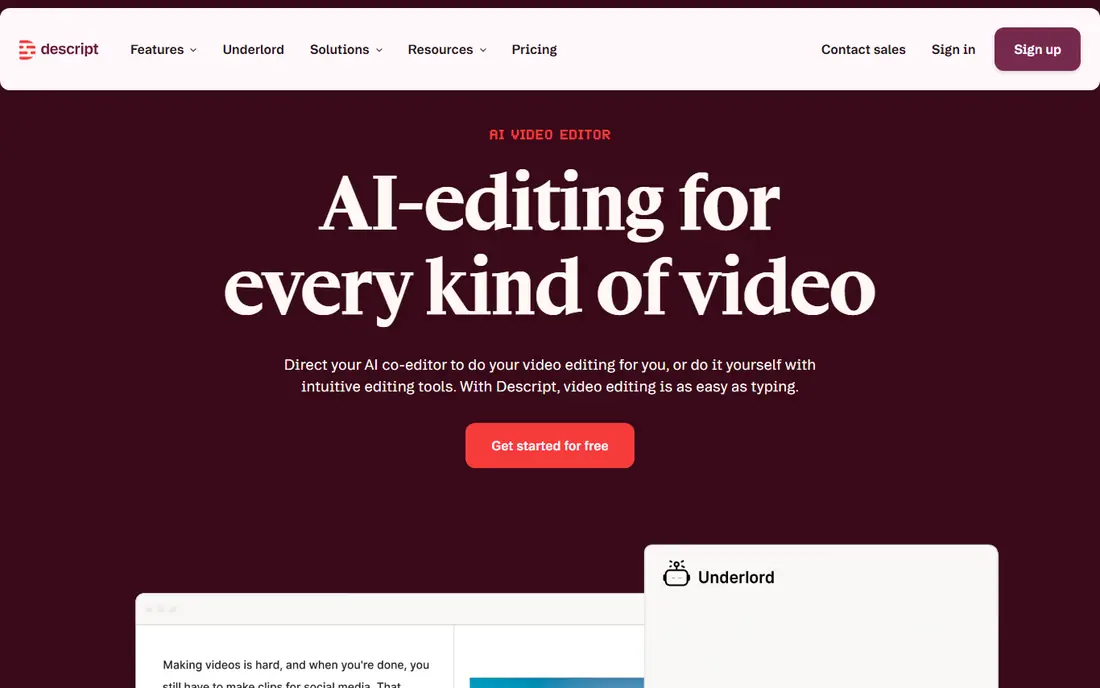
Descript changed podcast editing for many creators because you cut an interview by deleting words from its transcript. Filler-word removal, Studio Sound cleanup, and Overdub voice fixes sit in the same project, so a solo host can go from raw recording to a finished episode without moving files between apps. The free plan lets you test that workflow before paying.
The Hobbyist plan starts at $16 per month on annual billing, and higher plans add more media hours and AI features. A show that publishes long episodes several times a week should check those hour limits first. Descript is also less suited to music-heavy sound design than a full audio workstation, so keep a dedicated editor for that kind of work.
- Edit audio and video by editing text
- Filler-word removal and Studio Sound
- Clips and publishing in one place
- Monthly media hours cap heavy shows
- Learning the full editor takes time
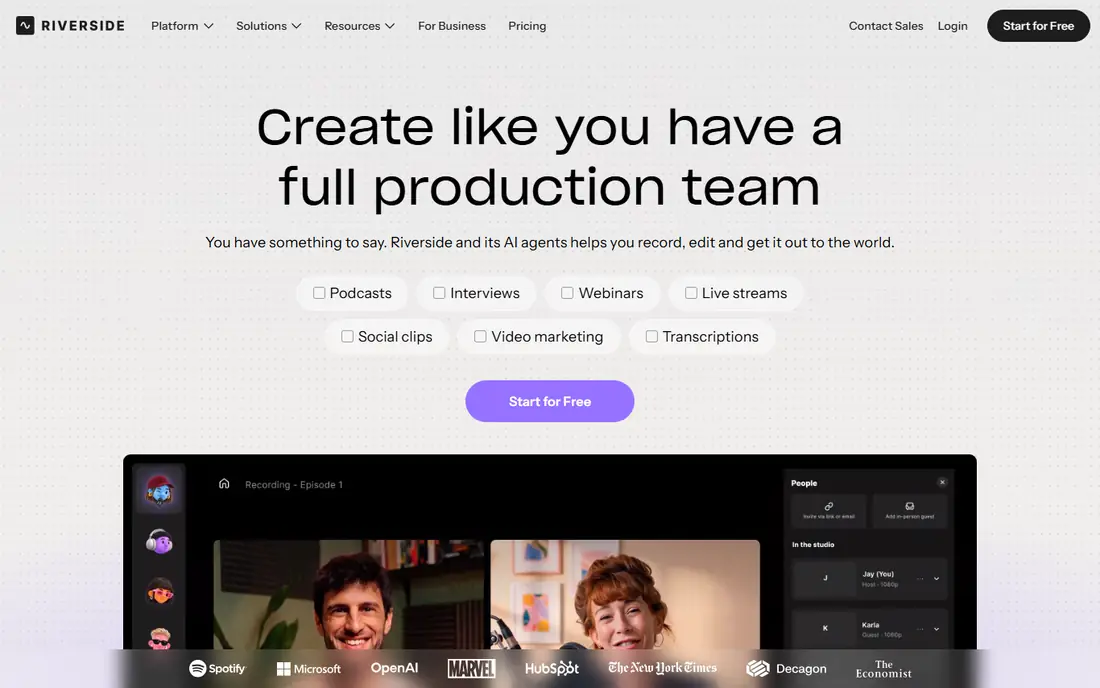
Riverside solves the oldest remote podcast problem: a guest with a weak connection should not ruin the recording. Each person is recorded locally on their own device, then the files are uploaded, so the final audio and video stay clean even if the live call stutters. Separate tracks make it easy to fix one voice without touching the others.
The Pro plan starts at $24 per month on annual billing, and the free plan is a useful test with lower quality and a watermark on some exports. Riverside also offers text-based editing and Magic Clips, but its editing depth is not the main reason to buy it. Buy it for recording quality first, and use its editing tools for straightforward cuts.
- Local recording for each guest
- Video up to 4K on paid plans
- Magic Clips for repurposing
- Free plan limits quality and hours
- Editing is simpler than Descript
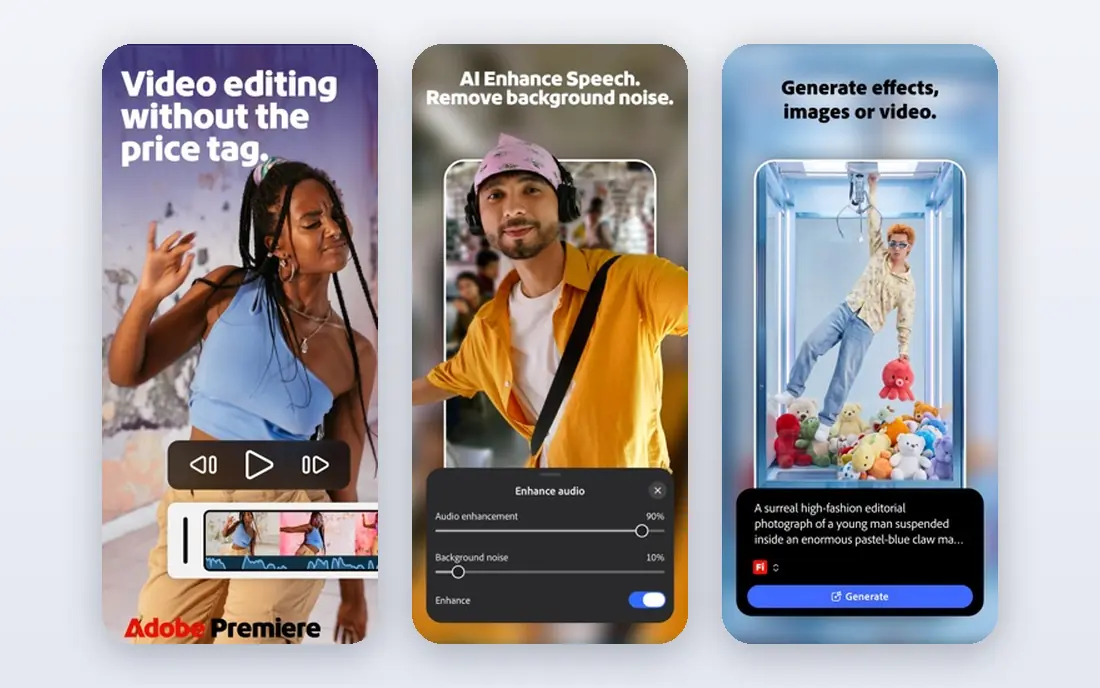
Adobe Podcast is the tool we reach for when a good interview was recorded in a bad room. Enhance Speech removes echo and background noise from a voice track in a way that often sounds close to a studio recording. Mic Check reviews your setup before you record, which prevents repeat problems.
It is not a replacement for a full editor. You will still cut, arrange, and publish in another app, and you should check current Adobe plan terms, since pricing and included features vary by plan. The Premium plan is listed at $9.99 per month, and a free tier covers basic enhancement. For a show with one weak recording a month, that free tier may be enough.
- Enhance Speech fixes echo and background noise well
- Mic Check helps before recording
- Simple web tools
- Not a full episode editor
- Paid features sit inside Adobe plans in some cases
Podcastle is a friendly starting point for a new podcaster. Recording, transcript editing, audio cleanup, and publishing live in one browser workspace, so a first episode does not require installing software or learning a workstation. The Essential plan starts at $11.99 per month on annual billing, and a free plan covers basic work.
The trade is depth. Large video projects, detailed mixing, and complex multi-track edits are easier in Descript or a dedicated editor. Podcastle also offers AI voice tools, including voice cloning, which should be used only with clear consent from the voice owner and a disclosure to listeners where it matters.
- Record, edit, and publish from the browser
- AI cleanup and voice tools
- Low learning curve
- Less depth for long or complex video projects
- AI voice features need review for natural delivery
Auphonic is a post-production service, not an editor. You upload a finished edit, and it levels voices, reduces noise, cuts silences, and prepares loudness for podcast platforms. That last step matters, because episodes that vary wildly in volume sound amateur even when the content is strong.
The free tier covers 2 hours per month, and paid plans start at $11 per month for the S plan in published comparisons, with higher plans for more hours. Auphonic will not fix a badly structured episode, and it cannot replace recording or content editing. Use it as the final polish step after your edit is locked.
- Levels, noise reduction, and loudness in one pass
- Filler and silence cutting
- Free hours each month
- Does not record guests or edit content
- Credit model needs care at volume
Castmagic is for the work that happens after the episode is recorded. Upload audio or video, and it produces a transcript, show notes, timestamps, quotes, and social copy. For a team that publishes a newsletter and several posts per episode, that draft saves real writing time.
The Hobby plan is listed at $19 per month on annual billing, and output quality depends on the source recording and the prompts you use. Treat every draft as a first draft. Check names, quotes, and claims before publishing, and keep your own voice in the final copy rather than posting raw AI text.
- Turns one recording into notes, chapters, quotes, and posts
- Supports audio and video uploads
- Useful for teams
- Output needs human editing
- No recording or full audio editing built in
Opus Clip is built for one job: turning a long video podcast into short clips for social feeds. It scores moments, adds captions, and frames speakers for vertical video. A show that posts daily clips will save hours compared with scrubbing through a full episode by hand.
The Starter plan is listed at $15 per month, and the free plan gives monthly credits with a watermark and a limited export window, so it works as a test rather than a publishing workflow. Clip quality depends on clear speech and a strong moment in the source. Review each clip for context, because a short cut can change what a guest meant.
- Finds clip-worthy moments automatically
- Captions and virality scoring
- Works from long video
- Free plan clips carry a watermark and a short export window
- Clip choices still need human judgment
ElevenLabs is the strongest AI voice tool for podcasters who need narration, ads, intros, or a dubbed version of an episode. The free plan includes monthly credits for testing, and the Starter plan is listed at $5 per month on annual billing, with Creator at higher tiers. Voice quality is high, and the catalog covers many languages and styles.
Use it with care. Clone only a voice you own or have clear permission to use, and tell listeners when a segment is synthetic. Credits are shared across products, so a team that also uses dubbing or an API can burn through an allowance faster than expected. For a regular human-hosted show, ElevenLabs is a supplement, not a host replacement.
- Natural-sounding voices in many languages
- Instant and professional cloning options
- API for products
- Credit system needs careful budgeting
- Cloned voices raise consent and disclosure questions
Murf suits scripted work: intros, outros, sponsor reads, and explainer segments where the script is fixed. You pick a voice, adjust emphasis and pacing, and generate clean audio without booking a voice actor for a short read. The Creator plan is listed at $19 per month on annual billing, with a free trial that includes limited voice generation.
Murf is not the best choice for a conversational interview show, because scripted voices still sound scripted over a long episode. Check commercial rights and voice-hour allowances before buying, since annual plans pool hours across the year. For short, repeatable segments, it is fast and consistent.
- Large voice catalog with delivery controls
- Simple studio for scripted audio
- Commercial rights on paid plans
- Less suited to conversational hosting
- Voice hours are pooled annually on annual plans
How we picked these
We compared official feature and pricing pages, app listings, and public documentation for AI podcast tools that are live in October 2026. We kept tools that handle a distinct podcast job, such as recording, editing, cleanup, repurposing, clipping, or narration, and we left out general video editors with only a minor AI feature. Prices are starting list prices where published, and marked as See website where a vendor does not publish a simple starting price. We did not claim hands-on testing, and we treated vendor feature claims as claims to verify on a trial.
How to choose the right AI podcast tool
Start from the bottleneck in your show, not from the longest feature list. A tool that fixes your weakest step pays for itself fast, while a tool that duplicates work you already do well just adds another subscription.
If recording is the problem
Pick Riverside for remote guests, or Podcastle for a simple browser studio. Test with your worst guest setup, not your best, and check separate tracks, local recording, and export formats. A tool that only sounds good on a perfect connection will fail on the episode that matters.
If editing time is the problem
Pick Descript if you cut by transcript, and add Auphonic as a final mastering step. Time one full episode end to end on a trial, including cleanup and publishing, before you compare prices. Monthly hour and credit caps matter more than the headline monthly price for a weekly show.
If publishing and growth are the problem
Pick Castmagic for written repurposing and Opus Clip for short video, and keep a human editor in charge of final copy and clip context. Set a simple rule: no AI draft or clip publishes without a listen and a fact check. That rule protects quotes, names, and guest intent.
Voice and disclosure
If you use ElevenLabs or Murf, keep synthetic audio to scripted segments, intros, or narration, and disclose it where listeners could be misled. Get written consent before cloning any voice, including a co-host. A clear disclosure builds trust, and a hidden synthetic voice can damage it fast.
Frequently asked questions
What are the best AI podcast tools?
Descript, Riverside, Adobe Podcast, and Podcastle cover most shows, with Auphonic for mastering, Castmagic for show notes, and Opus Clip for short video. The best pick depends on whether your main job is recording, editing, cleanup, or repurposing. Most creators need two tools, not one, to cover recording and publishing well.
What is the best AI podcast tool for beginners?
Podcastle is the easiest start, because recording, editing, and publishing live in one browser workspace. Adobe Podcast is also simple if your only problem is noisy audio. Start on a free plan, publish two full episodes, and only then pay for the plan that fits your episode length and frequency.
Can AI edit a podcast automatically?
AI can remove filler words, cut silences, level audio, and draft a first edit, but it cannot judge story, pacing, or guest intent on its own. Descript and Riverside offer AI-assisted edits that still need a human pass. Plan for a review listen on every episode, and budget that time into your publishing schedule.
Do AI podcast tools replace a human editor?
For a simple interview show, AI tools can replace much of the mechanical work, but a human editor still makes better calls on structure, cuts, and tone. For narrative, documentary, or music-heavy shows, a human editor remains central. Use AI to speed the first pass, not to make final editorial calls alone.
Is it okay to use an AI voice for a podcast?
Yes for scripted narration, intros, and ads, when you own the voice or have clear permission and you disclose synthetic audio where it could mislead listeners. Do not clone a guest, co-host, or public figure without consent. Check the tool's commercial rights on your plan before using generated audio in paid or sponsor content.
Sources
See where you really rank - block by block
ProMapRanker scans Google Maps across a grid of your service area. Simple monthly plans from $19, white-label on every plan.
Start freeKeep reading
 zscaler alternatives
Best Zscaler Alternatives in 2026
Looking for zscaler alternatives? We compare 9 SASE and zero trust platforms on architecture, data protection, pricing, and fit for your network and team.
Read → zapier alternatives free
Best Zapier Alternatives Free in 2026
Nine automation tools for zapier alternatives free in 2026, all with genuinely free tiers, plus free plan limits, starting prices and upgrade paths explained.
Read → which platform is best for online reputation
Which Platform Is Best for Online Reputation in 2026
Wondering which platform is best for online reputation? We compare 8 review, listing, and response tools for small and multi-location businesses and agencies.
Read →